Template details
Paddle Mobile Web Payments Starter
Next.js 15 starter from PaddleHQ that adds a pricing page and a Paddle Billing web checkout openable from iOS apps, with Apple Pay support.
About this template
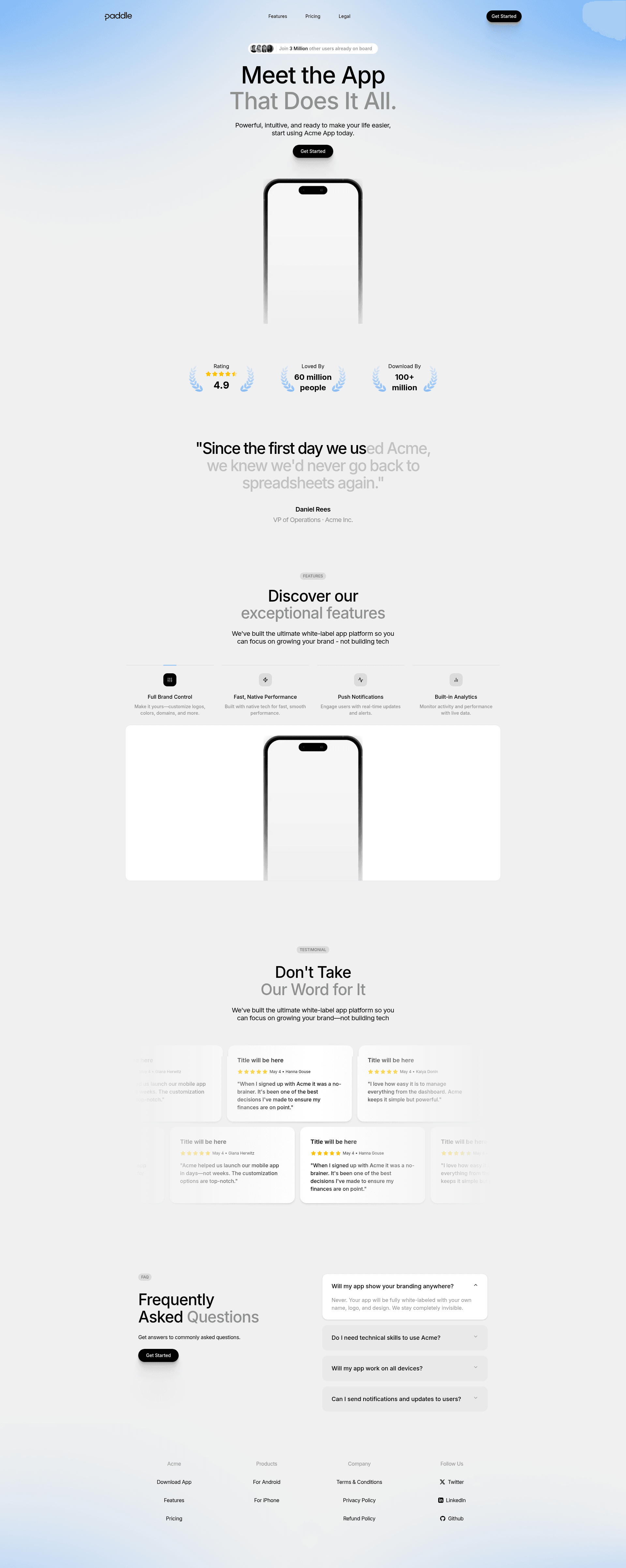
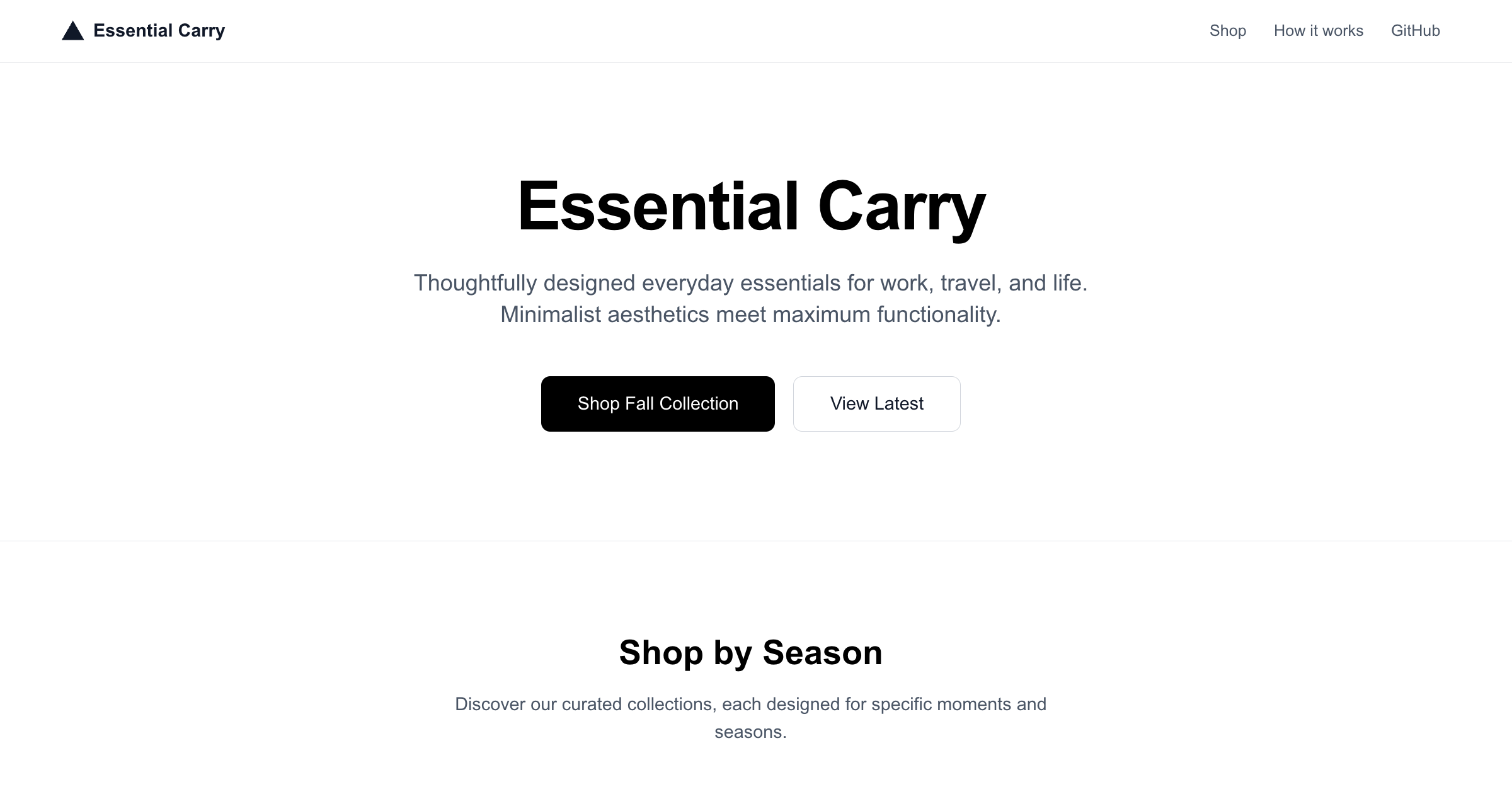
Paddle Mobile Web Payments Starter is a Next.js 15 starter template from PaddleHQ that combines a marketing and pricing page with a Paddle Billing checkout on the web, built to be opened from an iOS app instead of using Apple's native in-app purchase flow.
What is the Paddle Mobile Web Payments Starter?
It is a clone-and-deploy Next.js application that renders marketing pages, a pricing page and a Paddle checkout that can be launched from an iOS app. Input comes from five environment variables — the Apple Team ID, the app bundle identifier, the redirect URL back to the app, a Paddle client token and the Paddle environment; output is a browser-based checkout that completes a purchase and sends the buyer back to the iOS app. It runs on Next.js 15 with React 19 and Tailwind CSS, is published by PaddleHQ on GitHub, and deploys to Vercel from a single button. Paddle updated its guidance after Apple's April 30, 2025 App Store rule change that lets developers use third-party processors like Paddle for purchases.
What makes it stand out?
- Next.js 15 app scaffold — a working Next.js 15 project written in TypeScript and styled with Tailwind CSS, ready to clone and run on port 3000 via npm, yarn, pnpm or bun.
- Paddle checkout via
@paddle/paddle-js— the starter wires the Paddle.js client library into the app so a checkout can be launched from the web page. - Apple Pay still supported — the page states plainly that even though buyers are redirected to the web to pay, Apple Pay remains an available payment method.
- Universal Links configuration —
APPLE_TEAM_IDandNEXT_PUBLIC_BUNDLE_IDENTIFIERconfigure the link back to the iOS app, whileNEXT_PUBLIC_APP_REDIRECT_URLsets the destination after purchase. - Sandbox and production switch —
NEXT_PUBLIC_PADDLE_ENVtoggles the checkout between Paddle'ssandboxandproductionenvironments. - One-click Vercel deploy — a Deploy with Vercel button points at the PaddleHQ repository and prompts for all five environment variables during cloning.
- Merchant-of-record operations — Paddle calculates, collects and remits global sales tax, manages chargebacks, combats fraud and prevents card attacks on the seller's behalf.
- Buyer support and Paddle Retain — customers self-serve through Paddle's portal while Paddle handles order inquiries, and the setup connects to Paddle Retain's retention tooling.
Who should use it?
- iOS app developers who need a compliant web checkout after Apple's 2025 rule change and want a working reference rather than a blank repo.
- Indie app studios that want to compare Paddle's fees against in-app purchase rates while keeping Apple Pay at checkout.
- Full-stack engineers on Next.js who need a pricing page and hosted payment flow deployed to Vercel with environment variables already wired.
- Product teams validating a web-first purchase funnel who need a sandbox Paddle environment to test checkout before going live.
What can you do with it?
- Ship an external purchase link: deploy the starter, point the iOS app at the hosted URL, and let buyers complete payment in the browser via Paddle instead of Apple's in-app purchase sheet.
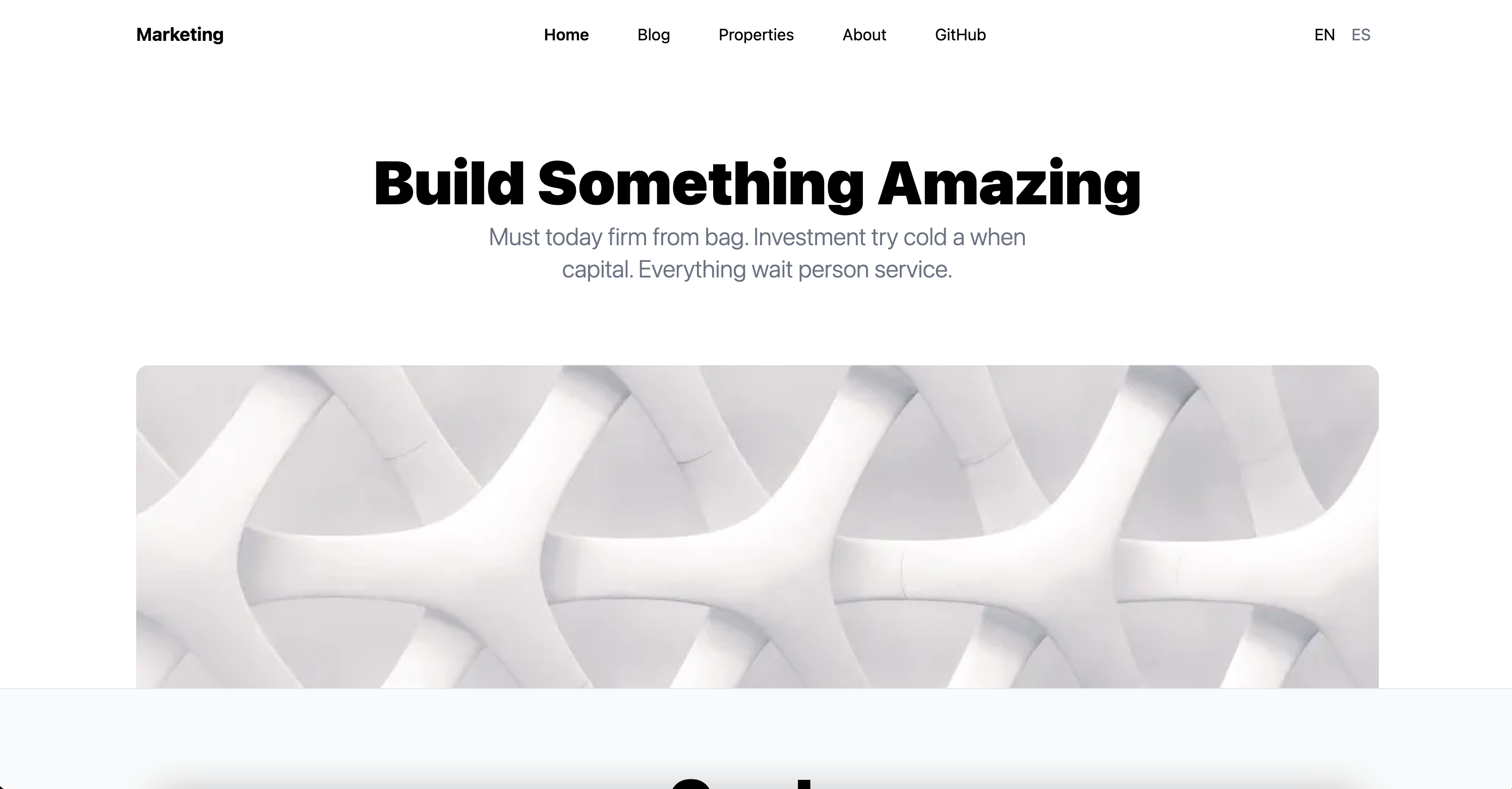
- Stand up a pricing page: use the included marketing and pricing pages as the top of the purchase funnel, then hand off to the Paddle overlay checkout.
- Test in sandbox first: set the Paddle environment to
sandboxand run the token flow before switching the variable toproduction.
How does it work?
- Clone or use the Vercel deploy button, which asks for the five environment variables during setup.
- Create a
.env.localfile based on.env.exampleand fill in the Apple Team ID, bundle identifier, app redirect URL, Paddle client token and Paddle environment. - Run the dev server with npm, yarn, pnpm or bun and open localhost:3000 to view the checkout page.
Paddle publishes a separate documentation page covering deploying the starter and launching a checkout from iOS.
FAQ
What does Paddle Mobile Web Payments Starter do?
It provides a Next.js 15 application with marketing pages, a pricing page and a Paddle Billing checkout that can be opened from an iOS app, returning the buyer to the app afterwards. It is meant as a working starting point rather than a hosted product.
Is Apple Pay supported in the web checkout?
Yes. The starter page states that even though buyers are redirected to the web to complete their purchase, Apple Pay is still supported as a payment method in the Paddle checkout.
Which environment variables are required?
Five: APPLE_TEAM_ID, NEXT_PUBLIC_BUNDLE_IDENTIFIER, NEXT_PUBLIC_APP_REDIRECT_URL, NEXT_PUBLIC_PADDLE_CLIENT_TOKEN and NEXT_PUBLIC_PADDLE_ENV. The last one accepts sandbox or production.
What is included in the project?
Next.js 15, React 19, TypeScript, Tailwind CSS and the @paddle/paddle-js package for launching the checkout. There is no database or CMS layer — the app is a front end for the Paddle checkout flow.