Template details
Notion Next.js Blog Starter Kit
Notion + Next.js blog starter kit that generates a static ISR blog from a Notion page, with dark mode, comments, and more.
About this template
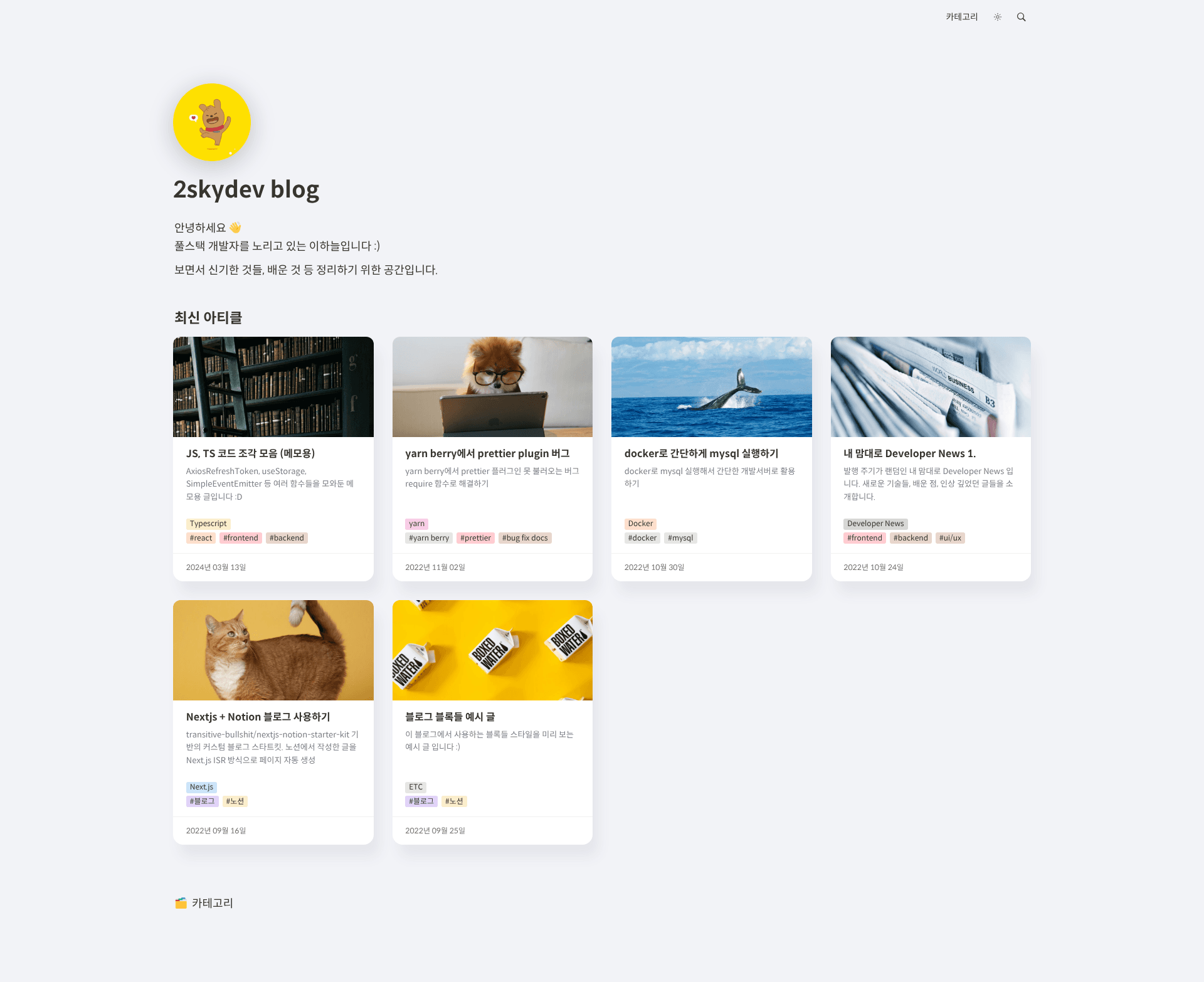
Notion Next.js Blog Starter Kit is a blog boilerplate that turns a Notion page into an ISR-generated static blog built with Next.js and TypeScript. It was created by 2skydev and is based on the transitive-bullshit/nextjs-notion-starter-kit, customized with extra features like comments, dark-mode sync, OG images, and Korean slug support.
What is Notion Next.js Blog Starter Kit?
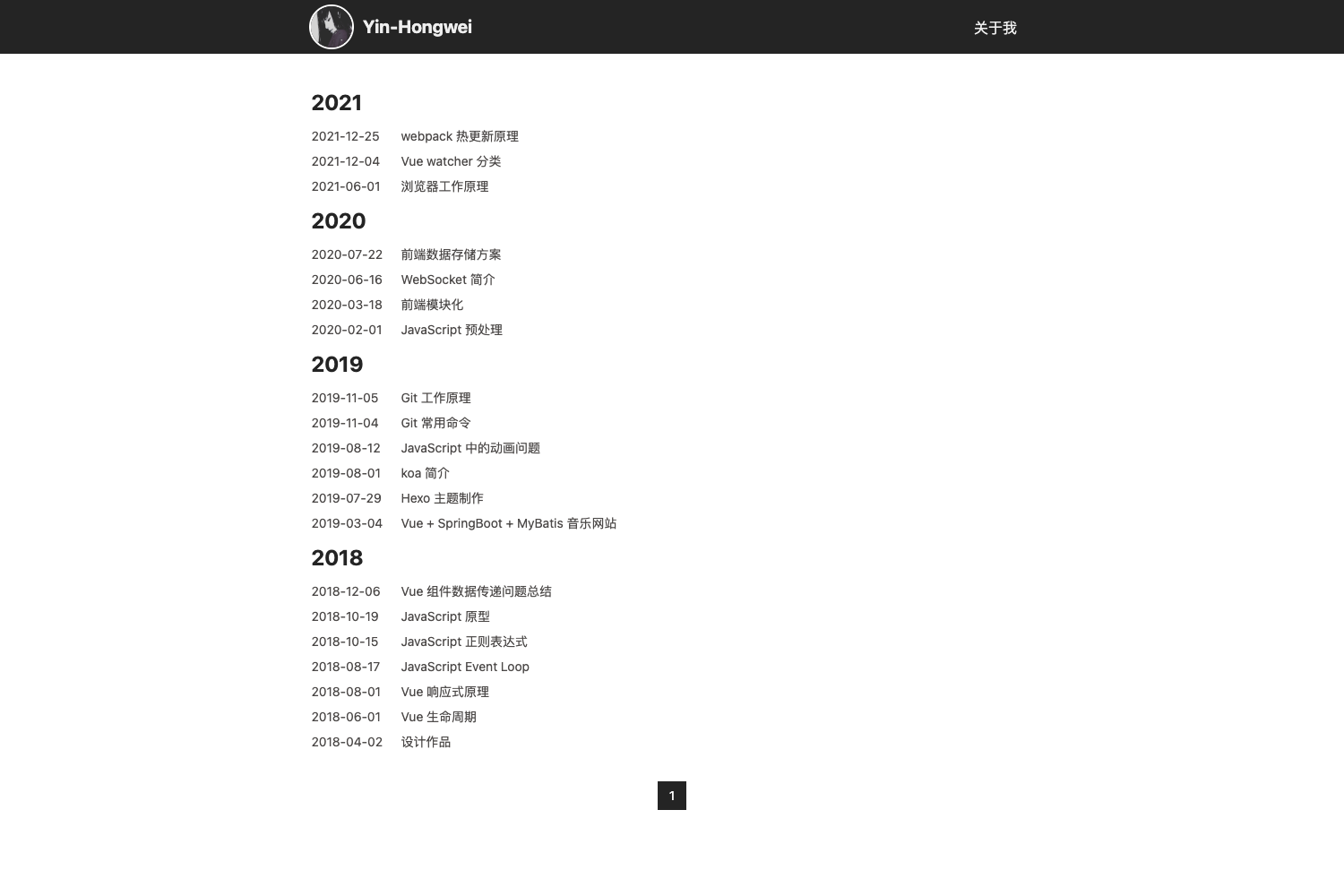
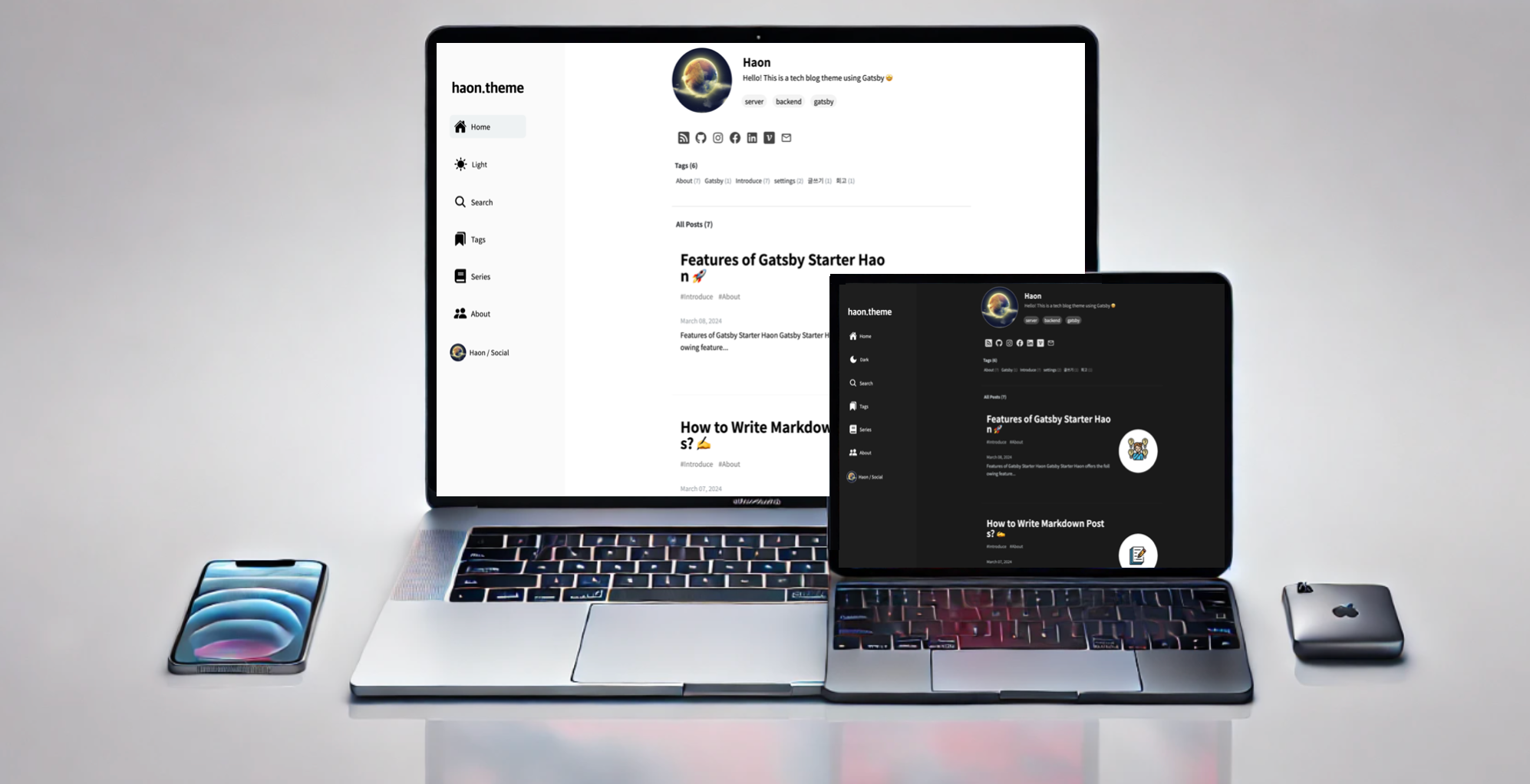
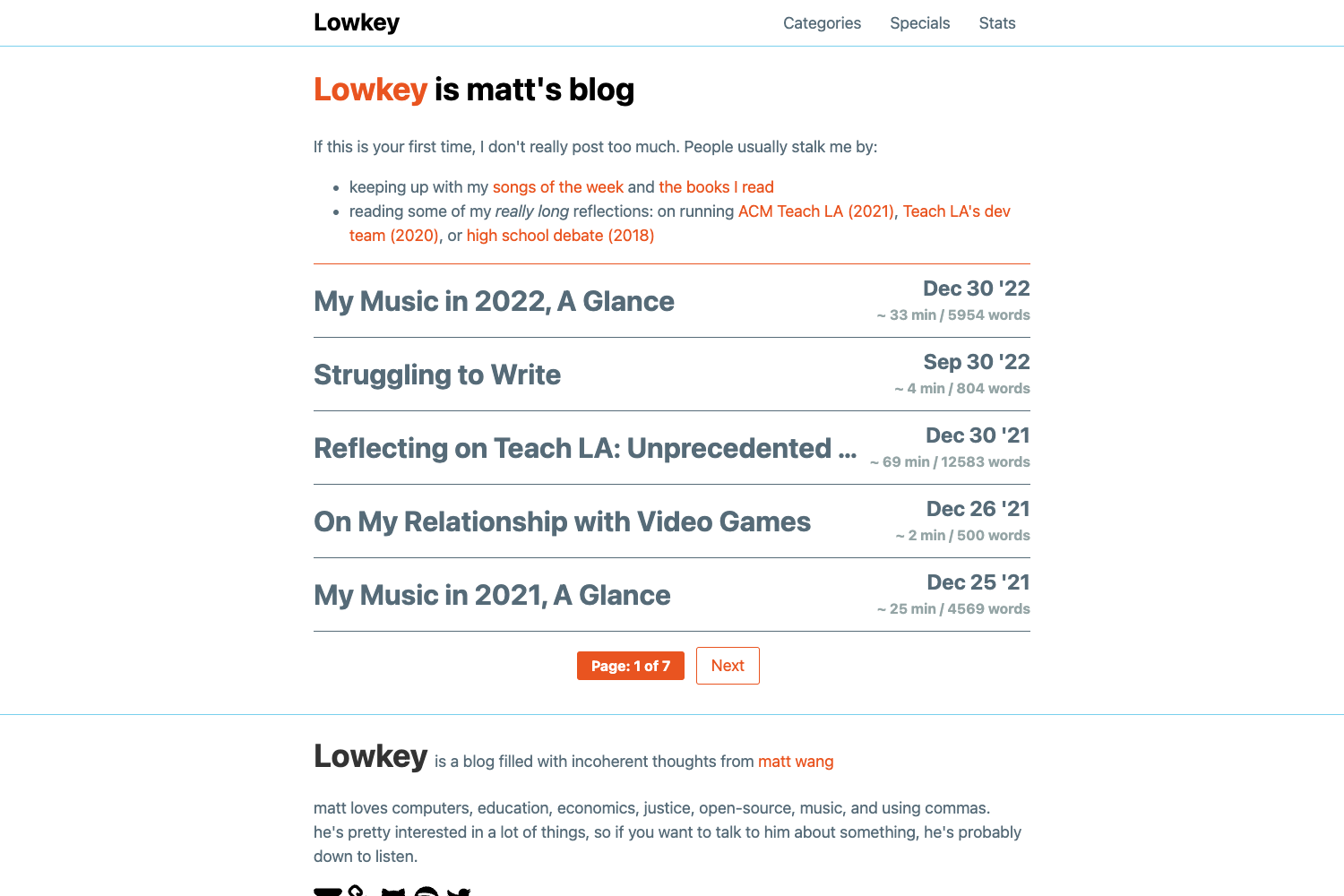
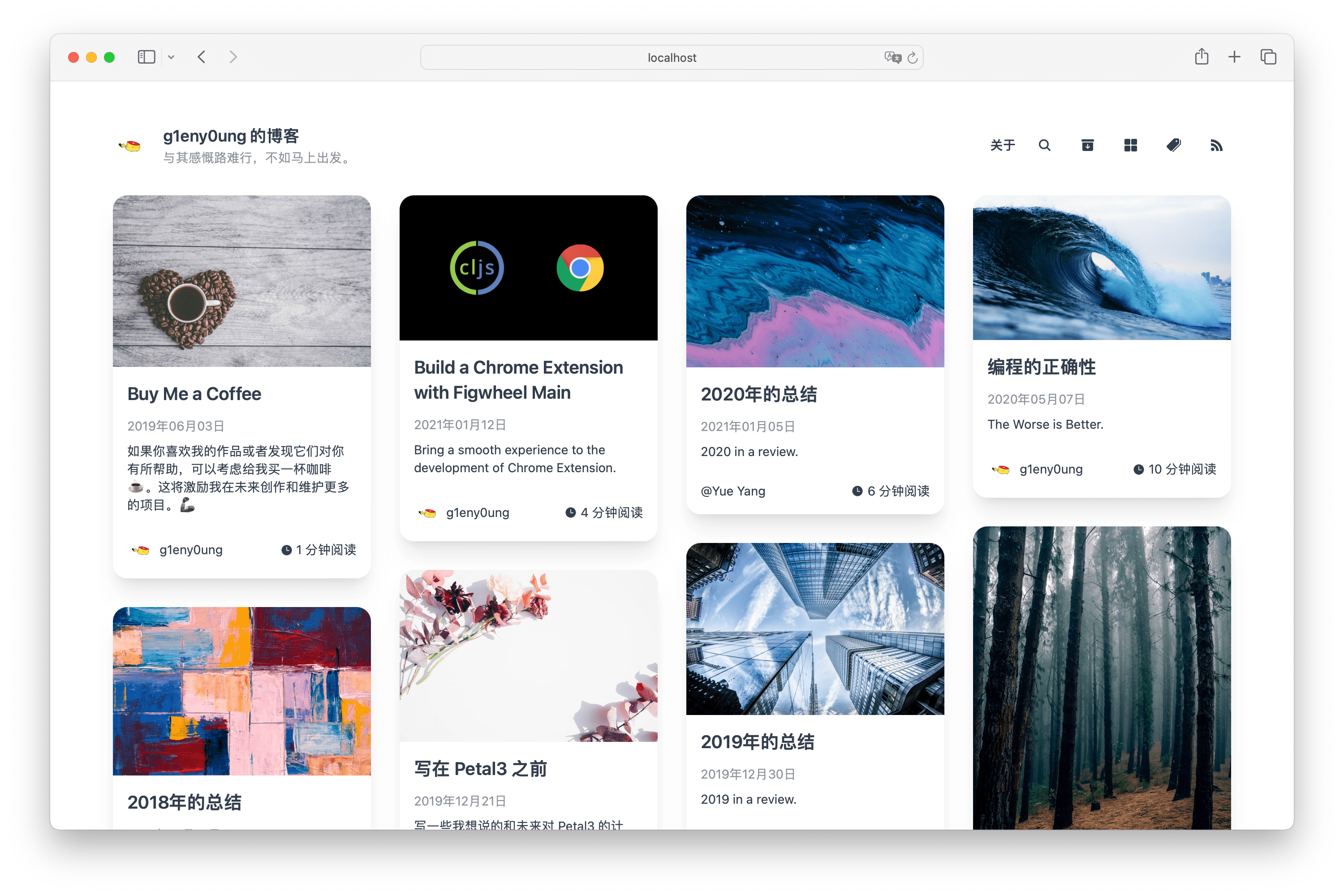
Notion Next.js Blog Starter Kit is a startup kit that creates a blog using Notion as the content source and Next.js as the rendering framework. You write posts in a Notion root page, and the kit generates a static blog with automatic ISR revalidation. It produces a fully styled blog with light/dark mode, a right-side table of contents, comments, and social OG images. The repository is maintained by 2skydev, and its code comments and documentation are mainly written in Korean.
The kit takes a Notion root page ID and site configuration from site.config.ts as input, and outputs a Next.js static site ready for deployment on Vercel. It uses TypeScript for type safety and SCSS for styling, with global variables in styles/custom/vars.scss and Notion block styles in styles/custom/notion-blocks.scss. It also configures Yarn workspaces so individual modules can be customized in detail.
Key Features
- ISR-based static generation — After build, new or edited Notion pages are reflected automatically; edited pages revalidate in the background 10 seconds after the last visitor hits them.
- Dark mode auto-sync — The theme follows the device's dark-mode setting automatically, with a custom fix for a bug in the base kit.
- Comments via Notion API — Commenting uses the official Notion API and requires setting the
NOTION_API_KEYenvironment variable and enablingenableCommentinsite.config.ts. - OG image support — Social share images are generated using the Notion API, with custom behavior for the base kit.
- Draft and published status — Posts can be marked as draft or published to control visibility.
- Right-side table of contents — The article page shows a TOC with configurable text alignment (
leftorright) viacontentPositionTextAlign. - Korean slug support — URLs handle Korean text in slugs without errors.
- Google Analytics integration — GA is built in, and navigation links are configurable through
site.config.ts.
Who is it for?
- Developers who want a Notion-powered blog — They can write in Notion and get a statically generated Next.js site without running a CMS.
- Korean-speaking developers — The README, wiki, and code comments are primarily in Korean, so it is most accessible to Korean users.
- Bloggers who need custom theming — The kit exposes SCSS variables and Notion block styles so the design can be adapted.
- Developers who want to learn ISR — The code demonstrates how Next.js ISR works with a Notion data source.
What can you do with it?
- Write posts in Notion, publish to a Next.js blog — Create or edit pages in Notion and the static site updates automatically through ISR.
- Customize theme colors and block styles — Adjust page size, colors, and default Notion blocks by editing
styles/custom/vars.scssandstyles/custom/notion-blocks.scss. - Enable comments — Turn on
enableCommentand provide a Notion API key to add comment functionality to article pages. - Deploy to Vercel — The project is structured for easy deployment on Vercel with environment variables.
How does it work?
The blog uses Next.js ISR. On first visit to a new page, router.isFallback shows a loading state while getStaticProps fetches all pages from the Notion root page ID, builds a sitemap object, checks whether the requested address exists, and loads the matching page data. After a page is edited, revalidate: 10 triggers a background regeneration within 10 seconds of the last visit, so subsequent visitors see the updated version. Note that the kit reads Notion content using the same API the Notion web app calls internally, not the official Notion API; only the comment feature uses the official API.
FAQ
Does this starter kit require a Notion API key?
Yes. The OG image generation and the comment feature both use the Notion API, so they require a valid NOTION_API_KEY environment variable. Basic blog content fetching does not need an official API key because it uses the internal Notion page API.
Can I duplicate the Notion template?
The author warns against using Notion's duplicate feature because it can load pages incorrectly. The blog's Notion pages should be created manually, matching the view type and property order shown in the author's Notion setup.
Is the documentation available in English?
No, the code comments and explanation are mainly written in Korean. Some setup steps reference the original English README of the base kit, but the wiki and README for this customized kit are primarily Korean.
Is the template free?
The repository is public on GitHub, so the starter kit is free to use. You can fork it or use the "Use this template" button, then replace files such as favicons, profile images, and loading effects with your own.
What can I configure in site.config.ts?
You can set the root Notion page ID, site name, domain, author, description, default page icon, navigation links, comment enablement, date format (using date-fns format strings), default theme (light, dark, or system), hidden post properties, and table-of-contents text alignment.