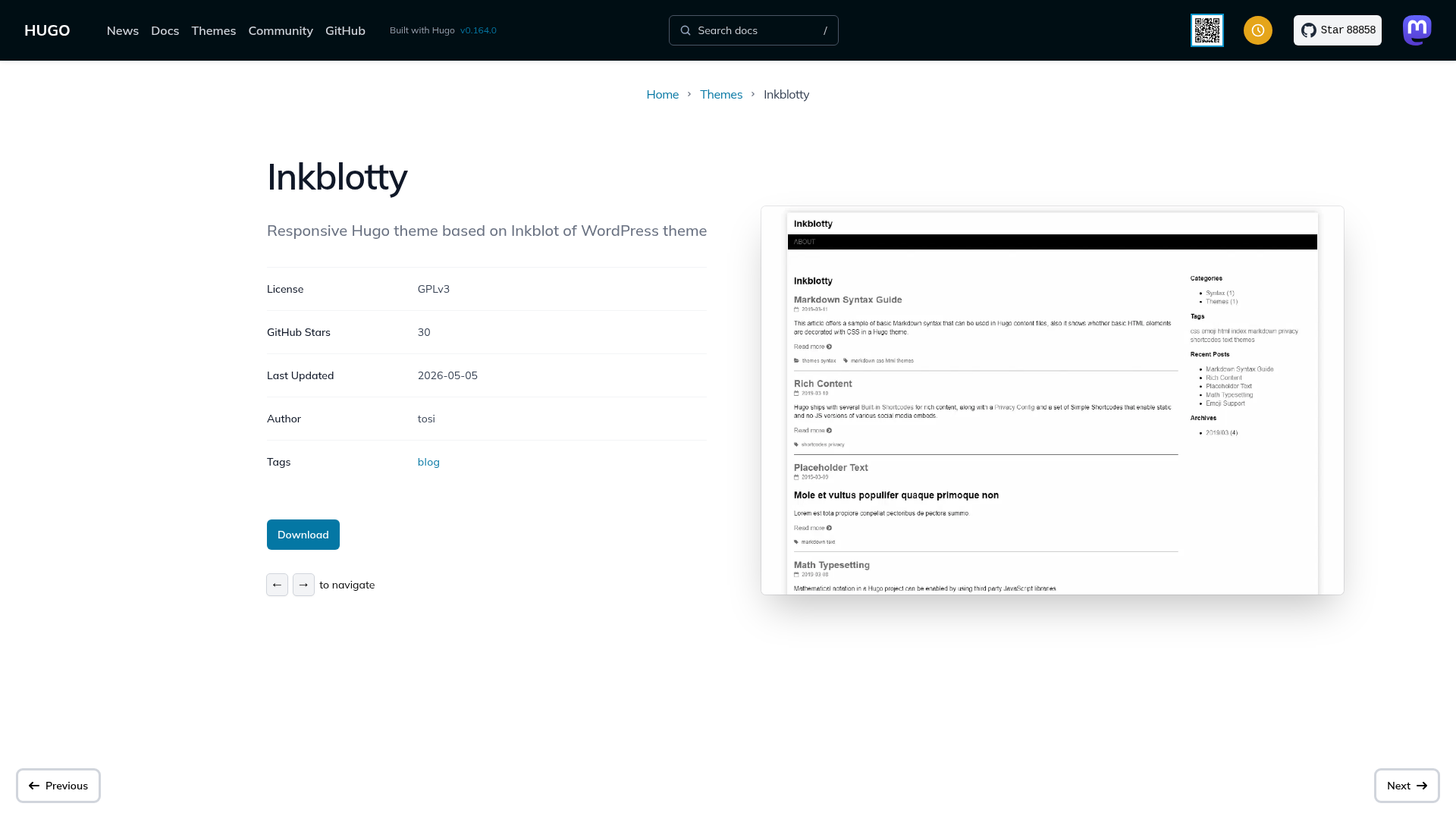
Template details
Lowkey
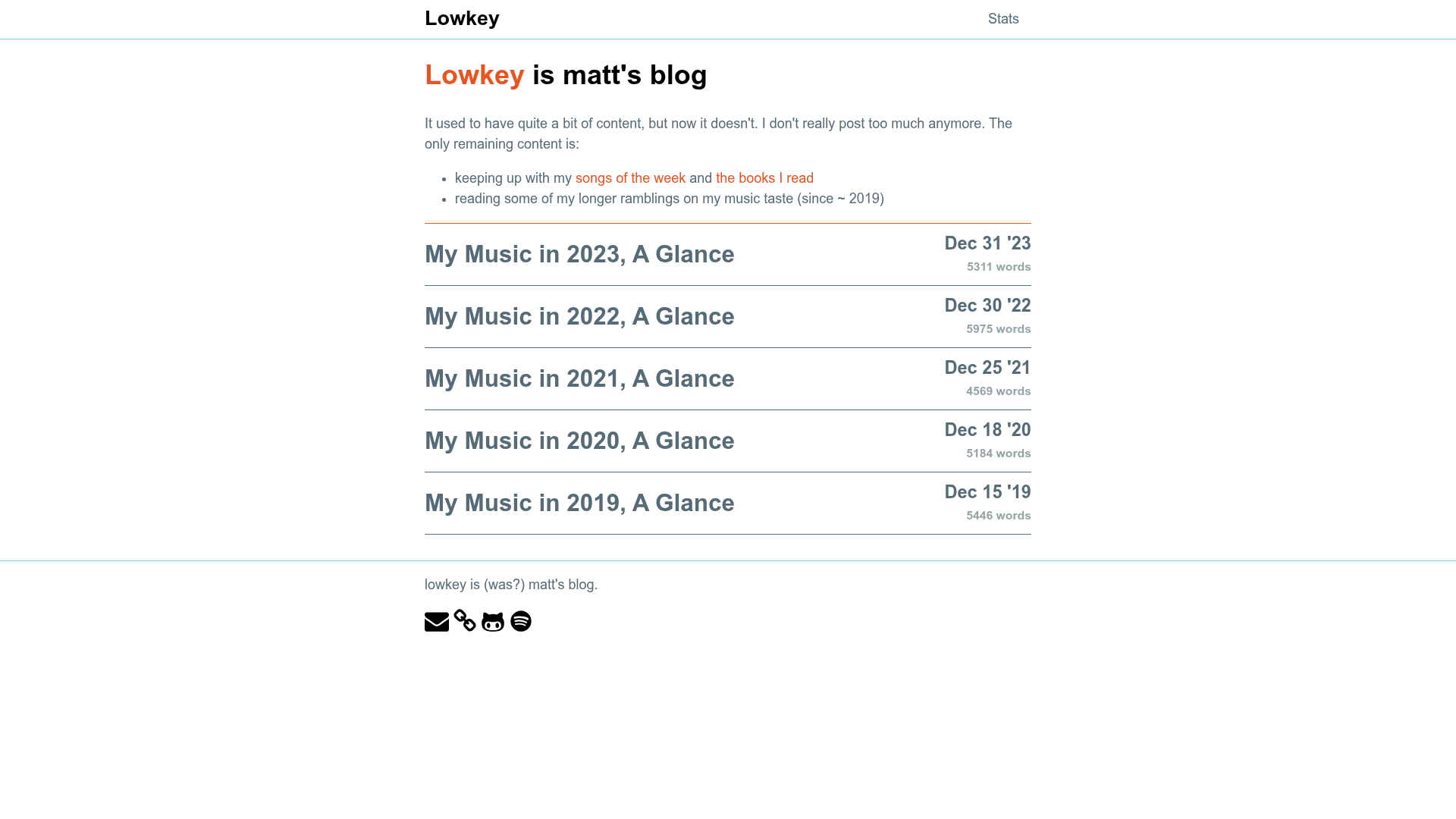
A Jekyll-based blog template by mattxwang for publishing personal thoughts, built on Liteweight.
About this template
Lowkey is an open-source Jekyll blog template by mattxwang that converts Markdown posts into a static website for sharing personal thoughts and opinions.
What is Lowkey?
Lowkey is a Jekyll-based blog template designed to publish personal musings with minimal setup. It takes Markdown content as input and outputs a static HTML site via Jekyll's build system. The template is built on the Liteweight framework and is distributed as a GitHub repository at https://github.com/mattxwang/lowkey. It is maintained by mattxwang, who describes the repository as "boring thoughts from my life."
Key Features
- Jekyll static generation — Converts Markdown posts into plain HTML with no database or server-side processing, making the site fast and easy to host anywhere.
- Liteweight framework — Built on Liteweight, a lightweight alternative to Jekyll themes, which provides the base layout and styling.
- Automated dependency setup — Install all Ruby gems (including Jekyll and helpers) with a single
bundlecommand via Bundler. - Local development server — Run
bundle exec jekyll serveto serve the site at http://127.0.0.1:4000/ with auto-regeneration enabled for live updates. - GitHub Actions integration — Includes a "Test Jekyll Build" workflow badge, indicating that the project is set up for continuous integration.
- Simple requirements — Only needs Ruby, Bundler, Git, and a browser to get started.
Who is Lowkey for?
Lowkey suits developers and writers who are comfortable with the command line and want a no-frills platform for publishing. Personal bloggers can use it to publish essays and thoughts using Markdown. Jekyll developers can use it as a base for custom themes. Technical writers who prefer version control over a CMS can manage their posts through Git.
What can you do with Lowkey?
- Publish a personal blog — Write posts in Markdown and build them into a static site with Jekyll.
- Learn Jekyll by example — Study the template's structure and Liteweight integration to understand how Jekyll themes are organized.
- Create a fast, lightweight site — Since the output is static HTML, you can host it on any static hosting service without server maintenance.
How does Lowkey work?
The setup process is straightforward: clone the repo, run bundle to install dependencies, then execute bundle exec jekyll serve. The site builds locally and serves at http://127.0.0.1:4000/. Auto-regeneration watches for file changes and rebuilds automatically.
Pros and cons
- Pros: Free and open source; fast static output; minimal dependencies.
- Cons: Requires command-line familiarity and Ruby environment setup; no admin interface for non-technical users.
Pricing
Lowkey is free to use. The source code is publicly available on GitHub, and anyone can clone, modify, and run it without licensing fees.
FAQ
Do I need a database to run Lowkey?
No. Lowkey uses Jekyll to generate static HTML files from Markdown, so there is no database. You can host the output on any static file server.
What software do I need to install?
You need Ruby, Bundler, Git, and a browser. The README assumes a Unix-based system for the setup commands.
How do I start the development server?
Clone the repository, run bundle to install Ruby gems, then run bundle exec jekyll serve. The site will be available at http://127.0.0.1:4000/.
Is Lowkey customizable?
Yes. Since it's built on Jekyll and Liteweight, you can modify layouts, styles, and configuration files in the _config.yml file to fit your needs.
Does Lowkey have a CMS?
No, it does not. Content is authored in Markdown files, and the site is rebuilt with Jekyll each time.