Template details
Hexo Theme Yin
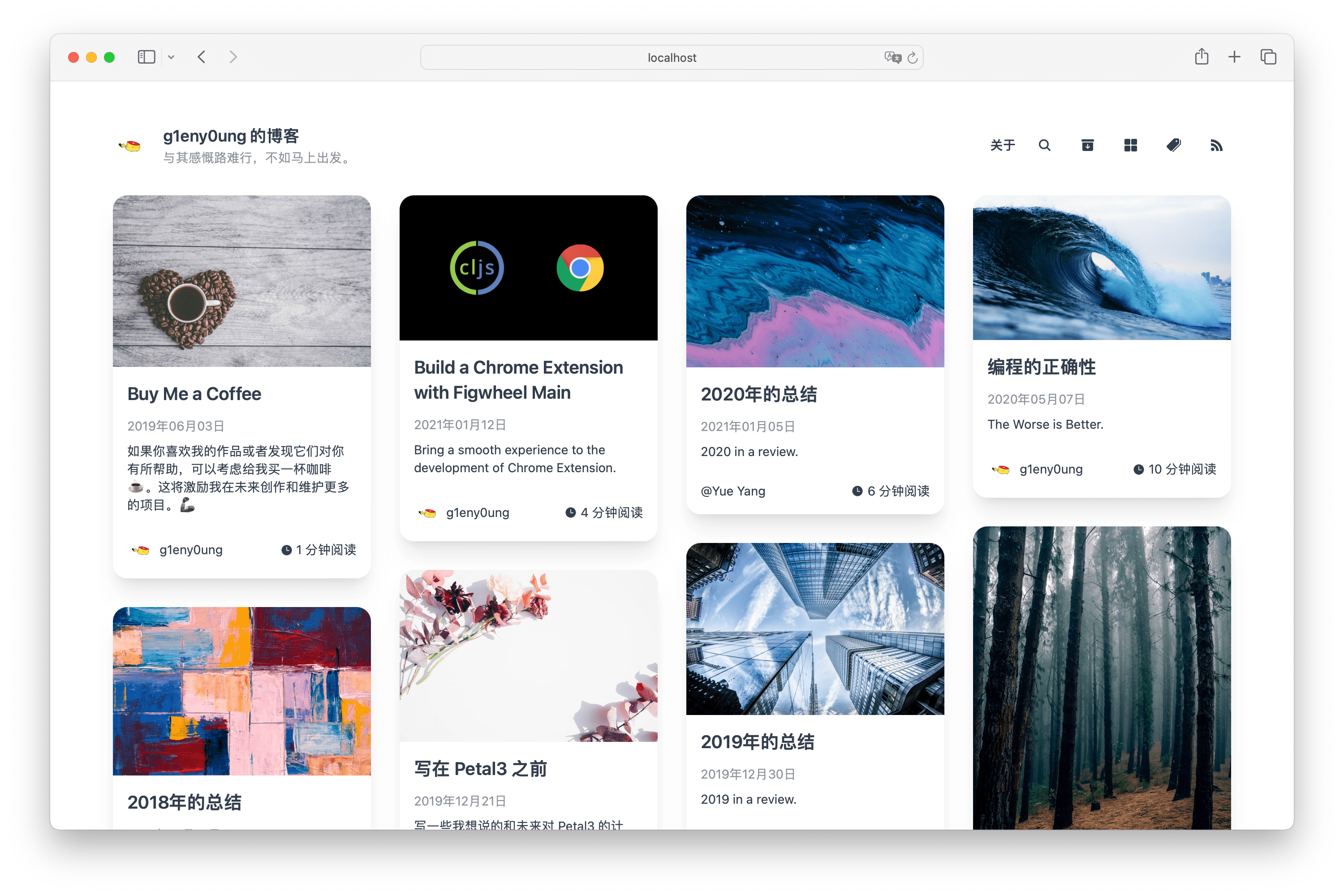
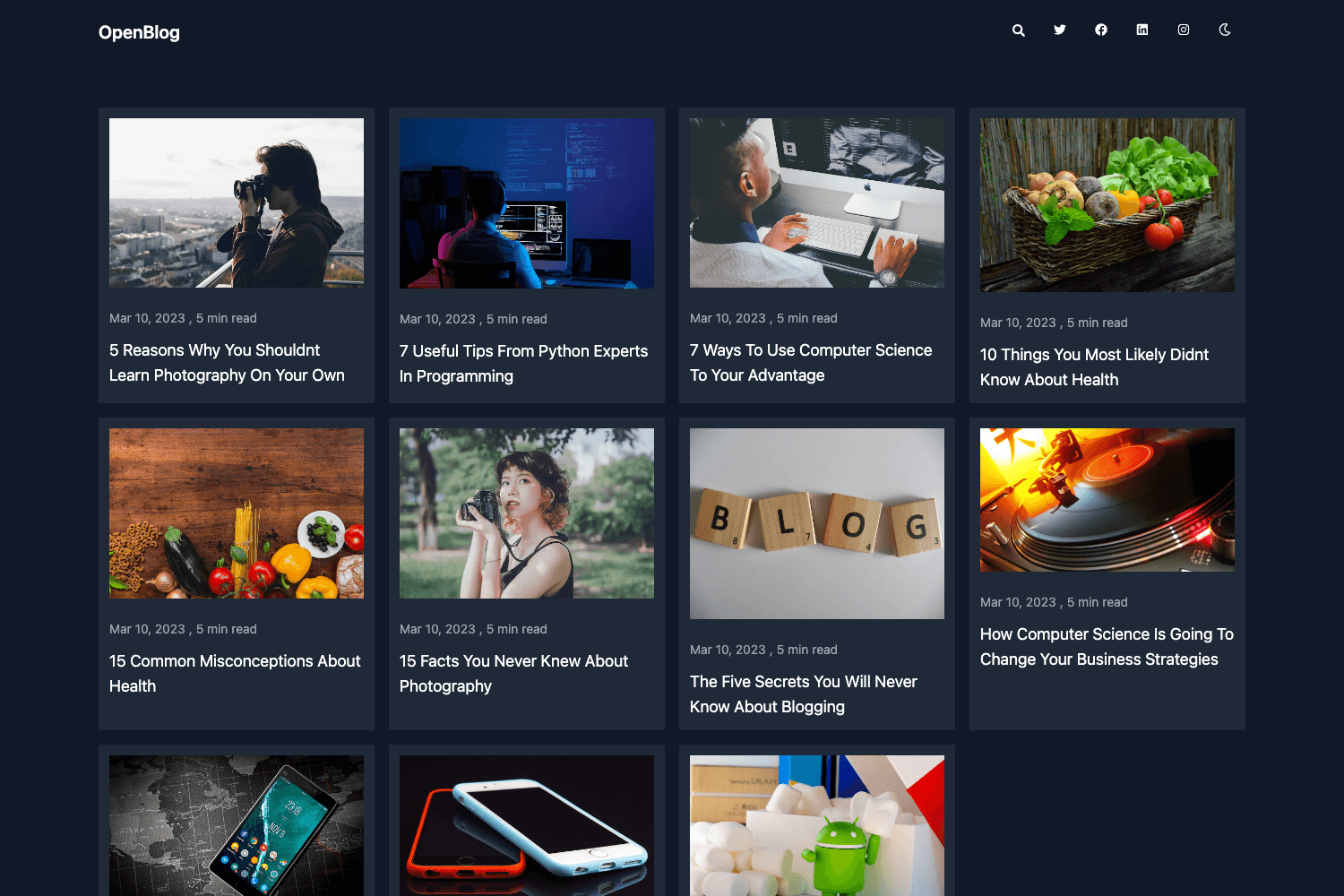
A clean, responsive Hexo theme with social-feed homepage, local/Algolia search, Gitalk comments, and dark mode.
About this template
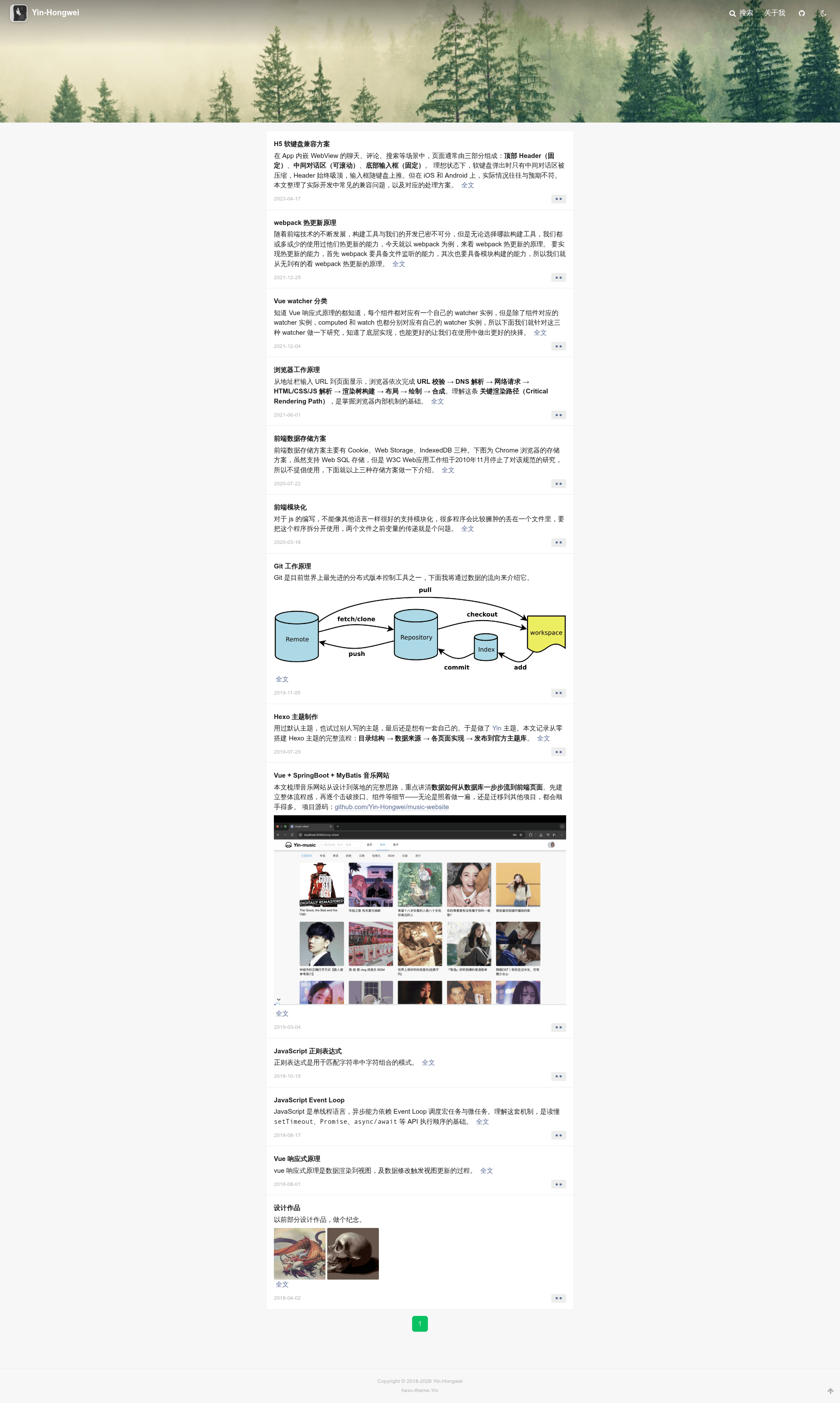
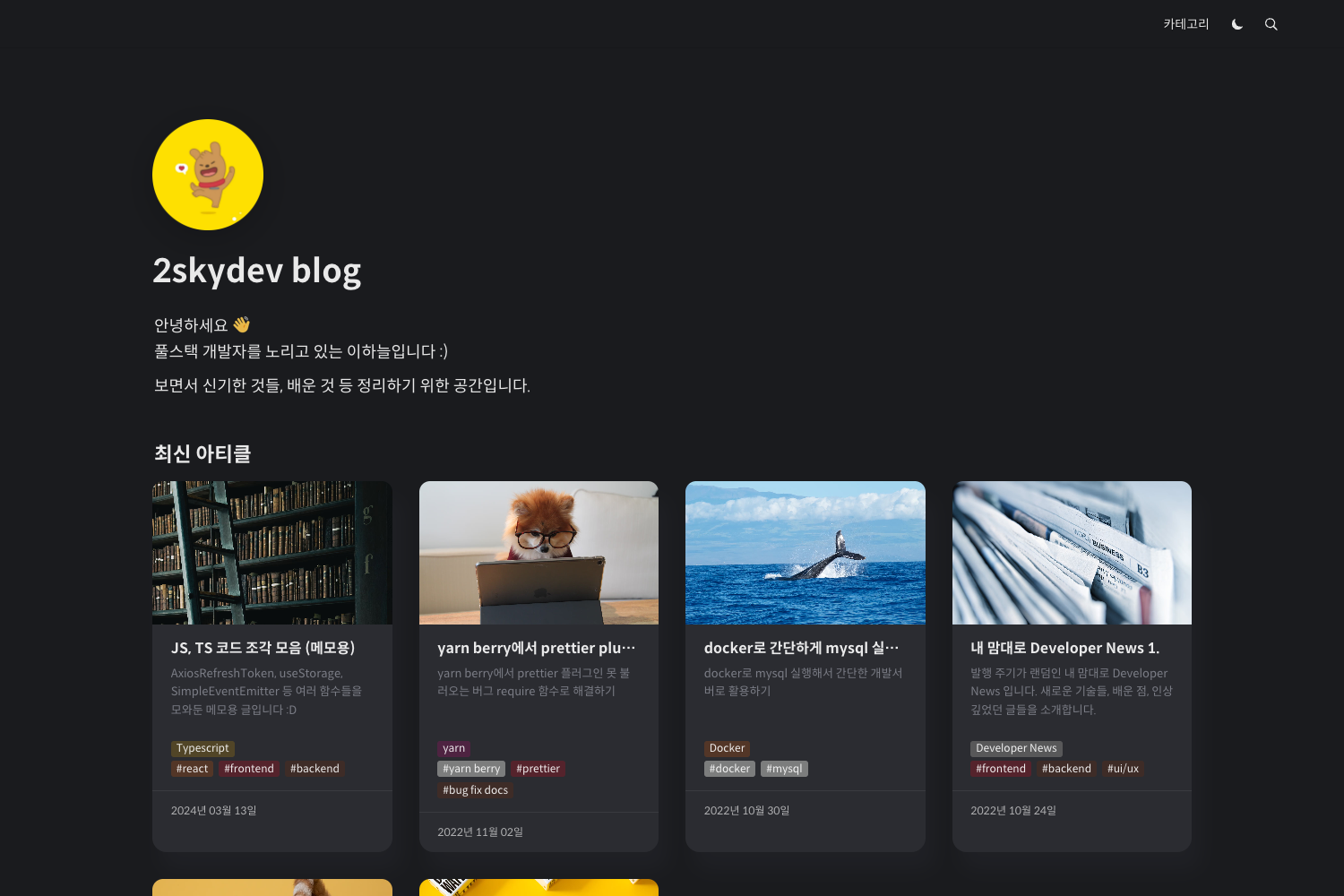
Hexo Theme Yin is a clean, responsive Hexo blog theme that turns post lists into a card-style social feed, with built-in local search, Gitalk comments, dark mode, and SEO enhancements.
What is Hexo Theme Yin?
Hexo Theme Yin is a free, open-source Hexo theme developed by Yin-Hongwei for personal blogs and content sites. It runs on Hexo 7.x and Node.js 14+, and renders static pages using EJS templates and Stylus styling (via hexo-renderer-ejs and hexo-renderer-stylus). The theme outputs a card-based homepage, post pages with table of contents, and an about page; its default configuration lives in themes/hexo-theme-Yin/_config.yml, and per-site overrides are placed under theme_config in the site root _config.yml.
Key Features
- Social-dynamic homepage — Posts are displayed as a card-style information feed, with a homepage background image and avatar configurable in
theme_config. - Dual search options — Use local search by installing
hexo-generator-search, or Algolia full-text search withhexo-algoliasearch; when both are enabled, Algolia takes priority. - Dark mode — A navbar toggle switches between light, dark, and system-auto, and the choice is stored in the browser's localStorage.
- Gitalk comments — A GitHub Issues-based comment system that requires a GitHub OAuth App, with owner, admin, repo, client ID, and client secret fields in the theme config.
- SEO and structured data — Automatically emits canonical links, Open Graph tags, Twitter Card tags, and JSON-LD structured data, with optional Google and Baidu site verification.
- Analytics networks — Built-in support for Google Analytics 4, Baidu Analytics, Umami, and Cloudflare Web Analytics, which can run alongside Busuanzi views.
- Reading aids — Lazy-loaded images (on by default), sidebar table of contents, post copyright declaration with several CC license choices, and article reward via an Alipay QR code.
Who is it for?
- Individual bloggers — Publish a Hexo blog with a minimal, card-style feed and a straightforward about page.
- Developers — Customize the EJS templates and Stylus styles directly, or extend the theme’s configuration options from their own site config.
- Writers with multilingual audiences — The theme provides both Chinese and English documentation, and the site language can be set via
theme_config.language.
What can you do with Hexo Theme Yin?
- Set up a fast, static blog: Clone the theme into a Hexo project, install the two renderers, and run
hexo clean && hexo generate && hexo serverto preview locally. - Offer search without third-party services: Enable local search to keep queries on your own server; switch to Algolia only if you need full-text indexing.
- Build a personal brand with social links: Configure menus with icons, social links for email, GitHub, and Weibo, and a customizable footer start year.
How does Hexo Theme Yin work?
- Clone the repository into the
themes/directory of a Hexo project. - Set
theme: hexo-theme-Yinin the site root_config.yml. - Install the required renderers with
npm install hexo-renderer-ejs hexo-renderer-stylus --save. - Generate and serve the site with
hexo clean && hexo generate && hexo server.
Pricing
Free and open source under the MIT License.
Alternatives
- NexT
- Butterfly
FAQ
Is Hexo Theme Yin free?
Yes. The theme is released under the MIT License, so you can use it for personal and commercial projects without charge.
What are the requirements for Hexo Theme Yin?
You need Hexo 7.x or newer and Node.js 14 or newer. The theme also depends on the EJS and Stylus renderers, which are installed separately.
How do I enable dark mode?
Set dark_mode.enable to true in theme_config and choose default as light, dark, or auto. The visitor's preference is saved locally in the browser.
Can I use both local search and Algolia?
Yes, you can configure both, but when Algolia is enabled it takes priority over local search. To use Algolia you must install hexo-algoliasearch, push your index with hexo algolia, and supply a Search-Only API key in theme_config.
How do I add comments?
Enable Gitalk by creating a GitHub OAuth Application and filling in the owner, admin, repo, client_id, and client_secret values under theme_config.comments.gitalk. Comments then appear as GitHub Issues on your posts.