Template details
Gatsby-Starter-Haon
Open-source Gatsby starter for a customizable tech blog with Markdown, SEO, search, dark mode, and comments.
About this template
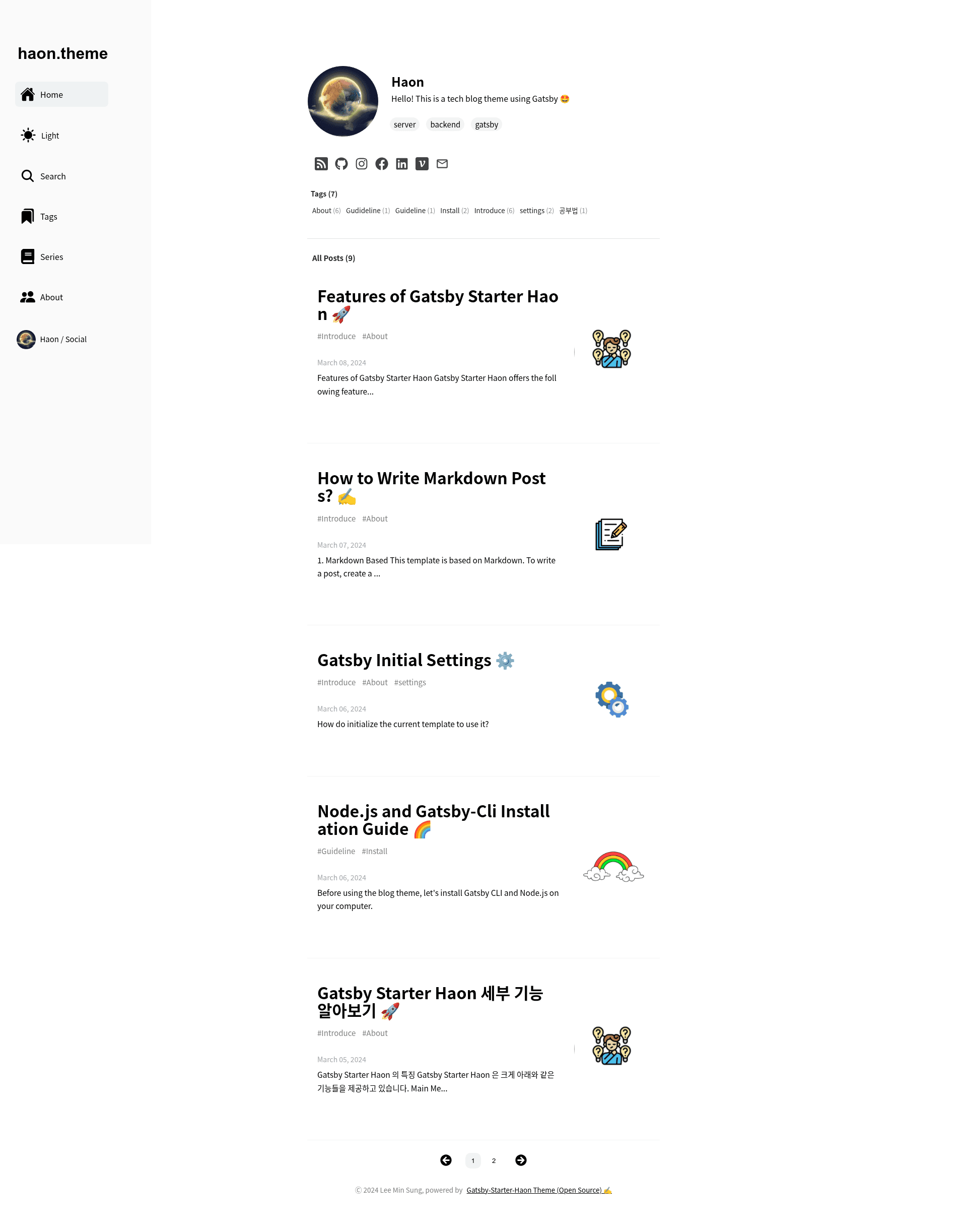
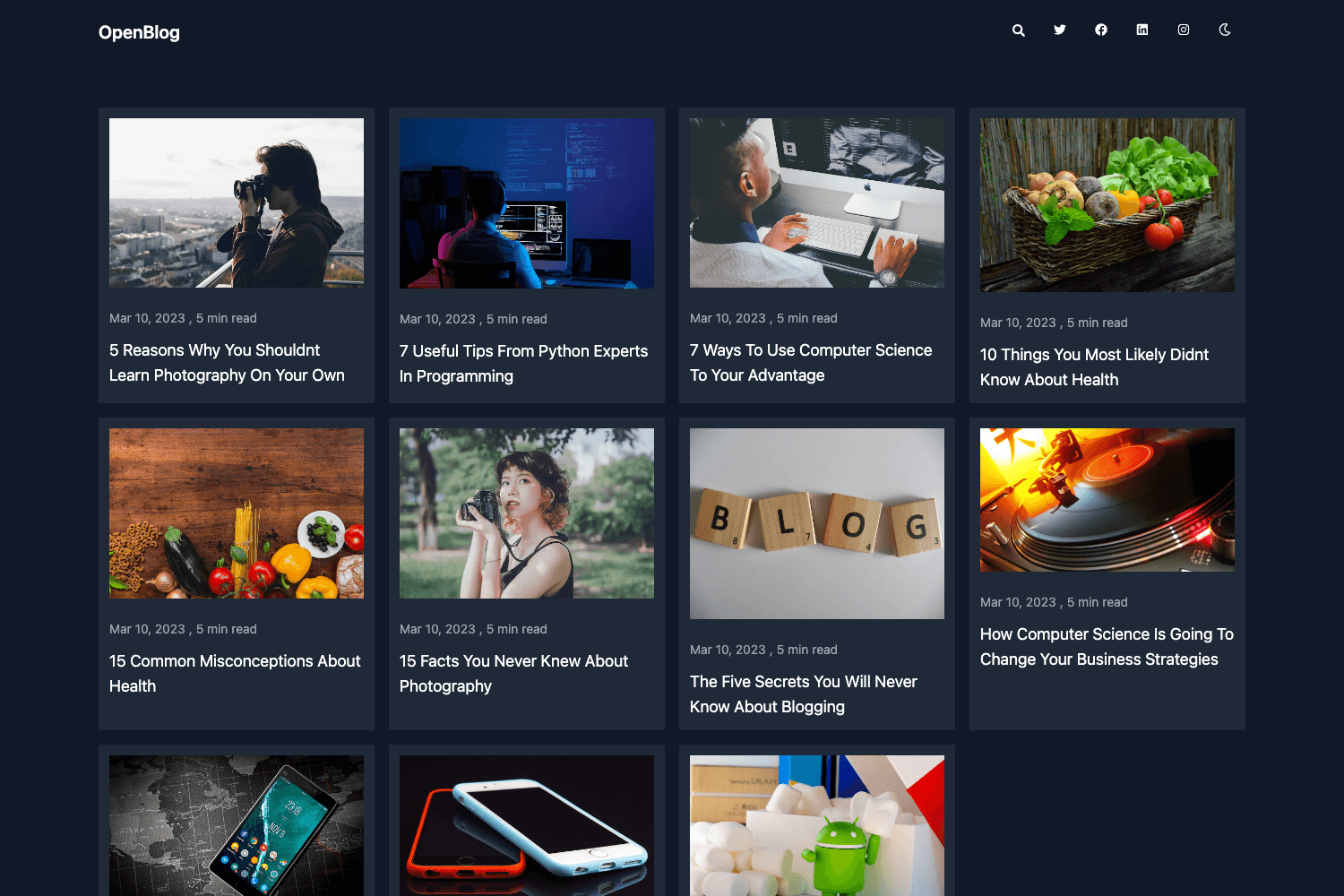
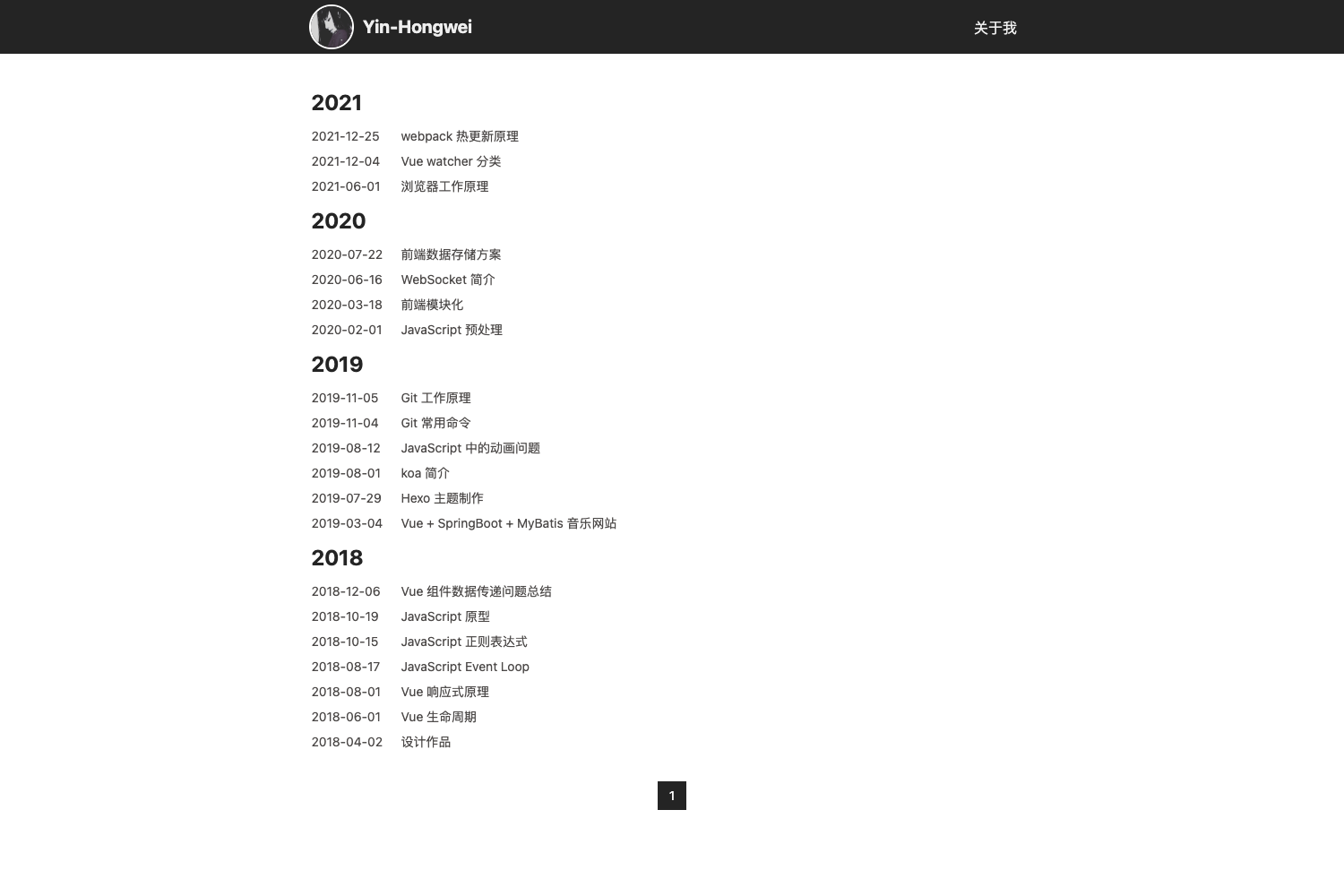
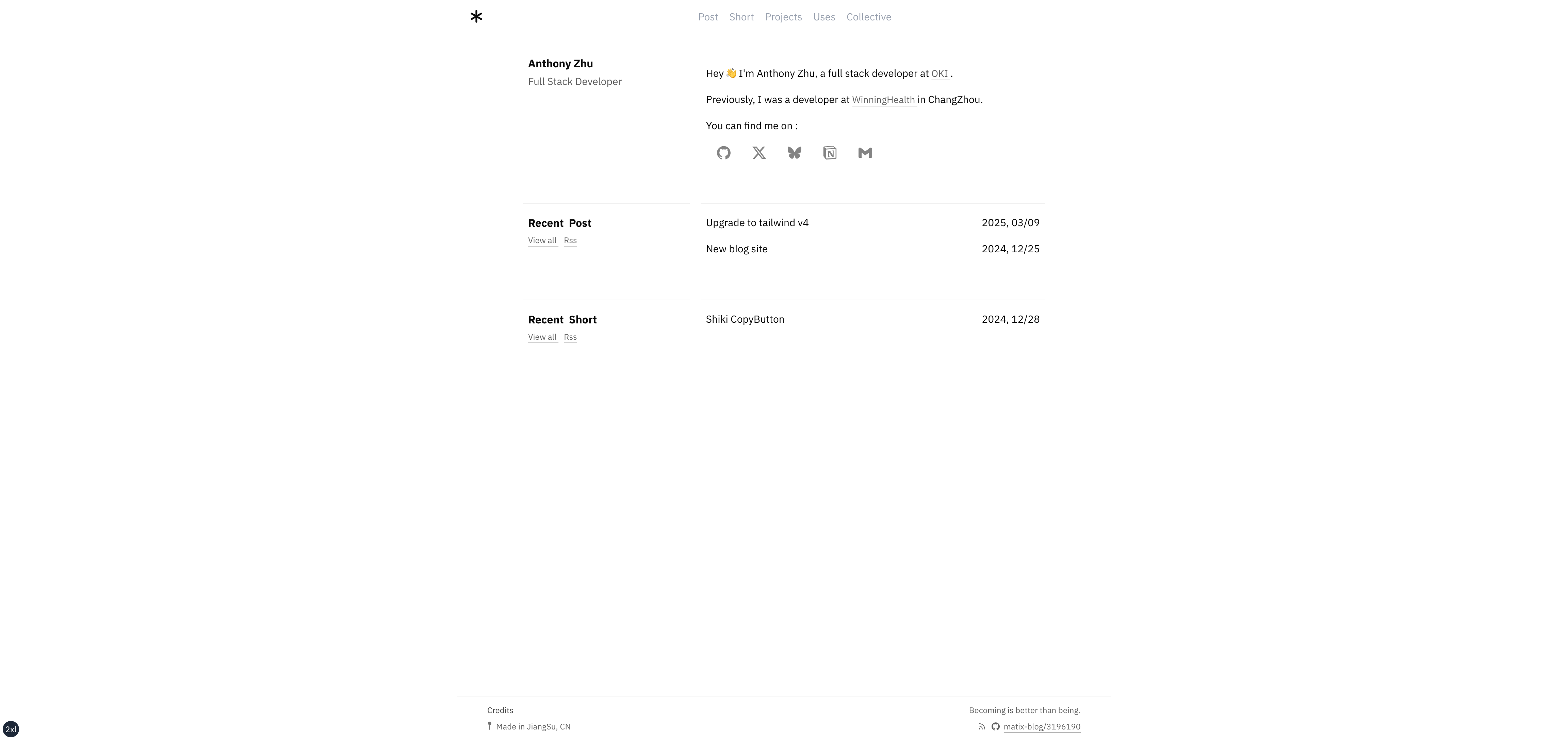
Gatsby-Starter-Haon is an open-source Gatsby starter template for building a customizable tech blog, using Markdown for content, featuring built-in SEO, dark/light mode, tag and series organization, and a live demo on Netlify.
What is Gatsby-Starter-Haon?
Gatsby-Starter-Haon is a Gatsby-based blog theme that you clone and customize into your own tech blog. It takes Markdown files as content input and produces a static site with search, tags, series, and Google Analytics integration. The theme runs on Gatsby and React, and is maintained by msung99 on GitHub, with a live demo available at https://gatsby-starter-haon.netlify.app/.
Key Features
- Markdown support — Write blog posts in Markdown; the starter includes default posts that must be kept for the site to operate.
- SEO — Built-in SEO meta tags managed through the
meta-config.jsfile, where you set title, description, author, keywords, and site URL. - Dark/Light Mode — Visitors can switch between dark and light themes; the toggle is part of the responsive layout.
- Tag and Series — Posts can be organized by tags and series, giving readers multiple ways to navigate content.
- Search — A search feature lets readers find posts by keyword without leaving the blog.
- Private Mode — A private mode restricts access to the blog, useful for drafts or personal notes.
- Utterance comments — Issue-based commenting powered by GitHub Utterances, configured by entering your repository name in
meta-config.js. - Google Analytics — Drop in a gtag tracking ID in
meta-config.jsto track visitors. - Social links — GitHub, Instagram, Facebook, LinkedIn, Velog, and email icons in the theme, each pointing to URLs set in
meta-config.js.
Who is it for?
- Developers who want a tech blog — Use the starter to spin up a Gatsby blog preconfigured with Markdown and SEO, then customize the meta-config to your identity.
- Bloggers who prefer GitHub-based workflows — Since comments use Utterances and content is Markdown in the repo, writers can manage posts through GitHub pull requests.
- Developers learning Gatsby — The starter shows how to wire Gatsby plugins for search, tags, series, and analytics; you can clone it and inspect the structure.
- Non-English speakers — The README includes Korean (한국어) setup instructions, making it approachable for Korean-speaking users.
Use cases
- Tech bloggers: Publish articles with code snippets and organize them into series; readers can search and filter by tags.
- Portfolio bloggers: Customize the social links to show GitHub, LinkedIn, and email, and use private mode while drafting.
- Open-source maintainers: Set up a project blog and accept guest posts via pull requests, since all content is Markdown in the repository.
How does it work?
- Create a GitHub repository, then install Node.js and gatsby-cli.
- Run
npx gatsby new your-blog-name https://github.com/msung99/Gatsby-Starter-Haon.gitto clone the starter. - Run
npm installandgatsby develop(ornpm start) to start the local server at http://localhost:8000. - Edit
meta-config.jsto set your blog title, description, author, site URL, repository for Utterances, Google Analytics gtag, and social links. - Deploy to GitHub Pages or Netlify by connecting the repository.
Pros and cons
Pros:
- Free and open source, so you can fork and modify everything.
- Includes search, tags, series, dark mode, and analytics out of the box.
- Deployment to Netlify or GitHub Pages is straightforward.
Cons:
- Requires keeping the two default posts; deleting them can break the site.
- Comments rely on GitHub issues, which may not suit every audience.
- Dependency conflicts can occur; the README suggests running
npm i --legacy-peer-depsas a workaround.
FAQ
Is Gatsby-Starter-Haon free?
Yes, the entire theme and code are open source. You can clone the repository and use it for personal or commercial projects without cost.
What do I need to install first?
You need Node.js and gatsby-cli installed on your computer before creating a blog with this starter. The README also recommends having a GitHub repository ready for deployment and for the Utterance comments.
How do I set up comments?
Comments use Utterance, an issue-based comment widget. In meta-config.js, set the repo field to your GitHub username and repository name, and comments will appear on posts via GitHub issues.
Can I use Google Analytics with this theme?
Yes. Obtain a tracking ID from Google Analytics and enter it in the gtag field inside meta-config.js. The theme then includes Analytics on the blog.
What happens if I delete the default posts?
The README warns that the starter requires a minimum of default posts and they should not be deleted to ensure smooth operation.