Template details
NTT Template
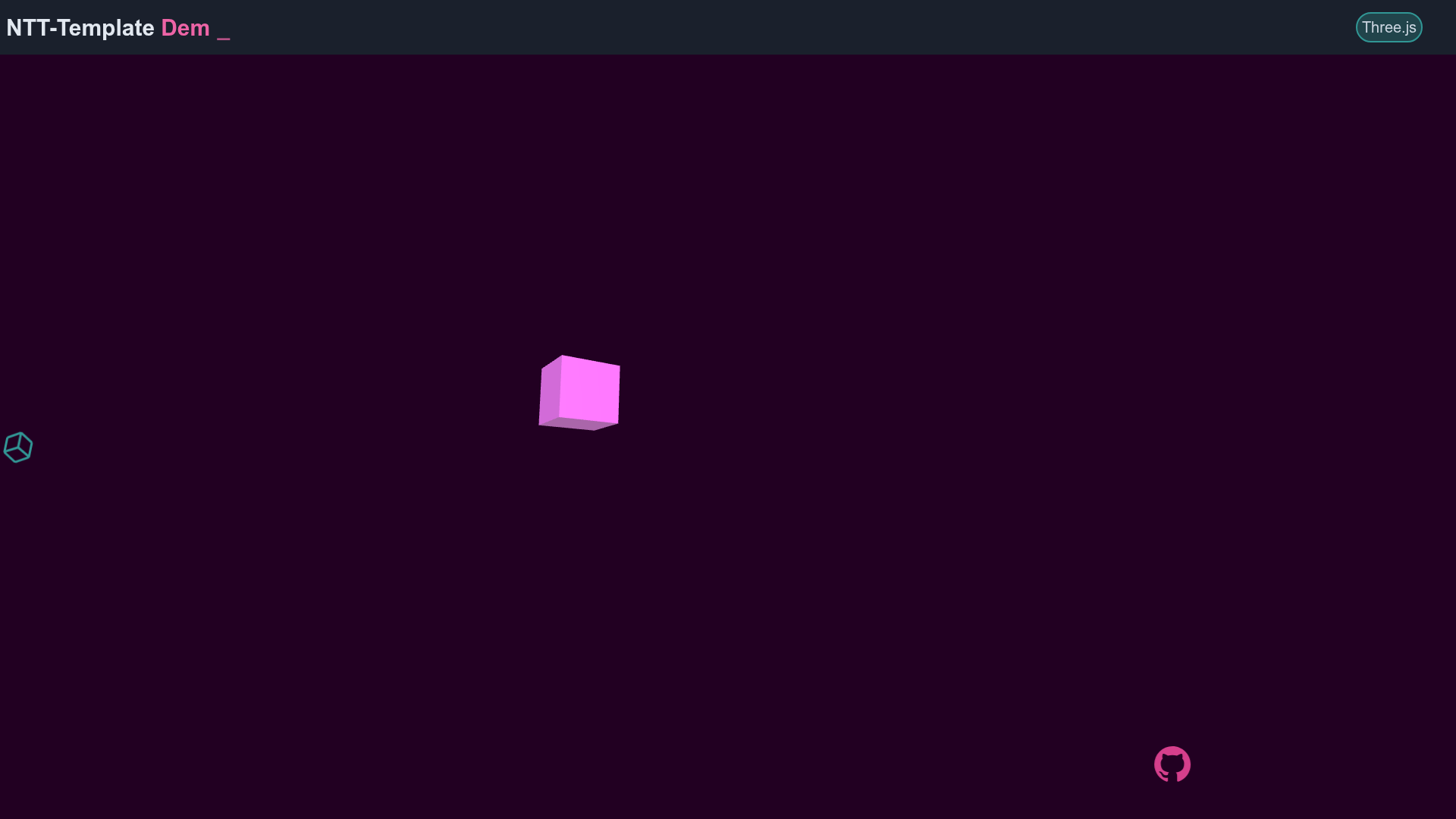
A Template for Nuxt.js + Tailwind CSS + Three.js Projects.
About this template
NTT Template is a GitHub repository starter that scaffolds a Nuxt.js project preconfigured with Tailwind CSS and Three.js, plus GSAP animation and utility plugins, so developers can skip the setup phase and code immediately.
What is NTT Template?
NTT Template is a starter template for web projects built on Nuxt.js, a Vue.js meta-framework, combined with Tailwind CSS for styling and Three.js for 3D graphics. The repository comes with dependencies installed and configured, exposing npm scripts for development, production builds, and static generation. It does not include an app-specific structure; instead it provides a clean base you extend with your own pages and components.
Key Features
- Preinstalled tech stack — Nuxt.js, Tailwind CSS, and Three.js are already wired together, so you can use Vue components, utility-first CSS, and WebGL 3D in the same project.
- GSAP animation integration — The nuxt-gsap-module is set up as a build module, and GSAP itself is available for timeline and tween animations.
- Utility plugins included — v-click-outside adds click-outside directives, and vue-tippy integrates tooltip functionality for Vue components.
- Extended Tailwind spacing scale — The
spacingconfiguration adds rem-based values above the default set, including 100 (25rem), 104 (26rem), 112 (28rem), 120 (30rem), 128 (32rem), 140 (35rem), 160 (40rem), 168 (42rem), 172 (43rem), 176 (44rem), 180 (45rem), 184 (46rem), and 188 (47rem). - Custom scale, opacity, min/max dimensions, and inset — Beyond spacing, the template customizes
scale(0–4),opacity(0–1 in increments),minHeight/maxHeightandminWidth/maxWidth(including fractional values like1/4,1/2,3/4,full), andinset(with negative offsets like-4,-8,-16). - Standard build scripts —
npm run devlaunches hot-reload at localhost:3000,npm run buildcreates a production bundle,npm run startserves it, andnpm run generateexports a fully static site. - Documentation links — The README links to official Nuxt.js, Three.js, Tailwind CSS, GSAP, and plugin documentation for each included dependency.
Who should use NTT Template?
- Frontend developers who want to start a Nuxt.js project without manually installing and configuring Tailwind, Three.js, and GSAP at setup time.
- 3D web designers who need Three.js integrated into a Vue/Nuxt component structure and want utility-first styling for overlaid UI.
- Animation enthusiasts who rely on GSAP to drive motion and want the nuxt-gsap-module ready to use out of the box.
- Rapid prototyping teams that need a consistent starting point for multiple projects, including customized Tailwind design tokens that can be adjusted in one place.
What can you do with NTT Template?
- Build 3D product showcases: Combine Three.js scenes with Tailwind-styled overlays to display models or environments with GSAP-driven camera and object animation.
- Create interactive landing pages: Use v-click-outside to close dropdowns or menus and vue-tippy for hover tooltips that explain features.
- Experiment with GSAP timelines: The preinstalled module lets you register GSAP plugins and write ScrollTrigger or tween animations inside Nuxt components without extra configuration.
- Generate static output: Run
npm run generateto produce a fully static site that can be deployed to any static host.
How does NTT Template work?
The template is used as a GitHub repository starter. After creating a new repository from it, run npm install to install all dependencies. Then use npm run dev to develop with hot-reload at localhost:3000. For deployment, npm run build plus npm run start runs a Node server, or npm run generate outputs static files.
FAQ
How do I install the dependencies?
Run npm install from the project root. The README lists this as the first build step, and it installs everything needed for Nuxt, Tailwind, Three.js, GSAP, and the included plugins.
Does the template work with static hosting?
Yes. The npm run generate script builds the project as a static site, which can be hosted on any static file server. The build output is generated by Nuxt.js's generate feature.
What Tailwind configuration is included?
The template customizes spacing, scale, opacity, minHeight, maxHeight, minWidth, maxWidth, and inset values. These are defined in the Tailwind config, and you can review or extend them in the project after cloning.
Is the template free to use?
The repository is publicly hosted on GitHub, so it is available for anyone to use. The exact license is not specified in the README, but the source is accessible for reuse.