Template details
Violet
A minimal purple Jekyll blog template with Sass styling, no JavaScript, and Travis CI integration.
About this template
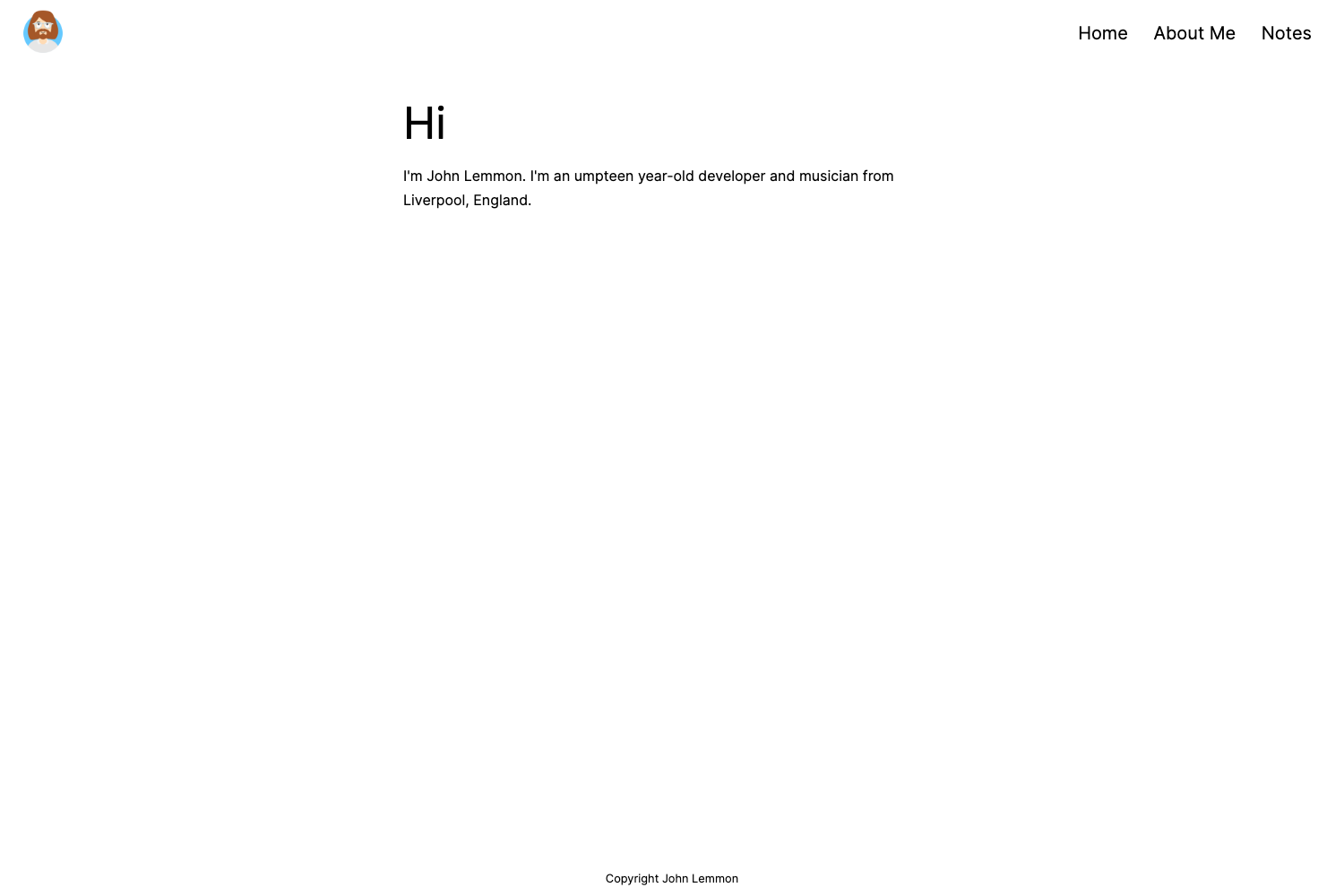
Violet is a purple Jekyll blog template that generates a static site from Markdown content and a config file, created and maintained by Sérgio Kopplin.
What is Violet?
Violet is a Jekyll theme that lives on GitHub and is distributed under the MIT License. It combines Jekyll as the site generator with Sass for styling, and it deliberately ships with zero JavaScript. The template takes your Markdown posts and a _config.yml file as input and outputs a complete static website ready to deploy. Its demo is hosted at sergiokopplin.github.io/violet, and the repository includes Travis CI configuration to run build tests automatically.
Key Features
- Jekyll and Sass — The theme uses Jekyll to convert Markdown and Liquid templates into static HTML, while styling is written in Sass and compiled to CSS.
- No JavaScript — The page deliberately includes no JS files, keeping the front-end minimal and fast.
- Travis CI testing — Out-of-the-box integration with Travis CI runs tests on every push; the repo displays a build status badge from travis-ci.org.
- Customizable via
_config.yml— Site name, bio, and other options are set through a single YAML config file; the README shows examples likename: Jane Doeandbio: 'A Girl who travels the world eating noodles'. - HTMLProofer checks — The setup includes
bundle exec htmlproofer ./_siteto validate links and HTML output. - Simple setup — Getting started requires forking the repo, editing
_config.yml, then runningbundle installandbundle exec jekyll serve. - Purple minimal design — A self-described "purple theme for girls and boys," inspired by the personal site of Ju Gonçalves (cyberglot.me).
Who is it for?
Violet is aimed at Jekyll users who want a colorful, minimal blog theme without pulling in a JavaScript framework. Developers who prefer static site generators will find it easy to fork and customize. Bloggers and personal site owners can set up a working site in a few commands. The no-JS approach also suits anyone who values simplicity and fast page loads.
What can you do with Violet?
- Personal bloggers: publish Markdown posts and have them rendered into a clean purple-themed site, with site-wide settings managed in one YAML file.
- Jekyll learners: use the template as a minimal, well-commented starting point to understand how Jekyll and Sass work together.
- Open-source contributors: run the included HTMLProofer and Travis CI tests to validate changes before submitting pull requests.
How does Violet work?
The README documents a five-step setup: star and fork the repository on GitHub, install Jekyll, NodeJS, and Bundler locally, edit _config.yml with your name, bio, and other data, install dependencies with bundle install, then serve the site with bundle exec jekyll serve and view it at http://localhost:4000. For production, the generated _site folder can be deployed to any static host.
FAQ
Is Violet free?
Yes, Violet is released under the MIT License, so you can use, modify, and redistribute it freely.
Does Violet use JavaScript?
No, the template explicitly includes no JavaScript files. All interactivity is absent, which keeps the theme lightweight.
How do I customize the site name and bio?
Open the _config.yml file at the project root and change the name, bio, and other YAML keys. The README shows sample values.
How do I run the tests?
After building the site, run bundle exec htmlproofer ./_site from the project directory to check for broken links and invalid HTML.
Where can I report problems?
Open an issue on the GitHub repository with your problem description.