Template details
Nuxt Chatgpt
ChatGPT integration for Nuxt 3 with type-safe composables for chat, streaming, and image generation.
About this template
Nuxt Chatgpt is a free, open-source AI module for Nuxt 3 that integrates the OpenAI API into any Nuxt project through type-safe useChatgpt() composables for chat, chat completion, streaming, and image generation.
What is Nuxt Chatgpt?
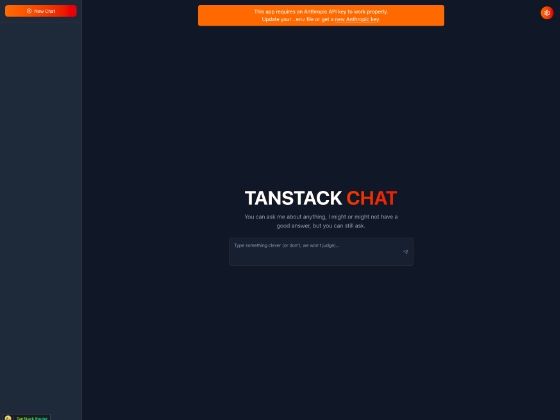
Nuxt Chatgpt is a Nuxt 3 module created by Oliver Trajceski, published on npm as nuxt-chatgpt, and distributed under the MIT License. It wraps the OpenAI Node library (version 4.0.0) and exposes four methods — chat, chatCompletion, chatCompletionStream, and generateImage — through the useChatgpt() composable, so existing Nuxt 3 projects can add OpenAI features without writing custom API routes. The companion demo at nuxtchatgpt.com is a ChatGPT clone that adds folder-based organization and sorting for conversations and generated documents. The module requires Node v18.20.5 or higher, with v20.19.0 recommended.
Key Features
- Easy setup — Install with
npx nuxt module add nuxt-chatgpt, add"nuxt-chatgpt"to the modules array innuxt.config.ts, and optionally setchatgpt.apiKeyin the same file. - Type-safe composables —
useChatgpt()exposeschat,chatCompletion,chatCompletionStream, andgenerateImage, all typed for Nuxt 3 and Vue 3 projects. - API key security — Requests are routed through a Nitro Server, so the OpenAI API key stays server-side and is never exposed to the browser bundle.
- Streaming responses —
chatCompletionStreamreturns responses token by token over SSE and acceptsonToken,onDone, andonErrorcallbacks for building ChatGPT-style streaming UIs. - Image generation —
generateImagetakes a text prompt up to 1000 characters long and supports options for number of images, quality, response format, size, and style, returning URLs or base64 JSON. - Broad model support — Text models range from text-davinci-003 and gpt-3.5-turbo through gpt-4o-mini (the README's example default) to gpt-5.2-pro; image models include dall-e-3, gpt-image-1, gpt-image-1-mini, and gpt-image-1.5.
- Configurable module options —
apiKeyandisEnabled(a boolean, true by default) control the module's behavior fromnuxt.config.ts.
Who is it for?
- Nuxt 3 developers building AI chat features who want typed OpenAI access without hand-writing server API routes or managing the openai SDK directly.
- Vue 3 frontend teams adding a ChatGPT-like chat widget, using
chatCompletionwith a history array of role and content messages to keep context across turns. - Developers shipping image-generation UIs who want to call dall-e-3 or gpt-image models from a Nuxt app with configurable size, quality, and style.
- Open-source contributors looking for a small TypeScript codebase to fork, with lint and Vitest test scripts included in the repository.
What can you do with Nuxt Chatgpt?
- Build a ChatGPT clone: use
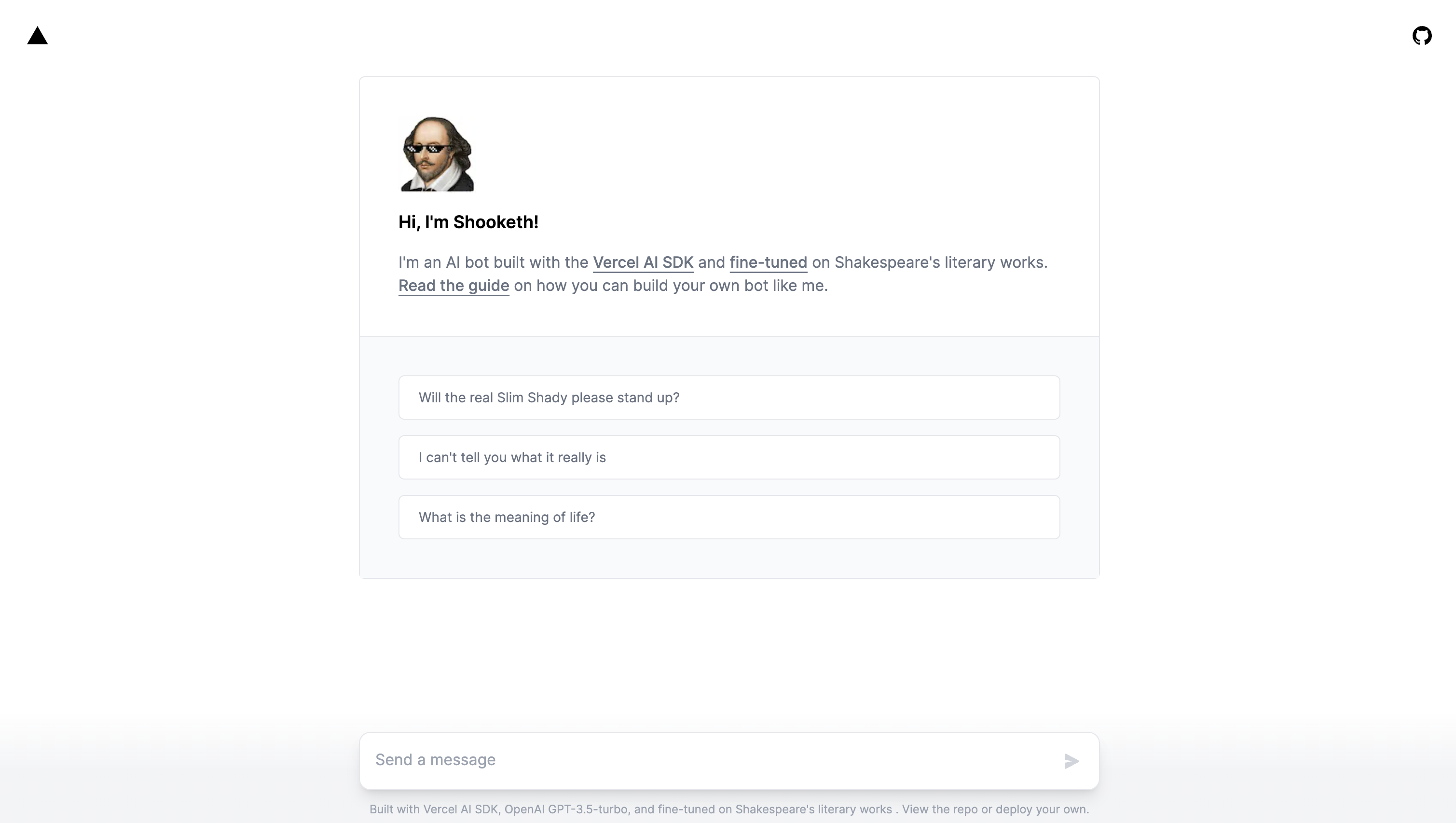
chatCompletionwith an array of role and content messages and render the assistant's replies; the demo project at nuxtchatgpt.com adds folder organization for saved conversations. - Show streaming answers: use
chatCompletionStreamwith anonTokencallback so responses appear progressively as they are generated, and anonDonecallback when the stream finishes. - Generate images in the browser: call
generateImageand convert base64 responses to blob URLs with the README'sb64ToBlobUrlhelper, or passresponse_format: 'url'to receive image URLs directly. - Add quick single-turn chat: use
chatwith a simple string prompt for flows like answering customer-service questions, and switch models by passing a second argument such asgpt-5-mini.
How does Nuxt Chatgpt work?
Install the module, declare it in the modules array of nuxt.config.ts, and optionally set chatgpt.apiKey. In any component, call useChatgpt() to get the four methods; each call is proxied through a Nitro Server route, keeping the API key server-side.
Pricing
The nuxt-chatgpt module is free and open source under the MIT License. The only cost is the OpenAI API usage your application generates through your own API key.
FAQ
Is Nuxt Chatgpt free?
Yes. The module is distributed under the MIT License and installable from npm with npx nuxt module add nuxt-chatgpt. You pay OpenAI directly for the API calls made through your own key.
Is my OpenAI API key exposed in the browser?
No. All requests are routed through a Nitro Server, which keeps the API key server-side and prevents it from being included in the client bundle.
What Node.js version do I need?
The README specifies a minimum of Node v18.20.5, with v20.19.0 recommended for development.
What OpenAI models can I use?
Text models include gpt-4o-mini, gpt-4, gpt-4-turbo, gpt-3.5-turbo, gpt-5-nano, gpt-5-mini, gpt-5-pro, gpt-5.1, gpt-5.2, gpt-5.2-pro, and text-davinci-003. Image models include dall-e-3, gpt-image-1, gpt-image-1-mini, and gpt-image-1.5.
Does the module support streaming?
Yes. chatCompletionStream returns responses token by token over SSE and provides onToken, onDone, and onError callbacks, so you can render answers while they are being generated.