Template details
Nuxt Commerce
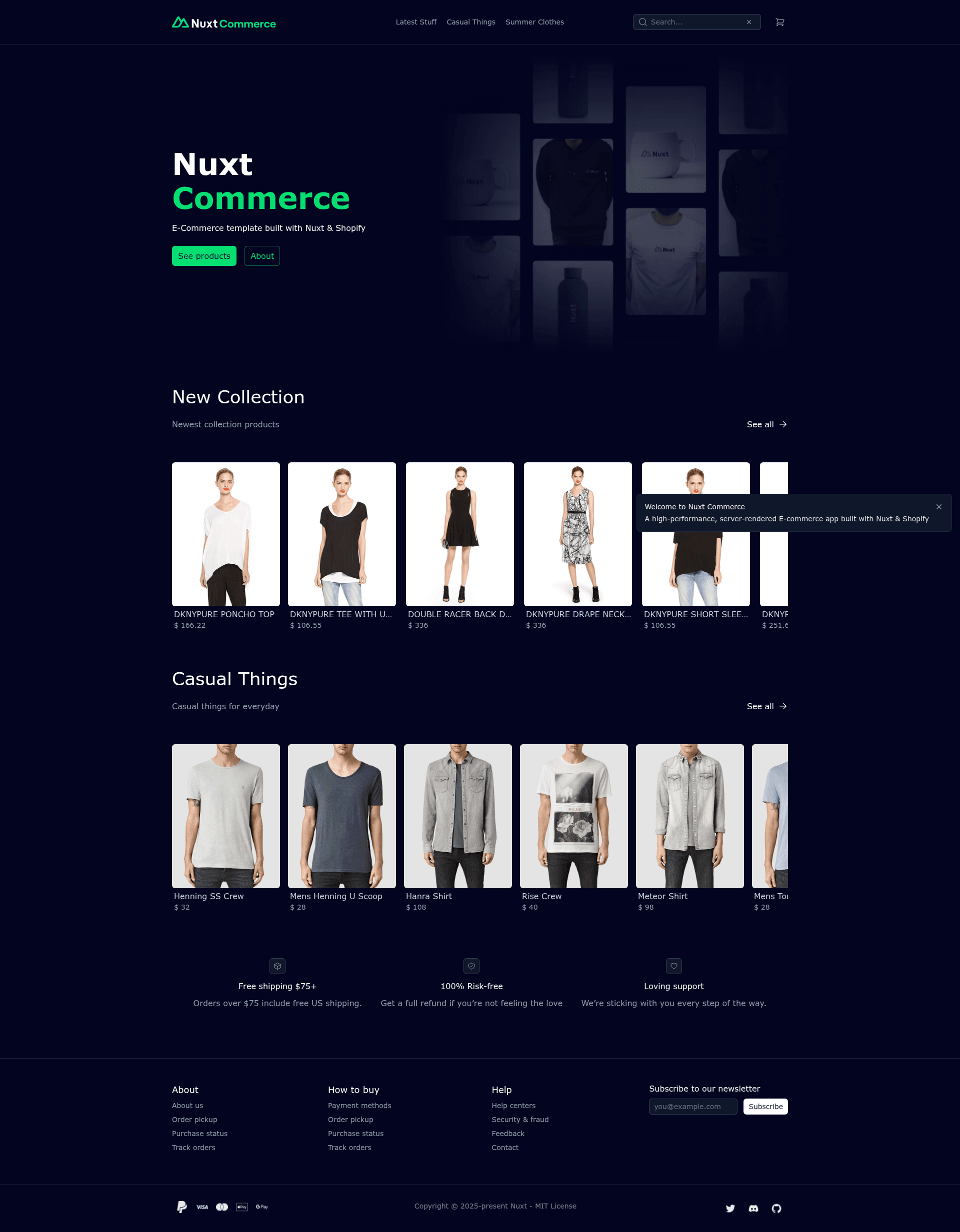
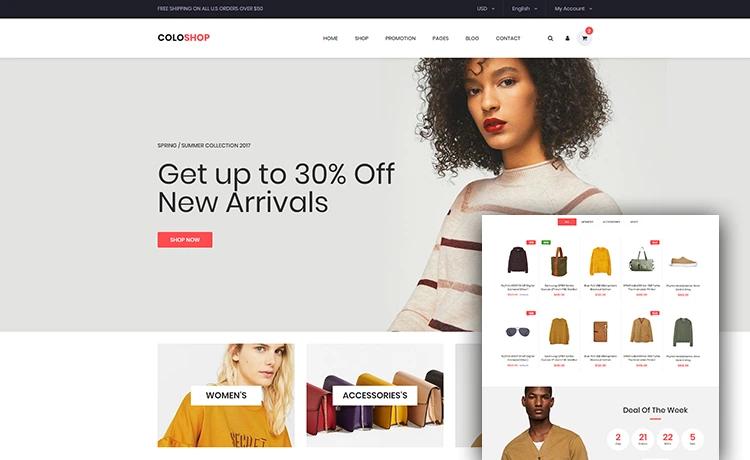
A high-performance, server-rendered E-commerce starter built with Nuxt and Shopify, featuring Nuxt UI, GraphQL, hybrid rendering, and SEO.
About this template
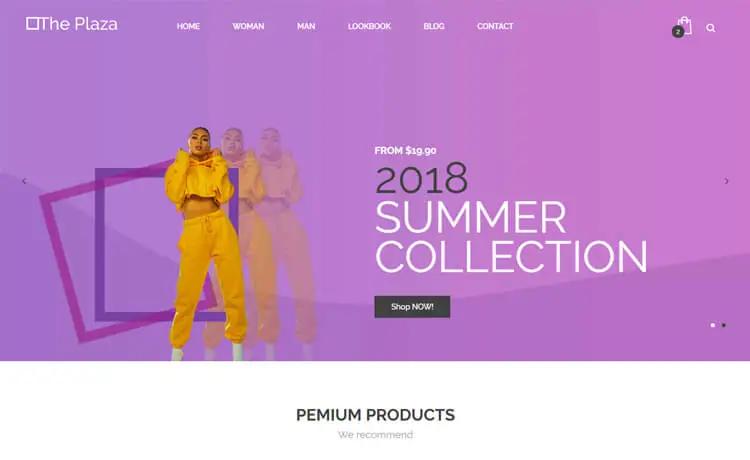
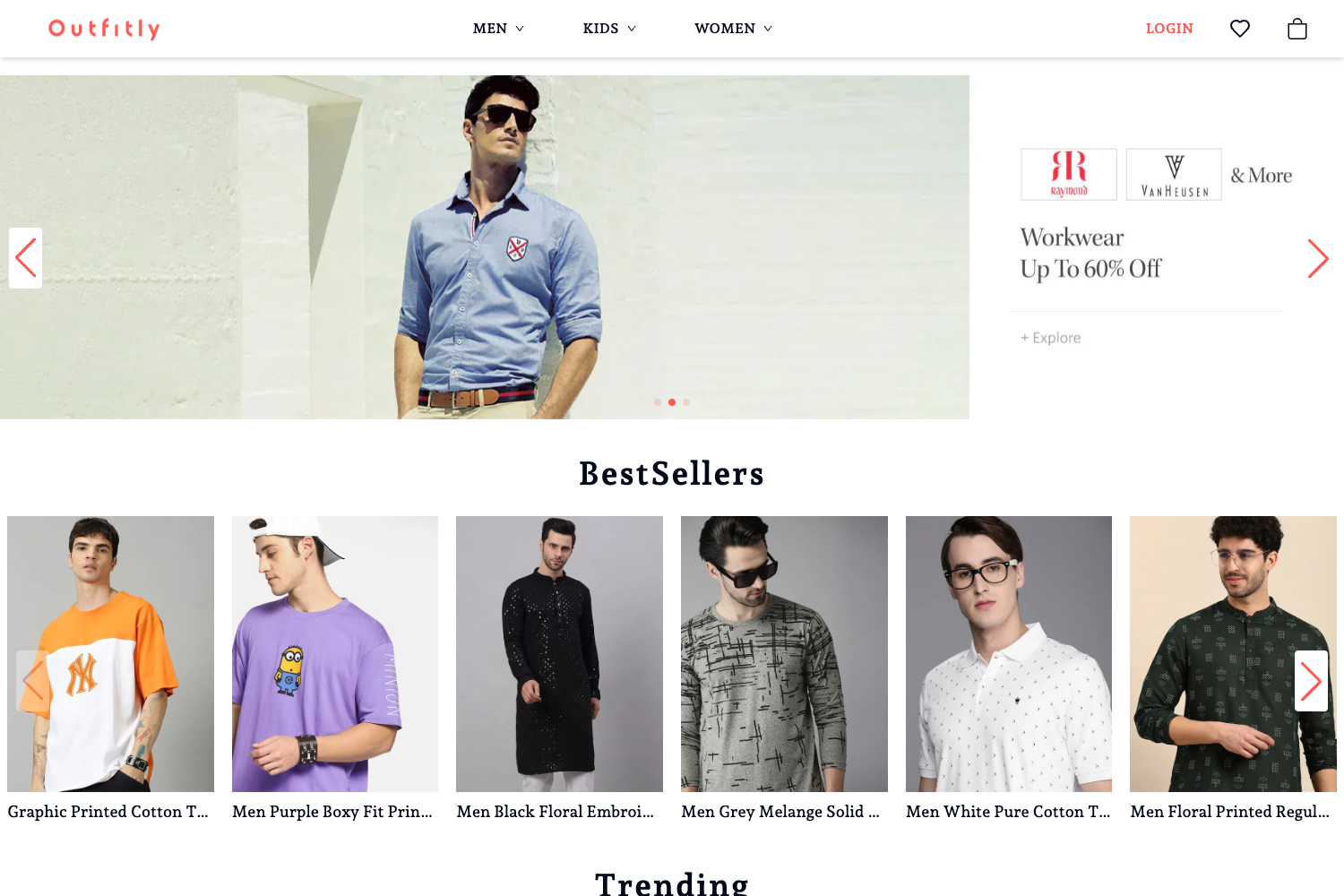
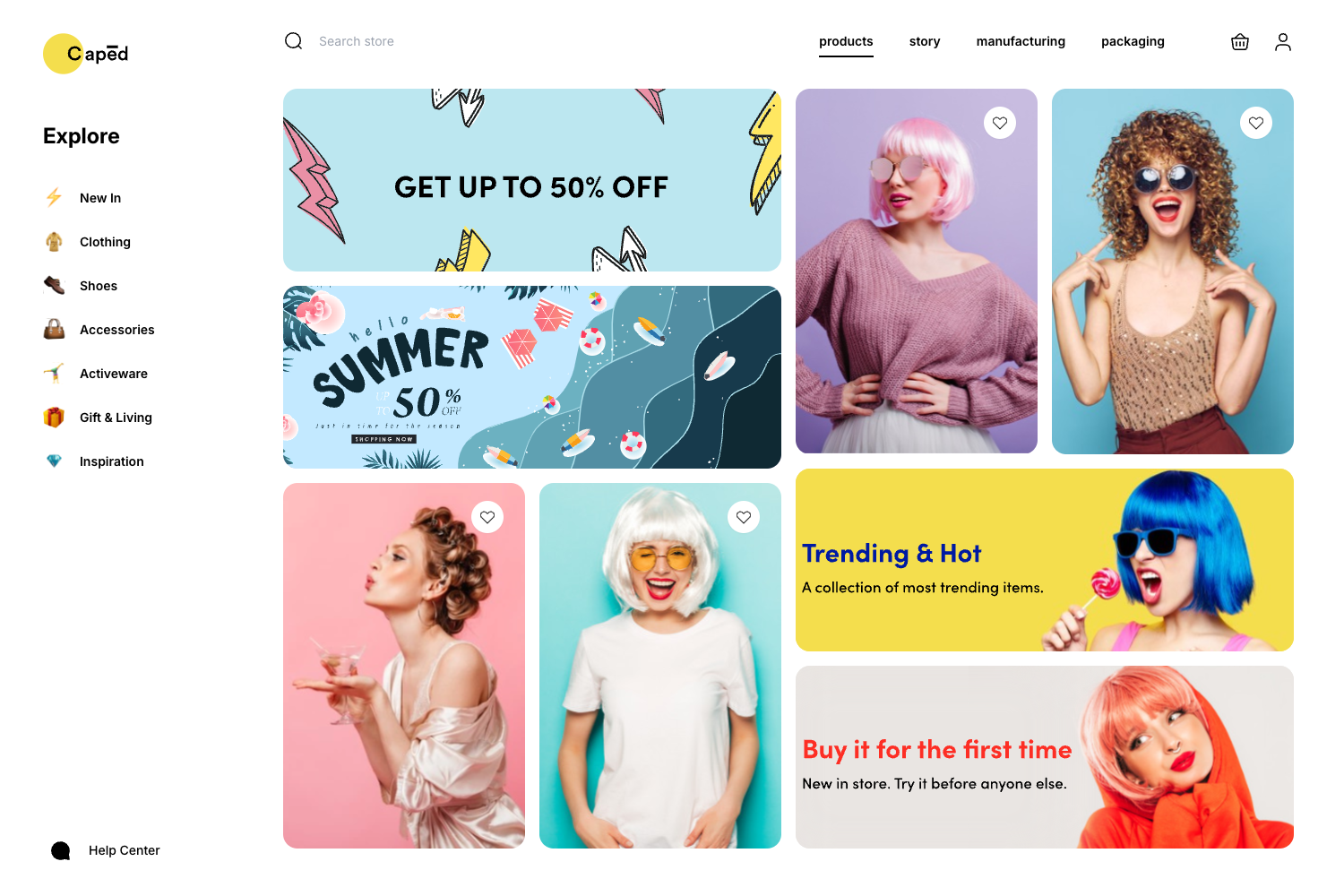
Nuxt Commerce is a server-rendered e-commerce starter template built with Nuxt and Vue that delivers a Shopify-powered storefront with Nuxt UI components, GraphQL data fetching, image optimization, and hybrid rendering.
What is Nuxt Commerce?
Nuxt Commerce is an open-source e-commerce starter template from the Baroshem/nuxt-commerce GitHub repository. It takes Shopify store credentials through environment variables and produces a server-rendered storefront, using a GraphQL client for product data. The template runs on Nuxt with Vue, and includes a one-click deploy button for Vercel. A live demo is available at nuxt-commerce.dev.
Key Features
- Nuxt UI — A modern UI library for building the storefront interface, included as the default component set.
- GraphQL Client — Minimal GraphQL client with code generation, used to query Shopify's storefront API.
- Image Optimization — Built-in image optimizer that resizes and transforms images, with support for connecting your preferred image CDN.
- Scripts — Optimized loading of third-party scripts with improved performance, privacy, security, and developer experience.
- Hybrid Rendering — Route rules let you set different caching and rendering modes per page, enabling static or server-rendered pages as needed.
- SEO — Simple configuration for sitemap.xml, robots.txt, meta tags, and Open Graph images.
- JSON-LD — Lightweight linked data format embedded for products to help search engines understand product information.
Who is it for?
- Nuxt developers who want a production-ready e-commerce storefront without building everything from scratch.
- Shopify merchants seeking a custom, high-performance headless storefront built on Nuxt rather than a standard Shopify theme.
- Agencies that need a customizable starter codebase for client e-commerce projects, with a modular integration structure.
- Developers exploring headless commerce who want to experiment with Shopify or swap in alternatives like Medusa by following the template's integration guide.
What can you do with Nuxt Commerce?
- Launch a Shopify storefront: Configure your Shopify credentials in the .env file, run the dev server, and have a server-rendered storefront with SEO and image optimization ready.
- Add third-party integrations: Create modules in the modules directory to connect content management systems, search engines, or payment providers using Nuxt's installModule function.
- Switch e-commerce platforms: Replace the default Shopify integration with another backend such as Medusa by creating a new module, moving the Shopify folder, and adapting the code.
- Optimize performance per route: Use hybrid rendering route rules to define caching and rendering strategies for individual pages, such as static product pages and server-rendered checkout.
How does Nuxt Commerce work?
The setup process is straightforward: install dependencies with pnpm, copy the .env.example file to .env and fill in Shopify credentials, then run pnpm run dev to start the development server on localhost:3000. For production, run pnpm run build followed by pnpm run preview to inspect the build output.
Alternatives
- WooNuxt — A Nuxt e-commerce starter for WooCommerce, mentioned in the project's acknowledgments.
- Nitrogen — Another Nuxt-based e-commerce boilerplate referenced in the project's kudos section.
FAQ
Does Nuxt Commerce require a Shopify store?
Yes. Shopify is the default e-commerce platform, and you need a Shopify store's API credentials to populate the storefront. The credentials are stored in environment variables, and the README warns against committing the .env file because it would expose secrets that let others control your store.
How do I install Nuxt Commerce locally?
Run pnpm install in the project directory, copy the .env.example file to .env and add your Shopify credentials, then run pnpm run dev. Your app will be available at localhost:3000. You can also build and preview the production version with pnpm run build and pnpm run preview.
Can I use a different e-commerce platform?
Yes. The template is designed so you can swap Shopify for another backend. The README walks through creating a custom module, adding composables for cart and auth logic, removing the Shopify folder, and adjusting the application to the new types and logic, with Medusa as an example.
How do I add third-party integrations?
Create a new folder in the modules directory, add an index.ts file, and use defineNuxtModule to set up the module. You can call installModule to incorporate an existing Nuxt module, or write a custom plugin for functionality that lacks a module. This keeps integration code isolated and maintainable.