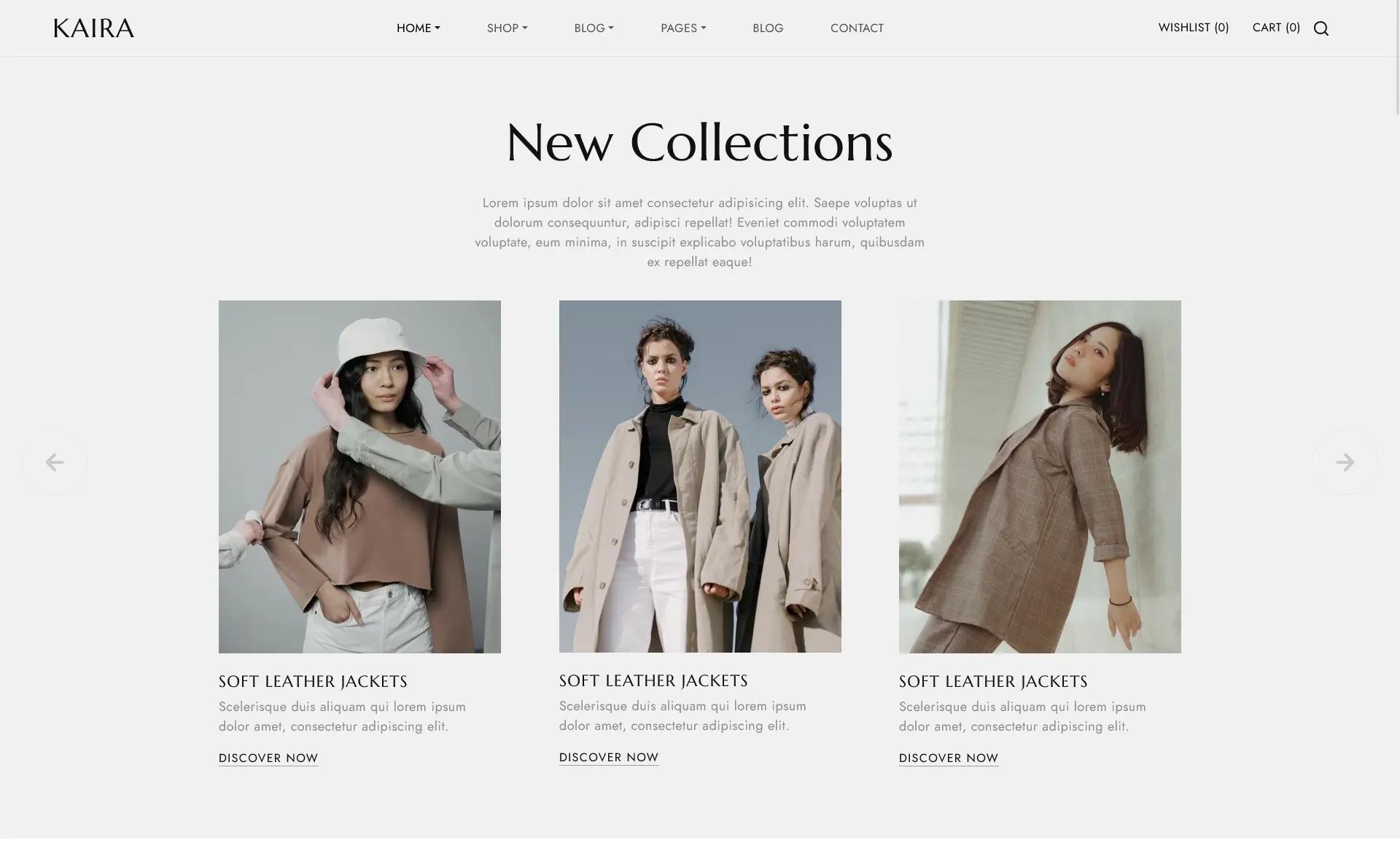
Template details
Wigs Ecommerce UI
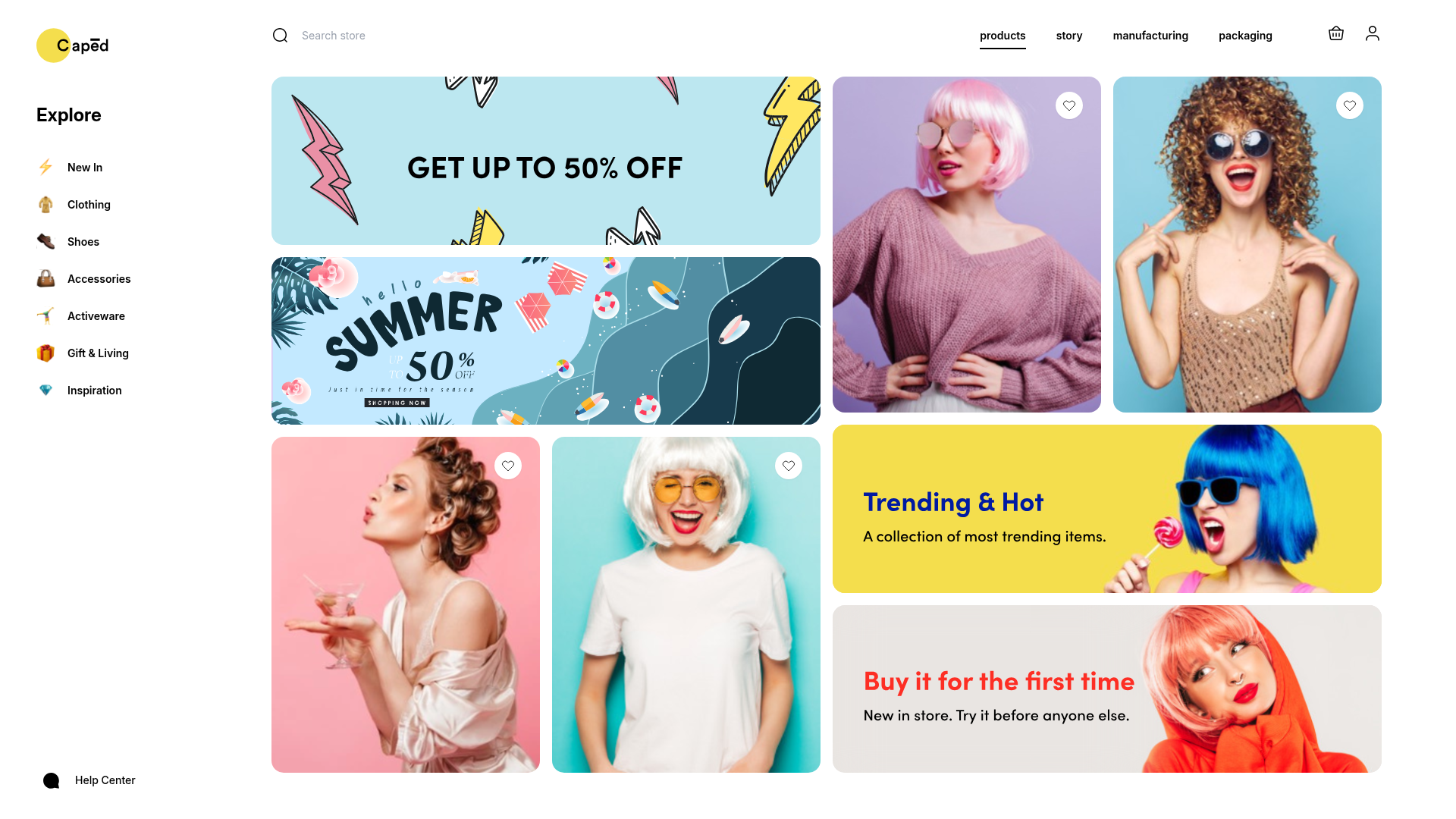
A Next.js ecommerce storefront template for wig shops, using Tailwind CSS and TypeScript.
About this template
Wigs Ecommerce UI is a Next.js starter template that implements a wig storefront interface from a Figma design, using Tailwind CSS and TypeScript. The repository is a minimal create-next-app project whose stated goal is redesigning the linked Figma file for a wigs ecommerce user interface.
What is Wigs Ecommerce UI?
Wigs Ecommerce UI is a front-end template built with Next.js and bootstrapped through create-next-app. It takes a Figma file for a wigs ecommerce interface as its design source and produces a runnable Next.js project with a home page and an API route example. The app runs on Node.js, uses the Pages Router, and the main page is editable at pages/index.tsx. The repository metadata lists ecommerce, nextjs, tailwindcss, and typescript as its topics, and the description explicitly states it is a redesign of the Figma file at the provided link.
Key Features
- Next.js framework — Built on Next.js via create-next-app, providing file-based routing, server-side rendering, and a development server started with
npm run devoryarn dev. - TypeScript — The project includes TypeScript (per repository topics), giving typed props, better editor support, and type safety for storefront components.
- Tailwind CSS — Styling is handled with Tailwind CSS, a utility-first CSS framework, also listed in the repository topics, enabling rapid custom styling of product cards, navigation, and layout.
- Ecommerce UI from Figma — The layout is a redesign of a specific Figma file for a wigs ecommerce interface, so it targets product listing, storefront navigation, and page anatomy rather than a generic landing page.
- API routes — Includes a sample API route at
pages/api/hello.tsx, demonstrating how thepages/apidirectory maps to the/api/*endpoint in Next.js. - Vercel deployment — The README points to the Vercel platform for deploying the app, with a one-click deployment option from the create-next-app template.
Who is it for?
- Ecommerce developers — Those building a wig or beauty storefront can use this template as a starting point, replacing placeholder content with real product data, images, and checkout logic.
- UI designers — Designers who created or work with the linked Figma file can compare the coded implementation against the wireframe and iterate on spacing, colors, and component structure.
- Next.js learners — Developers new to Next.js can explore a minimal project that demonstrates the Pages Router, API routes, and Tailwind CSS integration in a concrete ecommerce context.
Use cases
- Wig store owners: Launch a lightweight storefront by customizing the home page and adding product pages built on the same layout and Tailwind utility classes.
- Front-end engineers: Prototype an ecommerce browsing experience using the existing TypeScript components and Tailwind styling, then wire up a headless commerce backend.
- Design-to-code workflows: Use the template as the React/Tailwind output when converting the Figma file into a live web page, since the repo is explicitly a redesign of that design.
FAQ
Is Wigs Ecommerce UI free to use?
Yes. The project is bootstrapped from create-next-app, which is MIT licensed, and the source is available publicly on GitHub. You can clone it, modify it, and deploy it without licensing fees.
How do I run the template locally?
Clone the repository, install dependencies with npm install, then run npm run dev. Open http://localhost:3000 to view the app. The main page is at pages/index.tsx and the sample API route is at pages/api/hello.tsx.
Does it include backend or payment functionality?
No. The template only provides the front-end UI and a sample API route. You would need to add your own ecommerce backend, product database, authentication, and payment processing to make it a complete store.