Template details
Nuxt Content Example
A blog example/boilerplate made with Nuxt Content
About this template
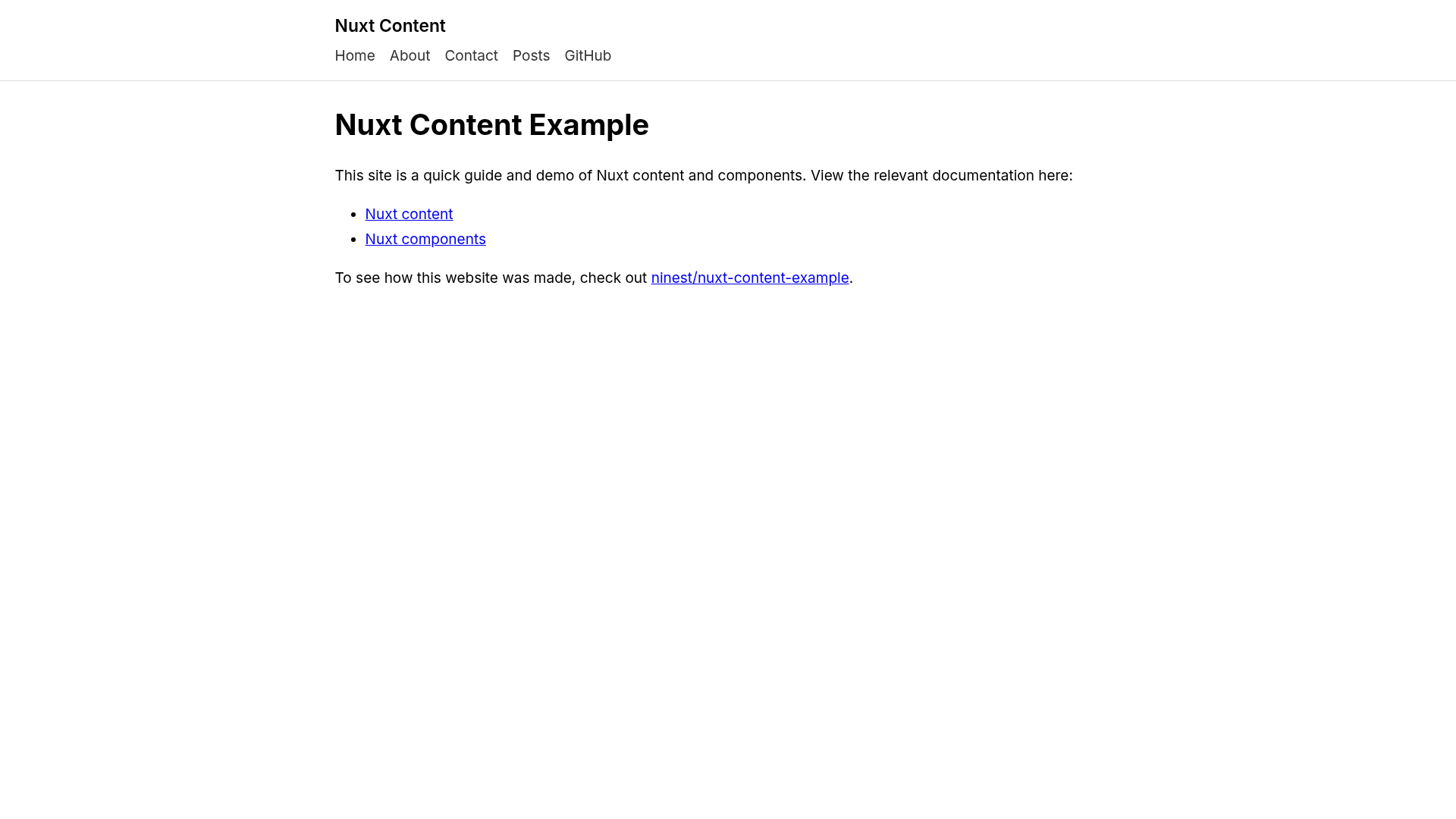
Nuxt Content Example is a minimal blog boilerplate for Nuxt.js that demonstrates how to build a static website with the Nuxt Content module and the Nuxt Components library. The project is created and maintained by GitHub user ninest, released under the MIT license, and ships with a live demo hosted on Surge.sh.
What is Nuxt Content Example?
Nuxt Content Example is a working example/boilerplate that shows how Nuxt Content reads local markdown files and turns each one into a route. It takes markdown files placed in the content/ directory as input and produces a static blog with an index page, an about page, a posts listing page, and individual post pages as output. The entire site is generated by Nuxt.js, using the Nuxt Content module for file-based content and the Nuxt Components library for automatic component imports.
Key Features
- Index and about pages — Two static pages that demonstrate the default layout and can be edited directly.
- Posts page — A listing page that pulls all markdown posts from the content folder.
- Per-post pages — Dynamic routes built from each markdown file's slug, handled by
pages/_slug.vuewithasyncDataand$content. - Custom layout components — Page layouts are assembled from Vue components, so you can reuse partials across pages.
- Normalize.css and custom styles — Base styling uses normalize.css plus project-specific custom CSS, with no UI framework.
- SEO meta tags — Each page includes meta tags for search engines and social sharing.
- Static site generation —
npm run generateoutputs a fully staticdist/directory ready for any host.
Who is it for?
- Developers learning Nuxt Content — They can study the working example to see how markdown becomes routes, how
asyncDatafetches documents, and how components are used. - Bloggers who want a lightweight markdown site — The boilerplate lets them write posts in markdown without a CMS.
- Developers needing a quick static-site starter — They can clone the repo, run
npm run dev, and have a blog running in minutes.
What can you do with Nuxt Content Example?
- Create a new page instantly — Drop a markdown file like
privacy-policy.mdintocontent/with frontmatter and it appears at the matching URL onlocalhost:3000. - Deploy to Surge.sh — Install the Surge CLI, run
surge dist, and choose a custom*.surge.shdomain, exactly as the demo does. - Extend the template — Because it uses Nuxt.js, you can add Vue components, new layouts, or additional content collections.
How does Nuxt Content Example work?
After cloning the repository, run npm run dev to start the development server on localhost:3000. Each markdown file in the content/ folder is picked up by the Nuxt Content module and mapped to a route using the dynamic page component pages/_slug.vue. When you're ready to publish, run npm run generate to produce a static site in dist/, then deploy that folder to any static host.
FAQ
How do I create a new page?
Create a markdown file in the content/ folder with frontmatter for title and description, then save it. The new page will be available at the path matching the filename, for example privacy-policy.md becomes /privacy-policy.
Is Nuxt Content Example free to use?
Yes, the project is licensed under the MIT license, so you can use it in commercial and personal projects.
Can I include components inside markdown?
Not currently. The repository lists "Include components in markdown" as an unchecked feature, so native Vue components inside markdown files are not yet supported.
Where can I see a live demo?
The live demo is hosted at nuxt-content-example.surge.sh.
How do I deploy the site to production?
Run npm run generate to build a static site in the dist/ directory, then upload that folder to any static host. For Surge.sh, install the global CLI with npm install --global surge and run surge dist.