Template details
Nuxt Supabase Realtime CRUD Template
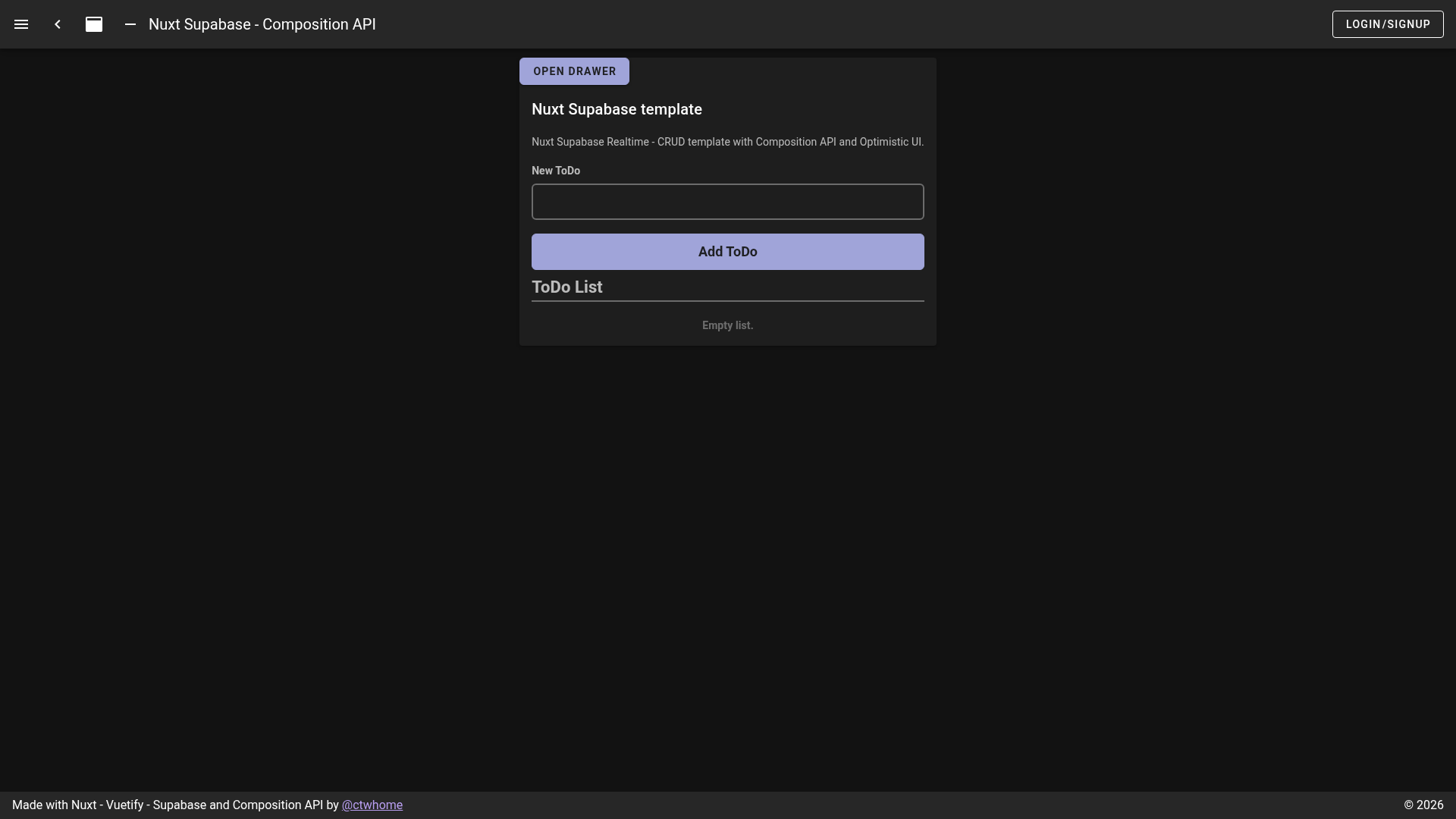
Nuxt.js + Supabase starter for realtime CRUD with optimistic UI, Google auth, and Netlify deployment.
About this template
Nuxt Supabase Realtime CRUD Template is an open-source Nuxt.js boilerplate that demonstrates a realtime CRUD app powered by Supabase, complete with Google authentication and an optimistic UI.
What is Nuxt Supabase Realtime CRUD Template?
It is a Nuxt.js project that uses Supabase for realtime database, authentication, and Google federated login, producing a working todos CRUD app that can run locally or deploy to Netlify. The template bundles a Vuetify-based UI, SQL initialization files for the todos table, and docker-compose configuration for local development. A live example is hosted at https://nuxt-supabase.netlify.app/, and the repository is published on GitHub with a Netlify deploy status badge. The tech stack is Nuxt.js, Vuetify, Supabase (DB, Realtime, Auth), Postgres, and Netlify Hosting.
Key Features
The template packs a realtime todos example, federated Google auth, and local docker-compose support into a single Nuxt.js project.
- Realtime CRUD example — A todos app that demonstrates create, read, update, and delete operations synced across clients through Supabase Realtime.
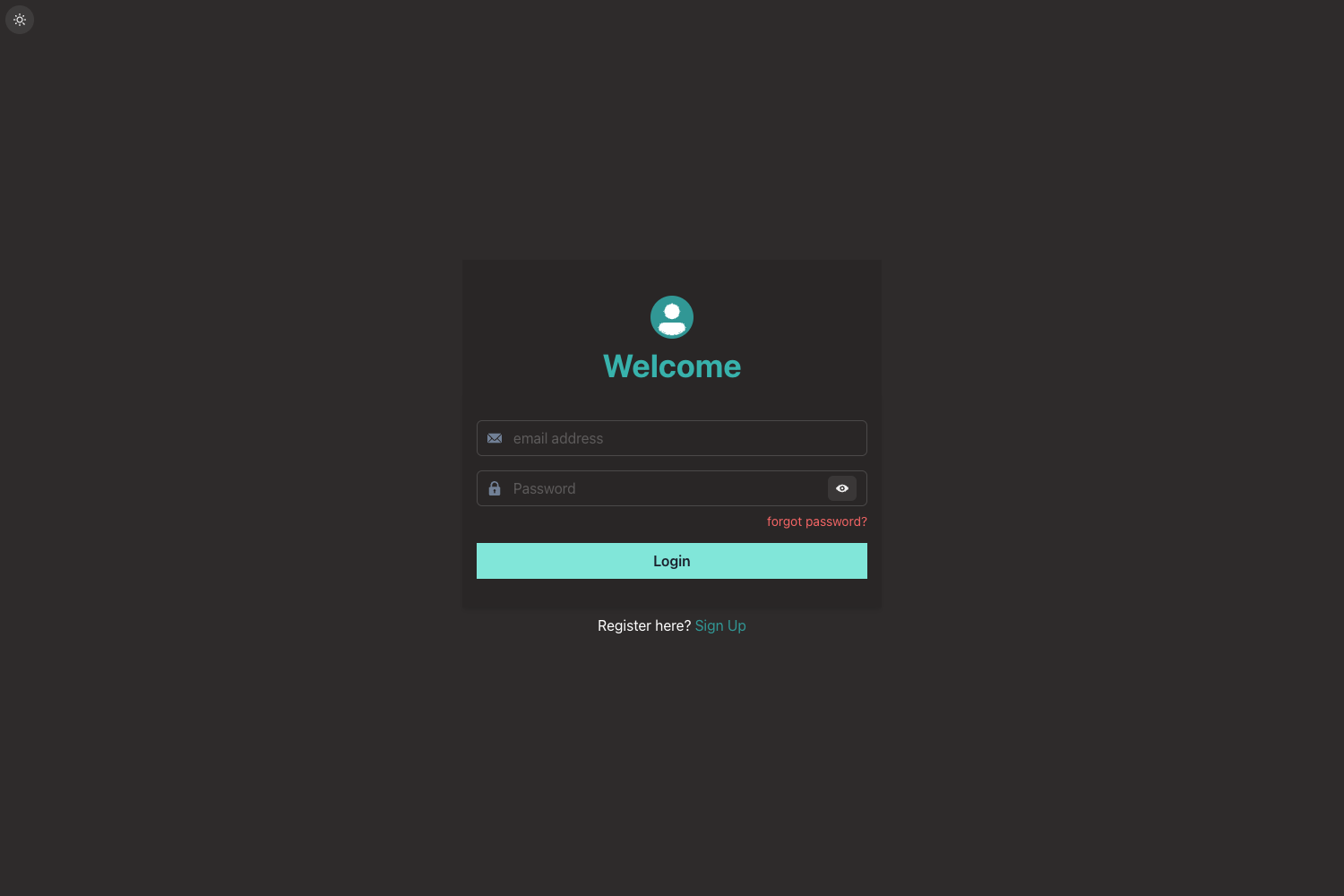
- Authentication — Includes auth setup with federated login via Google, configured from the Supabase Auth dashboard.
- Database initialization SQL — Provides a SQL statement that creates a
todostable with columnsid(varchar primary key),text(text),done(boolean), andcreated_at(timestamp with default now()). - Local development with docker-compose — A
dockerfolder with a compose file lets you run the required services locally before starting the Nuxt dev server. - Licensing notes — Includes commands using
license-checkerto summarize dependency licenses, with an example output showing counts per license type. - Netlify deployment — Ships with a deploy status badge and a live demo, making it easy to deploy the static Nuxt site to Netlify.
- Optimistic UI — The template's title highlights an optimistic UI approach for immediate feedback during CRUD operations.
Who should use Nuxt Supabase Realtime CRUD Template?
This starter is for developers who want a working Supabase + Nuxt integration without setting it up from scratch.
- Nuxt.js developers — who want a reference for wiring Supabase realtime and auth into a Nuxt app.
- Full-stack learners — who need a small, runnable example to see how frontend and Supabase backend interact.
- Prototypers — who want to add Google login to a Nuxt project quickly and can reuse the federated auth setup.
What can you do with Nuxt Supabase Realtime CRUD Template?
With the template you can run a realtime todos app, reuse the auth flow, and extend the CRUD pattern to your own Supabase tables.
- Build a realtime todos app — Use the included SQL and Nuxt pages to stand up a collaborative todos list where changes appear instantly.
- Prototype Supabase + Nuxt integrations — Swap in your own Supabase URL and anon key, then extend the existing CRUD pattern to other tables.
- Evaluate Netlify deployment — Deploy the repository to Netlify directly, since the project already includes a deploy status badge and live demo.
How does the template work?
You start by adding your Supabase URL and anon key to a local env file, then create the todos table with the provided SQL, and enable Google login in Supabase Auth. For local development, run docker-compose up from the docker folder to start services, then yarn dev for hot reload at localhost:8080. Production builds use yarn build and yarn generate for static generation.
FAQ
Does the template include authentication?
Yes, it includes Supabase Auth with federated login via Google. After enabling Google login in Supabase Auth settings, users can sign in, and the template handles the session.
How do I set up the database table?
Run the provided SQL in your Supabase SQL editor. It creates a todos table with columns id (varchar primary key), text (text), done (boolean), and created_at (timestamp with default now()).
Is there a live demo?
Yes, a running example is hosted at https://nuxt-supabase.netlify.app/ and the repository includes a Netlify deploy status badge.
How do I run the project locally?
Install dependencies with yarn install, then from the docker folder run docker-compose up -d, and finally yarn dev to serve with hot reload at localhost:8080.
Can I generate a static site?
Yes, run yarn generate to create a static Nuxt project that can be deployed to any static host like Netlify.