Template details
Next.js Chakra UI Template
Next.js and Chakra UI starter template with ESLint, dark mode, and SEO-friendly setup.
About this template
Next.js Chakra UI Template is a GitHub starter boilerplate that scaffolds a new Next.js application pre-configured with the Chakra UI component library, ESLint, dark mode, and SEO-friendly defaults.
What is Next.js Chakra UI Template?
This template is a minimal starting point for building Next.js apps with Chakra UI, created by GitHub user imadatyatalah. It provides a ready-to-run project structure that you can either clone via the "Use this template" button or bootstrap directly with npx create-next-app@latest --example https://github.com/imadatyatalah/cna-chakra-ui-template. The resulting app is a standard Next.js site that runs on http://localhost:3000 after running yarn and yarn dev. The project is open source under the MIT License, so it can be freely used as a foundation for personal or commercial projects.
Key Features
- ESLint ready — the project includes an ESLint configuration out of the box, so linting works immediately after scaffolding without additional setup.
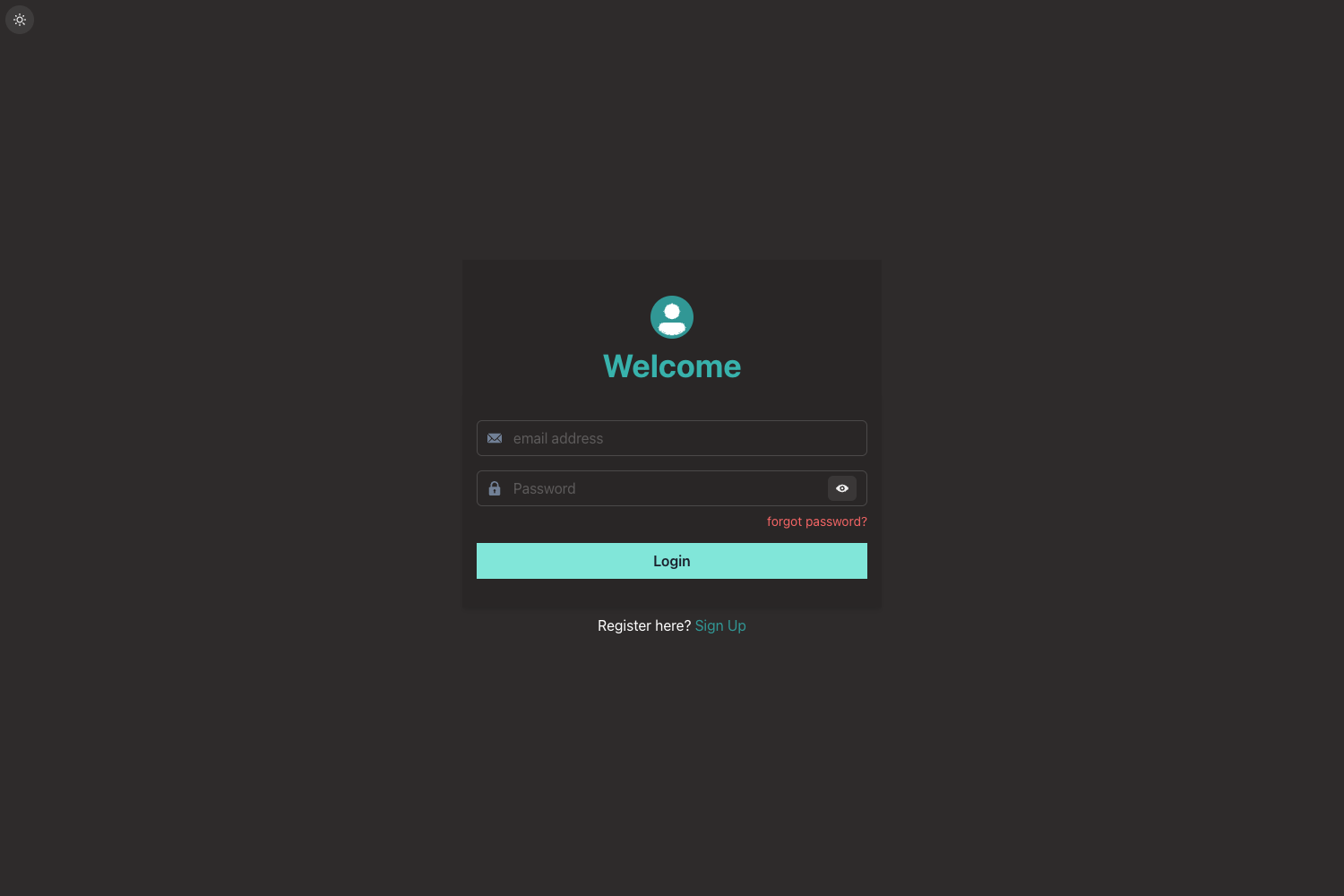
- Dark Mode ready — Chakra UI's color mode system is pre-configured, making it easy to implement a dark/light theme toggle without extra dependencies.
- SEO friendly — the starter includes basic SEO metadata and uses Next.js best practices to help search engines index your pages.
- Vercel one-click deploy — the README includes a "Deploy with Vercel" button that clones the repository and deploys it directly, using the Vercel platform.
- create-next-app example — the template is registered as an example for create-next-app, allowing you to scaffold a new project with a single command.
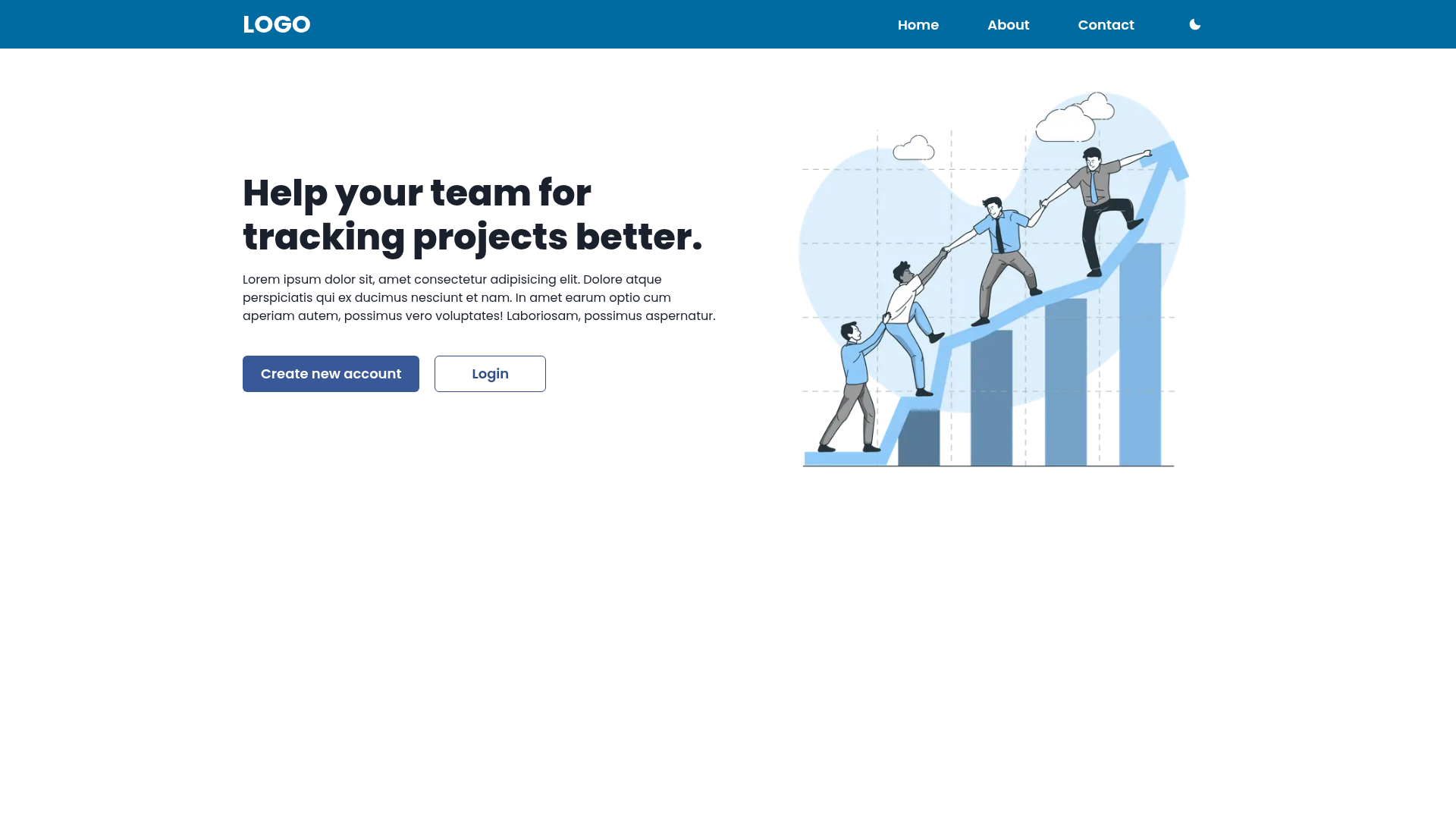
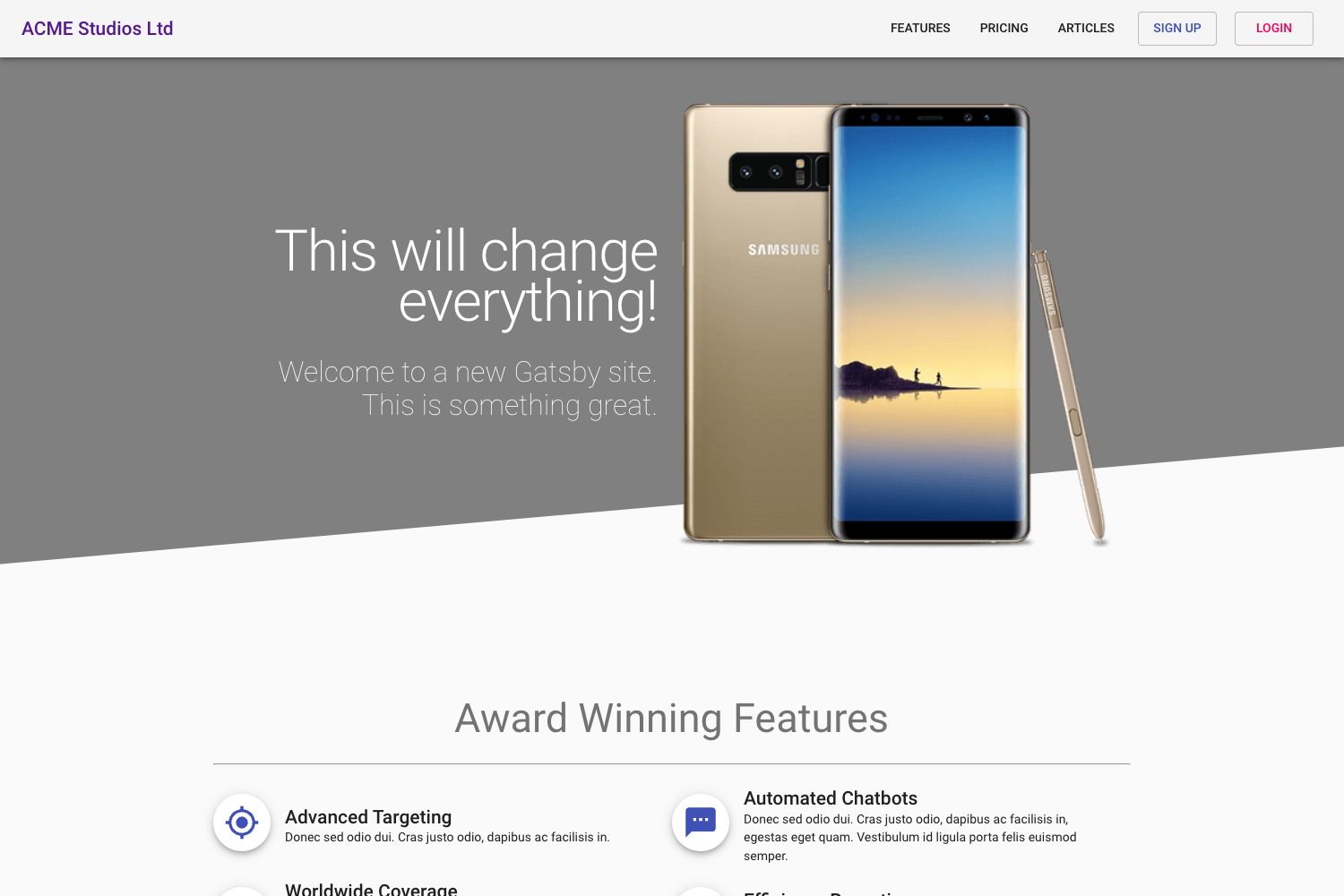
- Live demo — a working demo is available at https://cna-chakra-ui-template.vercel.app/ to preview the default look and behavior.
Who is it for?
- Next.js beginners who want a pre-configured Chakra UI setup without manually wiring dependencies and configuration.
- Experienced developers who need a clean, minimal scaffold to start a new project quickly with linters and dark mode already enabled.
- Vercel users who want to deploy a Next.js app rapidly through the provided one-click deploy button.
- Chakra UI enthusiasts looking for a reference implementation that combines Chakra UI with Next.js best practices.
What can you do with it?
- Rapid prototyping: Scaffold a Next.js + Chakra UI app in minutes and start building components immediately.
- Learning: Study how ESLint, dark mode, and SEO are configured in a Next.js + Chakra UI project.
- Open-source foundation: Clone or fork the MIT-licensed template to build your own product without licensing restrictions.
How does it work?
The template lives in a GitHub repository. You can either click the "Use this template" button to create your own copy, or run npx create-next-app@latest --example https://github.com/imadatyatalah/cna-chakra-ui-template to have create-next-app download and install it. After cloning, install dependencies with yarn and start the dev server with yarn dev. The site will be available at http://localhost:3000.
FAQ
Is Next.js Chakra UI Template free?
Yes, the template is open source and distributed under the MIT License, so you can use it in personal and commercial projects without paying anything.
How do I create a new project from this template?
Run npx create-next-app@latest --example https://github.com/imadatyatalah/cna-chakra-ui-template to scaffold a new project. Alternatively, use the "Use this template" button on GitHub to create a repository.
Does the template include dark mode?
Yes, dark mode is ready to use out of the box thanks to Chakra UI's built-in color mode support. You can toggle between light and dark themes without additional setup.
Can I deploy this template to Vercel?
Yes, the README includes a "Deploy with Vercel" button that clones the repository and deploys it to Vercel automatically. You can also deploy manually via GitHub integration or the Vercel CLI.