Template details
Nuxt Content + Netlify CMS Starter Blog
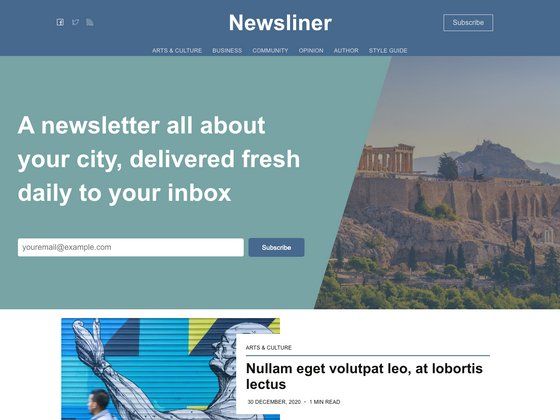
A Nuxt.js + Netlify CMS starter blog with editable pages, TailwindCSS styling, and Jamstack deployment.
About this template
Nuxt Content + Netlify CMS Starter Blog is a boilerplate for a Jamstack business website with a blog, built on Nuxt.js, @nuxt/content, and Netlify CMS, and it is a Vue-based port of the Gatsby + Netlify CMS Starter.
What is the Nuxt Content + Netlify CMS Starter Blog?
This starter generates a static business site with a landing page, about page, product page, blog collection, and contact page, all editable through Netlify CMS. It takes Markdown content stored in Git and outputs a fully static site using Nuxt 2.14 full static mode, with Netlify handling continuous deployment and CDN distribution. The project was created by lukeocodes as a port of the Gatsby + Netlify CMS Starter, and it follows the Jamstack architecture with Git as the single source of truth.
Key Features
- Editable Pages — Landing, About, Product, Blog-Collection, and Contact pages are editable from Netlify CMS, and the Contact page includes Netlify Form support.
- Blog from Netlify CMS — Create and edit blog posts through the Netlify CMS admin interface; content is stored in Git as Markdown via @nuxt/content.
- Tag support — Separate pages group posts under each tag, giving readers a topic-based archive.
- TailwindCSS styling — Uses the @nuxtjs/tailwindcss module with PurgeCSS to keep CSS minimal, and @tailwind/typography configured for prose and responsive prose.
- Full static mode — Nuxt 2.14 full static mode pre-renders the site for fast loading times without requiring a server.
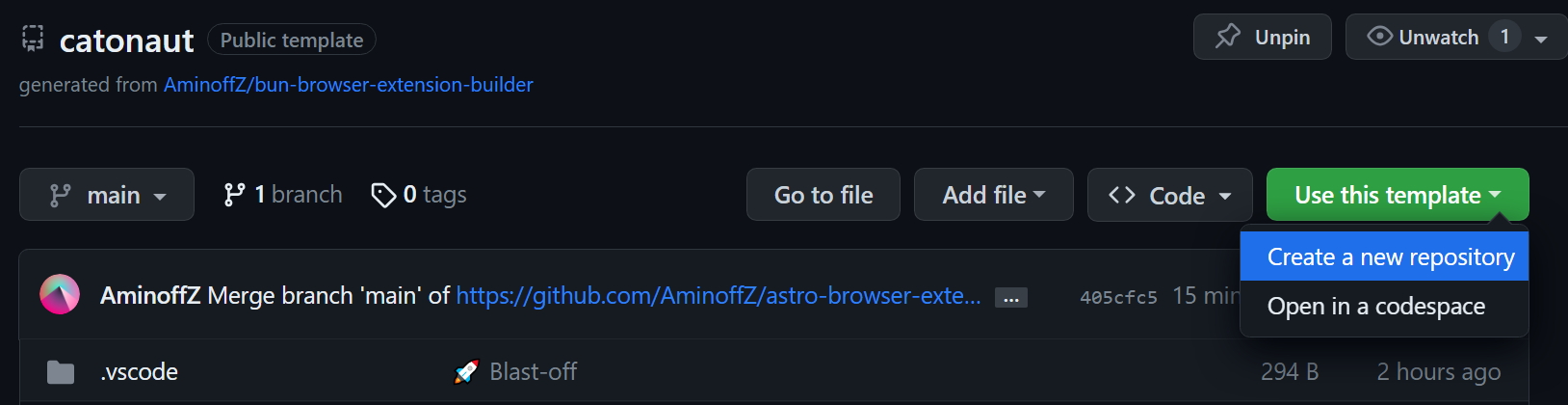
- Netlify deploy configuration — Includes a one-click Deploy to Netlify button that creates a GitHub repository, builds the site, and deploys it.
- Separate components — The project is organized into dedicated components for each piece of the UI, making customization easier.
Who is it for?
- Vue developers who want a Nuxt-based alternative to the Gatsby Netlify CMS Starter and a reference for wiring Netlify CMS into a static site.
- Small business teams that need a marketing site with a blog and want to edit content through a CMS without touching code.
- Jamstack practitioners looking for a working example of Nuxt, @nuxt/content, and Netlify CMS together with Git-based content workflows.
What can you do with the template?
- Business owners: edit page content and publish blog posts from the Netlify CMS admin, with changes committed to Git automatically.
- Content teams: organize posts into tag pages and create a browsable blog archive for readers.
- Agencies: quickly spin up a client site with the one-click Netlify deploy, then customize the components and Tailwind styling to match a brand.
How does it work?
Click the Deploy to Netlify button, authenticate with GitHub, and choose a repository name; Netlify automatically creates a repo from the template, builds the site, and deploys it. To work locally, clone the generated repository, run npm install, then use netlify dev (or ntl dev) to serve the site and test the CMS locally. Set up Netlify Identity to authorize users to log in to the CMS, and edit content from the admin interface.
Alternatives
The Gatsby + Netlify CMS Starter is the original project this repo ports; it uses React and Gatsby instead of Vue and Nuxt.
FAQ
Is this template free to use?
Yes, the starter lives in a public GitHub repository and can be deployed using the provided Netlify deploy button at no cost for the template itself.
Does it require a separate backend?
No, it follows the Jamstack architecture, using Git as the single source of truth and Netlify for continuous deployment; Netlify CMS reads and writes content to your GitHub repo, with Netlify Identity handling authentication.
Which Nuxt and content versions does it use?
It uses Nuxt 2.14 and @nuxt/content v1.1.0, as stated in the README, and it is a port of the Gatsby + Netlify CMS Starter.
How do I set up the CMS locally?
After cloning the repo and installing dependencies, run netlify dev to serve the site locally. For local CMS testing, you need to run a production build of the site, and set up authentication following the Netlify CMS Quick Start Guide.