Template details
Gatsby 2.0 Starter
Gatsby 2.0 starter with TypeScript, Jest, Storybook, and plop generators for building static websites.
About this template
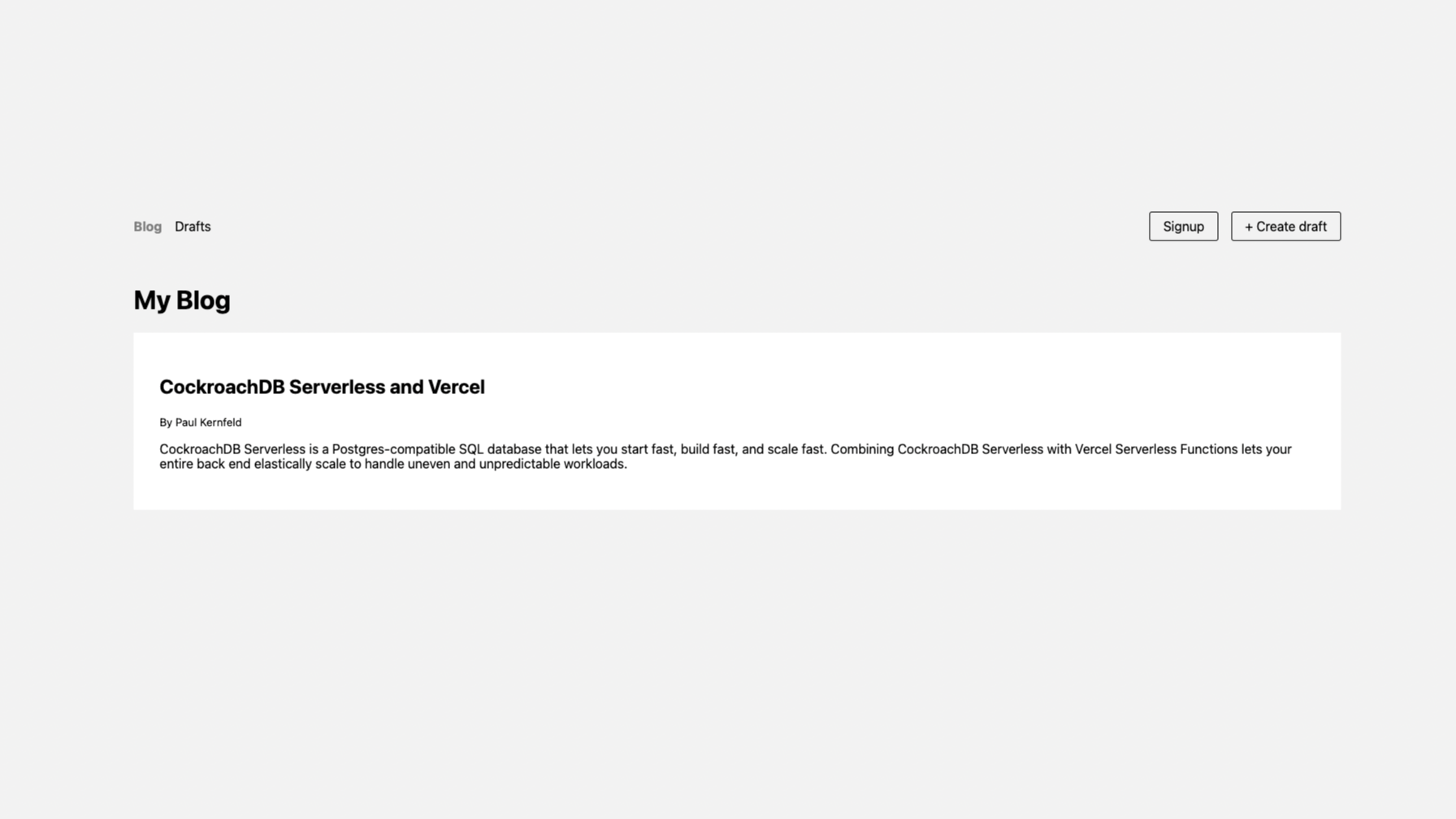
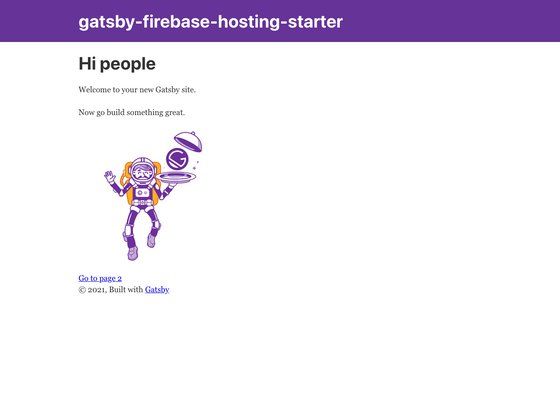
Gatsby 2.0 Starter is a boilerplate for creating static websites with Gatsby 2.0, React, and TypeScript, bundling a pre-configured developer toolchain that includes testing, linting, Storybook, and code generators.
What is Gatsby 2.0 Starter?
This starter, created by fabien0102 and hosted on GitHub, provides a complete Gatsby project scaffold: you supply a project name via gatsby new, and it outputs a static website with a markdown blog, TypeScript support, and CI configuration. The generated site is built with npm run build into a /public folder ready for any static host. A live demo is available at https://fabien0102-gatsby-starter.netlify.com/ and a Storybook docs instance at https://fabien0102-gatsby-starter.netlify.com/docs/.
Key Features
- TypeScript and TSLint — All source is written in TypeScript with a pre-configured
tsconfig.jsonandtslint.json, plus adeclarations.d.tsfile for third-party modules. - Jest and Enzyme testing — Unit tests are set up with Jest and Enzyme, and the starter tracks coverage through Code Climate.
- Storybook integration — React components can be developed in isolation and viewed through the included Storybook setup, with a hosted docs page.
- Plop code generators — Running
npm run generatelets you scaffold new blog posts, components, and pages from templates in the/generatorsfolder. - Semantic UI styling — The
react.semantic-uicomponent library is used for styling, with custom CSS in/src/css. - SEO with Helmet — React Helmet is included for managing page metadata and SEO tags.
- CI configuration — Travis and AppVeyor config files provide continuous integration for macOS, Linux, and Windows builds.
- Markdown blog with GraphQL — Blog posts live as Markdown in
/data/blog, with author data in/data/author.json, and are exposed through Gatsby's GraphQL layer. - Offline and PWA support — Offline support and a web manifest are listed as included in the Gatsby 2.0 feature checklist.
- Code quality tools — The starter wires up XO linter, Remark-lint, and Husky with lint-staged to auto-fix on every commit.
Who is it for?
- Frontend developers who want a Gatsby project with TypeScript and testing already wired up, instead of configuring the toolchain themselves.
- Open-source maintainers who need cross-platform CI (Travis/AppVeyor) and coverage tracking from the first commit.
- Content creators and bloggers who want a static blog in Markdown with generated post scaffolds and no heavy CMS.
What can you do with it?
- Scaffold a new blog post: Run
npm run generate, choose "Blog post", enter the post metadata, and plop creates the Markdown file; you then add an image to the new folder. - Develop components in Storybook: Launch Storybook to visually build and test each React component in isolation before integrating it into the site.
- Generate pages and components: Use the plop templates to produce consistent React components and pages that follow the starter's file structure.
How does it work?
After cloning the starter with gatsby new my-website https://github.com/fabien0102/gatsby-starter, run npm start for hot-reload development at http://localhost:8000. For production, npm run build compiles the static site to /public. The data folder feeds blog content and author info into GraphQL, while the gatsby-node.js hooks create pages from templates.
Pros and cons
Pros
- Pre-integrated TypeScript, testing, Storybook, linters, and CI mean less setup time.
- Plop generators eliminate repetitive copy-paste for common file types.
- The demo and Storybook links let you preview the result before installing.
Cons
- The starter is marked as work in progress; the README lists Google Analytics as an unchecked feature that you must add yourself.
- Blog posts require a manually placed image in the post's data folder before
gatsby developwill run. - The original README notes Gatsby 2.0 was in alpha at the time, so some APIs may have changed.
FAQ
Is this starter free to use?
Yes, it is a public GitHub repository that anyone can use as a starting point for a Gatsby site. There is no payment or license registration mentioned in the README.
How do I create a new blog post?
Run npm run generate, select "Blog post", and follow the prompts. Before running gatsby develop, add the author to data/author.json, place an author avatar in data/avatars, and put an image in the new folder under data/blog.
Does the starter include offline support?
Yes, offline support and a web manifest are marked as implemented in the checklist inside the README, so the generated site is set up for basic PWA capabilities.
What testing tools are included?
Jest and Enzyme are pre-configured, and the repository tracks test coverage on Code Climate, with build status badges for Travis and AppVeyor.