Template details
Ouibounce
A small JavaScript library that displays an exit-intent modal when visitors move their mouse toward the top of the viewport.
About this template
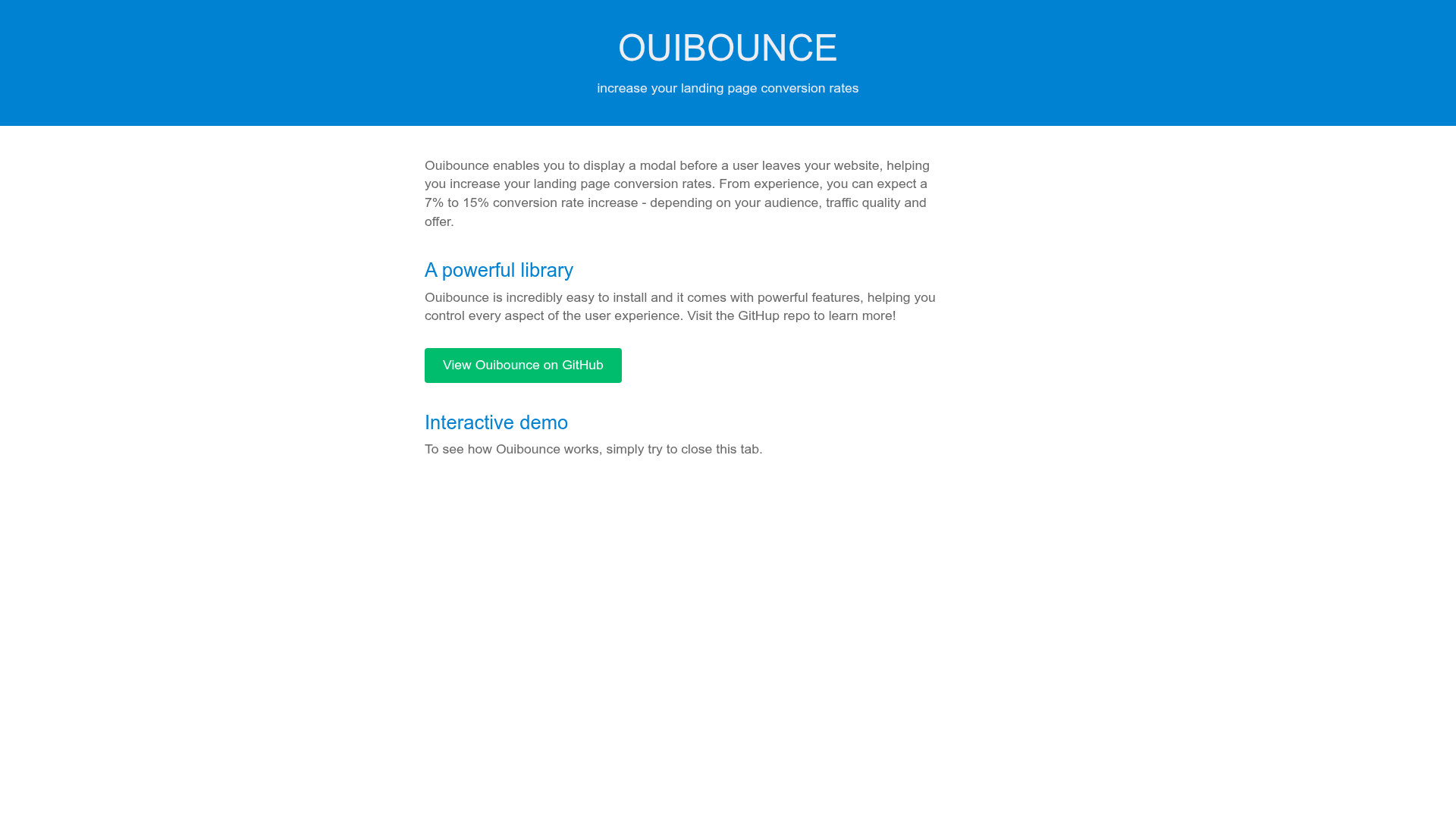
Ouibounce is a small, dependency-free JavaScript library that displays a modal when a visitor's mouse approaches the top of the viewport, signaling exit intent, to help increase landing page conversion rates.
What is Ouibounce?
Ouibounce is a lightweight JavaScript library created by Carl Sednaoui (of MailCharts) and maintained by contributors, designed to fire a modal when users move their mouse toward the top of the browser viewport—a classic exit-intent trigger. It takes a DOM element (the modal) and an optional options object as input, and shows or hides that modal based on mouse movement and cookie state. The library is distributed as a standalone script, also available via Bower, npm, and cdnjs, and is wrapped in a UMD wrapper so it works with AMD, CommonJS, and browser globals.
Key Features
- Exit-intent detection — Fires when the mouse cursor moves close to or passes the top of the viewport; sensitivity is configurable (default 20, higher = more sensitive).
- Cookie-based frequency control — By default the modal fires only once per visitor; a cookie is set with configurable expiration (session default), domain, name, and sitewide options.
- Aggressive mode — Set the
aggressiveoption totrueto make the modal eligible to fire on every page load/reload, useful for paid landing pages. - Timer and delay — Prevent false positives with a minimum
timer(default 1000ms) before firing, and optionally wait adelayin milliseconds before showing the modal, with a grace period if the mouse re-enters. - Callback API — Pass a
callbackfunction to run when Ouibounce triggers, and save the returned object to callfire()ordisable()programmatically. - Multiple distribution channels — Install via npm (
npm install ouibounce), Bower, download minified/unminified from the repo, or load from cdnjs. - Library agnostic — Works with vanilla JavaScript or jQuery, and can integrate with other plugins like Vex by calling
ouibounce(false, options). - MIT licensed — Free to use with no guarantees; legacy IE8 support requires an es5-shim.
Who is it for?
- Landing page marketers — Increase conversion rates by offering a lead magnet (ebook, webinar invite) right as visitors exit; the README cites expected lifts of 7% to 15% depending on audience and traffic type.
- Web developers — Add an exit-intent modal to any site with one function call, using vanilla JS or jQuery, and combine options like cookie expiration and aggressive mode.
- WordPress site owners — Use the third-party wBounce WordPress plugin (built on Ouibounce) or follow the Codeable tutorial to build a custom opt-in form.
What can you do with Ouibounce?
- SaaS and product sites: capture email addresses by showing a value-add offer (free ebook or exclusive access) when users are about to leave.
- Paid traffic landing pages: enable aggressive mode so the modal can fire on every load, maximizing the chance of converting paid clicks.
- Webinar and course promoters: display an upcoming webinar invite or a link to a full educational course as the exit-intent payload.
How does Ouibounce work?
- Create a hidden modal in your HTML.
- Select the modal with vanilla JavaScript or jQuery and call the
ouibouncefunction with the element as the first argument. - Optionally save the returned object to use the public API, letting you fire or disable the modal on demand.
Pricing
Ouibounce is free and open source under the MIT license. There are no paid tiers or commercial licenses to purchase.
FAQ
Does Ouibounce work with jQuery?
Yes — pass the jQuery element as the first argument, like ouibounce($('#ouibounce-modal')[0]). It also works with vanilla JavaScript and is wrapped in UMD for AMD/CommonJS environments.
How do I stop the modal from appearing after a user has seen it?
By default a cookie is set when the modal fires, so it won't appear again for that visitor until the session ends or the cookie expires. You can adjust this with cookieExpire, cookieDomain, cookieName, and sitewide options.
Can I make the modal appear on every page load?
Yes, set the aggressive option to true. This makes the modal eligible to fire whenever the page is loaded or reloaded for the same user, which is recommended for paid landing pages.
What is the default sensitivity and timer?
The default sensitivity is 20, meaning the mouse must be within 20 pixels of the viewport top to trigger. The default timer is 1000 milliseconds, so Ouibounce won't fire within the first second after page load to avoid false positives.
Does Ouibounce work in older browsers?
It works in legacy JS engines (like IE8 and below) only if you add a shim such as es5-shim. The library itself is MIT licensed and provides no guarantees.