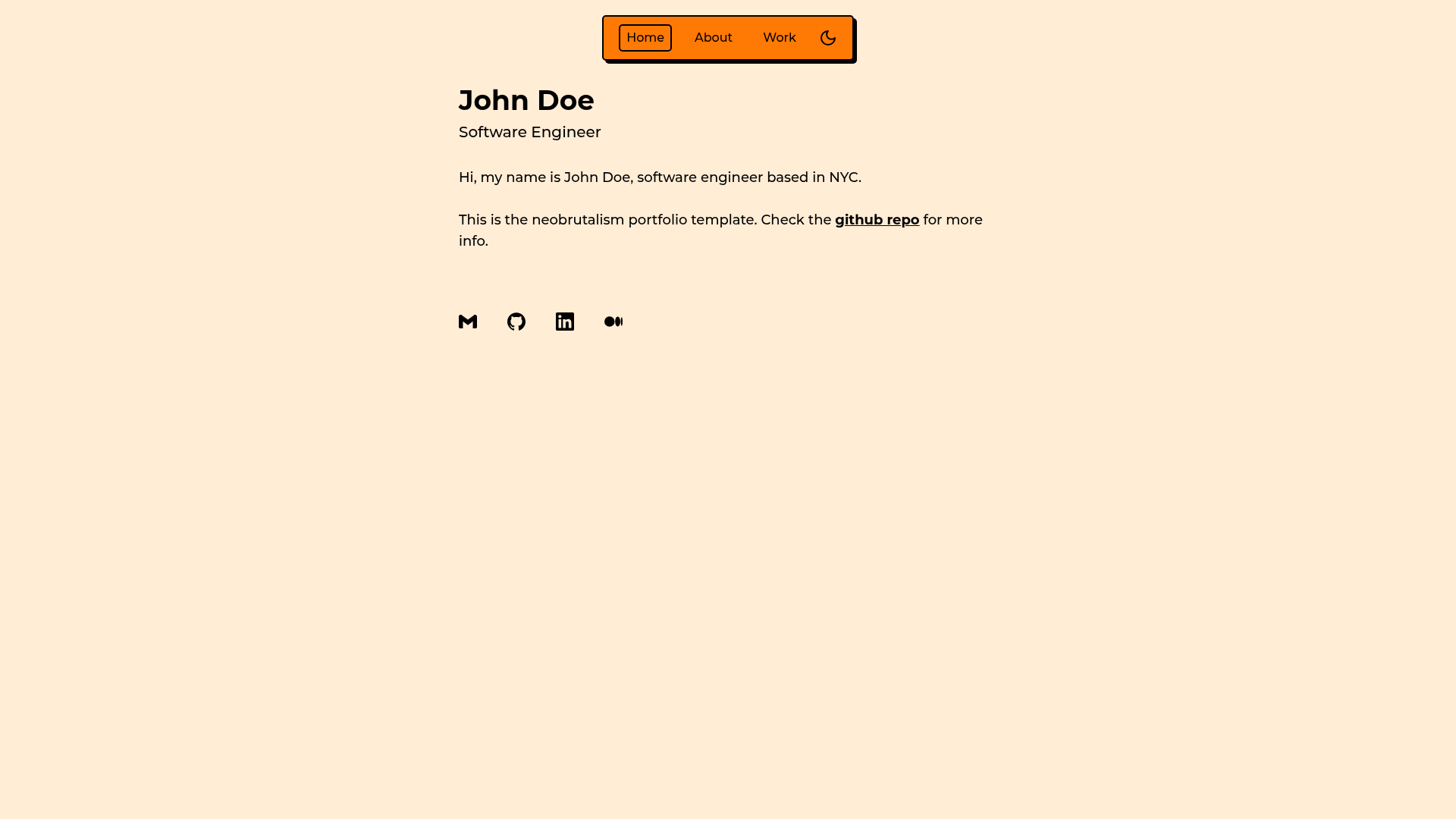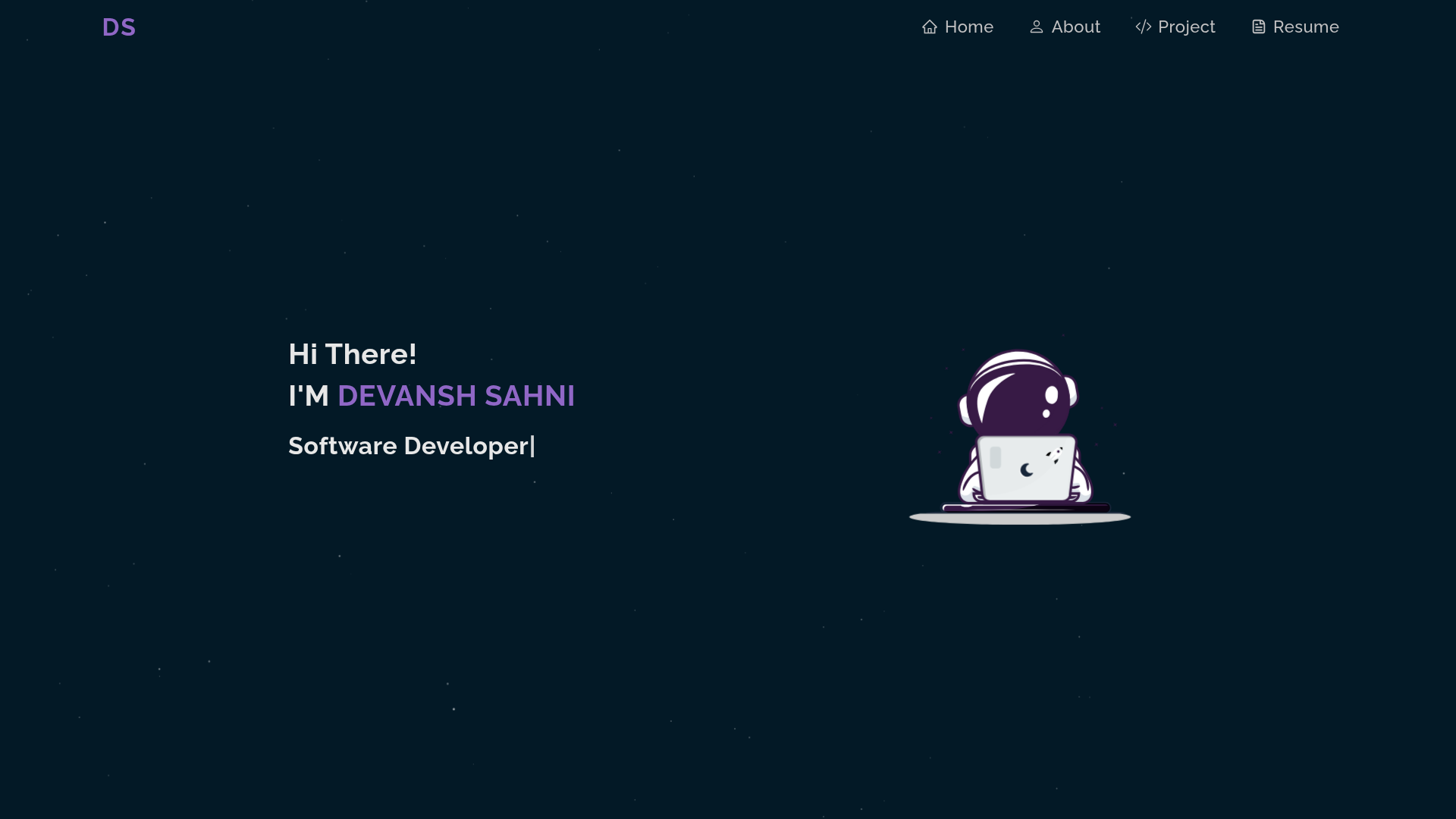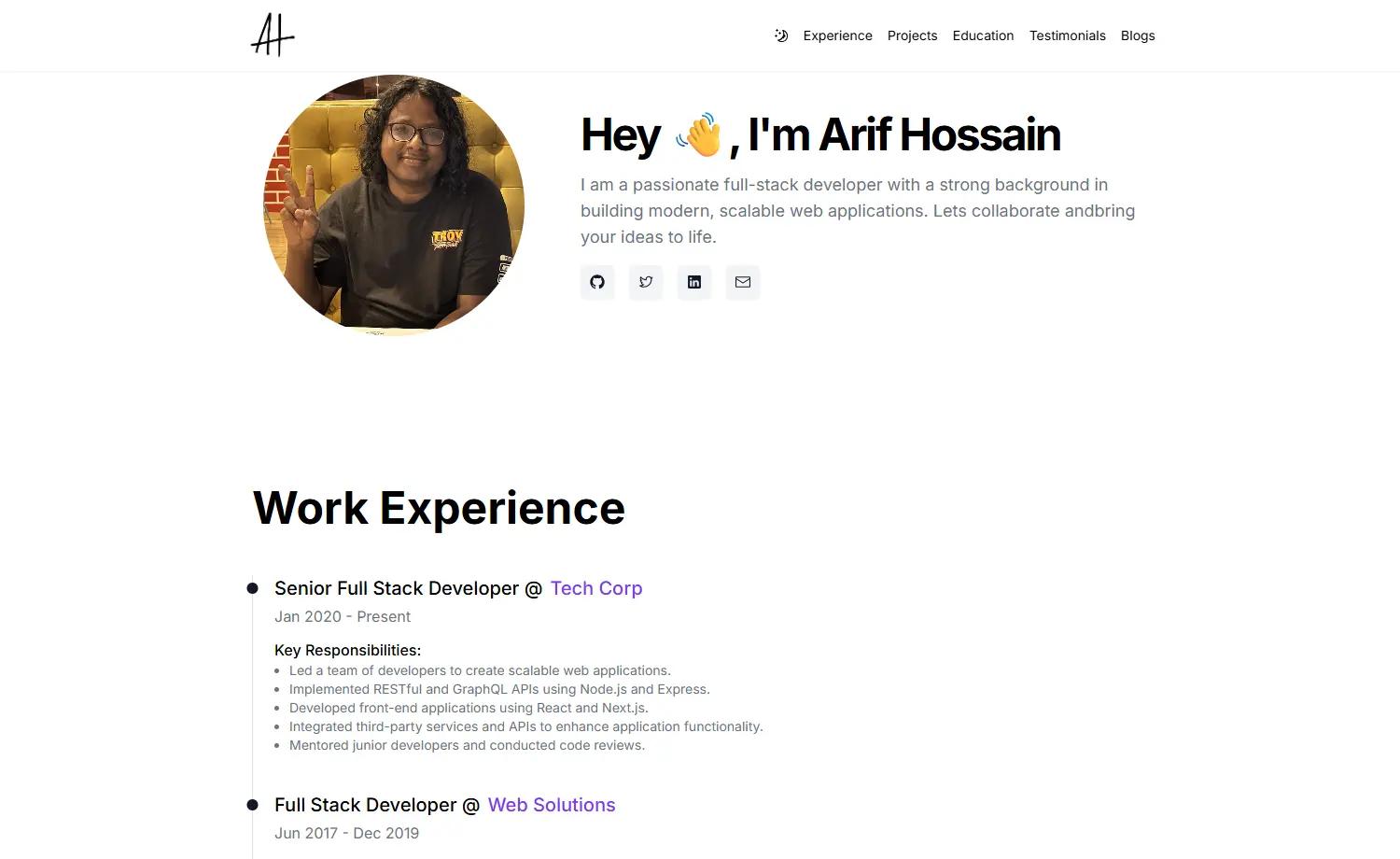
Template details
PanelCV
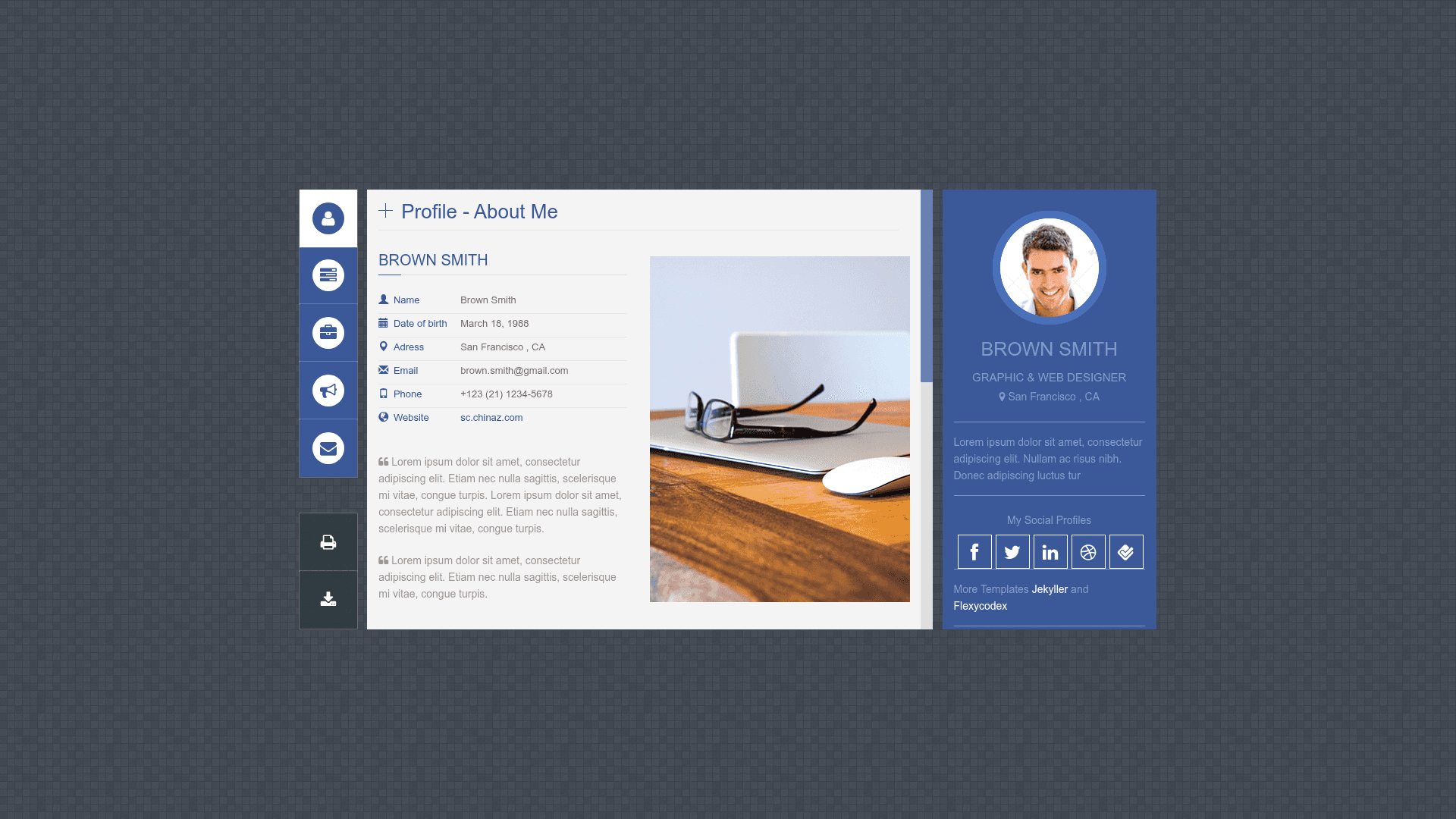
A free Jekyll theme for building a panel-style online CV for designers and engineers, deployable on GitHub Pages.
About this template
PanelCV is a free Jekyll theme that turns a designer or engineer's profile into a panel-style online CV, ready to host on GitHub Pages.
What is PanelCV?
PanelCV is a Jekyll theme for building a panel-style online CV or resume, originally crafted by flexycodex as a ThemeForest vCard template and converted to Jekyll by Locky. It takes content written in Markdown and YAML front matter and outputs a static HTML site that can be deployed for free on GitHub Pages. The theme is maintained on GitHub under the Jekyller organization, with a live demo available at jekyller.github.io/PanelCV.
Key Features
- Jekyll-based — Built on Jekyll's static site generator, so content lives in Markdown files and is rendered with Liquid templates to plain HTML.
- Panel-style layout — The design uses a panel/card interface (the repository lists "panel-type" as a topic), giving a distinctive non-linear resume presentation.
- Designer and engineer focus — The repository description is "Panel CV for designers (or engineers) :)" and the original design is a personal vCard.
- GitHub Pages ready — Installation is a two-step process: fork the repo and set the GitHub Pages source to master; the site appears at username.github.io/PanelCV.
- Based on a premium template — The original flexyvcard responsive vCard HTML template by flexycodex was adapted for Jekyll by Locky.
- Open source and free — The full source code is available on GitHub with 186 stars at the time of writing.
- Live demo — A working example is hosted at jekyller.github.io/PanelCV for previewing before installation.
Who is it for?
Designers and engineers who want a personal CV website without building it from scratch. Also, developers who use GitHub Pages and want a quick resume template. And freelancers looking to present a portfolio in a panel format.
What can you do with PanelCV?
- Designers — Showcase your skills, experience, and portfolio in a panel-style layout that stands out from single-column resumes.
- Engineers — Publish a technical CV on GitHub Pages in minutes, using the fork-and-settings installation flow.
- Job seekers — Create an always-available online resume that you can link to from applications and LinkedIn.
How does PanelCV work?
The installation is short: fork the repository, go to the repository settings, set the GitHub Pages source to master, and the site is live at your username.github.io/PanelCV. After that you edit the content files and push changes to rebuild the site.
Pricing
PanelCV is free and open source. There are no paid tiers or licensing fees; you only need a GitHub account to use it.
FAQ
Is PanelCV free?
Yes, PanelCV is free and open source on GitHub. You can fork it and use it for personal or professional projects without payment.
How do I install PanelCV?
Fork the repository on GitHub, then in the repository settings set the GitHub Pages source to master. Your site will be available at https://username.github.io/PanelCV.
What is a panel-type CV?
A panel-type CV organizes resume material into distinct panels or cards, rather than a single vertical timeline. This makes it easier to visually separate skills, experience, education, and contact info.
Who made PanelCV?
The original template was designed by flexycodex on ThemeForest as flexyvcard, and Locky (GitHub user junlulocky) modified it into a Jekyll theme.
Can I customize the content?
Yes, since it's a Jekyll theme you edit Markdown files and YAML data, plus the CSS and Liquid templates, to fit your personal information and branding.