Newsletter
Join the Community
Subscribe to our newsletter for the latest news and updates

A free React.js portfolio template with multi-page layout, animations, preloader, resume preview, and Vercel deployment.
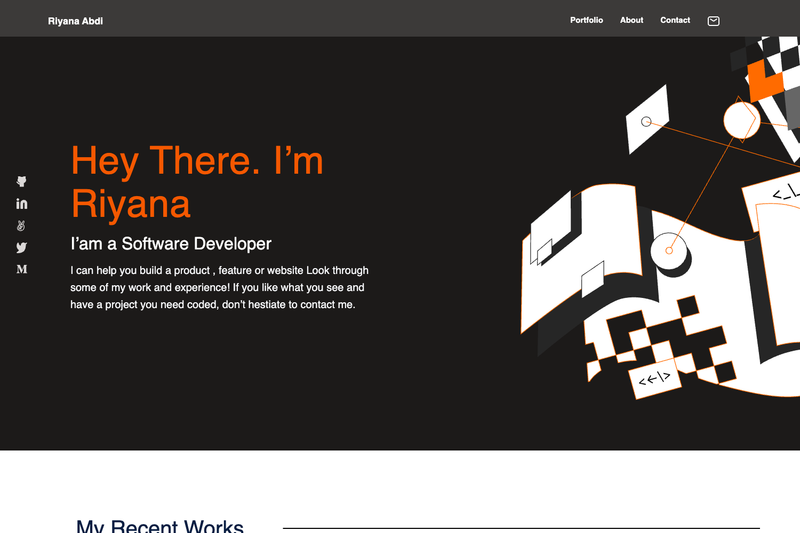
A mobile portfolio template built with HTML, CSS, and JavaScript, designed as a first project and deployable as a static page.
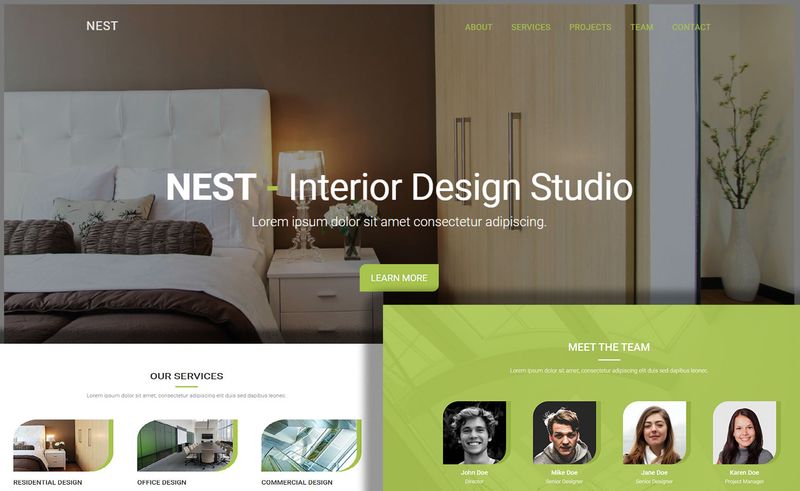
Free one-page HTML5 template for interior design studios with a working contact form, filterable gallery, and Bootstrap 3.
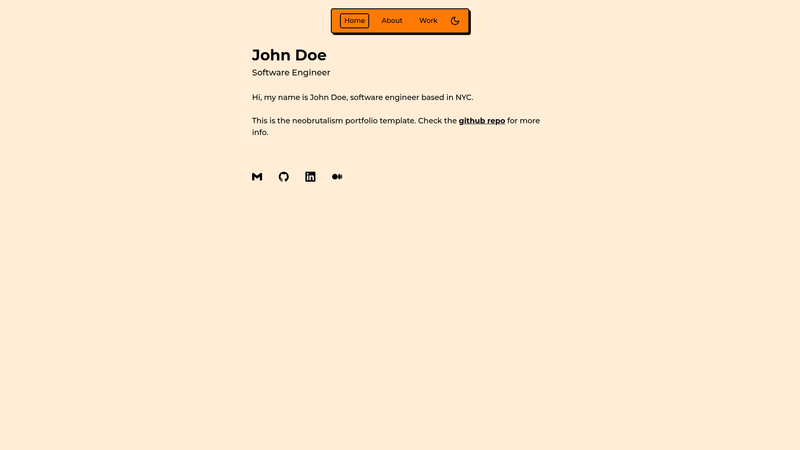
Neobrutalism-styled Next.js Tailwind template for portfolio websites.
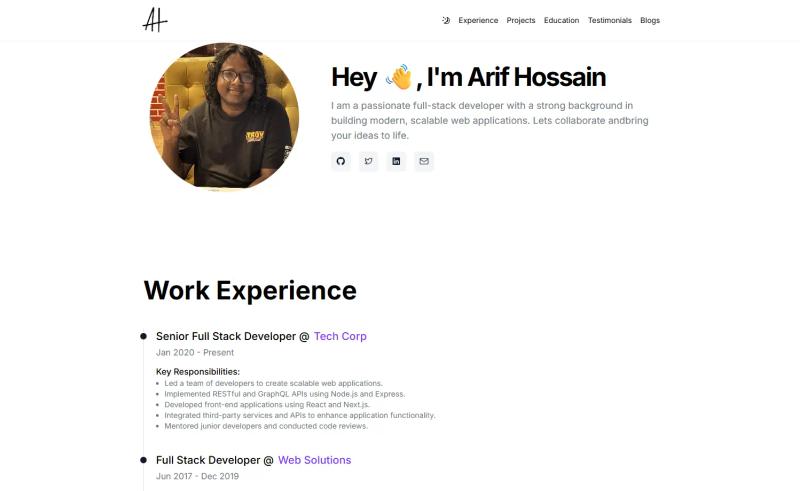
Free one-page portfolio template for Next.js with Tailwind CSS, featuring dark mode, sticky nav, and responsive design.
JS framework to dynamically generate a portfolio site from a JSON resume.
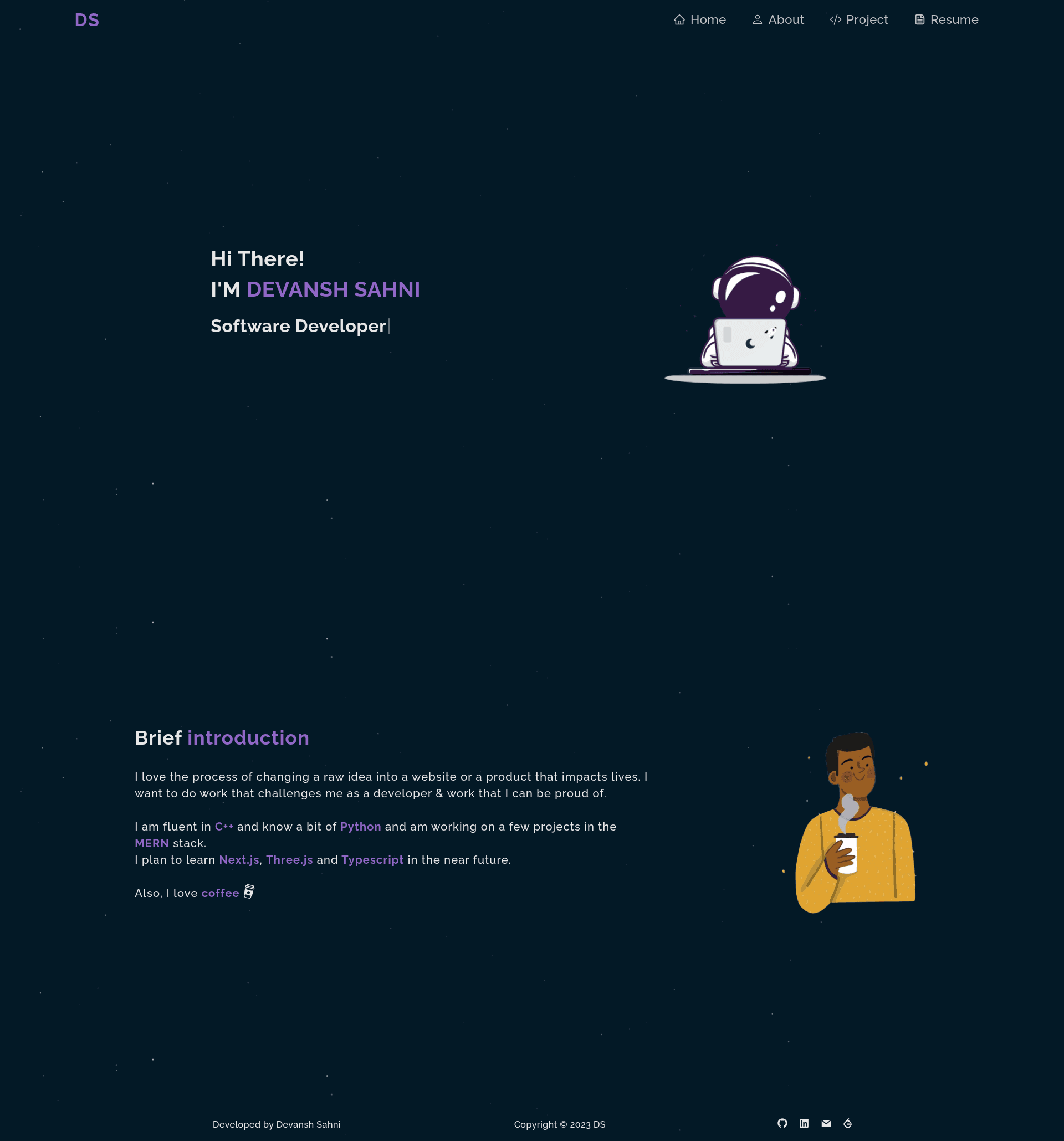
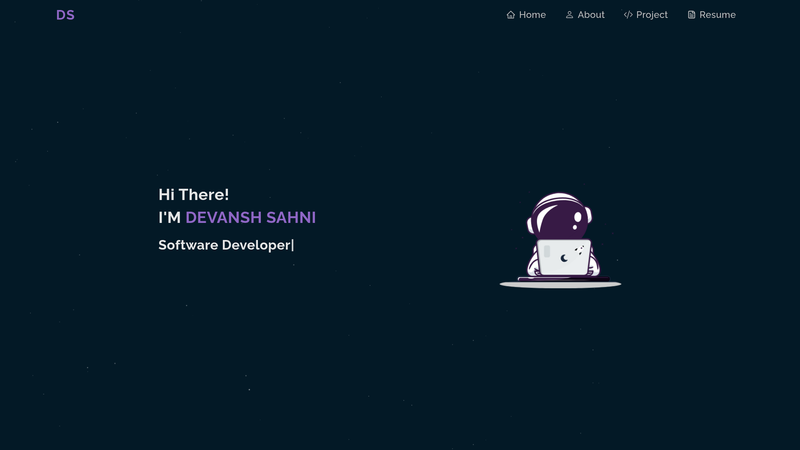
Personal Portfolio is a React.js-based open-source template for a developer's personal website, designed to showcase skills, GitHub projects, and a resume in a multi-page layout. The live demo is hosted at portfolio-devanshsahni.vercel.app, and the project is available on GitHub for forking.
Personal Portfolio is a React.js single-page application template that presents a developer's skills, GitHub projects, and resume through a multi-page layout. It takes content like your name, project links, and a resume PDF as input and produces a fully responsive portfolio website that you can deploy to Vercel. The project uses npm packages for animations, icons, and a preloader, and the README provides step-by-step setup instructions for local development.
npm i to install all dependencies, then npm start to open the project at http://localhost:3000.Personal Portfolio is free to use. The repository is public on GitHub and the README explicitly invites you to fork it and make changes of your own. No license is mentioned in the README, so confirm the license terms on the GitHub repo before commercial use.
Yes. The project is open-source and the README encourages you to fork the repo and modify it. You only need to give proper credit back to the original repository as requested in the README.
You need git installed to clone the repo and Node.js to run npm commands. The setup steps are: fork the repo, copy the HTTPS link, run git clone, then npm i and npm start. The site runs on http://localhost:3000 in development mode.
Yes. The README suggests browsing the project and making changes. You can edit the component text, swap Lottie animation files, and update the typewriter text directly in the source code.
Yes. The template uses the react-pdf npm package to preview the resume PDF inside the site, so visitors can view your resume without downloading it.