Template details
Portfolio
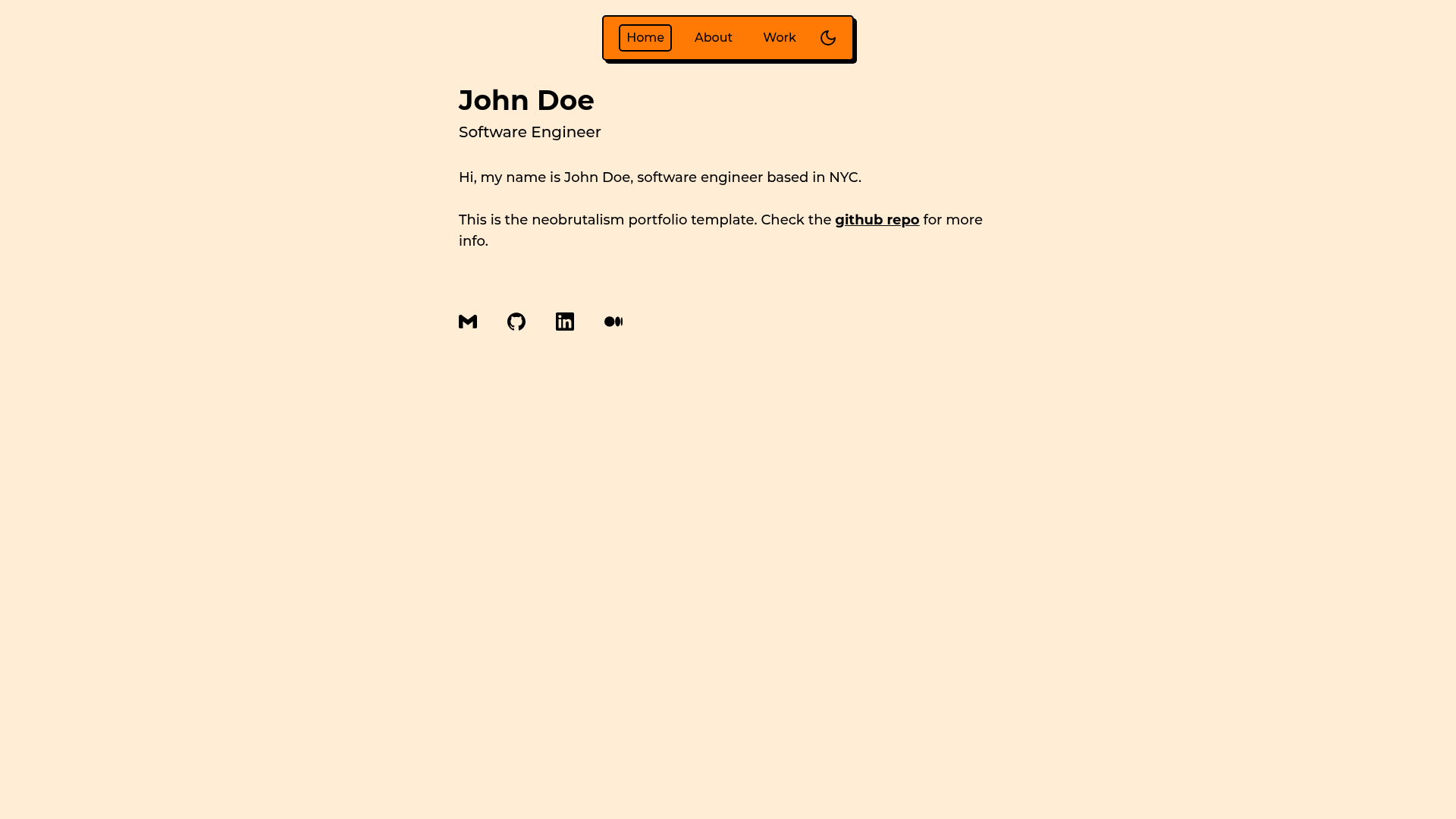
Neobrutalism-styled Next.js Tailwind template for portfolio websites.
About this template
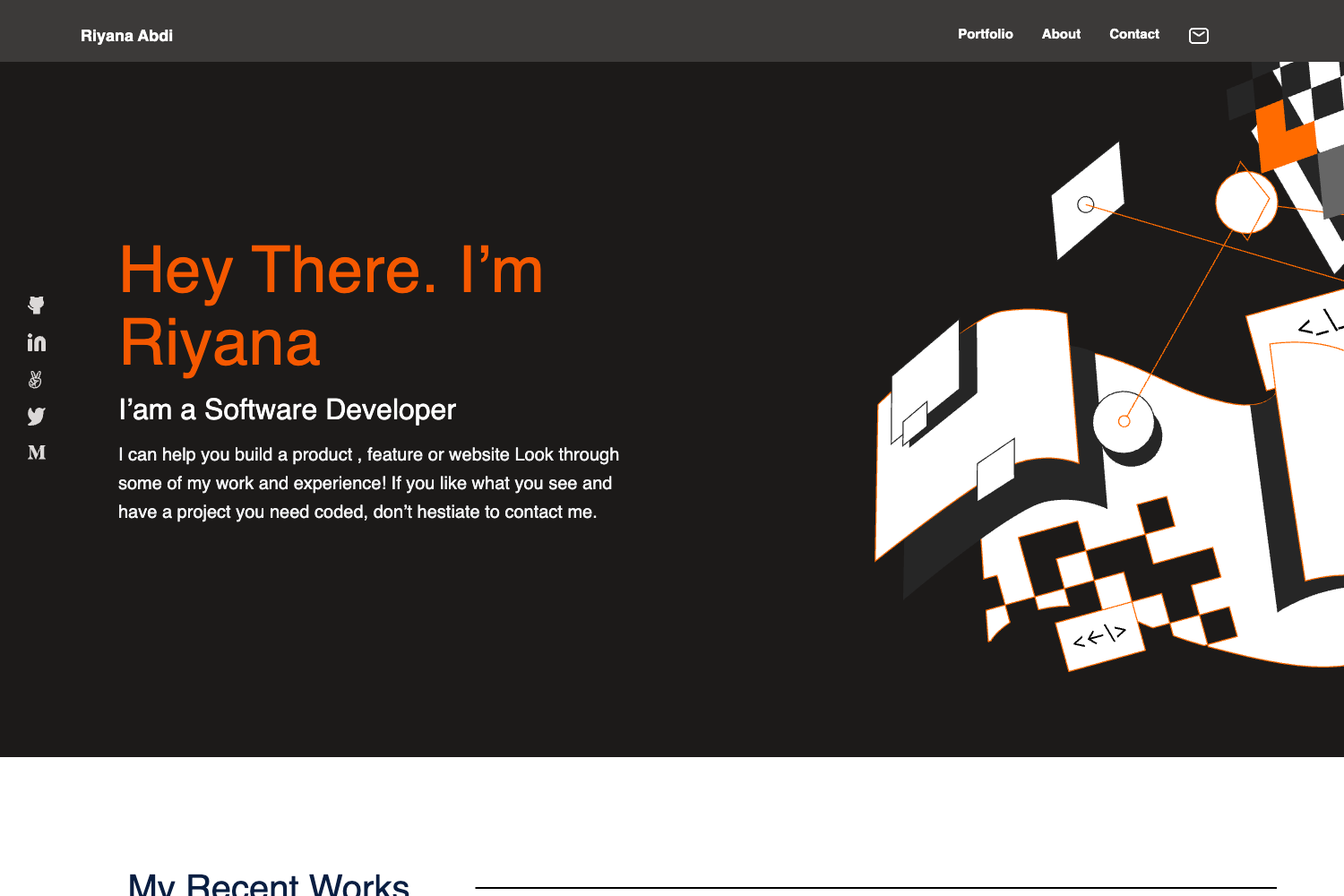
Portfolio is a neobrutalism-styled Next.js and Tailwind CSS template from the neobrutalism-templates GitHub organization, built to generate a portfolio site with a home page and a work page.
What is Portfolio?
Portfolio is a Next.js (App Router) and Tailwind CSS template for creating portfolio websites, maintained under the neobrutalism-templates organization. It takes editable data files for projects and skills and renders them into a neobrutalism-styled site that includes a home page and a work page. The template uses pnpm as its package manager and can be run locally with pnpm run dev.
Key Features
- Neobrutalism styling — The template applies the neobrutalism design style; customization guidance is available at neobrutalism.dev/styling.
- Next.js App Router — Built on the App Router structure, with layout.tsx for metadata, page.tsx for home content, and app/work/page.tsx for the portfolio grid.
- Tailwind CSS — Uses Tailwind utility classes for layout and neobrutalism effects.
- Configurable social links — Home page links are edited in src/components/links.tsx using icons from @icons-pack/react-simple-icons; any icon from simpleicons.org can be imported with the Si prefix.
- Content separated into data files — The data folder holds projects.ts and skills.ts, so content edits don't require touching components.
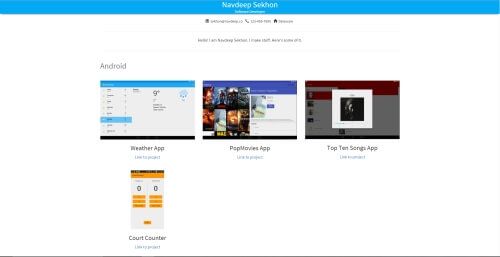
- Project preview images — Each project can specify a previewImage path relative to the public folder; the work page displays them inside an AspectRatio component whose ratio prop is adjustable (preview images default to 710 x 260).
- Skills with tooltips and icons — The SKILLS array groups skills by field (frontend, backend, etc.), with each skill containing a tooltip value and an icon.
Who is it for?
- Frontend developers — Grab a ready-made portfolio that uses a modern React/Next.js stack and avoid writing boilerplate.
- Designers — Present work in a distinctive neobrutalism layout and customize the styling through the neobrutalism CSS docs.
- Freelancers and job seekers — Publish a portfolio quickly by editing data files and links, then deploying the Next.js app.
What can you do with Portfolio?
- Indie developers: assemble a project showcase with preview images, skill icons, and social links without building a site from scratch.
- Creative professionals: present a bold, high-contrast portfolio aesthetic consistent with neobrutalism.
- Students: maintain a personal site for applications by updating projects.ts and skills.ts.
How does Portfolio work?
After generating a new repository from the template, install dependencies with pnpm i and start the dev server with pnpm run dev. To customize, update the metadata in layout.tsx, edit content in page.tsx and the data folder, replace favicon.ico, and adjust the links array and skill icons in their respective files.
FAQ
How do I add or remove links on the home page?
Edit src/components/links.tsx and modify the links array. Each object requires an icon imported from @icons-pack/react-simple-icons (add the Si prefix to the icon name) and an href string.
How do I change the preview image aspect ratio for projects?
In app/work/page.tsx, the previewImage is wrapped in an AspectRatio component. Change its ratio prop to match your images; default preview images are 710 x 260, so the template uses 71 / 26.
How do I update the skills shown on the site?
Edit data/skills.ts. The SKILLS array contains objects with a field name and a skills array; each skill has a skill value for the tooltip and an icon, updated the same way as the home page links.