Template details
Particular
A Jekyll theme for personal websites and interactive résumés.
About this template
Particular is a Jekyll theme for personal websites and interactive résumés, with data-driven configuration and animated particle backgrounds.
What is Particular?
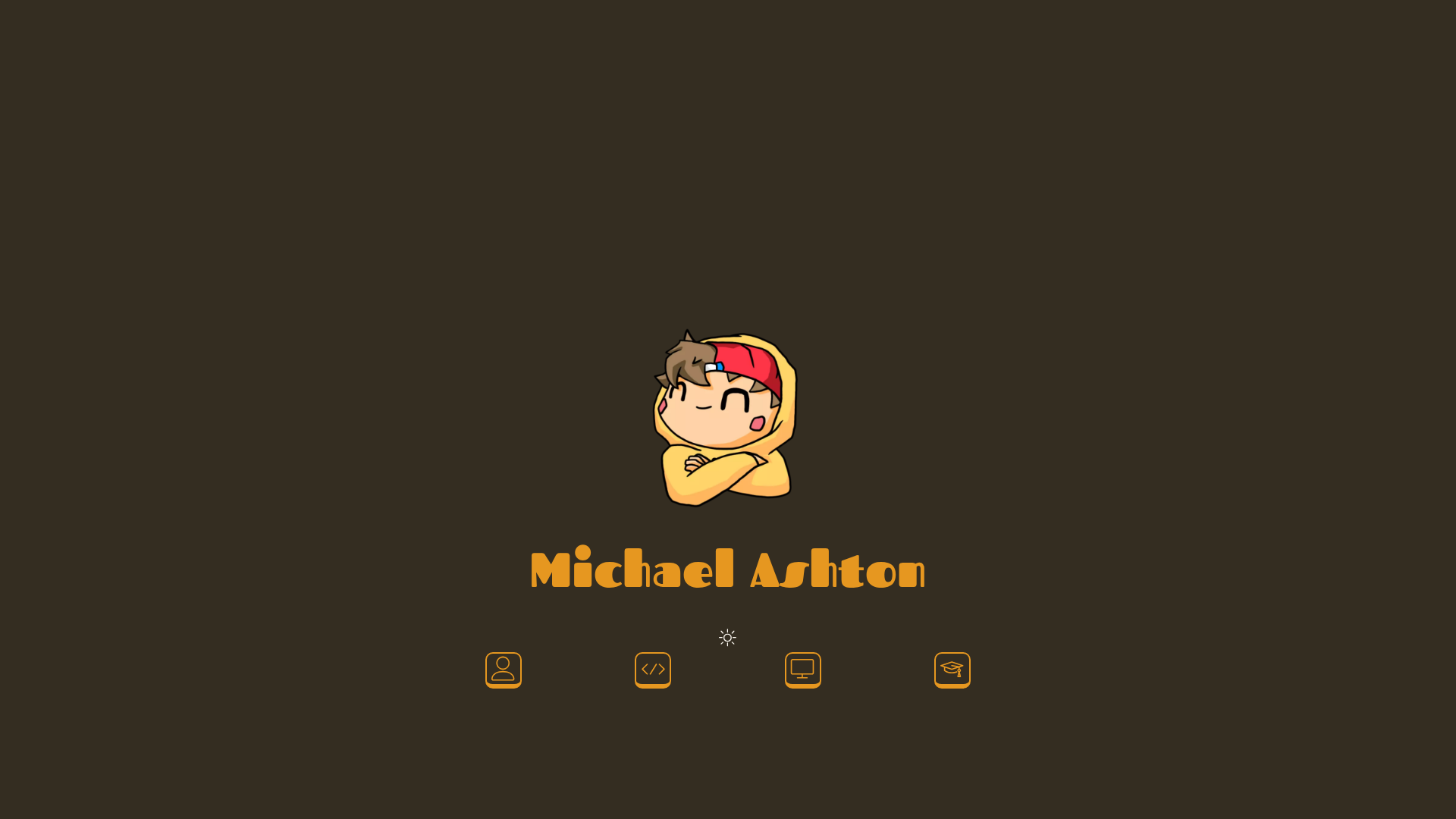
Particular is a Jekyll theme for personal websites, optimized for hosting an interactive résumé. It is a static-site theme that takes YAML configuration files and Markdown posts as input and produces a multi-page site with home, about, projects, resume, and 404 pages. It runs on any standard Jekyll setup using Ruby and Bundler, and is maintained in the GitHub repository ashtonmv/particular_theme, with a live demo at michael-ashton.com. The theme is loosely based on the Freelancer Jekyll theme and imports the particleground.js library for its signature particle backgrounds.
Key Features
- Particle backgrounds — Uses particleground.js to render animated, interactive particle canvases as page backgrounds; styling options live in
_data/particles.yml. - Data-driven configuration — Nearly everything editable via YAML files under
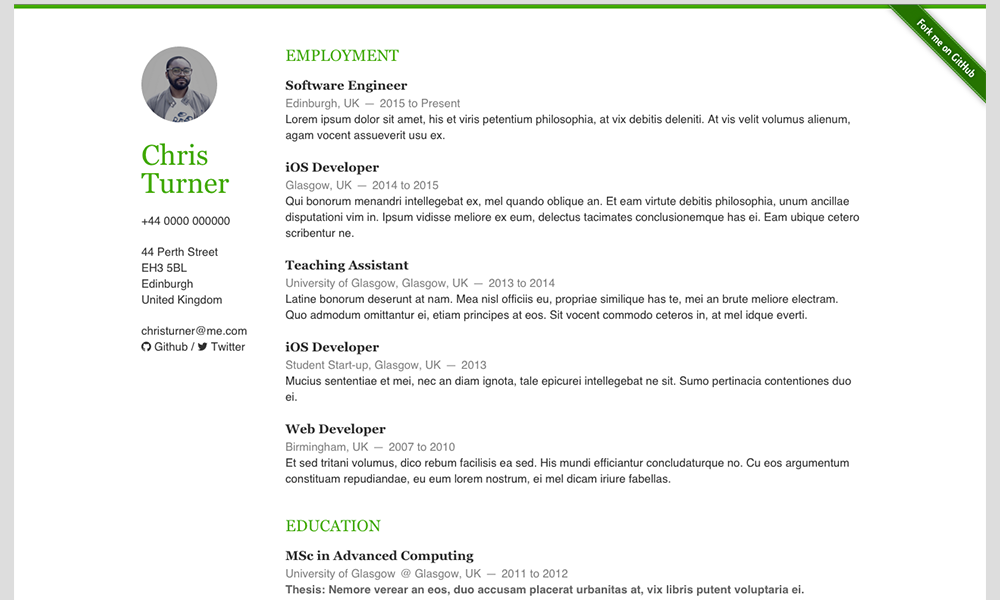
_data/(about.yml,formbutton.yml,nav-icons.yml,particles.yml,resume.yml) plus_config.ymlfor title, email, description, keywords, and meta author. - Resume page with PDF download — A dedicated
/resumepage populated from_data/resume.yml, with a button that links to a PDF placed indownloads/. - Projects as Jekyll posts — Projects are managed under
projects/_postswith the strict naming conventionYYYY-MM-DD-title.md; six dummy projects are included as examples. - Icon-based navigation — Main navigation is configured through
_data/nav-icons.ymland can link to internal or external pages. - Bootstrap and Sass styling — Includes Bootstrap via
css/bootstrap.min.cssand uses Sass variables in_sass/head.scssfor theme colors, fonts, and responsive breakpoints. - Formspree form button — An optional contact button can be enabled by configuring
_data/formbutton.yml; it appears on all pages when active. - Typewrite hover effect — Home and 404 pages display a typewriting animation for nav icons on hover, implemented in
_includes/typewrite.html.
Who is it for?
- Job seekers and professionals — Build an interactive résumé site that presents work history and skills in web format, with a downloadable PDF version for recruiters.
- Personal website owners — Set up a minimal personal homepage with about, projects, and contact sections without writing much HTML.
- Jekyll users — Developers who want a ready-made Jekyll theme they can customize through YAML data files and Sass variables instead of editing templates.
- Freelancers and portfolio owners — Use the projects posts system to showcase case studies, client work, or writing samples.
What can you do with Particular?
- Create an interactive résumé: Fill in
_data/resume.ymland add a PDF underdownloads/so visitors can view the site résumé and download the PDF. - Showcase projects: Add Jekyll post files to
projects/_poststo display dated project entries. - Customize the background animation: Tweak particle density, colors, and behavior in
_data/particles.ymlwithout touching JavaScript. - Add a contact form button: Configure a Formspree endpoint in
_data/formbutton.ymlto embed a contact button across the site.
How does Particular work?
Set up requires Ruby and Bundler. Clone the repository, run bundle install and bundle exec jekyll serve to start a local server. Most content is edited through YAML data files; HTML partials in _includes/ only need to be touched when adding new résumé fields or custom scripts.
Pros and cons
- Pros: Nearly every aspect is configurable via YAML files; the theme includes six sample projects and a live demo; it is based on the well-known Freelancer Jekyll theme; responsive breakpoints are pre-tuned for mobile devices.
- Cons: Custom résumé fields require direct edits to HTML includes; there is no built-in method to convert the HTML résumé to PDF, so you must upload a PDF manually.
FAQ
How do I install Particular?
Clone the repository from GitHub, ensure Ruby and Bundler are installed, then run bundle install followed by bundle exec jekyll serve. This starts a local server at localhost where you can view and iterate on the site.
How do I change the particle background?
Particle styling options are stored in _data/particles.yml. Edit properties there to adjust how the particleground.js animation looks and behaves; no JavaScript changes are required.
How do I add my résumé PDF?
Place the PDF in the downloads/ folder at the theme root. The button at the bottom of the /resume page links to that file automatically.
How do I add a new project?
Create a new file under projects/_posts using the strict naming convention YYYY-MM-DD-title.md. Jekyll posts that don't follow this format will not appear in the theme.
Can I export my résumé as a PDF automatically?
No. The theme does not provide a way to generate a PDF from the HTML résumé. You must create a PDF separately and upload it to the downloads/ folder for visitors to download.