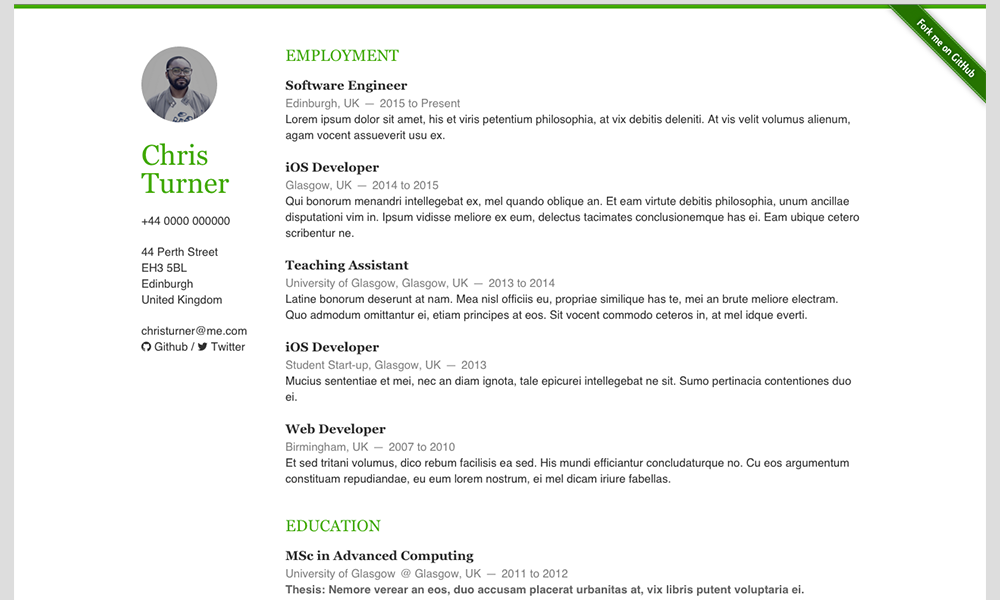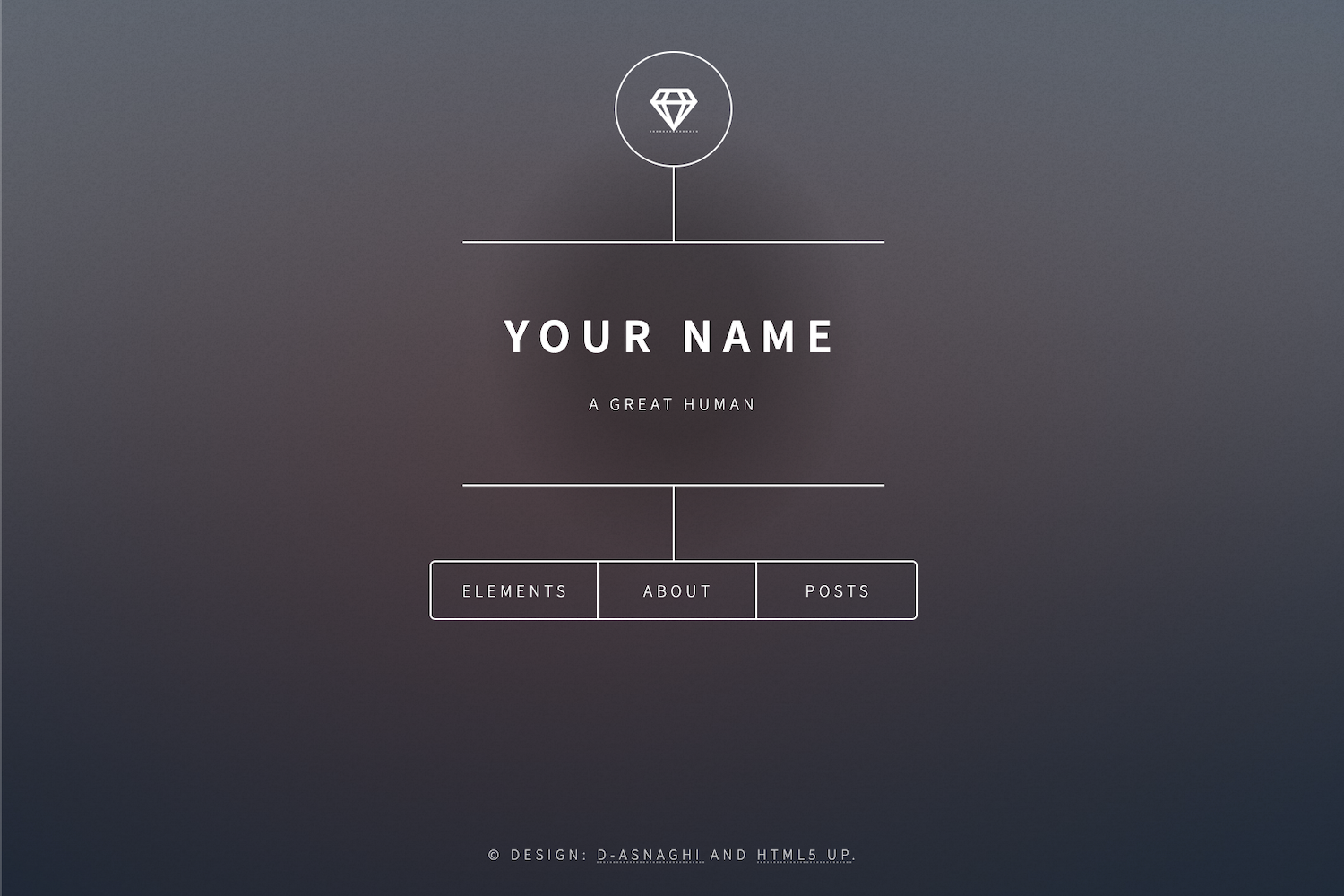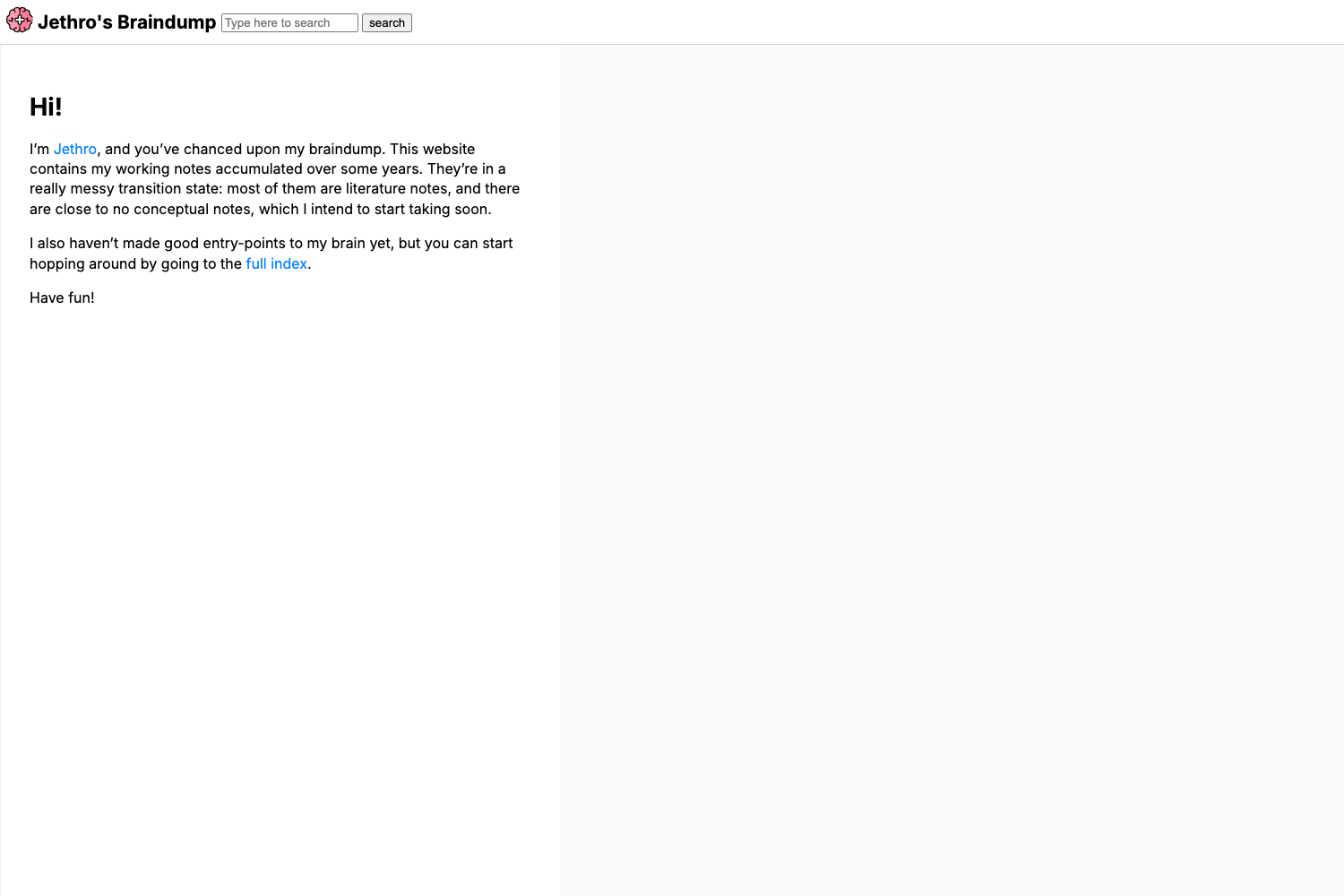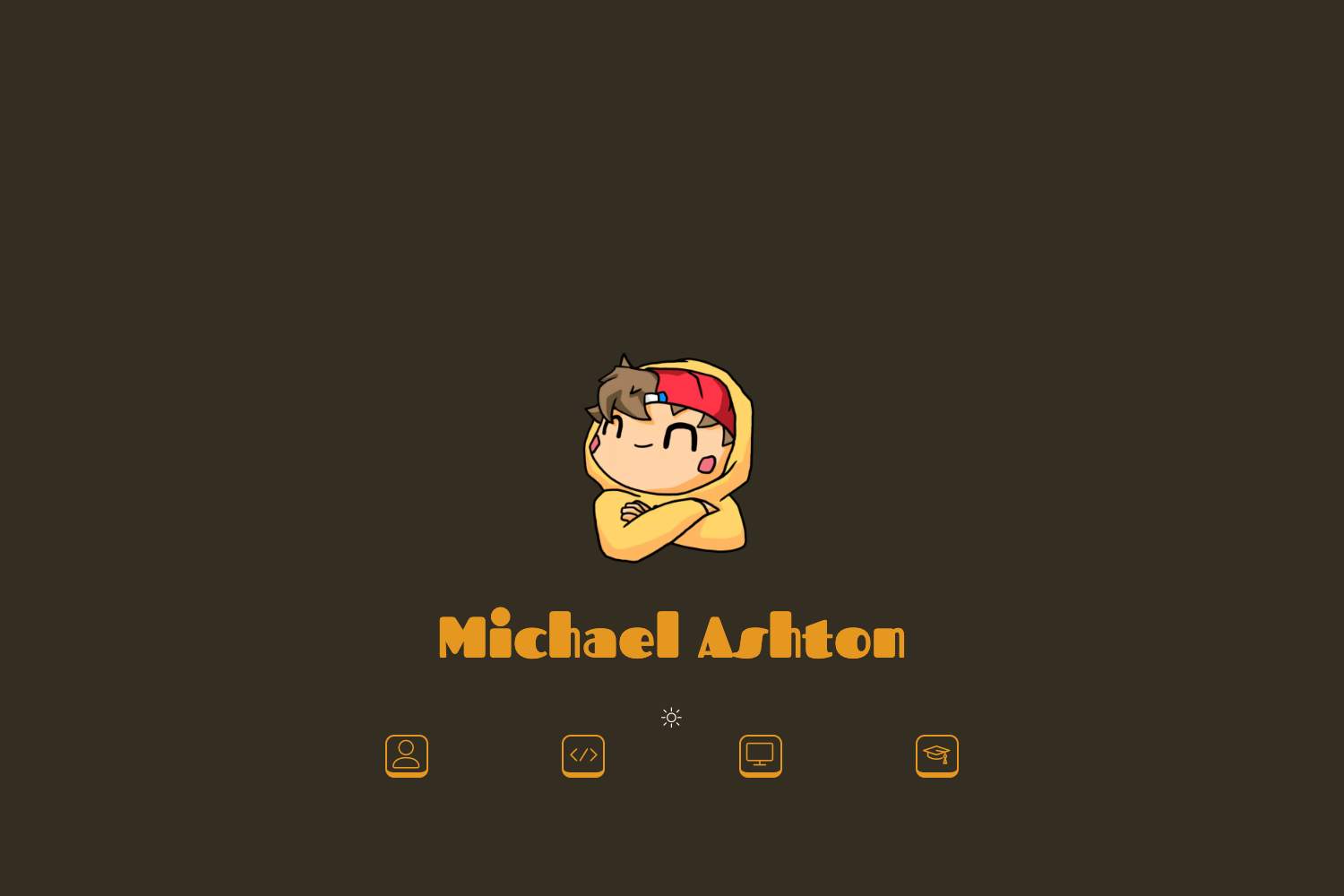
Template details
Sanity + Next.js Personal Website
Next.js personal website with embedded Sanity CMS, live previews, and real-time collaboration.
About this template
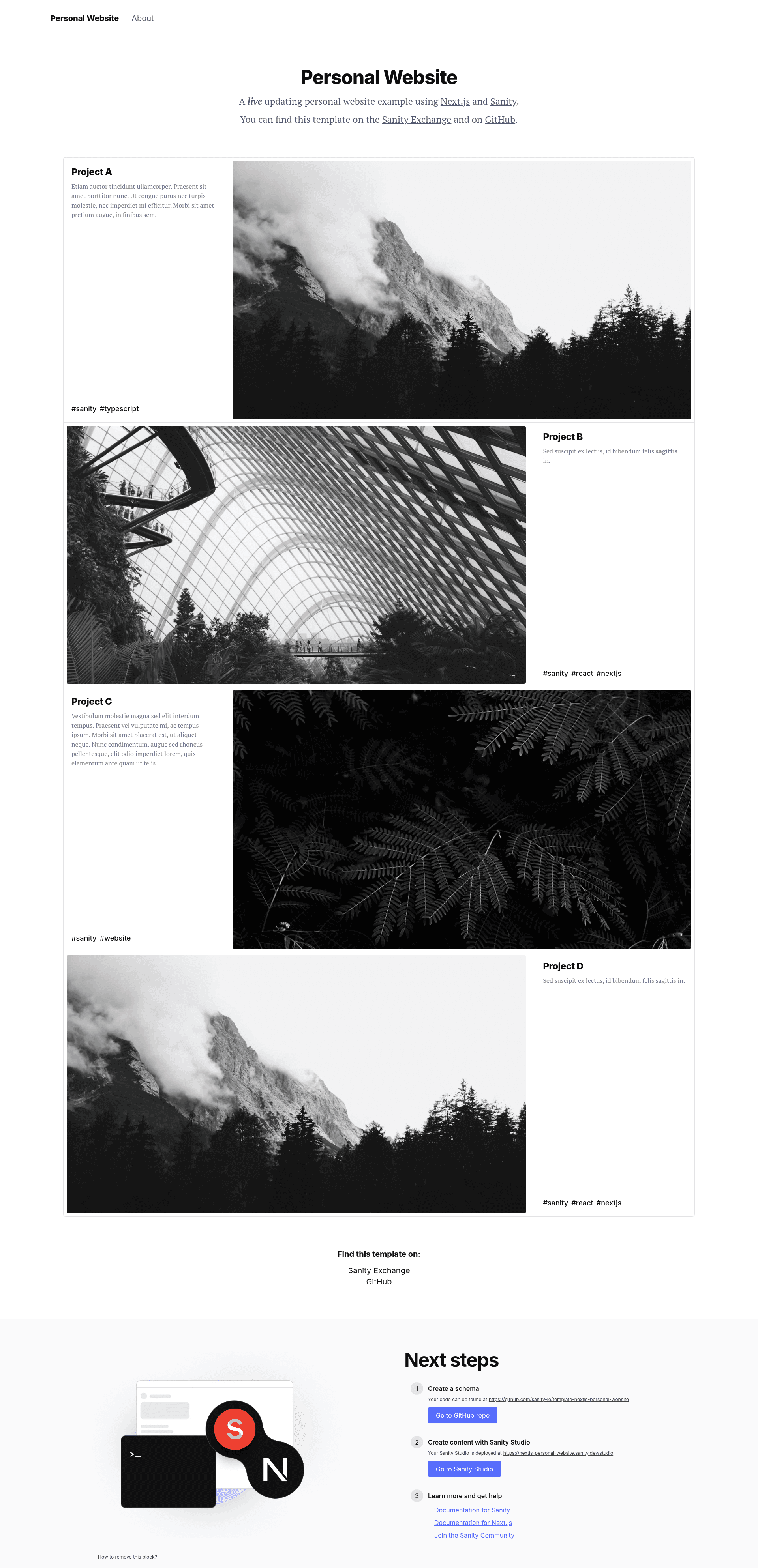
Sanity + Next.js Personal Website is a boilerplate starter that pairs a Next.js frontend with Sanity CMS, yielding a personal website with an embedded authoring environment, live previews, and real-time collaboration. It is maintained by the Sanity team and published under the sanity-io GitHub organization.
What is the Sanity + Next.js Personal Website template?
The template is a personal website starter that uses Next.js for the frontend and Sanity for content management. It takes content defined by Sanity schemas (pre-configured Page and Project document types) and renders it as a static site with dynamic refresh, and it exposes a full Sanity Studio at the /studio route. It runs on Next.js Cache Components, so every page prerenders into a static shell and updates through Sanity Live when content changes, without requiring a rebuild.
Key Features
- Next.js Cache Components — The template sets
cacheComponents: truein next.config.ts and configurescacheLifeto Sanity Live, prerendering pages as a static shell while still refreshing content on changes. - Embedded Sanity Studio — A native authoring environment is mounted in
/app/studio/[[...tool]]/Studio.tsxand accessible atyourpersonalwebsite.com/studio, with configuration in sanity.config.ts. - Real-time collaboration — The Studio supports real-time collaborative editing with fine-grained revision history, plus side-by-side instant previews through the Presentation tool.
- Sanity Content Lake — Hosted content APIs provide a flexible GROQ query language, on-demand image transformations, and powerful patching.
- Editable projects — The included Page and Project schemas let you publish a document in the Studio and have it appear immediately on the personal website.
- Draft Mode and Visual Editing — The
/app/api/draft-mode/enable/route.tsserverless route triggers Draft Mode, and Visual Editing overlays keep working while the static shell is prerendered in production. - Starter-friendly tooling — TypeScript and Tailwind.css are preconfigured without being too heavy-handed.
- Free Sanity project — Includes unlimited admin users, free content updates, and pay-as-you-go pricing for API overages.
Who is it for?
The Sanity + Next.js Personal Website template suits developers who want a modern personal site with a CMS already wired in. It is also a practical learning resource for anyone wanting to understand Next.js Cache Components, Sanity Live, and the three-layer data fetching pattern (Page → Dynamic → Cached) used in the app routes.
- Developers — Launch a personal website with an integrated CMS and then customize the Sanity schema to fit their own content types.
- Content editors and bloggers — Publish and edit pages and projects from the Studio, with real-time collaboration and instant previews before going live.
- Designers — Use Draft Mode and Visual Editing to preview content changes across the whole site before publishing.
- Learners — Study the reference implementation to see how Sanity Live, Visual Editing, and Next.js App Router data fetching fit together.
What can you do with this template?
- Build a personal portfolio: Create project documents in the Studio and showcase them on the public site with live updates.
- Set up a small team publishing workflow: Invite collaborators through Sanity Manage and co-edit content with revision history.
- Prototype a Next.js + Sanity app: Use the preconfigured live revalidation and Draft Mode as a starting point for a larger project.
- Experiment with Sanity Presentation: Run the site and Studio locally and explore the side-by-side preview tab.
How does it work?
To get started, initialize the template with the Sanity CLI using npm create sanity@latest -- --template sanity-io/template-nextjs-personal-website, then start the development server with npm run dev. Open http://localhost:3000 for the site and http://localhost:3000/studio for the Studio, log in, create a Project document, and publish it to see the live update. For production, deploy the Next.js app to Vercel (or any hosting provider) and configure the environment variables.
FAQ
How do I remove the "Next steps" block?
Delete the IntroTemplate component in /app/(website)/layout.tsx — the README states this as the way to remove that block from the personal site.
Can I extend the content schema?
Yes — the template ships with Page and Project document types in /sanity/schemas, and you can add more document types following the Sanity schema documentation.
Does the template require a Sanity project?
Yes, the Studio connects to Sanity Content Lake. The README says a free Sanity project includes unlimited admin users, free content updates, and pay-as-you-go for API overages.
How do I get help if something doesn't work?
The README points to Next.js GitHub Discussions, Sanity's GitHub Discussions, and Sanity's Community Slack for support.
Can I deploy somewhere other than Vercel?
The README notes you are free to deploy the Next.js app to your hosting provider of choice; Vercel and GitHub are covered as a popular approach.