Template details
microfolio
A modern static portfolio generator based on SvelteKit 2 and Tailwind CSS 4
About this template
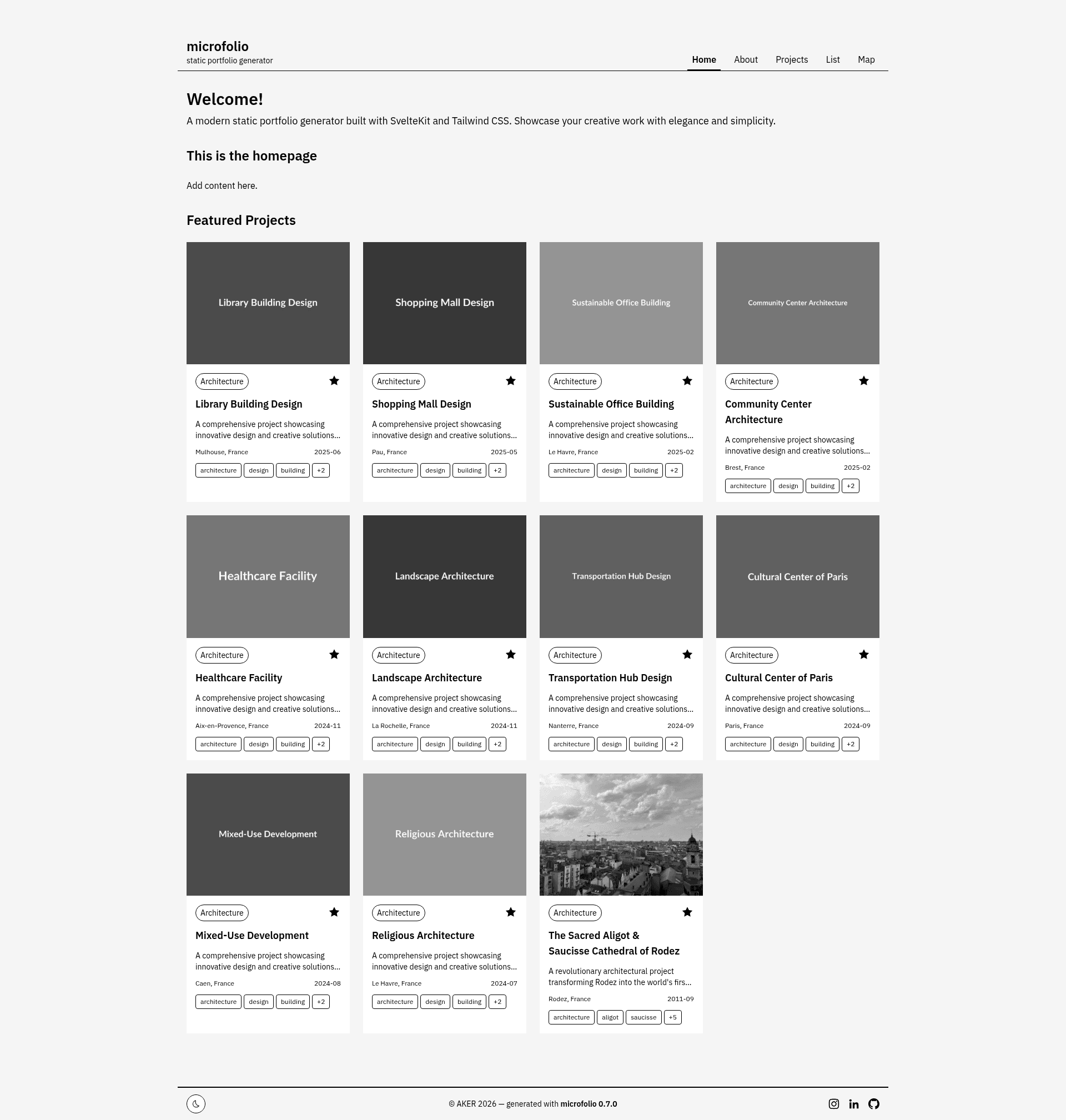
microfolio is a modern static portfolio generator built with SvelteKit 2 and Tailwind CSS 4 by AKER, designed for creatives to showcase projects via a file-based CMS. It compiles folders of Markdown files and images into a fast static website that deploys to GitHub Pages or any static host.
What is microfolio?
microfolio is a static portfolio generator that takes a folder of Markdown files and images as input and produces a static website as output. It runs on SvelteKit 2 with the adapter-static, uses Tailwind CSS 4 for styling, and is maintained by AKER under an MIT license. A live demo is available at https://aker-dev.github.io/microfolio/ and it supports English and French out of the box.
What makes microfolio stand out?
- File-based CMS — No database needed; all content lives in folders and Markdown files, so versioning with Git is natural.
- Multiple views — Projects can be displayed as a grid, a list, or an interactive Leaflet map when geolocation data is present.
- EXIF/IPTC metadata — The generator automatically extracts and displays technical image information from your files.
- Image optimization — A
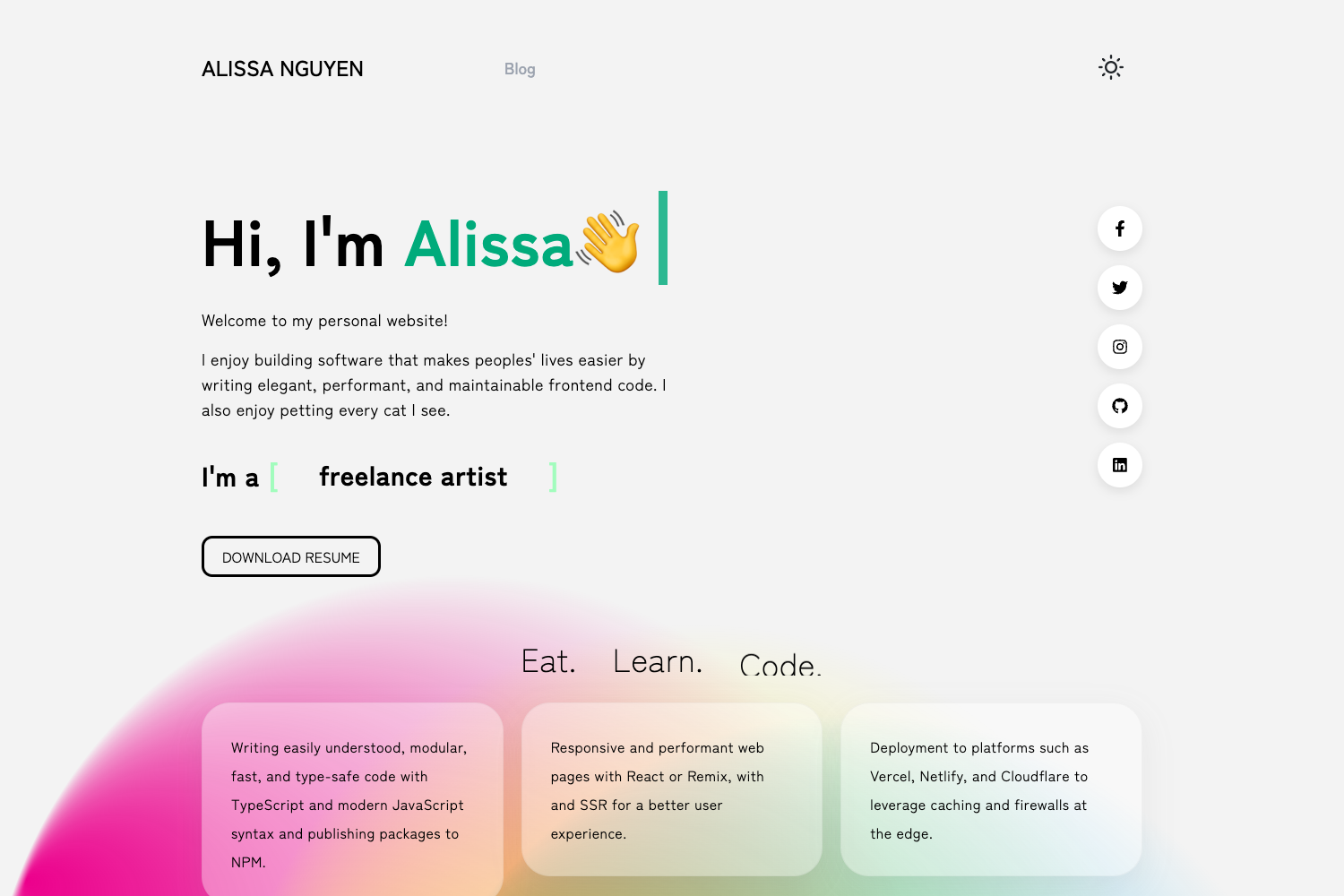
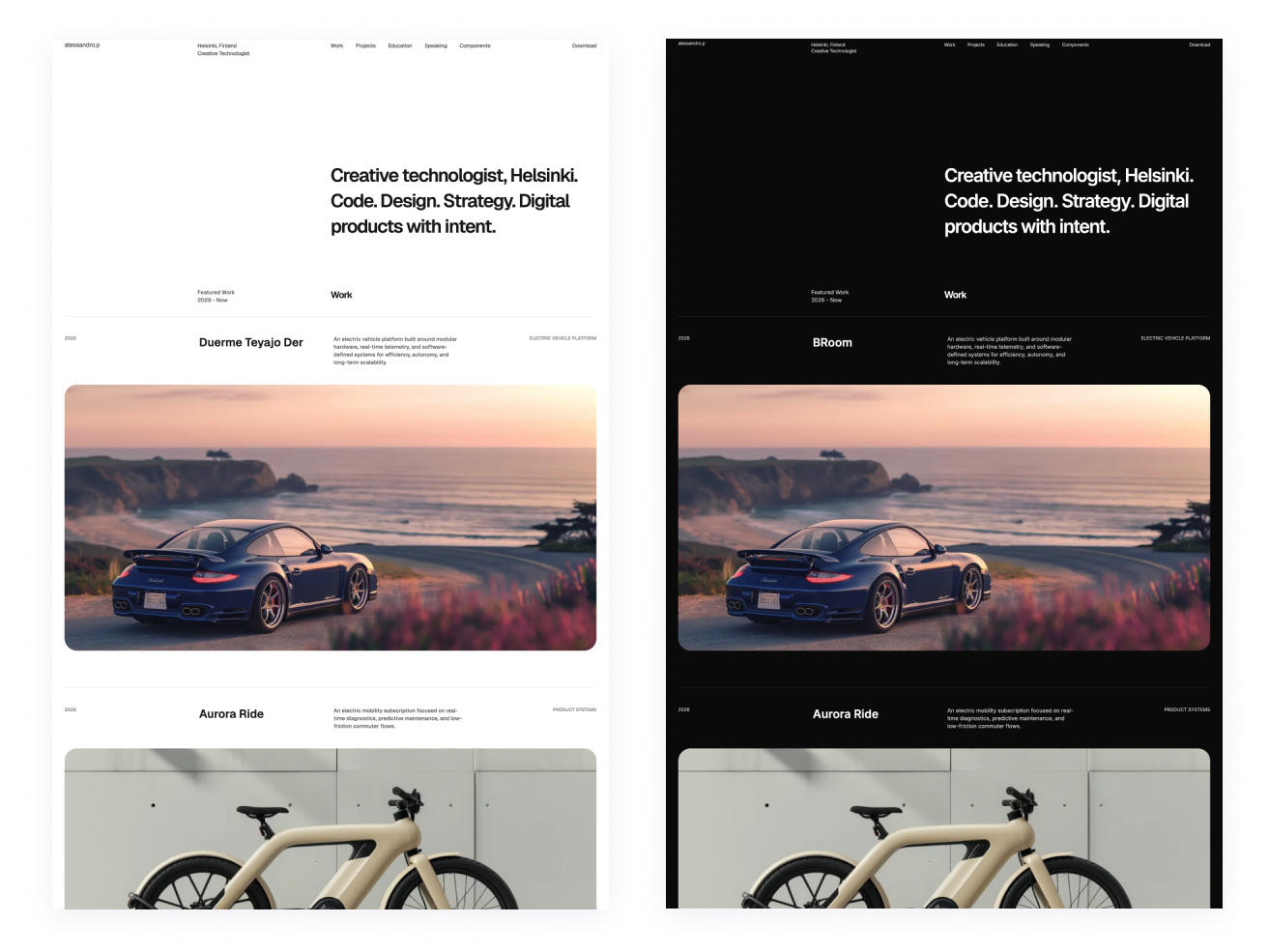
pnpm optimize-imagescommand generates WebP thumbnails to speed up page loads. - Dark mode — A footer toggle switches between system, manual, and persistent dark mode using localStorage.
- Shareable URLs — Filter, search, sort, and pagination state sync to URL query parameters, so views can be bookmarked and shared.
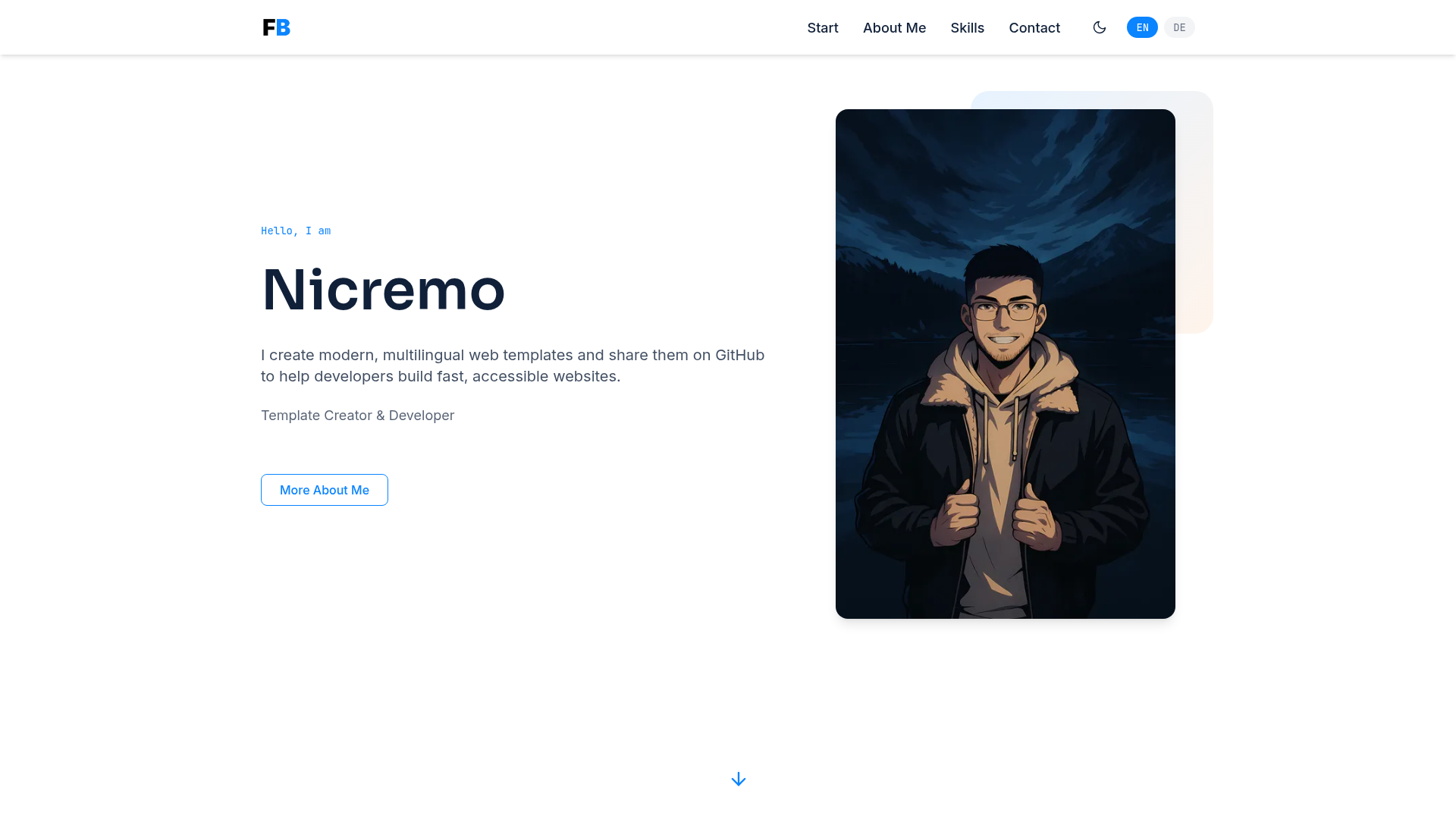
- Internationalization — Built-in English and French via svelte-i18n, with RTL support.
- Social previews — Open Graph metadata is generated for projects and pages.
Who should use microfolio?
- Designers and artists who want a low-maintenance portfolio that they can edit by adding Markdown files and images.
- Architects who need a map view to show the geographic location of their projects.
- Photographers who want automatic display of EXIF data such as camera settings and capture dates.
- Creative agencies that need a fast static site with multiple views and shareable project links.
Use cases
- Designers: set up a portfolio in minutes with Homebrew (
brew install aker-dev/tap/microfolio) and add projects as folders with Markdown descriptions. - Photographers: geotag project images to populate the Leaflet map view and display EXIF metadata automatically.
- Agencies: use the grid and list views to present case studies, and rely on shareable URLs when sending project pages to clients.
How does microfolio work?
Install the CLI via Homebrew on macOS or clone the repository from GitHub, then run pnpm install and pnpm dev to start a local server. Content is organized in folders with Markdown files, and the build step (microfolio build or pnpm build) generates a static site that can be deployed to GitHub Pages by pushing to the main branch. Detailed guides cover installation, configuration, adding projects, and publishing.
Pricing
microfolio is free and open source under the MIT License. The source code lives on GitHub and there is no paid tier or hosted version mentioned.
FAQ
Is microfolio free?
Yes. microfolio is released under the MIT License, so you can use, modify, and distribute it freely. The repository is public on GitHub.
Do I need a database to use microfolio?
No. microfolio uses a file-based CMS: all projects are stored as folders and Markdown files. This keeps setup simple and makes your content easy to version with Git.
What are the prerequisites?
You need Node.js LTS 20 or newer, the pnpm package manager, and Git. macOS users can also install microfolio via Homebrew with brew install aker-dev/tap/microfolio.
Can I deploy microfolio to GitHub Pages?
Yes. The build command produces a static site that works with GitHub Pages; the documentation includes a quick deploy guide that says to enable GitHub Pages in repository settings and push to the main branch.