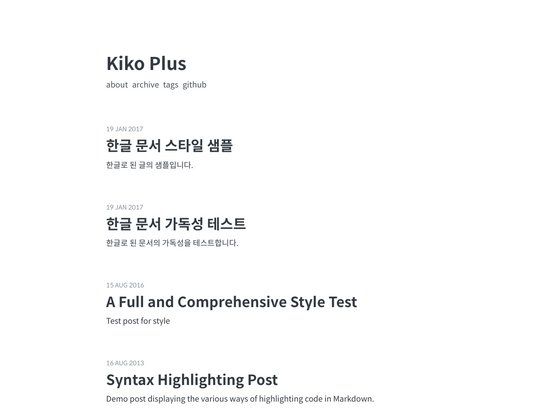
Template details
Pixyll
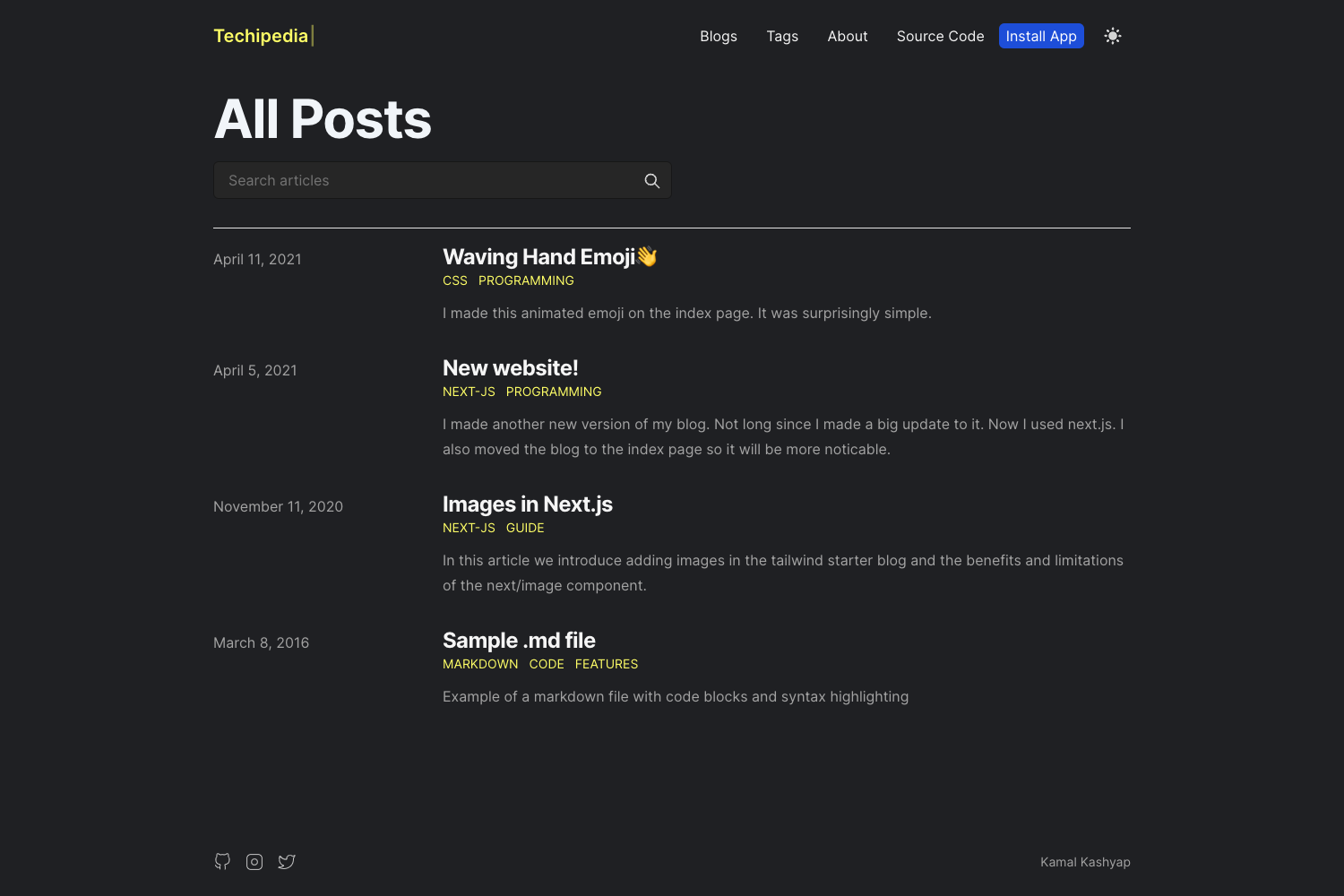
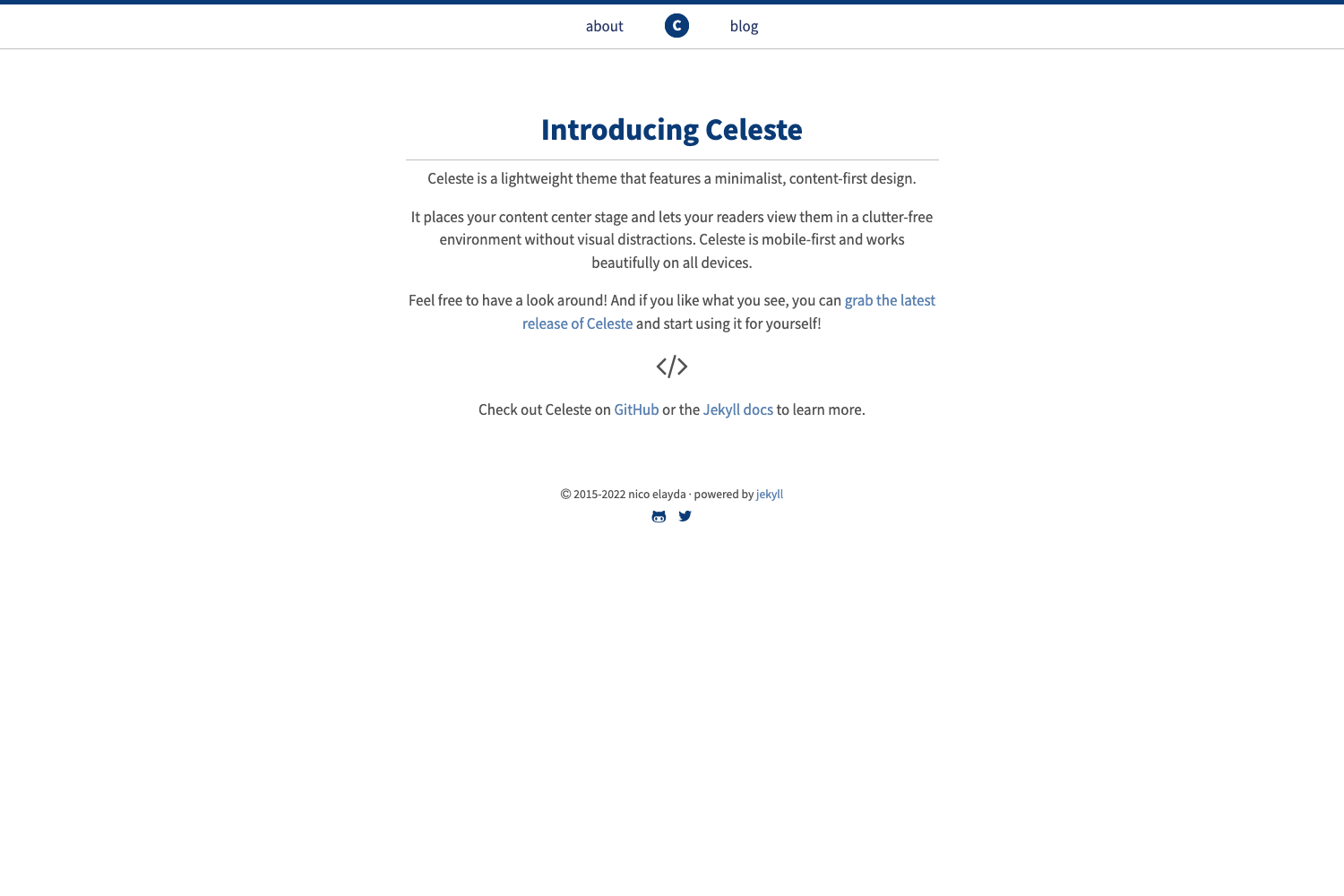
A simple, beautiful Hugo theme with tag support, Disqus, Google Analytics, and client-side search.
About this template
Pixyll is a simple, beautiful Hugo theme that converts Markdown posts into a static blog with tags, comments, analytics, and fully client-side search. It is a port of the Pixyll theme for Jekyll created by johnotander, and is installed by setting the Hugo config value theme = "pixyll". The theme outputs a complete static site to the public/ folder using Hugo's standard build pipeline.
What is Pixyll?
Pixyll is a minimal blog theme for the Hugo static site generator. It takes Markdown content placed in content/post and generates a clean, responsive site with tagged posts, a contact form, Disqus comments, and embedded search. The theme is distributed through GitHub and requires no server-side runtime for search, which runs entirely in the browser via Tipue Search. Configuration is handled through a standard config.toml file with parameters for the site title, author, Disqus shortname, Google Analytics ID, and search engine toggling.
Key Features
- Tag support — Basic tag pages are generated from post front matter, allowing readers to browse posts by topic. Categories can also be configured using the
[indexes]section of the Hugo config. - Disqus comments — Add your Disqus shortname under
disqusShortnameto enable threaded comments on all posts, with no server-side moderation setup. - Google Analytics — Set
google_analytics_idin the[params]section to automatically include the analytics tracking snippet in every page. - Twitter social link — The theme displays a Twitter profile link when
twitter_usernameis set. No other social networks are supported out of the box. - Formspree contact form — A contact page is included that submits to Formspree, allowing visitors to email you without exposing your address or building a backend.
- Client-side search — Integrates Tipue Search 7.0; the search index is pre-generated and queries run entirely in the browser, so no server is needed during use. To activate, set
search_engine = true, runcreate_search_index.pywith Python, and include the generatedpublic/tipuesearch/tipuesearch_content.js. - Pagination — Enable
paginate = trueunder[params]to split the post list into pages, improving readability for long archives. - Hugo native — Works with Hugo's static generation, supporting standard configurations for language, content directory, publish directory, and canonical URLs.
Who is Pixyll for?
- Jekyll users moving to Hugo — Developers who liked the original Pixyll Jekyll theme can reproduce the same look and structure in Hugo with this port, keeping the same content model and clean typography.
- Personal bloggers — People who want an uncluttered, fast-loading blog without the overhead of a CMS, JavaScript framework, or database. Just write Markdown files, run Hugo, and deploy the output.
- Developers comfortable with Python — Users who want the client-side search feature need to run a small Python 2.7 script to generate the index, which suits technical content creators already using a static-site workflow.
Use cases
- Personal blogs: Publish daily thoughts under
content/post, organize posts with tags, and let readers search the full text instantly from the browser without any server-side queries. - Technical documentation sites: Use the clean layout and Tipue Search to build a lightweight, searchable knowledge base. The client-side search works on any static host, including GitHub Pages or Netlify.
- Jekyll-to-Hugo migrations: If you are switching from Jekyll while keeping the Pixyll design, this theme offers an equivalent feature set and the same visual language.
How does Pixyll search work?
Search requires a one-time index generation. After setting search_engine = true in the Hugo config, copy create_search_index.py into your site root, install dependencies with pip install -r requirements.txt, and run python2 create_search_index.py. The script creates public/tipuesearch/tipuesearch_content.js; you must run it again whenever you add new posts. If you use Hugo's development server, pass the --renderToDisk flag so the generated index file is picked up.
Pros and cons
- Pros: Search runs entirely in the browser, eliminating server-side search infrastructure; the theme is small and easy to customize; it includes the essentials you expect from a blog——tags, comments, analytics, and a contact form——without bloat.
- Cons: Only Twitter is supported for social links; the search index script is tested only with Python 2.7; content placed in
content/postswill not be rendered, so you must usecontent/post; the search index must be regenerated manually whenever the content changes.