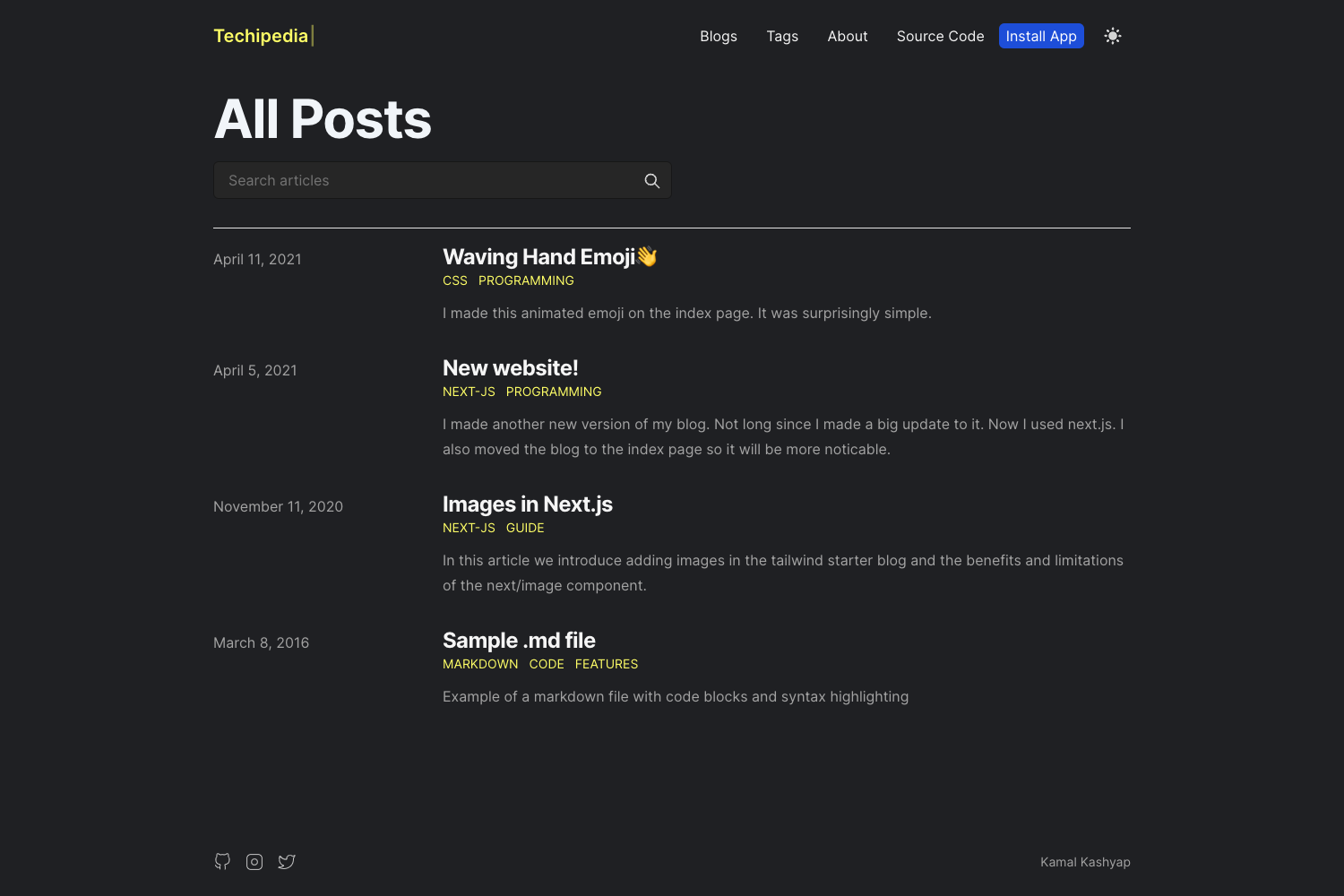
Template details
Next.js Blog Template
Build SEO optimized personal blog website with Next.js, Tailwind CSS and Contentlayer.
About this template
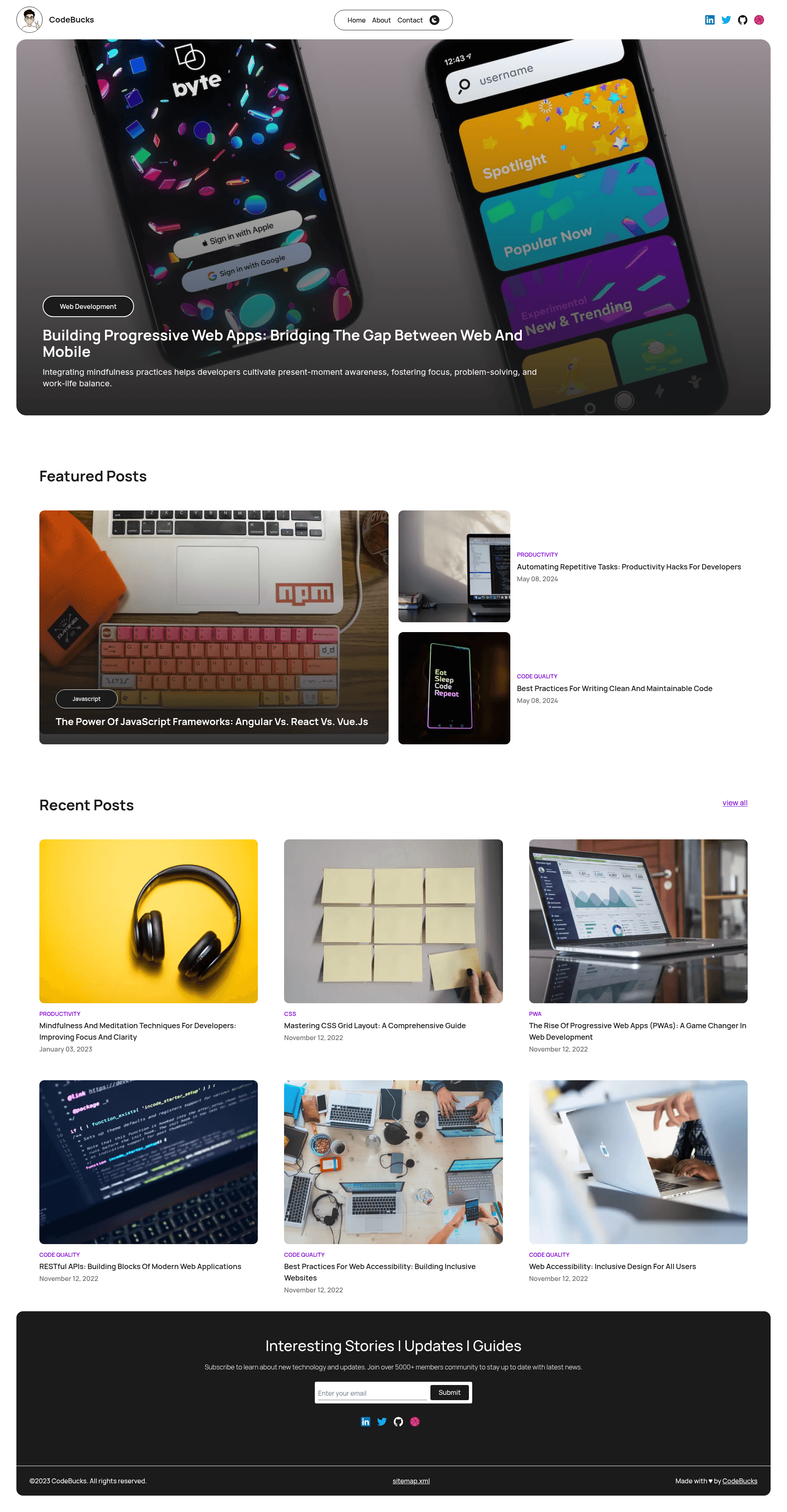
Next.js Blog Template is an open-source personal blog starter built on Next.js, Tailwind CSS, and Markdown files, designed to produce an SEO-optimized blog with a home page, about page, and contact page. It runs on any Node.js-compatible host, targets Vercel deployment, and is authored by developer codebucks27, with a companion YouTube tutorial that walks through building the entire site from scratch.
What is the Next.js Blog Template?
The template takes Markdown files as content input and generates a static or server-rendered blog with a clean, responsive Tailwind CSS design. It is a GitHub repository with over 760 stars. The original version uses Contentlayer to parse Markdown and provide typed content; because Contentlayer is no longer actively maintained, the default branch now uses Velite.js for the same purpose, while a dedicated Contentlayer branch preserves the original implementation. The modernized version runs on Next.js 16 with React 19, Tailwind CSS v4, and Bun as the package manager.
Key Features
- Modern stack — Next.js 16 with Turbopack enabled by default for both development and production builds, React 19, and Tailwind CSS v4 configured via CSS-first directives in
src/app/globals.css(@theme,@custom-variant dark,@plugin). - Markdown content with Velite — Blog posts are written as Markdown files and processed by Velite (or Contentlayer on the
Contentlayerbranch) into typed, queryable content that integrates with Next.js data fetching. - SEO optimization — The template is described as SEO-optimized and includes
next-sitemapfor generating sitemaps automatically, plus meta tags and semantic HTML structure. - Code syntax highlighting — Uses Shiki 4 with the
rehype-pretty-codeplugin to render code blocks in blog posts with theme support. - Form handling on the contact page — Integrates
react-hook-formfor building the contact form and@supabase/supabase-jsfor connecting form submissions to a Supabase backend. - Dark mode support — Tailwind v4's
@custom-variant darkenables dark-mode styling without needing atailwind.config.jsfile. - Starter code included — A separate starter repository (
Nextjs-contentlayer-blog) lets you begin without demo content, and the full codebase is available under the MIT-style open-source license implied by the public repo. - Learning resource — A YouTube tutorial (1QGLHOaRLwM) explains building the blog step by step, using the older Next.js 15 + Tailwind v3 + ESLint 9 setup that is preserved in commit
186f9ee.
Who is it for?
- Developers learning Next.js who want to see a complete blog implementation with modern tooling (Turbopack, Tailwind v4, React 19) and a video walkthrough.
- Bloggers who want a fast, SEO-friendly site without building from scratch; they can clone the template, add Markdown posts, and deploy to Vercel.
- Freelancers and agencies looking for a clean starter to adapt for client portfolio or content sites, with the contact form ready to wire to Supabase.
What can you do with the template?
- Publish Markdown-based blog posts — Write posts in Markdown and have them automatically rendered with syntax highlighting and a responsive layout.
- Build a personal brand site — Use the home, about, and contact pages to present yourself, with a Lottie animation on the contact page and icons from Iconify.
- Learn modern Next.js features — Follow the tutorial to understand async route params, Turbopack builds, and the migration path from Next 15 to Next 16.
How does it work?
After cloning the repository, install dependencies with bun install, run the development server with bun dev, and create a production build with bun run build. Velite runs automatically as a predev and prebuild script to generate content data, because Turbopack does not support the older custom webpack plugin. The template uses flat ESLint config with next/core-web-vitals to keep code quality checks in place.
FAQ
Is the Next.js Blog Template free?
Yes, the template is open source and publicly available on GitHub. You can clone, modify, and deploy it for personal or commercial projects without a license fee.
Does it still use Contentlayer?
The default branch has switched to Velite.js because Contentlayer is not actively maintained. If you prefer Contentlayer, the repository keeps a Contentlayer branch with the original implementation.
What Node.js and package manager do I need?
The modernized version expects Bun as the package manager and runs on Next.js 16 with React 19. The previous setup (Next.js 15, Tailwind v3, ESLint 9) is preserved in commit 186f9ee if you want the exact stack from the tutorial.
Where can I see a live demo?
A live demo of the blog is hosted at create-blog-with-nextjs.vercel.app, and the starter code is available at the Nextjs-contentlayer-blog repository.
Can I deploy it to Vercel?
Yes, Vercel is a natural target for a Next.js project. The demo itself is deployed on Vercel, and the project includes next-sitemap to generate sitemap files for search engines.