Template details
Portfolio Bootstrap
A free, responsive portfolio template built with Bootstrap and Chart.js for showcasing your professional profile and completed projects.
About this template
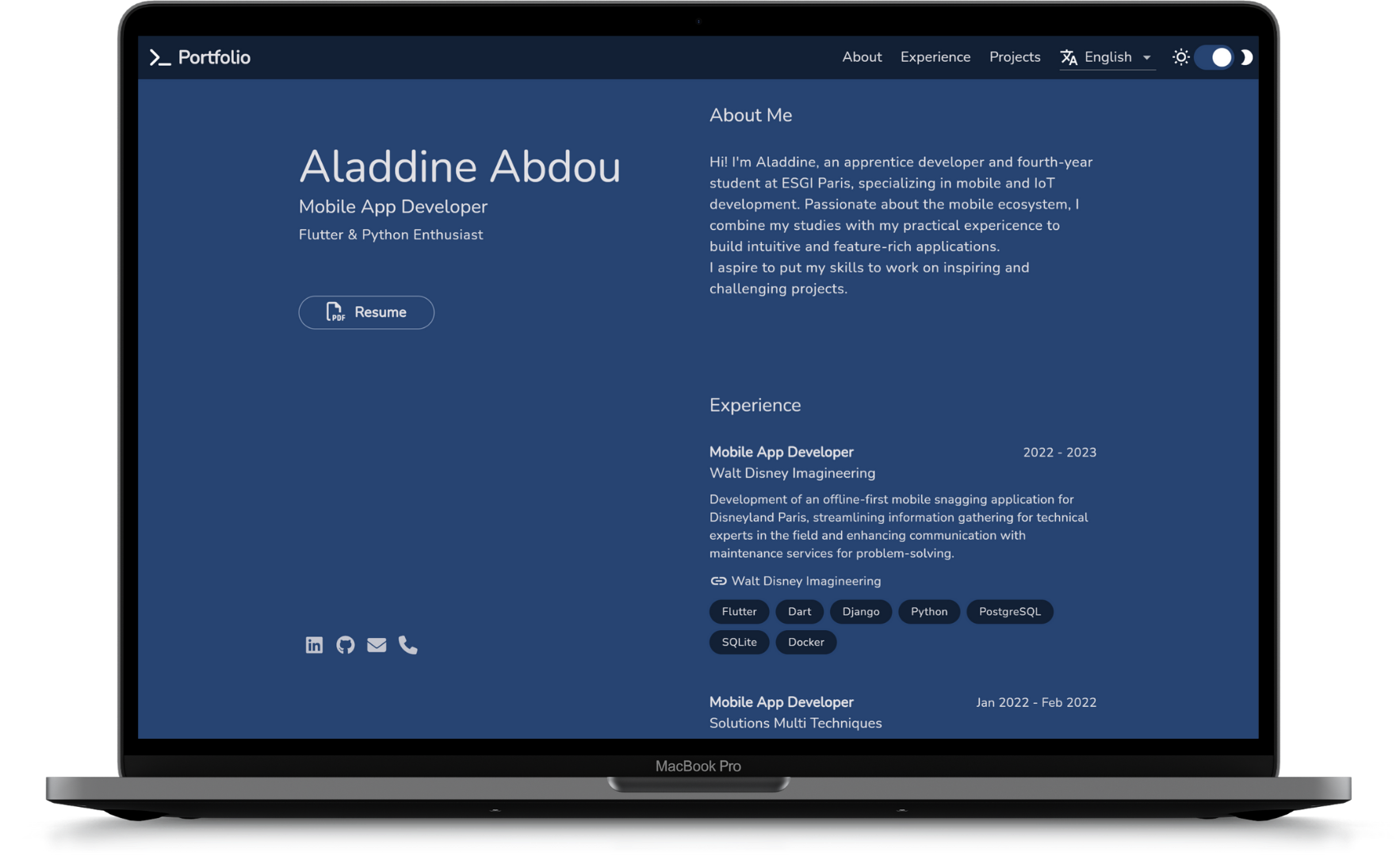
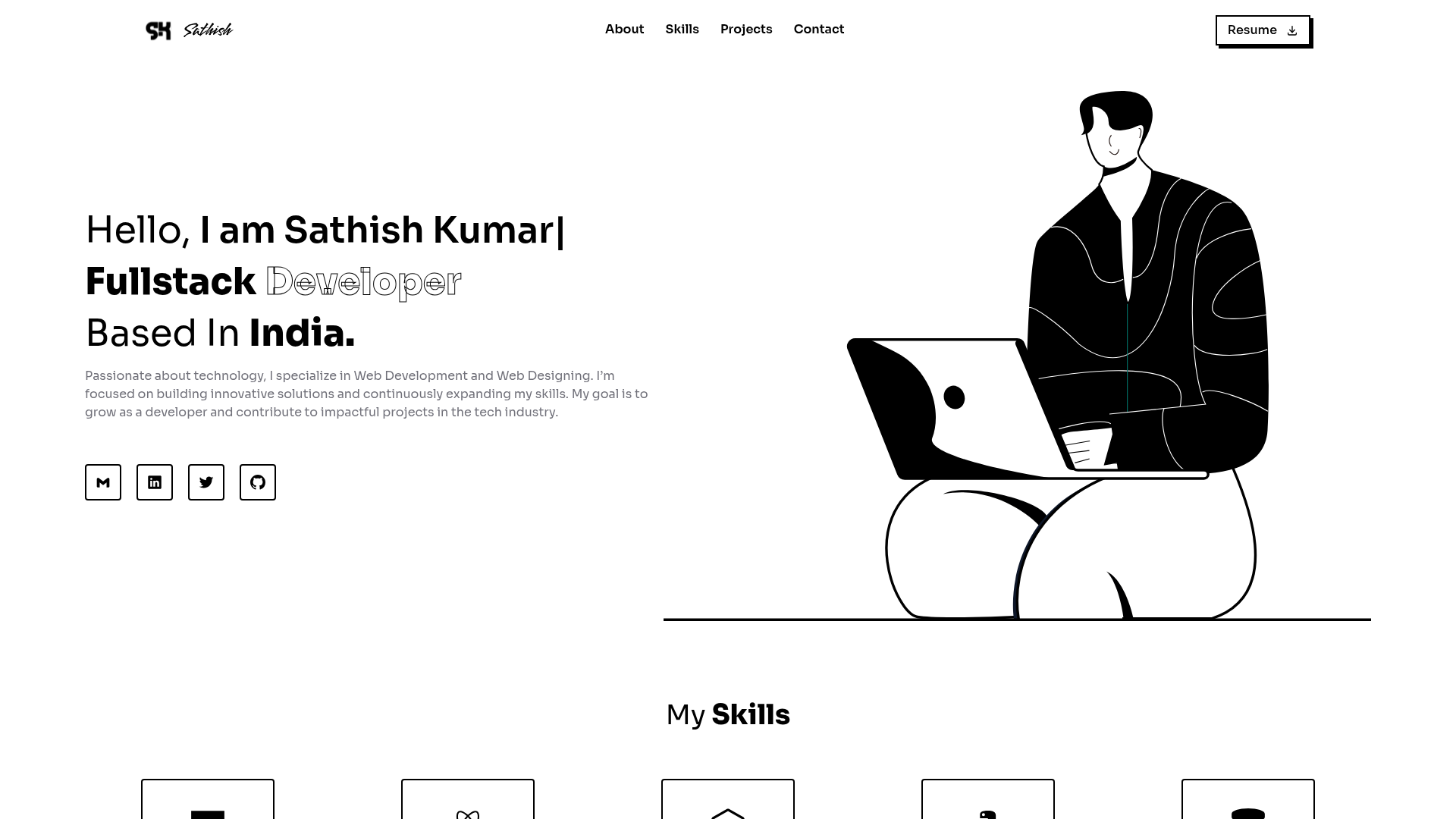
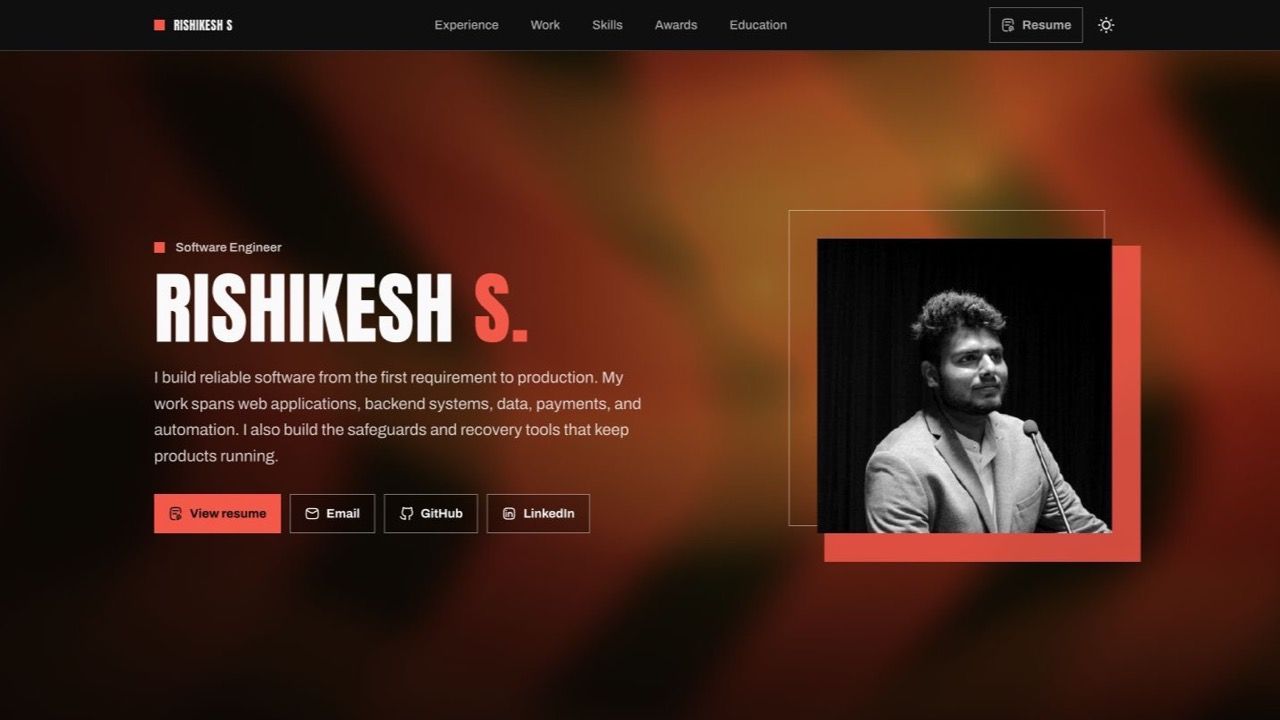
Portfolio Bootstrap is a free, open-source single-page portfolio template built with Bootstrap 5.2, jQuery 3.5.1, and Chart.js 4.4.4 that lets you present a professional profile and showcase completed projects in a GitHub-inspired design.
What is Portfolio Bootstrap?
Portfolio Bootstrap is a lightweight, static portfolio template created by Vittorio Piotti that runs entirely in the browser with HTML, CSS, and JavaScript. It takes profile details, project descriptions, and skill percentages as editable content and outputs a fully responsive personal portfolio page. The template is built on Bootstrap v5.2 and includes jQuery v3.5.1, Chart.js v4.4.4, and Kurke/Color v0.3.2 as dependencies. A live demo is hosted at vittoriopiotti.altervista.org, and the source is released under the GPL-3.0 license.
Key Features
Portfolio Bootstrap stands out because it combines a responsive Bootstrap layout with Chart.js visualizations and a GitHub-inspired design.
- Responsive framework — Layout is built with Bootstrap v5.2, giving you a mobile-first grid that adapts to phones, tablets, and desktops.
- GitHub-inspired styling — The design takes visual cues from GitHub's clean, content-heavy interface, making it familiar to developers.
- Chart.js integration — Skill bars or charts are rendered with Chart.js v4.4.4, so you can visualize proficiency levels with configurable data.
- jQuery interactions — jQuery v3.5.1 is used for DOM manipulation and interactivity like navigation and toggles.
- Single-page layout — All sections (profile and project showcase) live in one index.html file, making it easy to deploy to any static host.
- Open-source license — Licensed under GPL-3.0, allowing free use, modification, and redistribution with proper attribution.
- Versioned release — The template is tagged v1.0.0 on GitHub, giving you a stable starting point.
Who should use Portfolio Bootstrap?
This template suits anyone who needs a polished, code-first portfolio page without front-end build tooling.
- Developers who want a quick portfolio without writing their own CSS and JS.
- Freelancers looking for a professional showcase to link from business cards or email signatures.
- Students who need a simple project gallery for course work or graduate showcases.
- Open-source maintainers who want a GitHub-like aesthetic for their personal site.
Use cases
The template can be applied to several common portfolio scenarios.
- Job applicants: Build a one-page profile that lists skills as charts and links to project repositories, then share the URL on your resume.
- Independent developers: Present a selection of completed projects with descriptions and external links in a clean, code-friendly layout.
- Technical writers: Display documentation portfolios or writing samples alongside code contributions in a single navigable page.
Pricing
Portfolio Bootstrap is free to use under the GPL-3.0 license. No paid tiers are offered because it is distributed as open-source software.
FAQ
Is Portfolio Bootstrap free?
Yes, the template is released under the GPL-3.0 license, meaning you can use, modify, and redistribute it for free as long as you keep the license and attribution.
What technologies does Portfolio Bootstrap use?
It uses Bootstrap v5.2 for responsive styling, jQuery v3.5.1 for interactions, Chart.js v4.4.4 for data visualization, and Kurke/Color v0.3.2 for color handling. All are client-side, so no server is required.
Where can I see a demo?
A live demo is available at vittoriopiotti.altervista.org/index.html, hosted on Altervista. The source code is also on GitHub under the repository Portfolio-Bootstrap.
Can I host it on any static web server?
Yes, since it's pure HTML/CSS/JS, you can upload it to GitHub Pages, Netlify, Altervista, or any static host and it will work immediately.
How do I customize the content?
Edit the index.html file directly — replace the profile text, project list, and chart data with your own. No build step or command-line tools are required because the template is plain static files.