Template details
Portfolio
Your Flutter portfolio template online in less than 10 minutes 🚀
About this template
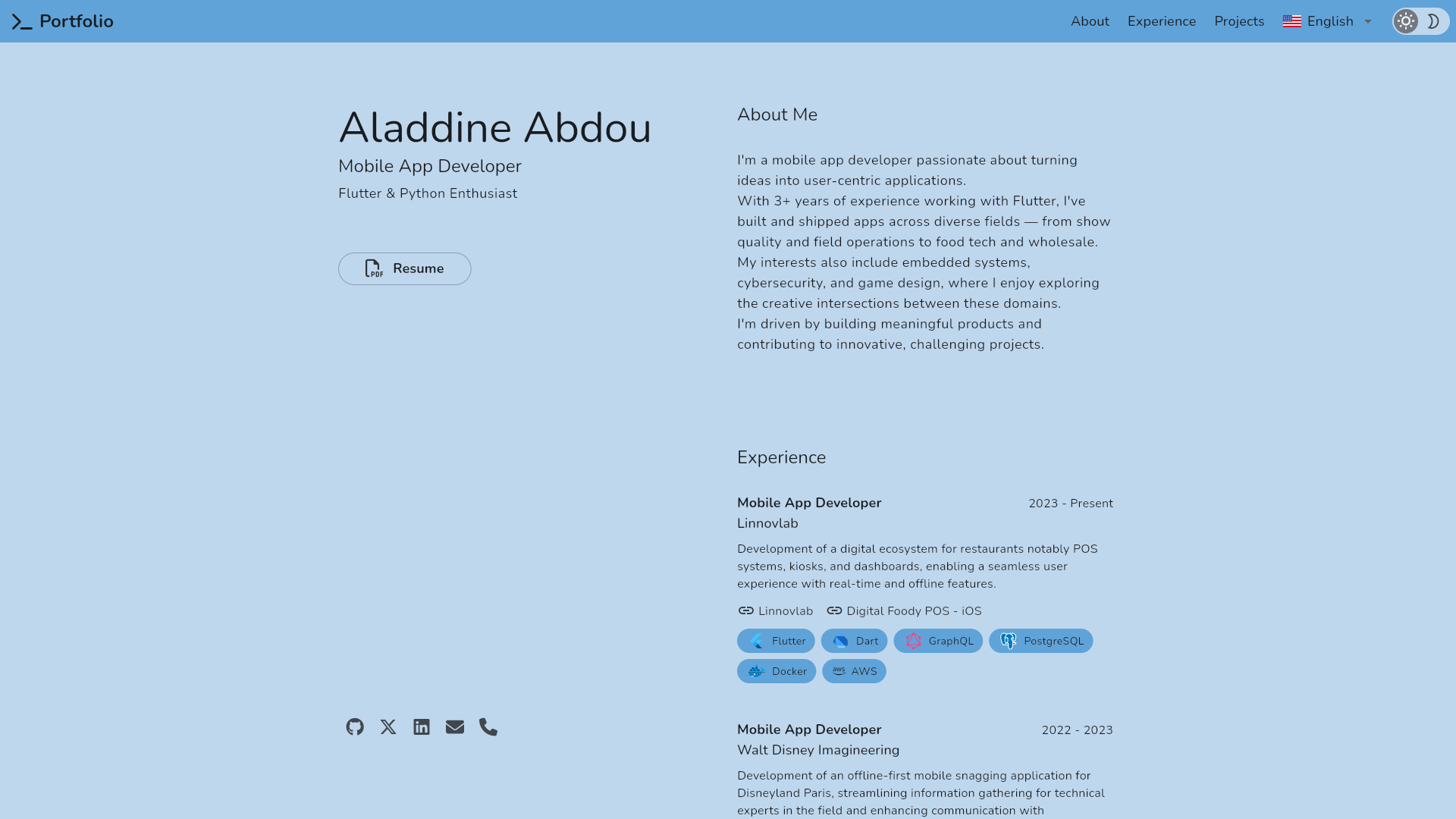
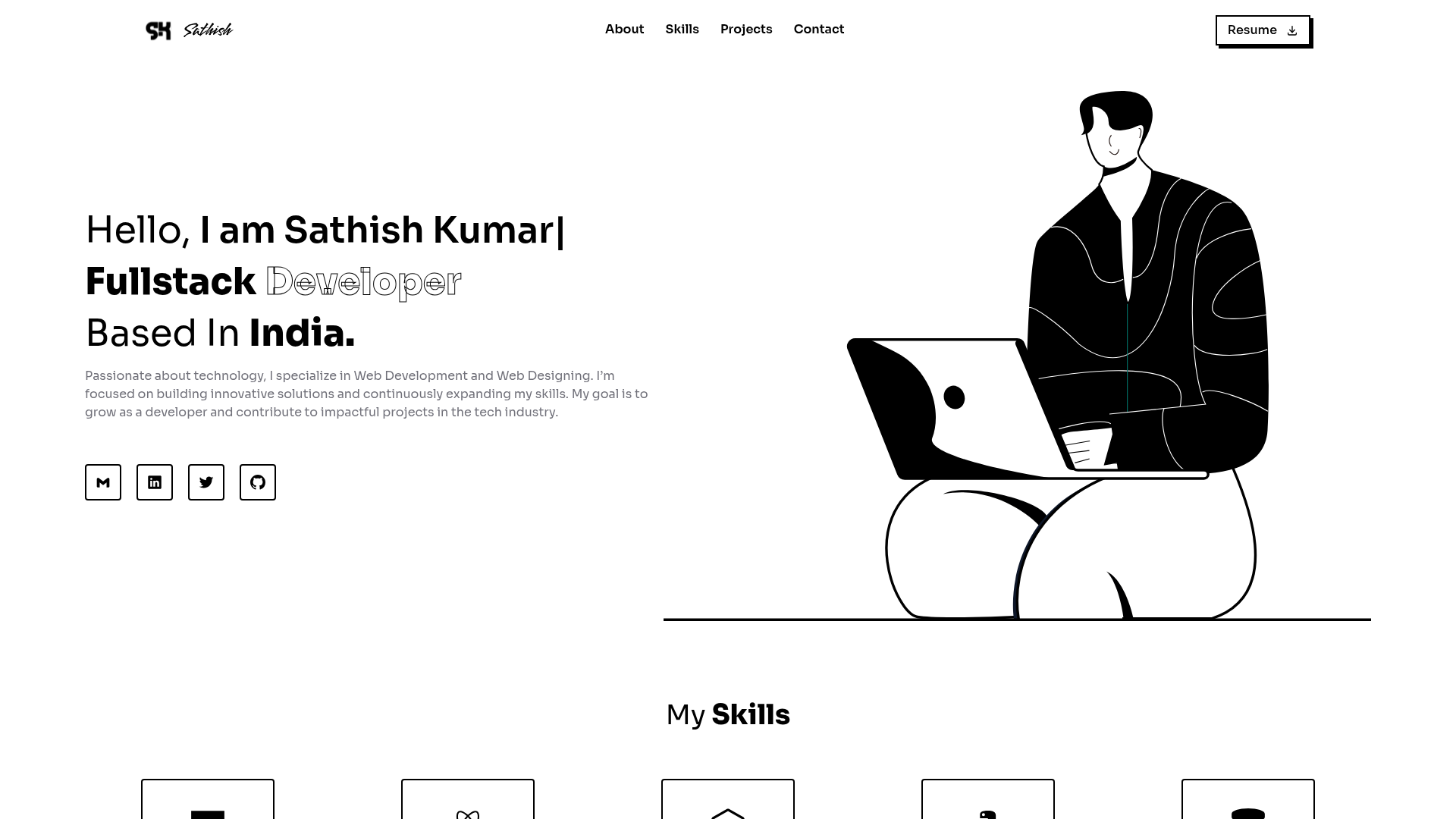
Portfolio is an open-source Flutter portfolio template by @AladdineDev that turns a forked repository into a responsive, multi-language personal website deployable to GitHub Pages in minutes. It targets developers and designers who want a code-controlled portfolio without building from scratch.
What is Portfolio?
Portfolio is a Flutter 3 / Dart 3 template that produces a multi-platform personal portfolio site. You input your content by editing JSON translation files inside assets/translations and your metadata in the web build's index.html; the output is a static site you can host on GitHub Pages, with native support for Android, iOS, macOS, Windows, Linux, and the web. The project is maintained by AladdineDev and is licensed under the MIT License.
Key Features
- Responsive design — The layout adapts across screen sizes and is visually inspired by Brittany Chiang's portfolio design.
- Riverpod architecture — Follows Andrea Bizzotto's Riverpod app architecture, with a feature-first folder structure for maintainability.
- Multi-language support — Uses easy_localization; translations live in
assets/translationsas JSON files, and you regenerate localization keys withdart run easy_localization:generate. - Multiple themes — FlexColorScheme drives theming, letting you switch color schemes and dark/light modes.
- Multi-platform output — Builds for Android, iOS, macOS, Windows, Linux, and Web from a single Flutter codebase.
- GitHub Actions deployment — A preconfigured workflow builds and publishes your portfolio to GitHub Pages; you only need to set the Pages branch to
gh-pages. - Launcher icon and splash customization — Uses flutter_launcher_icons and flutter_native_splash; you define icons and splash in
pubspec.yamland run the provided CLI commands. - Code generation — Uses build_runner and Freezed for typed models, keeping content and state contracts consistent.
Who is it for?
- Flutter developers — Quickly launch a personal portfolio with a clean, responsive UI and modern state management (Riverpod + hooks).
- Developers without design skills — Get a polished layout inspired by a well-known design; only JSON edits are needed for content.
- Professionals needing multi-language sites — The built-in localization workflow supports several languages simultaneously.
- Open-source enthusiasts — Fork, modify, and redistribute under the permissive MIT license.
What can you do with it?
- Deploy a portfolio in under 10 minutes — Fork the repo, enable GitHub Actions, set the Pages branch to
gh-pages, and push. The workflow builds the Flutter web app and publishes it. - Localize your site — Add or edit JSON translation files, update the
languageskey, and regenerate to support multiple languages. - Rebrand the theme — Change launcher icon and splash colors via
pubspec.yaml, then runflutter_launcher_iconsandflutter_native_splashto regenerate assets. - Extend the architecture — Use the feature-first Riverpod structure and Freezed models to add new sections, such as a blog or projects feed.
How does it work?
The setup is fully documented in the README. After forking and cloning, you enable GitHub Actions, install dependencies with flutter pub get, run dart run build_runner build -d to generate code, and then run two easy_localization commands to produce locale files. The included workflow deploys on every push; an empty commit (git commit --allow-empty -m "trigger deploy") forces an initial deployment. Locally, you customize content by editing the JSON translation files and the meta description in build/web/index.html.
Pricing
Portfolio is free and open source under the MIT License. There are no paid tiers or subscription requirements; you only pay for your own GitHub Pages hosting, which is free for public repositories.
FAQ
Is Portfolio free to use?
Yes. The template is released under the MIT License, allowing free use, modification, and redistribution. There are no trial periods, watermarks, or usage caps.
Which Flutter version do I need?
The README badges indicate Flutter 3.38 and Dart 3.10. You need a compatible Flutter SDK installed to run commands like flutter pub get.
Can I deploy to my own domain?
The default GitHub Pages URL is https://your-username.github.io/portfolio. Because the site is static, you can configure a custom domain through GitHub Pages settings after deployment.
How do I add a new language?
Create a new JSON translation file in assets/translations, add the language to the languages key in existing translation files, and then run the two easy_localization:generate commands from the README to regenerate the locale files.
Does it support offline or native mobile builds?
The template is multi-platform, so the same codebase can target Android, iOS, macOS, Windows, Linux, and Web. The deployment workflow focuses on Web, but you can build native binaries locally with Flutter.