Template details
illustration-portfolio
Animated portfolio website template built with React, Tailwind CSS, and Framer Motion.
About this template
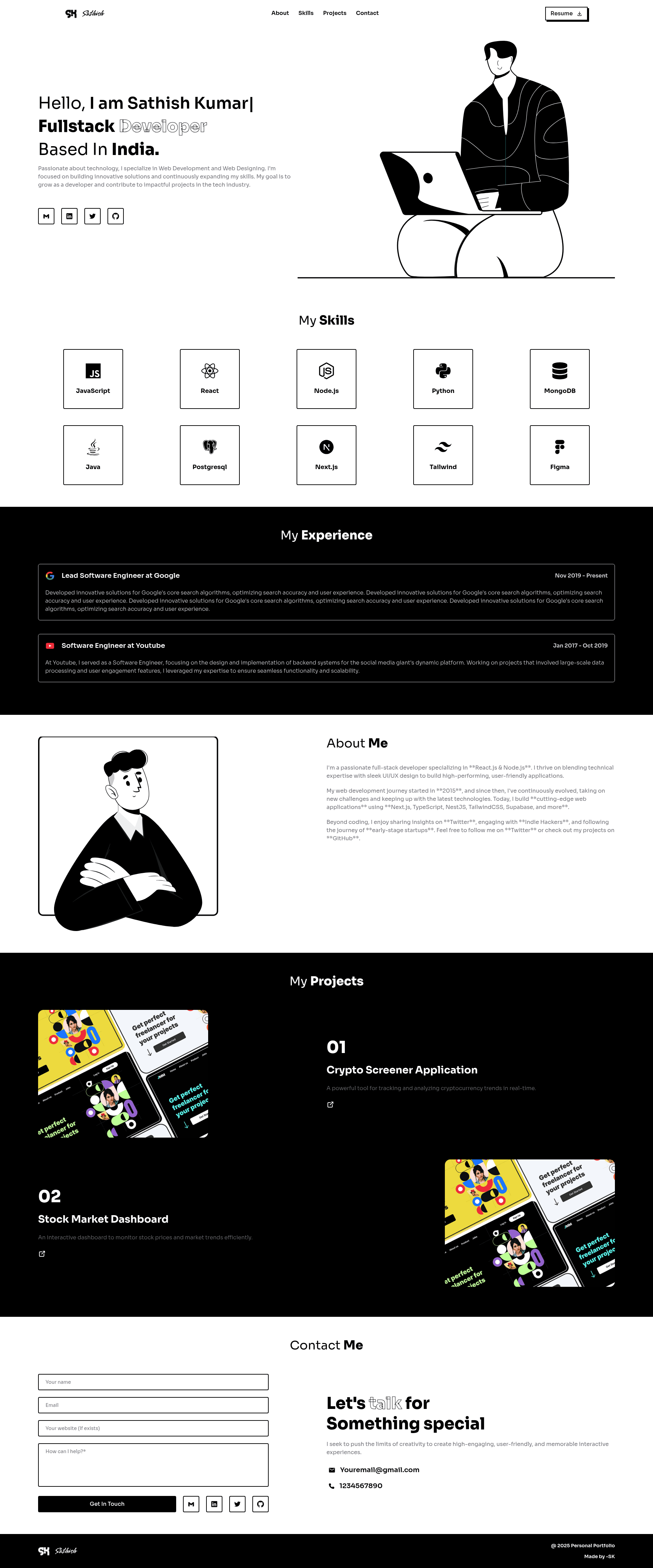
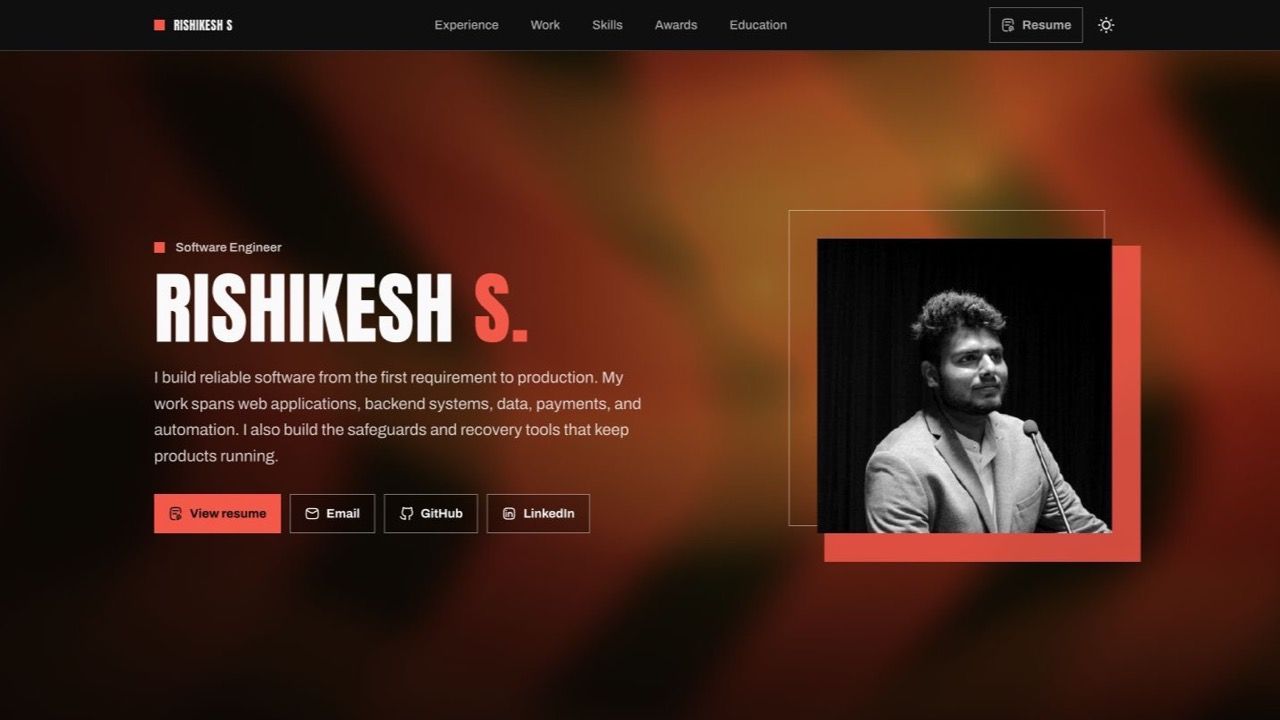
illustration-portfolio is a responsive personal portfolio website template built on Vite and React, styled with Tailwind CSS, and animated with Framer Motion by Sathish Kumar.
What is illustration-portfolio?
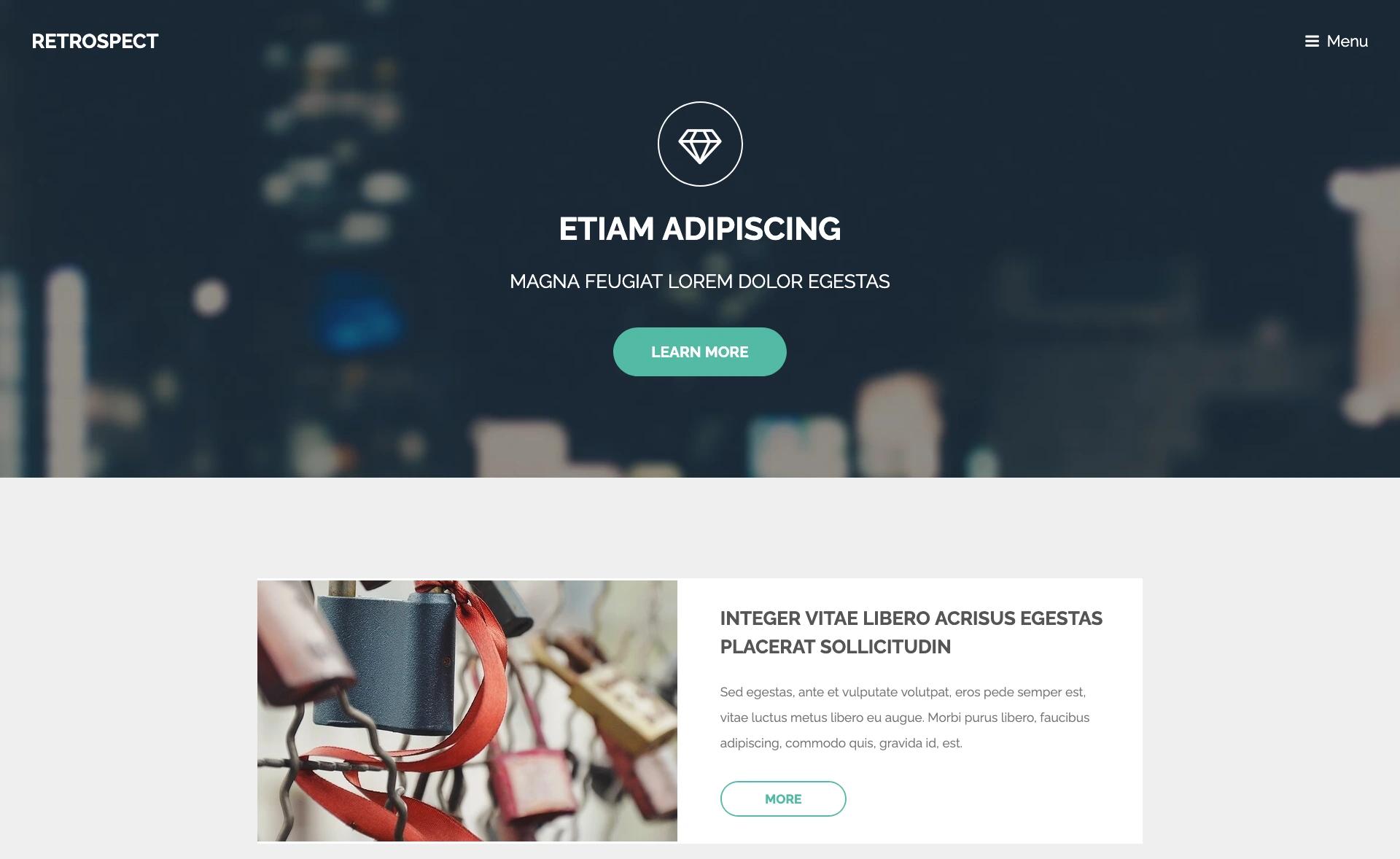
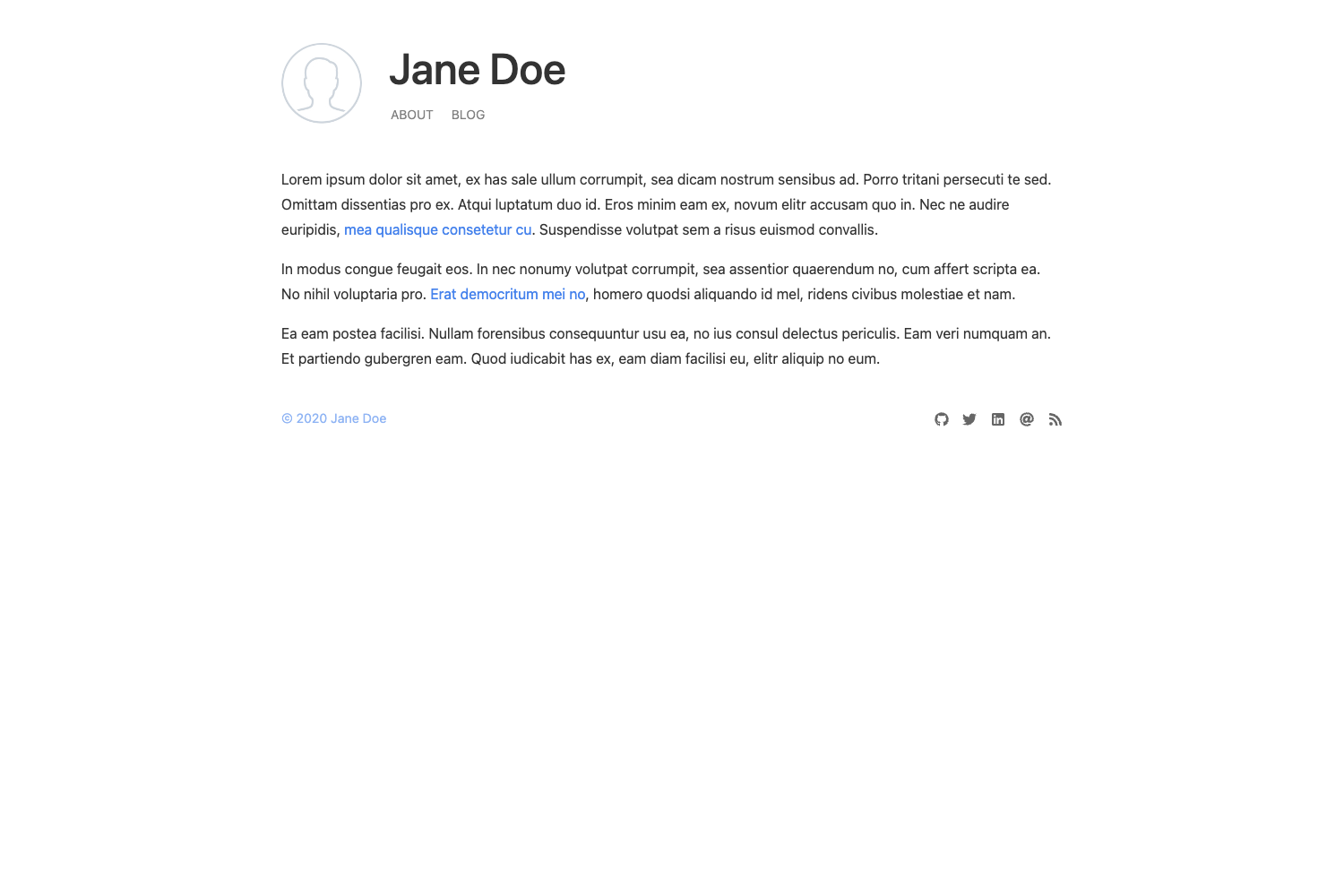
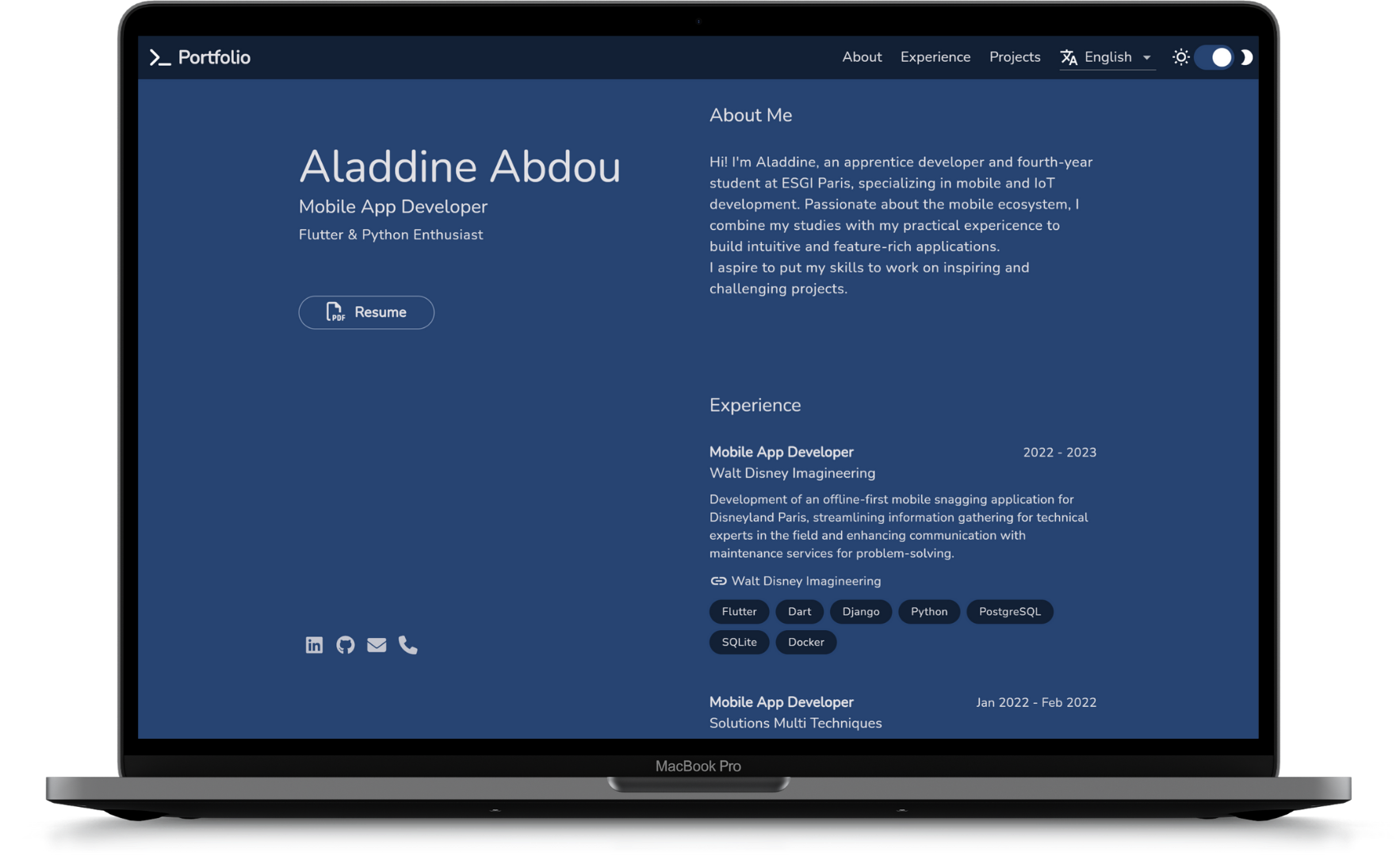
illustration-portfolio is an open-source portfolio template for developers and creatives who want a ready-made personal website. The template takes your content — project descriptions, skills, and experience — and presents it in a modern, animated portfolio layout with dark mode support. It runs on a Vite + React frontend stack, uses Tailwind CSS for styling, and can be deployed to static hosting platforms like Vercel, Netlify, or GitHub Pages. A live demo is available at https://sk-illustration-portfolio.netlify.app/.
Key Features
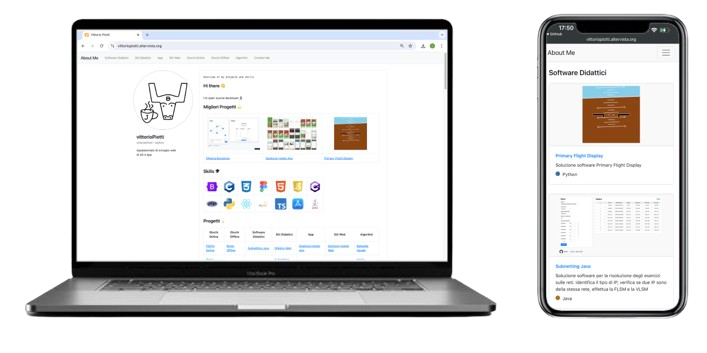
- Responsive Design — The layout adapts to all screen sizes, ensuring the portfolio looks correct on phones, tablets, and desktops.
- Smooth Animations — Framer Motion powers interactive transitions and motion effects that make scrolling and navigation feel fluid.
- Dark Mode Support — Visitors can toggle between light and dark themes, improving readability in different lighting conditions.
- Optimized Performance — Vite's fast build tooling and efficient React rendering keep page loads quick and navigation smooth.
- SEO Friendly — The template is structured to help search engines index the portfolio content effectively.
- React + Tailwind Tech Stack — The project uses React.js for building UI components, Tailwind CSS for utility-first styling, and Framer Motion for animation; all dependencies are installed via npm.
Who is it for?
- Developers — launch a professional portfolio quickly by cloning the repository, personalizing the content, and deploying to a static host.
- Designers and illustrators — present visual work in an animated layout that draws attention to portfolio pieces.
- Job seekers — create a personal brand site to share with recruiters, with built-in contact links to email and LinkedIn.
What can you do with illustration-portfolio?
- Customize and deploy: clone the repository, swap in your own projects and details, run
npm run devfor a local preview, then deploy to Vercel, Netlify, or GitHub Pages. - Showcase your work: use animations and dark mode to present projects in a polished, interactive format.
- Contribute back: fork the repo and submit pull requests, or star the project to show support.
How does illustration-portfolio work?
The setup flow is documented in the README: clone the repository, navigate into the project directory, install dependencies with npm install, and start the development server with npm run dev. The app runs at http://localhost:3000/ for local development.