Template details
Maria
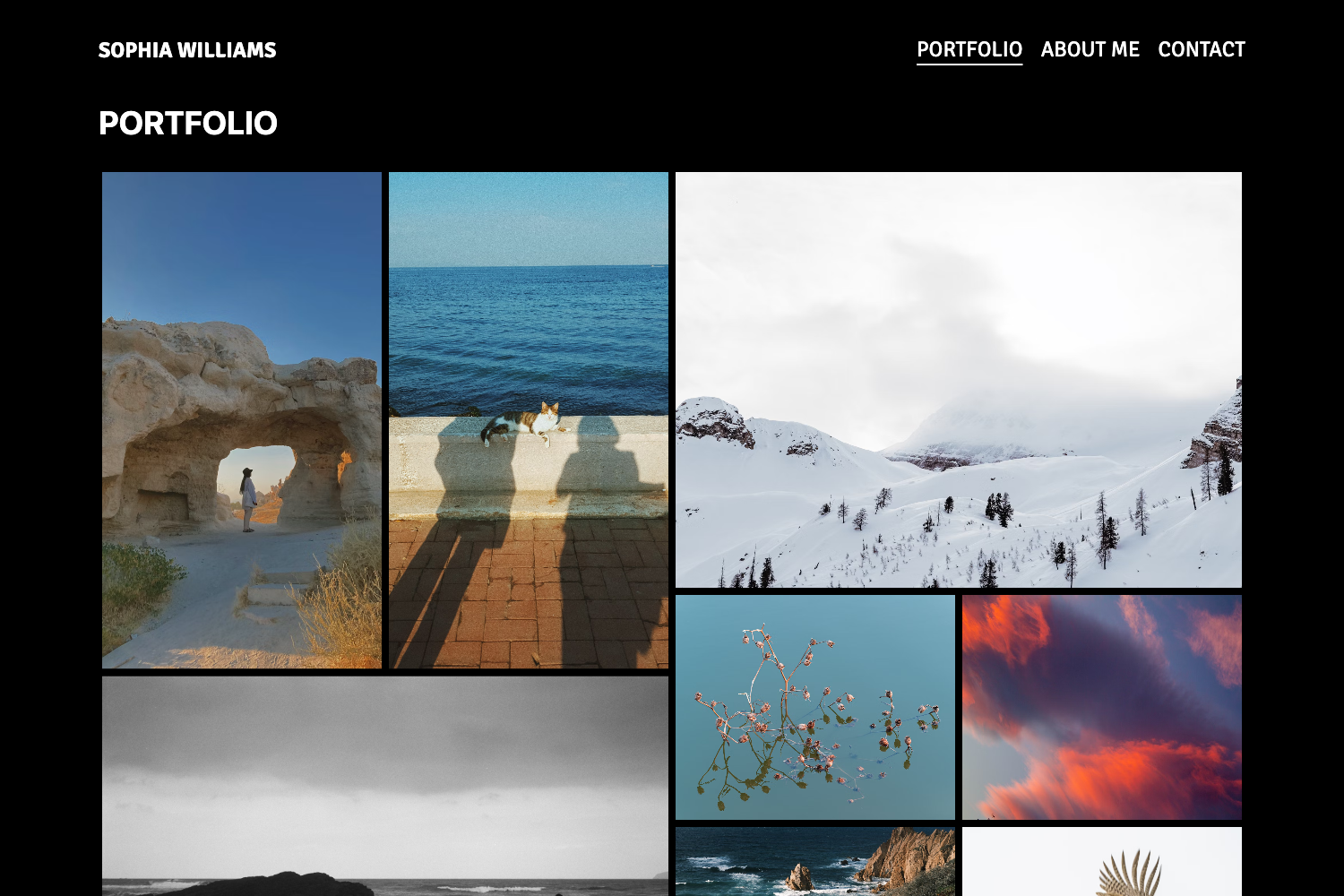
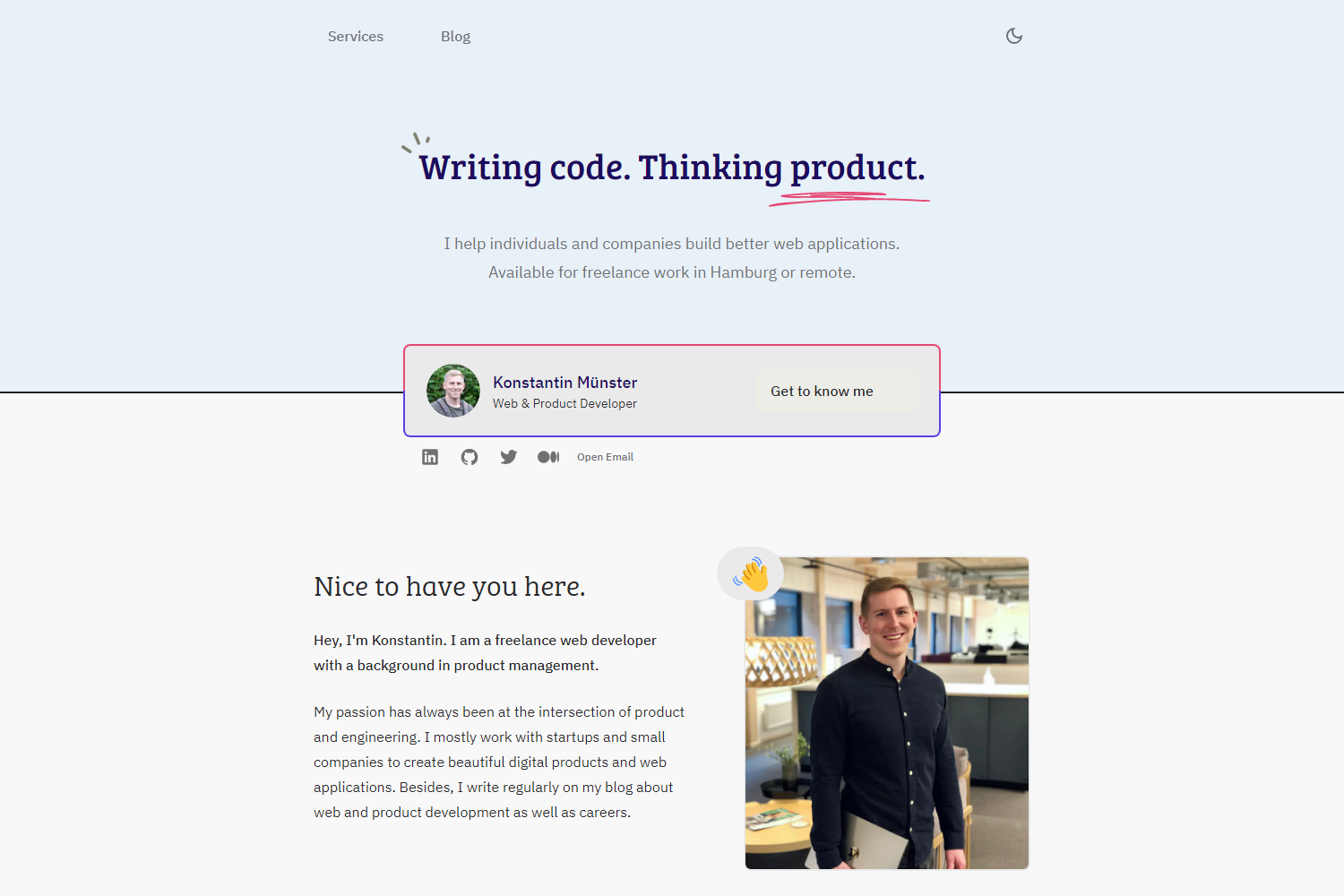
Modern Astro portfolio theme for UI/UX and product designers with case study pages, cookie consent, and SEO.
About this template
Maria is an Astro 7 portfolio theme for UI/UX and product designers that ships with a case study page, cookie consent system, and full SEO tooling.
What is Maria?
Maria is a free, MIT-licensed Astro theme built for presenting design work online. It takes a designer's portfolio content — case studies, project images, resume details, and social links — and outputs a static site with typed pages for a homepage, about, resume, work, privacy, cookies, terms, and 404. The theme is built on Astro 7 with Tailwind CSS 4 (via the Vite plugin), MDX for flexible content, and the Manrope variable font loaded from @fontsource. Configuration lives in a single TypeScript file at src/config/site.ts.
Key Features
- Cookie consent system — A client-side banner, preferences modal with essential/analytics/marketing categories, a footer re-open button, and a dedicated /cookies policy page. Consent is saved in localStorage under maria-cookie-consent.
- Theme toggle — Light and dark mode with an icon-only header toggle; the visitor's choice is saved in localStorage under maria-theme and respects the system color scheme by default.
- SEO built in — Canonical URLs, meta descriptions, keyword meta, Open Graph and Twitter card tags, sitemap generation, dynamic robots.txt, JSON-LD structured data defaults, and noindex handling on the 404 page.
- Portfolio pages — A polished homepage, a Works page with pagination, a sample case study at /work/nextpoint, plus About and Resume pages. Only Nextpoint is fully built; other project cards are placeholders pointing to it.
- Optimized images — Portfolio and case study screenshots run through Astro's image pipeline for responsive optimized output; tool logos are self-hosted SVGs served from src/assets/logos.
- Deployment configs — Ready-to-use netlify.toml and vercel.json files for one-command deployment to either platform.
Who is it for?
- UI/UX designers who want a portfolio that presents case studies and project screenshots without building a site from scratch.
- Product designers who need a resume page with self-hosted tool logos and a clean page hierarchy.
- Designers who value privacy compliance — the built-in cookie consent banner covers essential, analytics, and marketing categories out of the box.
What can you do with Maria?
- Publish a case study: Replace the sample Nextpoint project with your own work; the theme's MDX support lets you write rich project stories.
- Set up consent before adding analytics: Use the client API (window.mariaCookieConsent) and the maria:cookieConsentChanged event to load analytics scripts only after a visitor opts in.
- Launch on Netlify or Vercel: Deploy with the included config files after setting the SITE_URL or PUBLIC_SITE_URL environment variable so canonical and sitemap URLs match your domain.
How does Maria work?
Install dependencies with npm install, then run npm run dev for local development. Edit src/config/site.ts to set your name, title, description, email, author role, and social links, and set SITE_URL before deploying. Build for production with npm run build and preview the output with npm run preview.
FAQ
Is Maria free?
Yes, Maria is released under the MIT License, so you can use, modify, and deploy it freely, including for commercial portfolio sites.
Which pages does Maria include?
Maria includes /, /about, /resume, /work, /work/nextpoint (a sample case study), /privacy, /cookies, /terms, and /404. The homepage project cards are placeholders that you replace with links to your own case studies.
Does Maria support analytics scripts?
Maria's cookie consent system is designed to gate third-party scripts. Use window.mariaCookieConsent.canUse('analytics') to check consent before loading analytics, and listen for the maria:cookieConsentChanged event to react to preference updates.
Can I change the site name and links without editing templates?
Yes. All main template settings live in src/config/site.ts. You update the name, title, description, email, authorName, authorRole, and social links there once.
How does Maria handle image optimization?
Portfolio and case study screenshots placed in src/assets/images get processed by Astro's image pipeline for responsive, optimized output. Tool logos are self-hosted SVGs in src/assets/logos.