Template details
Projects Portfolio Template
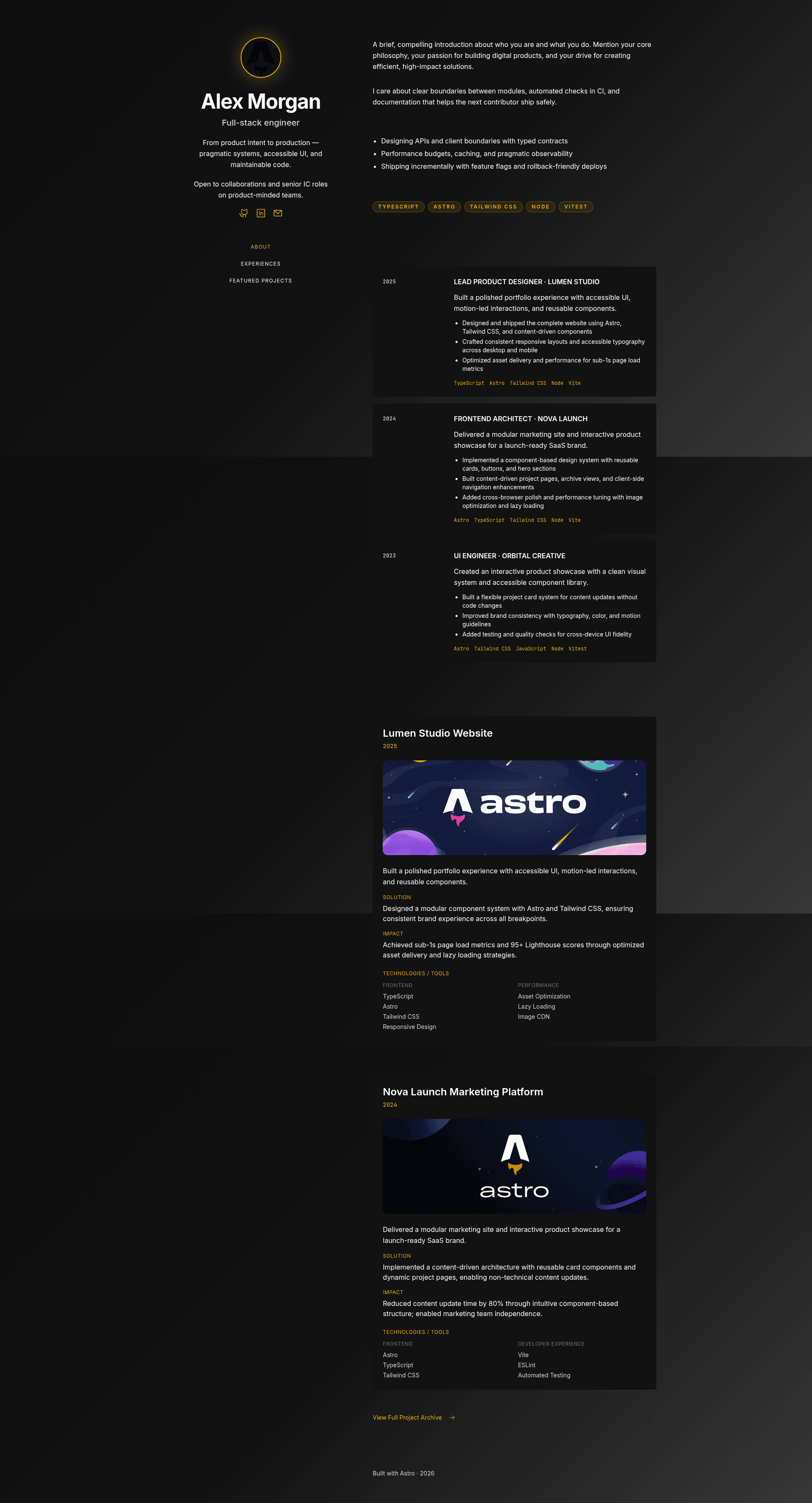
A responsive Astro portfolio template to showcase projects and experiences — fast, customizable, and deploy-ready.
About this template
Projects Portfolio Template is an Astro portfolio starter for developers who want a responsive, customizable site to showcase their projects and experience.
What is Projects Portfolio Template?
Projects Portfolio Template is an open-source Astro 6.x project that generates a static portfolio site from content you define in a /data folder. It takes site content such as hero text, about sections, experience cards, and contact links as inputs and produces a fully optimized, deploy-ready static website as output. The template uses Tailwind CSS 4.x for styling and requires Node.js v22.12.0 or higher. It is distributed under the MIT License, so you are free to use, modify, and distribute it.
Key Features
- Centralized data — All content lives in
data/site.tsand JSON files inside/data, so you update one location to change the hero, about, experience cards, archive projects, and contact links. - Built-in themes — Switch between four color palettes (
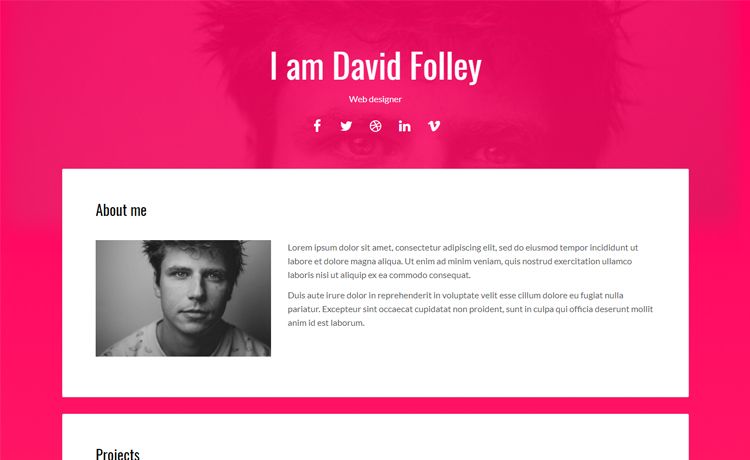
default,strategic,innovator,executive) by editing a singlebaseThemevariable insrc/config.ts. - Responsive layout — The design is optimized for mobile, tablet, and desktop viewports.
- Performance focused — The project uses a static-first architecture and aims for perfect Lighthouse scores.
- SEO ready — Open Graph meta tags and semantic HTML are included to improve sharing and search visibility.
- Standard Astro commands — The README documents commands for installing dependencies, running the dev server, building the production site, previewing the build, and using the Astro CLI.
- Clean project structure — Components, layouts, pages, styles, and configuration are separated under
src/, with static assets inpublic/.
Who is it for?
- Developers and freelancers — Need a fast, deploy-ready portfolio to display projects and skills without building a site from scratch.
- Job seekers — Want a professional online presence with SEO and Open Graph support to share with recruiters.
- Tech enthusiasts — Who want a customizable template using a modern stack (Astro, Tailwind) and the ability to quickly swap themes and content.
What can you do with Projects Portfolio Template?
- Customize hero and about sections: Edit
data/site.tsto update your name, bio, and summary text in minutes. - Showcase experience cards: Add or modify experience cards in the data files to highlight your work history and accomplishments.
- Set your color identity: Choose among four built-in themes in
src/config.tsto match your personal brand. - Deploy anywhere: The build outputs static files to
./dist/, which you can host on any platform that serves static content.
How does the template work?
The template follows a straightforward workflow. First, click "Use this template" to create a new repository. Then clone your new repo, run npm install to install dependencies, and start the dev server with npm run dev. Once your site appears locally, update the content and images in the /data and /public folders, then run npm run build and deploy the generated ./dist/ folder.
Pricing
The template is free and open source under the MIT License, with no paid tiers or hidden fees.
FAQ
Is Projects Portfolio Template free?
Yes, the project is licensed under the MIT License, meaning you are free to use, modify, and distribute it, including for commercial projects.
What Node.js version is required?
You need Node.js v22.12.0 or higher installed to run the npm commands and build the site.
How do I change the theme?
Open src/config.ts and update the baseTheme variable to one of the available options: default, strategic, innovator, or executive.
How do I update my portfolio content?
Most content lives in /data. Edit data/site.ts to change the hero, about, experience cards, archive project page, and contact links, and replace images in /public.
Can I preview the production build?
Yes, after running npm run build, use npm run preview to serve the ./dist/ output locally and verify everything before deploying.