Template details
Portfolio Theme
A lightweight, responsive portfolio theme for developers, built with HTML, CSS, and JavaScript and ready for GitHub Pages deployment.
About this template
Portfolio Theme is a lightweight, responsive single-page portfolio template for developers, built with plain HTML, CSS, and JavaScript and designed for zero-config deployment on GitHub Pages.
What is Portfolio Theme?
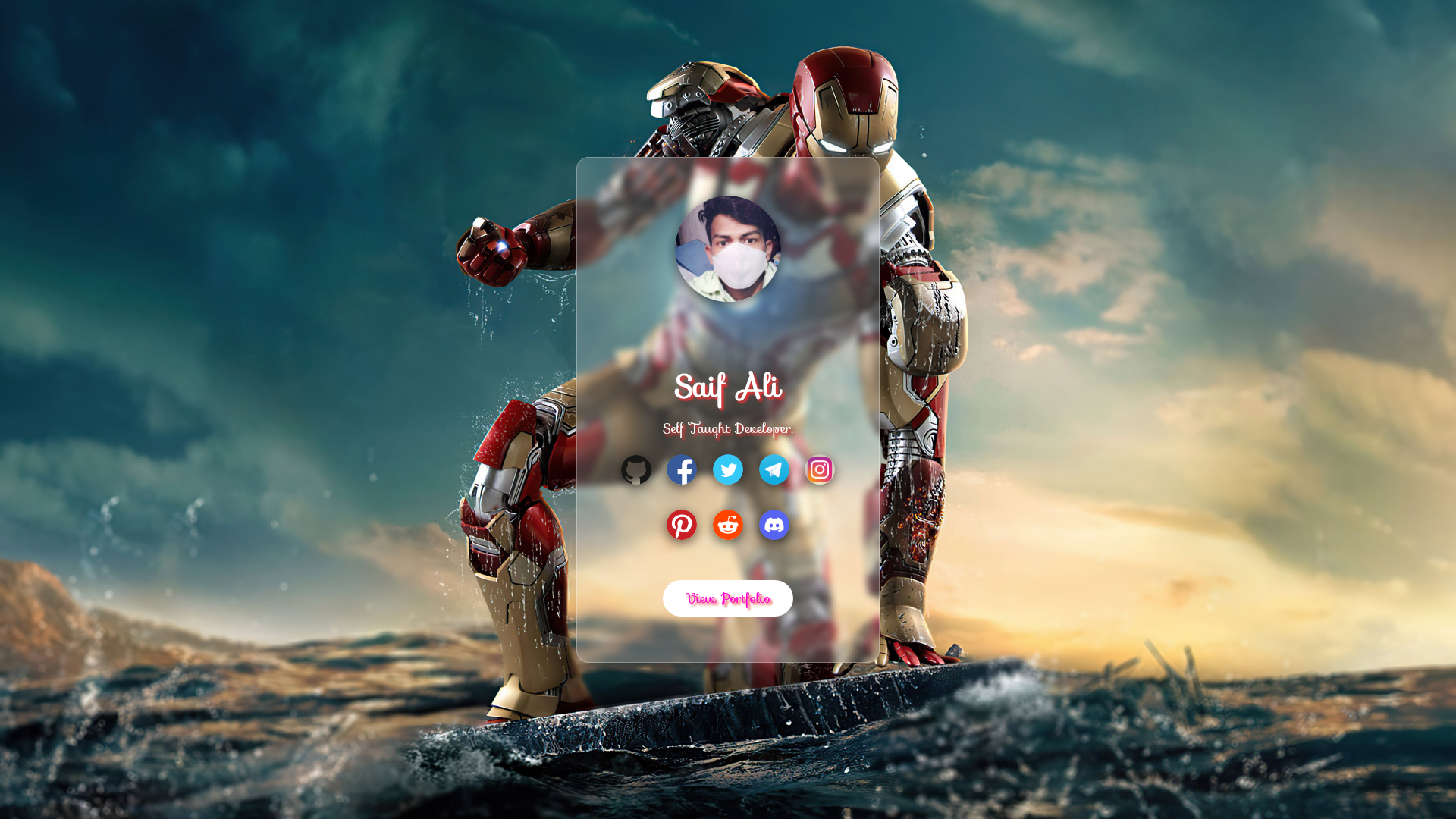
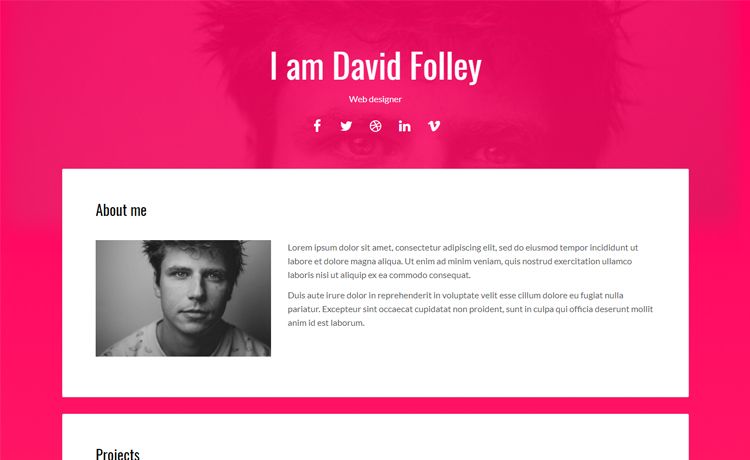
Portfolio Theme is a minimal portfolio template created by SAIF ALI that turns your personal details—name, title, favicon, bio, and social media links—into a clean, functional personal website. The template consists of an index.html file along with CSS and JavaScript assets, so there is no build step or framework to install. You can run it on any static web host, and the repository includes a live demo hosted on Vercel at saifahmed2004.vercel.app.
Key Features
- Lightweight — The entire template uses only plain HTML, CSS, and JavaScript, with no external frameworks or build tools required.
- Responsive design — The layout adapts to mobile, tablet, and desktop screen sizes out of the box.
- GitHub Pages ready — You can deploy by forking the repo, editing index.html, and enabling Pages in the repository settings.
- Simple customization — Personalize the portfolio by editing the name, title, favicon image, details, and social media links directly in index.html.
- Open source — Licensed under the GNU Affero General Public License v3 or later, with contributions welcome from the community.
- Live demo — A working example of the template is available on Vercel.
Who is it for?
- Developers — quickly launch a personal portfolio page that highlights your projects and technical skills.
- Students and recent graduates — publish an online resume without paying for hosting or learning a framework.
- Freelancers — establish a minimal professional presence with links to your work and social profiles.
- Open source enthusiasts — fork the project to learn from the code or contribute improvements.
What can you do with Portfolio Theme?
- Personal branding: Create a simple, professional page that introduces you and links to your GitHub and other social profiles.
- Project showcase: Display your best work with concise details and a favicon that matches your identity.
- Rapid deployment: Stand up a live portfolio in minutes by following the fork-and-edit workflow on GitHub Pages.
How does Portfolio Theme work?
To get started, fork the repository, open index.html, and replace the placeholder name, title, favicon image, details, and social media links with your own. Then go to the repository settings on GitHub, select the Pages section, choose the main branch as the source, and save—you'll receive a live URL immediately. You can also attach a custom domain from the same Pages settings page.
Pricing
Portfolio Theme is free and open source. It is released under the GNU Affero General Public License v3 or later, so you can use, modify, and distribute it freely, provided any derivative work is also licensed under AGPL v3.
FAQ
Is Portfolio Theme free to use?
Yes, the template is open source and available under the GNU Affero General Public License v3 or later, so you can use it for personal or commercial projects at no cost.
What do I need to change in the template?
Open the index.html file and update the name, title, favicon image, details, and social media links. Commit your changes and your portfolio reflects the new information.
How do I deploy Portfolio Theme on GitHub Pages?
Fork the repository, edit index.html, then open the repository settings, go to Pages, select the main branch as the source, and click Save. Your site will be available at the generated URL.
Does Portfolio Theme use any front-end framework?
No, it relies only on vanilla HTML, CSS, and JavaScript. There is no build process, package manager, or framework to install, which keeps the template extremely fast to load.
Can I contribute to Portfolio Theme?
Yes, contributions are welcomed. The repository lists all contributors and the maintainer encourages forking and submitting changes, though they ask you not to simply copy the code without contributing.