Template details
React Presentation Maker
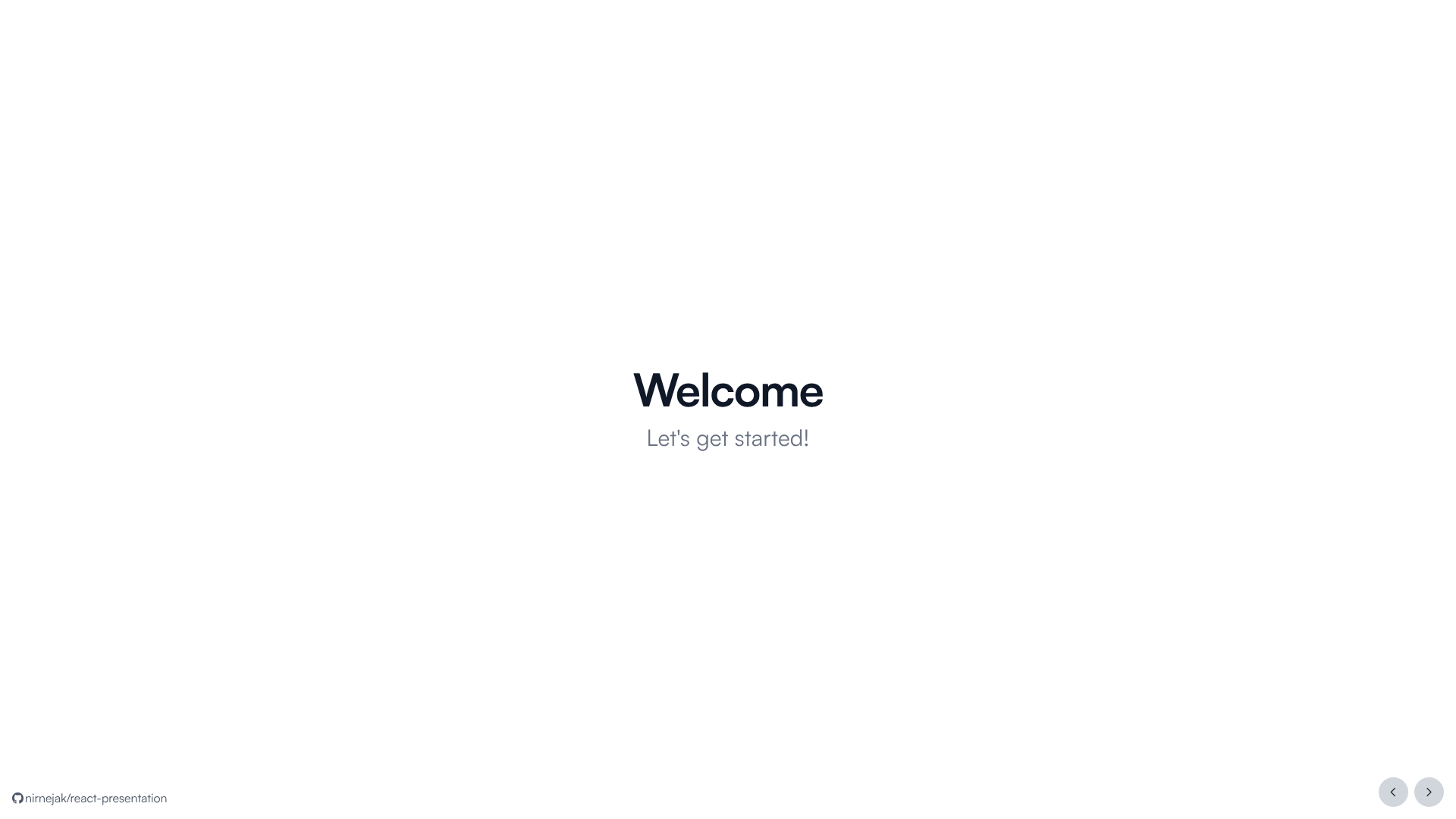
A Next.js template that turns React components into presentation slides with Tailwind CSS and Motion animations.
About this template
React Presentation Maker is a Next.js template that uses React components as presentation slides, so you can build a slide deck entirely in code. The repository includes nine pre-built slide components — <Cover />, <QuoteBlock />, <CodeBlock />, <Points />, <Profiles />, <SingleImage />, <MultiImage />, <About />, and <End /> — plus a <Wrapper /> component to standardize spacing. Styling is handled by Tailwind CSS, animations by Motion (formerly Framer Motion), icons by Akar Icons, and sound effects via the use-sound package. It is built for the Bun runtime and includes scripts for development, linting, formatting, type-checking, and production builds.
What is React Presentation Maker?
React Presentation Maker is a Next.js template for transforming React components into presentation slides. Instead of importing a deck from a slide editor, you write each slide as a component and the template renders it as part of a slideshow. It takes a set of React component files as input and produces a runnable Next.js presentation site. It uses TypeScript, Tailwind CSS, Motion, Akar Icons, and use-sound, with Bun as the package manager and script runner.
Key Features
- Nine slide components included — Cover, QuoteBlock, CodeBlock, Points, Profiles, SingleImage, MultiImage, About, and End cover typical deck sections like title, quote, code, bullet points, profiles, single/multiple images, about, and socials.
- Reusable React components — Every slide is a regular React component, so you can restyle or extend each one with JSX.
- Tailwind CSS styling — Utility classes from Tailwind CSS style the slides, and PostCSS is part of the build tooling.
- Motion animations — Motion (formerly Framer Motion) is included for adding transitions and animations to slides.
- Akar Icons — The Akar Icons icon set provides iconography for the slides.
- use-sound — The use-sound package is included so you can attach sound effects to slide interactions.
- Bun scripts — The template uses Bun with commands such as
bun install,bun run dev,bun run build,bun run lint,bun run format, andbun run type-check. - Pre-commit setup —
bun run prepareis available to set up pre-commit hooks.
Who is it for?
- Developers who build slides in code — Create and maintain presentations with version control, code review, and the same tooling used for web apps.
- React developers giving technical talks — Use the CodeBlock slide to show code samples and the Points slide for bullet-driven explanations.
- Bun users — The template's commands are designed around Bun, making it a natural fit for Bun-based projects.
- Open-source project maintainers — The Profiles and About components can introduce team members or contributors in a project overview deck.
What can you do with it?
- Technical presentations: Write a
<CodeBlock />slide to display formatted source code inside the deck. - Team or speaker intros: Use
<Profiles />and<About />to present people and personal background. - Visual storytelling: Drop a
<SingleImage />or<MultiImage />slide into the deck to feature images.