Template details
Next Login Firebase
A Next.js boilerplate that adds Firebase authentication and displays GitHub repositories.
About this template
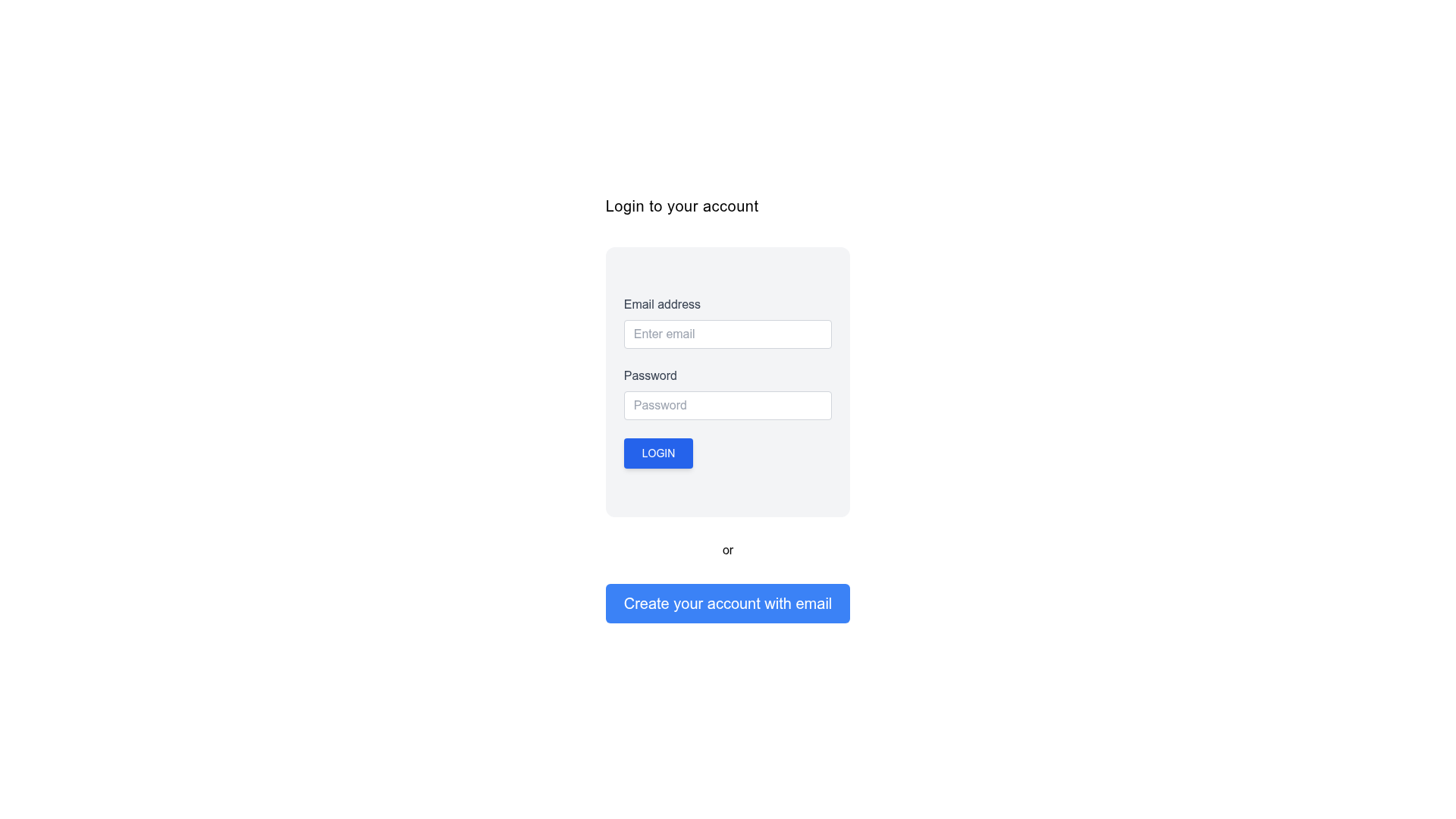
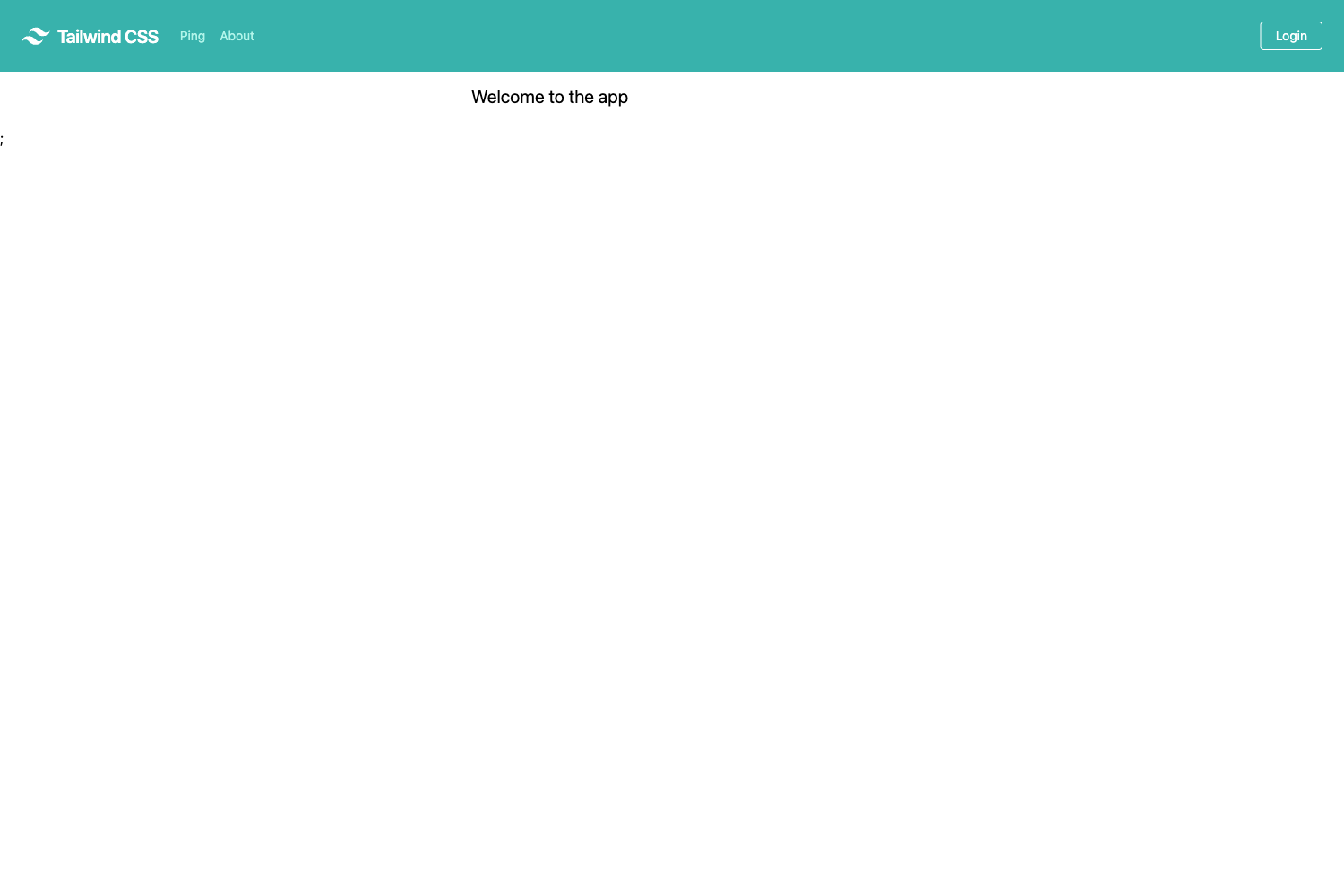
Next Login Firebase is a Next.js boilerplate template that lets developers add Firebase authentication to a web app and display the signed-in user's GitHub repositories. This starter project pairs the Next.js React framework with Firebase Auth and Tailwind CSS, giving you a working login flow plus a simple repo viewer out of the box.
What is Next Login Firebase?
Next Login Firebase is a basic Next.js template that authenticates users with Firebase and then shows GitHub repositories for a configured username. It takes Firebase project credentials and a GitHub API URL as input and produces a running web app with a sign-in flow and a repo list. The template is maintained on GitHub by realtouseef and is intended as a boilerplate for future projects.
Key Features
- Firebase Authentication — Users sign in through Firebase, with credentials supplied via seven environment variables: API key, auth domain, project ID, storage bucket, messaging sender ID, and app ID.
- GitHub repository viewer — After authentication, the app fetches public repositories from the GitHub API using a configurable endpoint, so you can display any user's repos by changing one environment variable.
- Next.js framework — Built on Next.js, the template supports both
npm startandyarn devcommands for running a local development server. - Tailwind CSS styling — The UI is styled with Tailwind CSS, and the repository is tagged with both Next.js and Tailwind topics.
- Boilerplate structure — The README documents the full setup path: creating a Firebase project, registering an OAuth 2.0 web client, and adding
http://localhost:3000as an authorized JavaScript origin. - Open-source and clonable — The source code is available at
https://github.com/realtouseef/next-login-firebase.gitand can be cloned and reused freely.
Who is it for?
- Next.js developers who want a minimal starting point for integrating Firebase authentication without setting it up from scratch.
- Hobbyists and learners who want to see how Firebase Auth and the GitHub REST API are combined inside a Next.js app, with a small codebase to study.
- App builders who need an authenticated area that shows a user's GitHub repositories, such as a portfolio or dev dashboard.
What can you do with it?
- Build an authenticated user dashboard — Let users log in with Firebase and then view the repositories associated with a GitHub username.
- Learn authentication integration — Follow the documented environment-variable setup to understand exactly how Firebase OAuth credentials are wired into a Next.js project.
- Start a new project base — Use the boilerplate as the first step for any app that needs Firebase login, then extend the repo viewer with additional GitHub features.
How does it work?
The setup requires a Firebase project: after creating one, you obtain web client credentials from the Google APIs console and authorize your local or deployed frontend URL. You then copy your Firebase config values and the GitHub API URL into a .env file using the variable names listed in the README, install dependencies with npm install or yarn, and launch the dev server with npm start or yarn dev.
FAQ
Is Next Login Firebase free?
Yes, the template is open-source. You can clone the GitHub repository and use it without paying a license fee; you only need your own Firebase project.
What is the GitHub repo URL for?
The NEXT_PUBLIC_GITHUB_REPO_URL environment variable sets which GitHub API endpoint the app uses to fetch repositories, such as api.github.com/users/username.
Do I need a Firebase project to use this template?
Yes. The template has no backend of its own; it relies on Firebase for authentication, so you must create a project at firebase.google.com and configure the environment variables before the login flow works.
Can I use this template for production?
The README labels it as a basic boilerplate and does not mention deployment steps, so it is best treated as a starting point rather than a production-ready app.