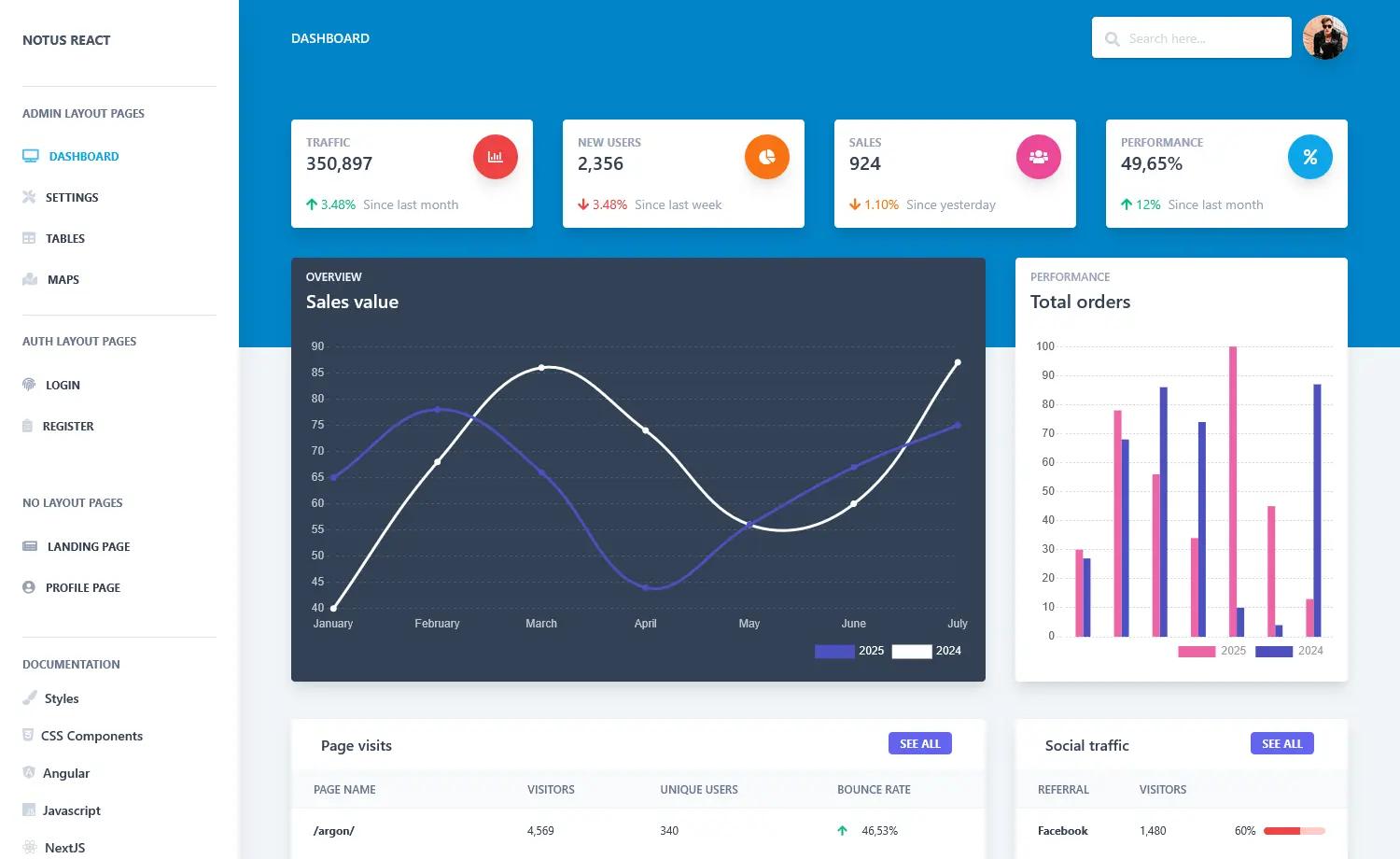
Template details
Regal-Free-Bootstrap-Admin-Template
Free Bootstrap 4 Admin Template.
About this template
Regal-Free-Bootstrap-Admin-Template is a free, responsive admin dashboard template built with Bootstrap 4, jQuery, HTML, CSS, and SASS, published on GitHub by BootstrapDash.
What is Regal-Free-Bootstrap-Admin-Template?
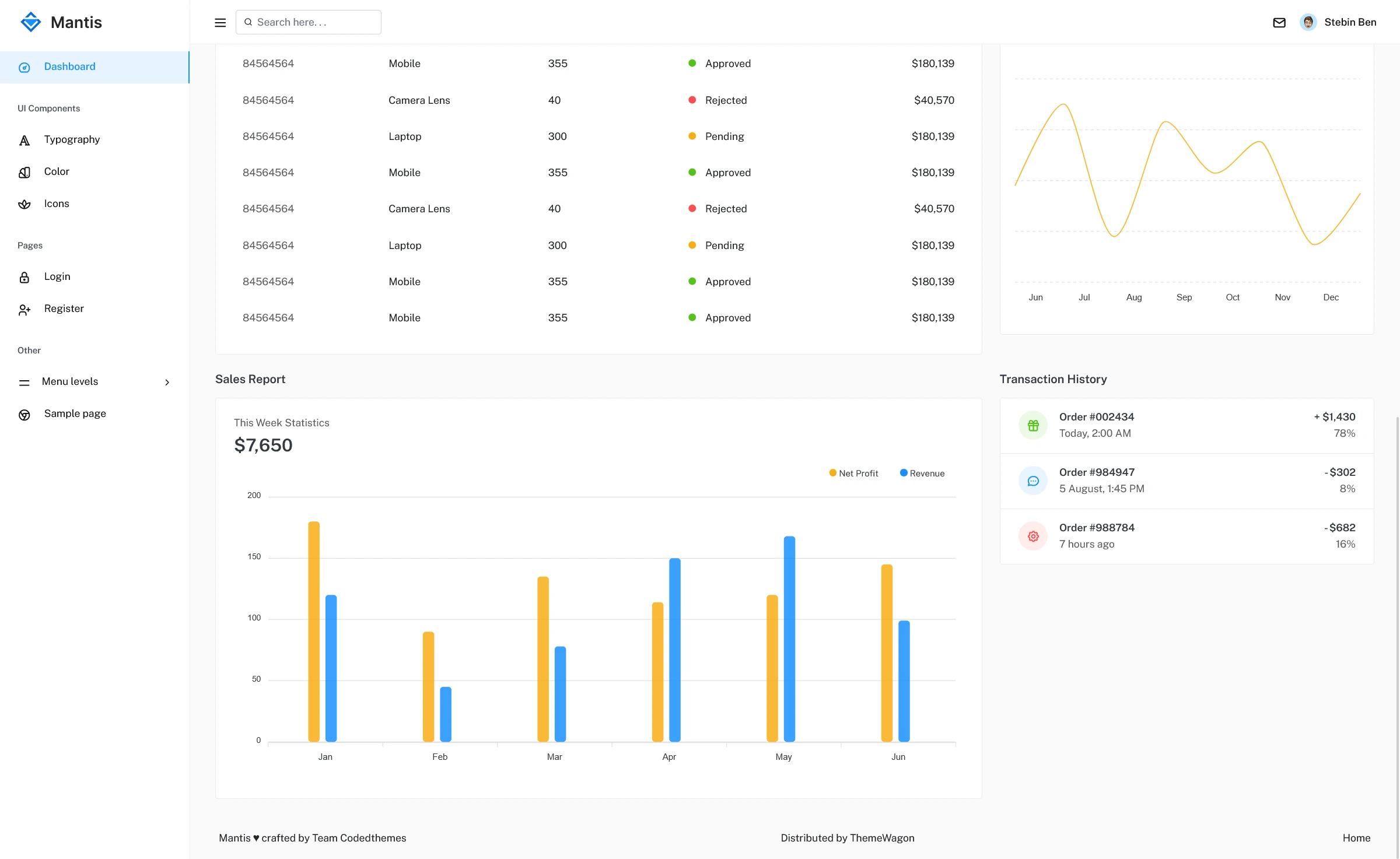
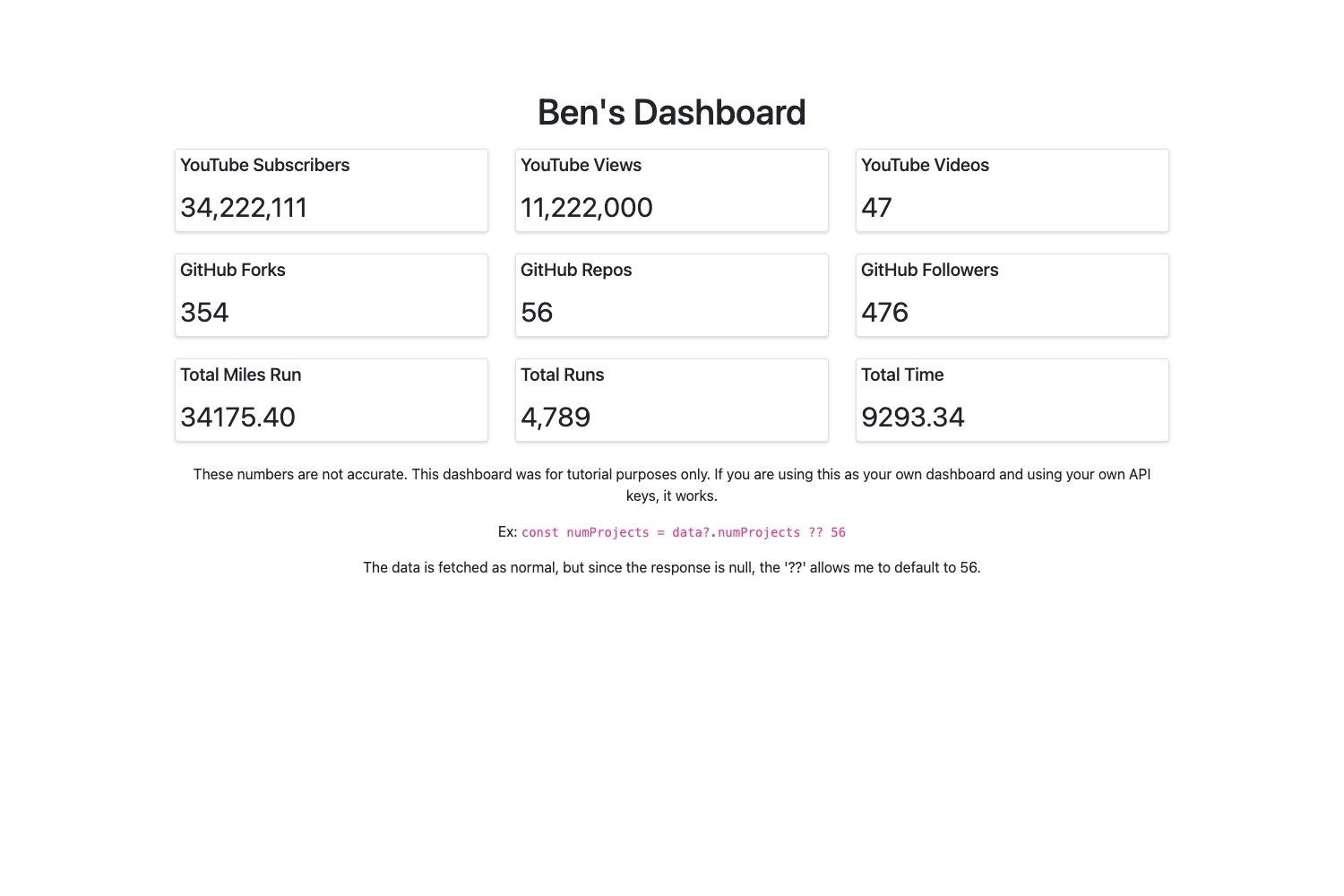
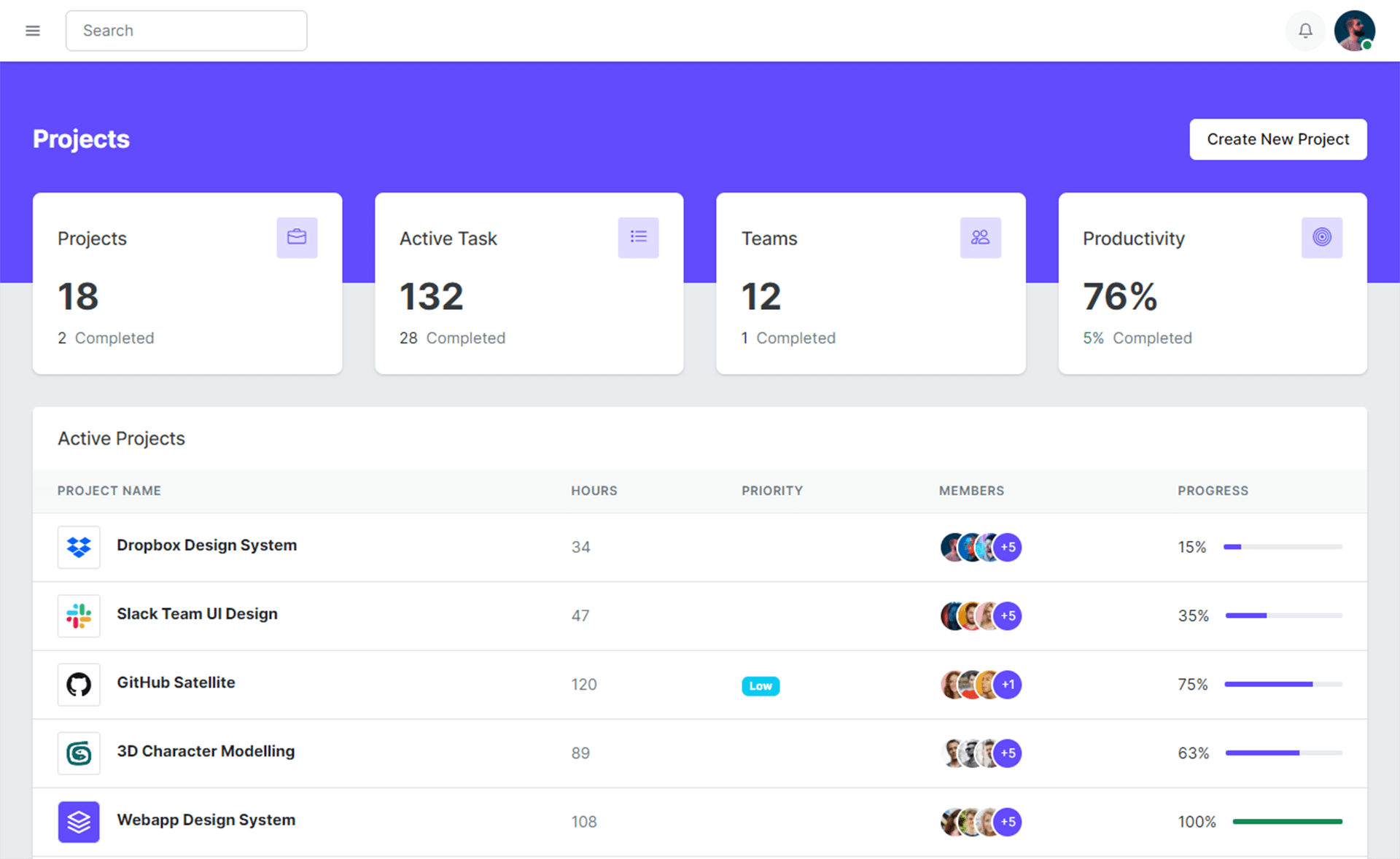
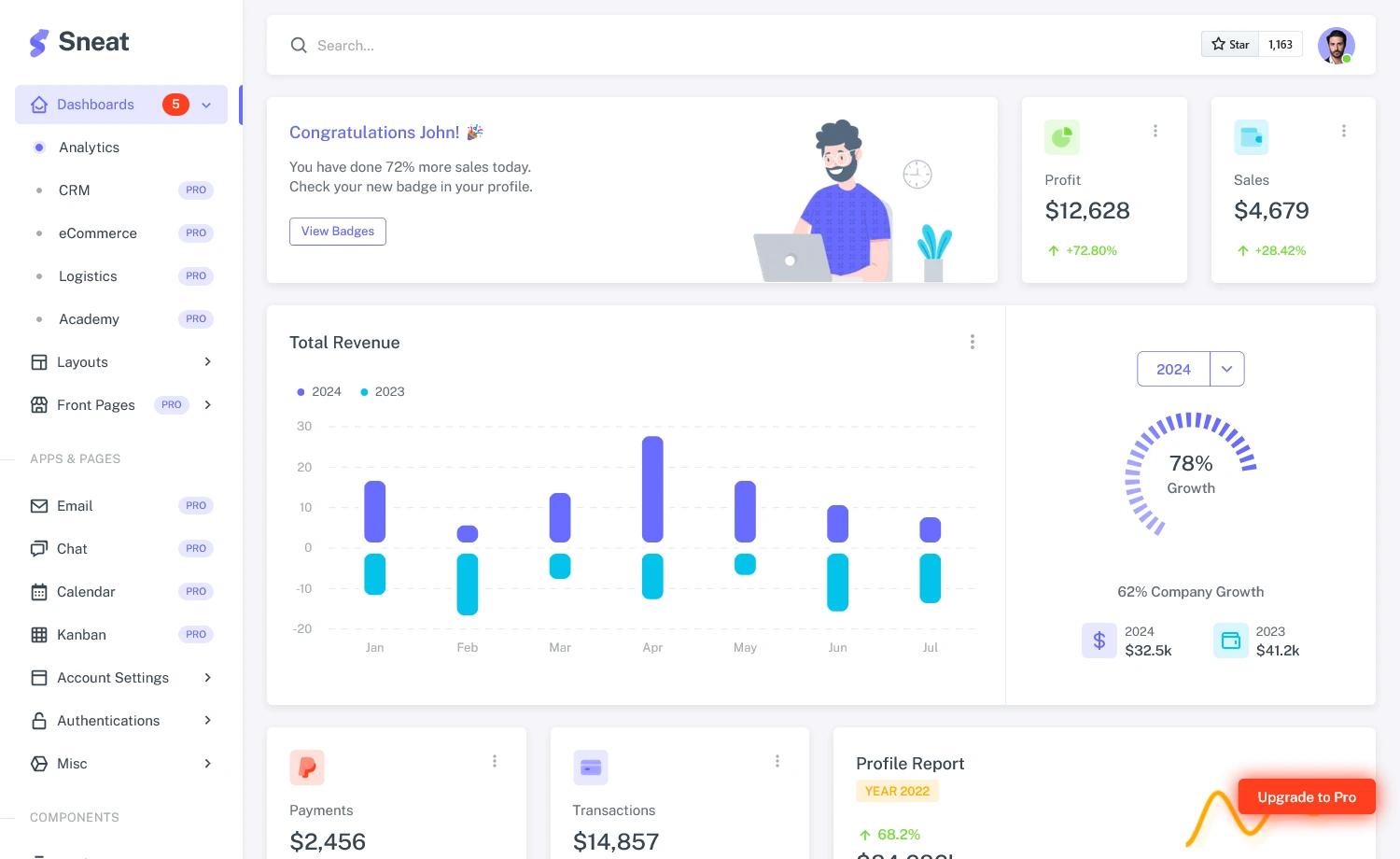
Regal-Free-Bootstrap-Admin-Template is a free admin dashboard template that runs entirely in the browser as static HTML, CSS, and JavaScript. It provides a pre-built interface for web application backends, including multiple page layouts, UI elements, tables, charts, and additional components. The template is distributed through GitHub and uses Bootstrap 4 as its core framework, with styling written in SASS for easier customization. A live demo and detailed documentation are linked from the repository.
Key Features
- Free and responsive — The template is free to use and adapts to different screen sizes.
- Built on Bootstrap 4 — Uses the Bootstrap 4 grid system, components, and utilities for layout and styling.
- SASS preprocessor — Styles are written in SASS, allowing developers to customize variables and reuse the build pipeline.
- jQuery integration — Interactive components rely on jQuery, which is bundled with the template.
- Multiple page layouts — Several pre-designed page layouts are included for different admin sections.
- UI elements and components — A collection of common interface elements such as buttons, forms, cards, and modals.
- Tables and charts — Pre-styled tables and chart options are part of the package.
- Detailed documentation — Documentation covers setup, usage, and customization, with a dedicated documentation page.
Who is it for?
- Web developers building admin panels or dashboards can use the template as a starting point and edit the HTML and SASS directly.
- Front-end developers who want a Bootstrap-based responsive layout with pre-made components and charts without building from scratch.
- Hobbyists and learners can study the code structure, modify components, and see how Bootstrap and jQuery work together.
- Startup teams needing a free, no-cost internal tool interface can deploy the static files to any web server.
What can you do with Regal-Free-Bootstrap-Admin-Template?
- Admin dashboard creators: set up a functional admin interface with sidebar navigation, tables, and charts in a few steps.
- Internal tool builders: customize the template to manage users, view analytics, or handle data entry.
- Front-end educators: use the code examples to teach Bootstrap layout and SASS customization.
- Quick prototyping: open the demo, copy sections, and adapt them for client pitches or internal demos.
How does the template work?
To use the template, download or clone the repository, then open the template/index.html file in a browser to view the demo. For deeper customization, run npm install in the project root to install dependencies and edit the SASS and JavaScript source files, following the linked documentation. The template requires no build step for basic usage; a web server is only needed for deployment.
FAQ
Is Regal-Free-Bootstrap-Admin-Template really free?
Yes, the template is free to use according to the repository description. It is publicly available on GitHub.
What technologies does the template use?
The template uses Bootstrap 4, jQuery, HTML, CSS, and SASS. It does not rely on a server-side framework, so it can be hosted on any static file server.
Do I need to know SASS to customize the template?
Basic HTML and CSS knowledge is enough to edit content and styles directly. For deeper changes, SASS knowledge helps because the source styles are written in SASS files.
How do I run the template locally?
Download or clone the repository and open template/index.html in any modern browser. No installation is required for the basic demo.
Is there a build step for customization?
For customization, you need Node.js and npm. Run npm install from the project directory and use the included build tools as described in the documentation.