Template details
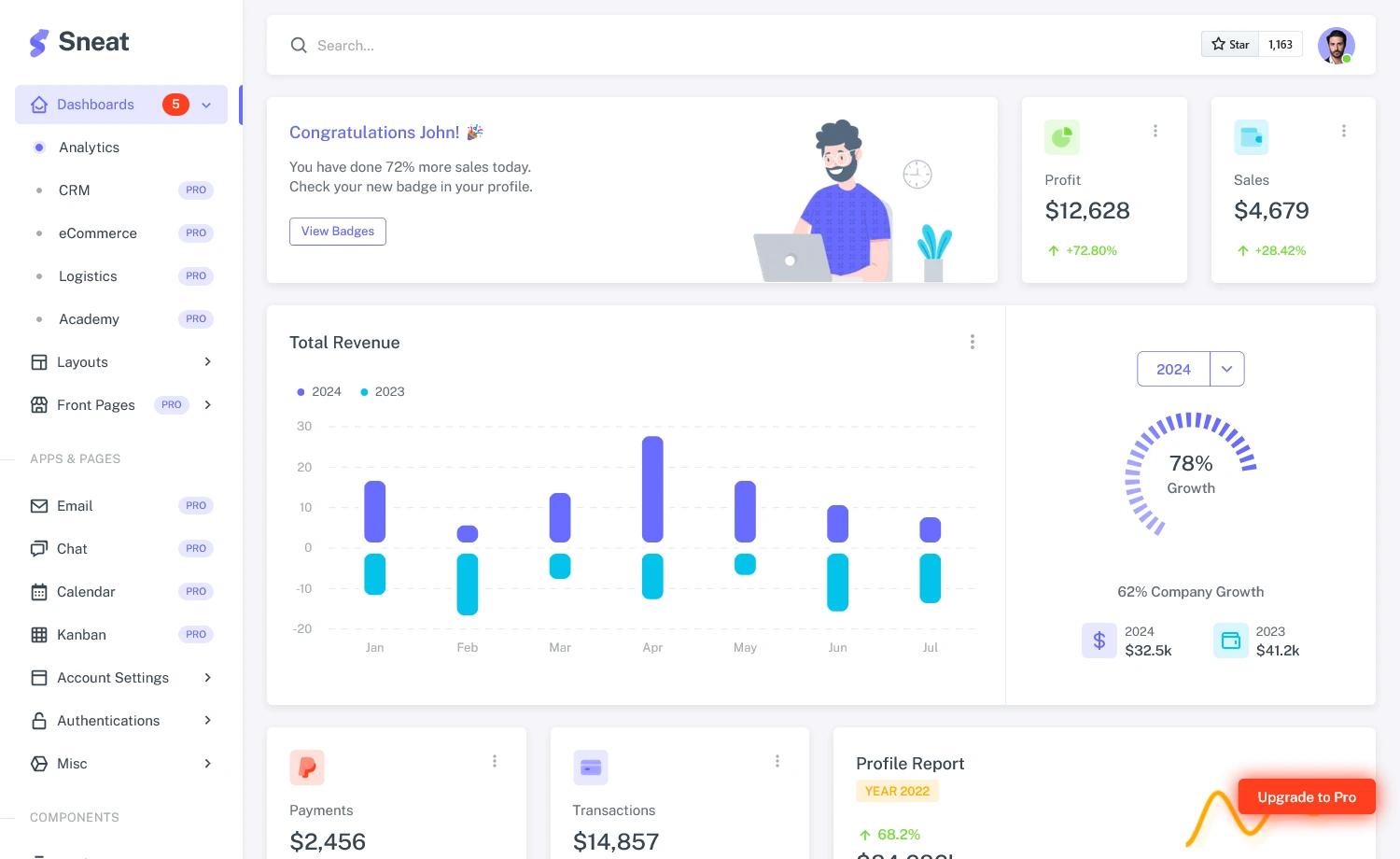
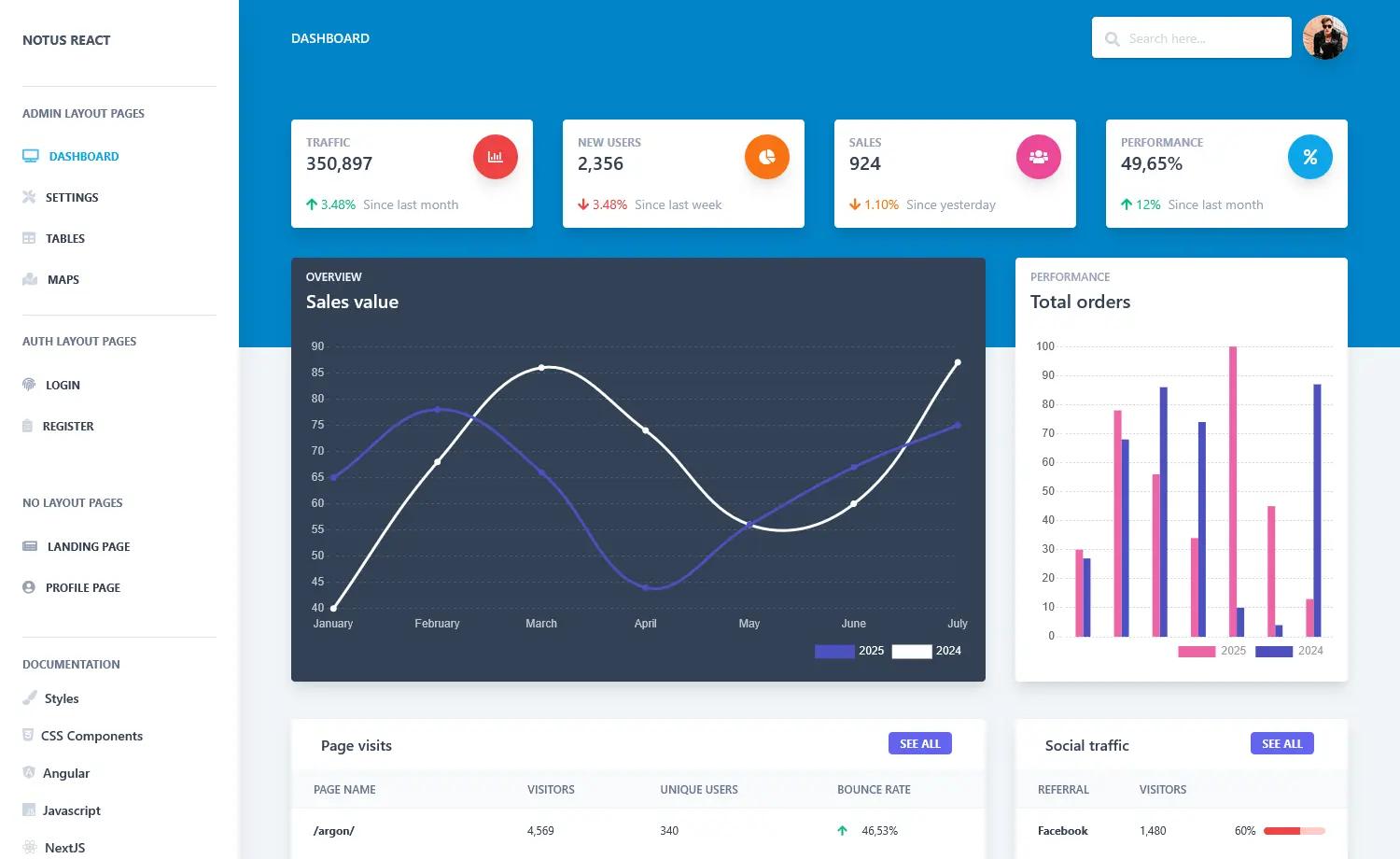
NextJS Social Dashboard
A Next.js social media dashboard starter with API key configuration, built for a YouTube crash course series.
About this template
NextJS Social Dashboard is a starter template for a social media analytics dashboard, built with Next.js and configured through environment variables, created by Benjamin Carlson for his YouTube crash course series.
What is the NextJS Social Dashboard?
The NextJS Social Dashboard is a Next.js starter project that produces a social media dashboard interface after you supply API keys in a .env file. It runs on the Node.js ecosystem through the Yarn package manager, and its standard setup is: clone the repository, edit .env with your own API keys, run yarn to install dependencies, and run yarn dev to launch the development server. The project was built during a public NextJS crash course series on YouTube by Benjamin Carlson, and the playlist is linked in the repository for anyone who wants to follow along. Its GitHub topics include dashboard, social, starter, and nextjs, confirming its purpose as a base template for social dashboard apps.
Key Features
- Next.js framework — The entire dashboard is built on Next.js, giving you React components, file-based routing, and server-side capabilities out of the box.
- Environment variable configuration — API keys are read from a .env file that you customize after cloning, so credentials stay out of the source code.
- Yarn-based dependency management — The project uses Yarn; after installing with yarn, you start the dev server with yarn dev.
- Starter-oriented repository — The repository is tagged with dashboard, social, and starter, and is designed to be extended into a full social media dashboard.
- Educational companion — The code corresponds to a YouTube crash course series, so each commit reflects lessons taught in the videos.
Who is it for?
- Next.js developers — Anyone who wants a minimal, working dashboard example with API key integration and is comfortable with Yarn.
- Learners following the crash course — Students of the YouTube series can clone the repo, add their own keys, and compare their progress with the instructor's code.
- Developers starting a social analytics project — If you need a skeleton for pulling multiple social APIs into one view, this starter gives you the project structure and setup flow.
How does it work?
The setup is a four-step process: first, clone the repository from GitHub; second, edit the .env file to insert your API keys; third, run yarn to install all dependencies; and fourth, run yarn dev to start the development server and view the dashboard locally.
What can you do with it?
- Build a custom social dashboard — Plug in your own API keys and customize the React components to display feeds, counts, or other data from the APIs you connect.
- Learn Next.js by example — Study the repository alongside the YouTube playlist to see how a Next.js app is structured and how environment variables are handled.
- Use as a base for a portfolio project — Extend the starter with additional pages and authentication to turn it into a full-stack social media manager.