Template details
Argon Dashboard 2 PRO Laravel
Premium Laravel admin dashboard with role-based access, authentication, and CRUD management
About this template
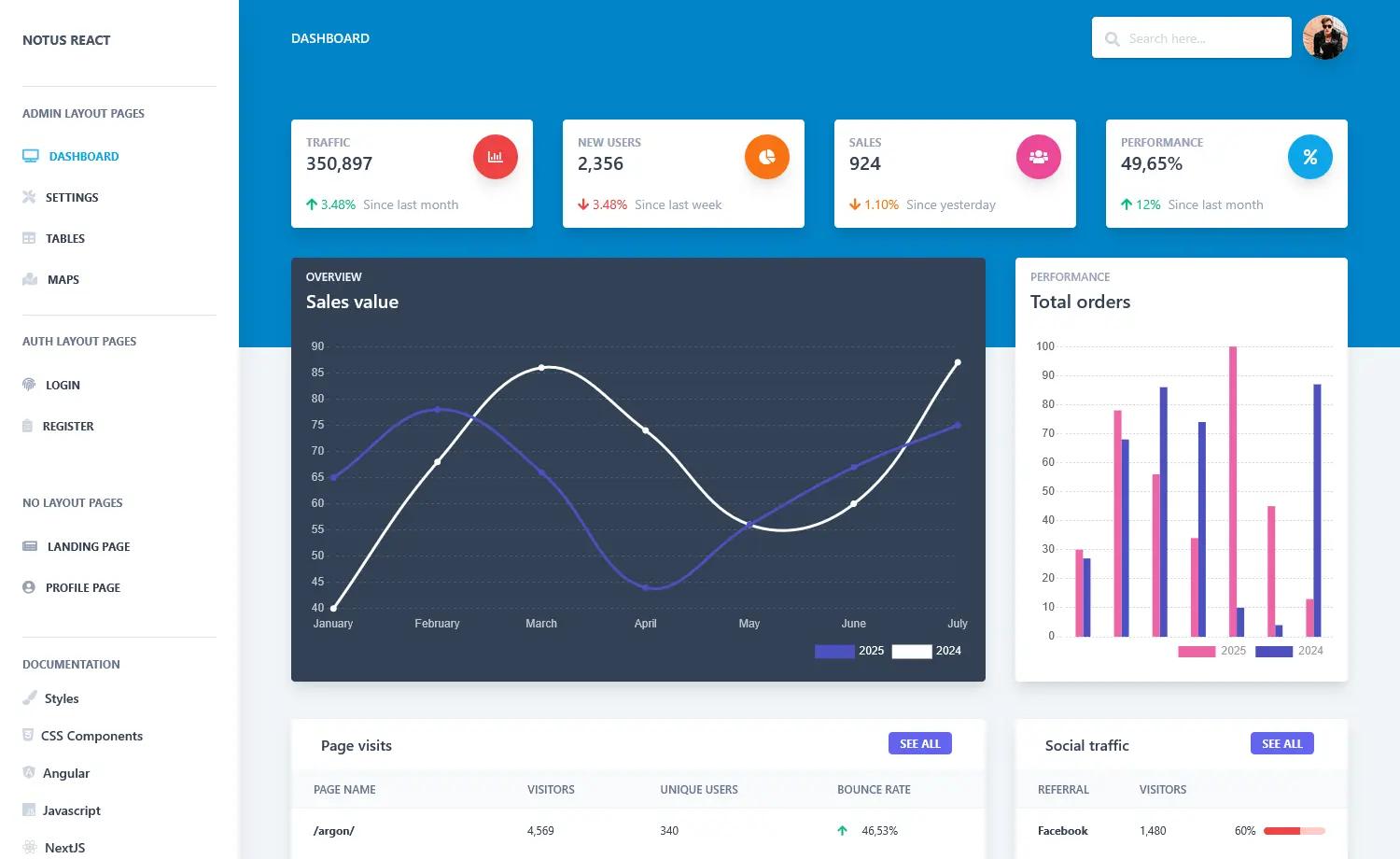
Argon Dashboard 2 PRO Laravel is a premium admin dashboard template by Creative Tim that pairs the Bootstrap 4-based Argon design system with a Laravel backend to deliver a production-ready starter for role-based admin panels.
What is Argon Dashboard 2 PRO Laravel?
Argon Dashboard 2 PRO Laravel is a full-stack starter template: it takes a Laravel application skeleton and outputs a complete admin dashboard with authentication, role-based access control, and CRUD management screens. It is built on top of the Argon Dashboard PRO frontend (version 2.0.1) and adds Laravel controllers, models, migrations, seeders, policies, and Blade templates. Creative Tim developed the template together with Updivision, and it is distributed as a premium product with a free demo version available.
Key Features
- Role-based access control — Ships with three default roles (Admin, Creator, Member) enforced through Laravel policies such as
App\Policies\UserPolicy; admins can manage users, roles, items, categories, and tags, creators manage content, and members have read-only item access. - Authentication flow — Includes login, registration, forgot password, and reset password pages; login remembers sessions, and password reset links are valid for 12 hours.
- User management — Admin-only CRUD for users with form validation, sorting, pagination, and avatar uploads stored in an
avatarsdisk. - Role management — Admins can add, edit, and delete roles with unique name validation and descriptions.
- Category and tag management — Admins and creators can maintain categories and tags used to classify items in the catalog.
- Item management — The most advanced example: every item has a picture, a category, and multiple tags; creation form supports image upload, a category dropdown, and a tag multiselect.
- Profile editing — Logged-in users can update personal fields such as name, email, password, phone, location, gender, language, birthday, and skills.
- Blade-based pages — All CRUD pages are generated with Blade templates under
resources/views/laravel, with routes pre-wired inroutes/web.php.
Who is it for?
- Laravel developers who need a starting point for an admin panel without building auth and CRUD screens from scratch.
- Agencies and freelancers delivering custom dashboards to clients who require multi-role permissions out of the box.
- Product teams building a back-office for content-heavy applications that need item, category, and tag management.
What can you do with it?
- Admin users: manage all platform users, roles, items, categories, and tags; delete and edit any record.
- Creator users: manage content — items, categories, and tags — but cannot touch user accounts.
- Member users: browse the item management table with read-only access.
- Frontend developers: customize the Argon dashboard UI using the included Bootstrap 4 components and see changes reflected in Blade templates.
How does it work?
Installation requires an Apache/PHP/MySQL environment, Composer, and Laravel. After unzipping the archive, run composer install, copy .env.example to .env and set database credentials, run php artisan key:generate, then php artisan migrate --seed to create tables and seed default users, and php artisan storage:link for file uploads. You can then log in with admin@argon.com, creator@argon.com, or member@argon.com (all with password secret).
FAQ
What are the default login credentials?
The default users are admin@argon.com, creator@argon.com, and member@argon.com; all three use secret as the password. These are created by the database seeder, so you must run php artisan migrate --seed first.
Is there a free version?
Yes, Creative Tim offers a free demo version called Argon Dashboard Laravel, which shows the same UI with fewer PRO features. The PRO version adds role management, tag management, and other Laravel examples.
Which browsers are supported?
The template officially supports the last two versions of Chrome, Firefox, Edge, Safari, and Opera.
What is the frontend version?
The frontend is Argon Dashboard version 2.0.1, which uses Bootstrap 4. The Laravel integration adds authentication and CRUD functionality on top of that visual design.
How long is the password reset link valid?
Password reset links sent by the ResetPassword notification remain active for 12 hours, after which a user must request a new one.