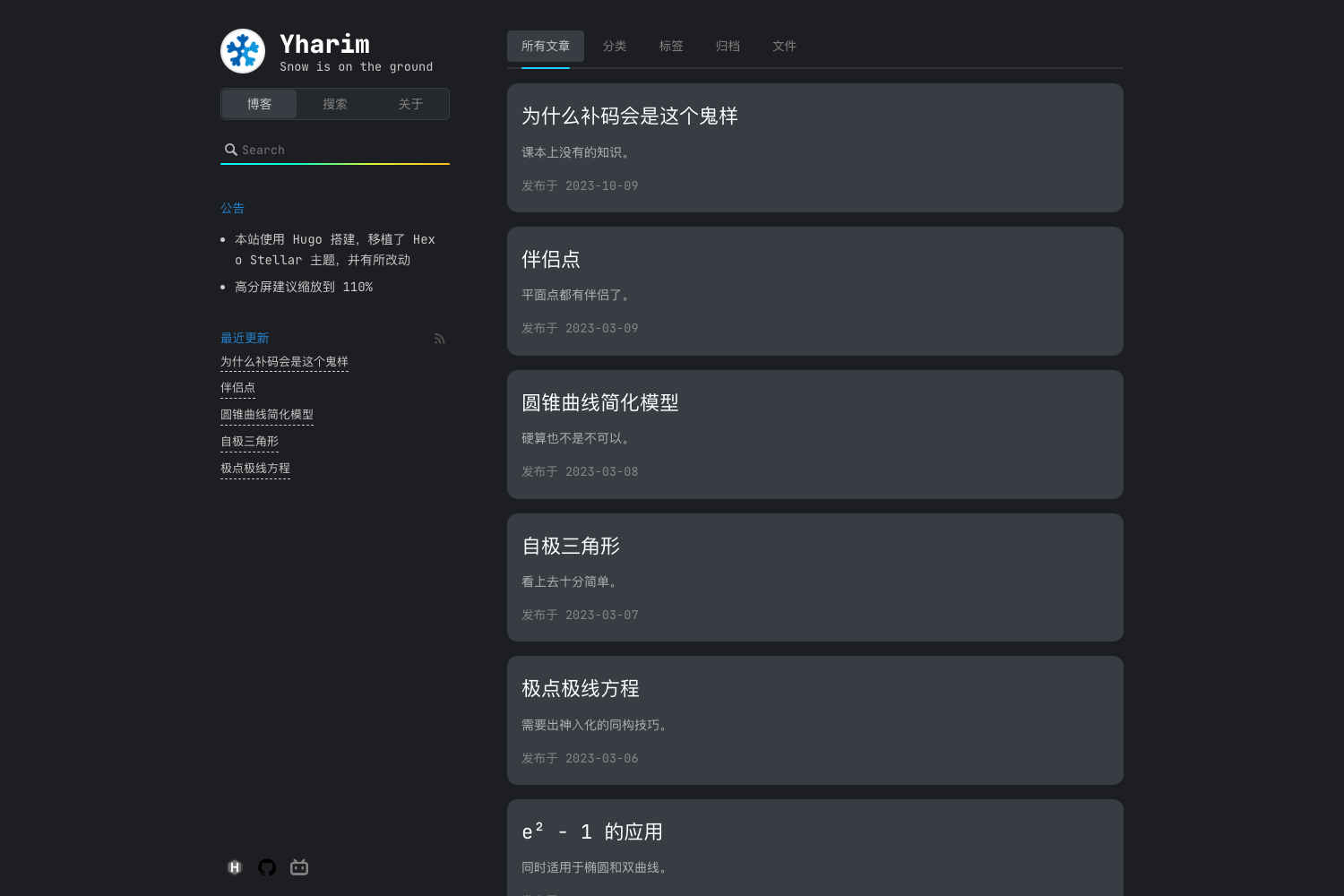
Template details
risotto
A minimalist, responsive Hugo theme inspired by terminal ricing aesthetics, with plain HTML/CSS and 16 built-in base16 color schemes.
About this template
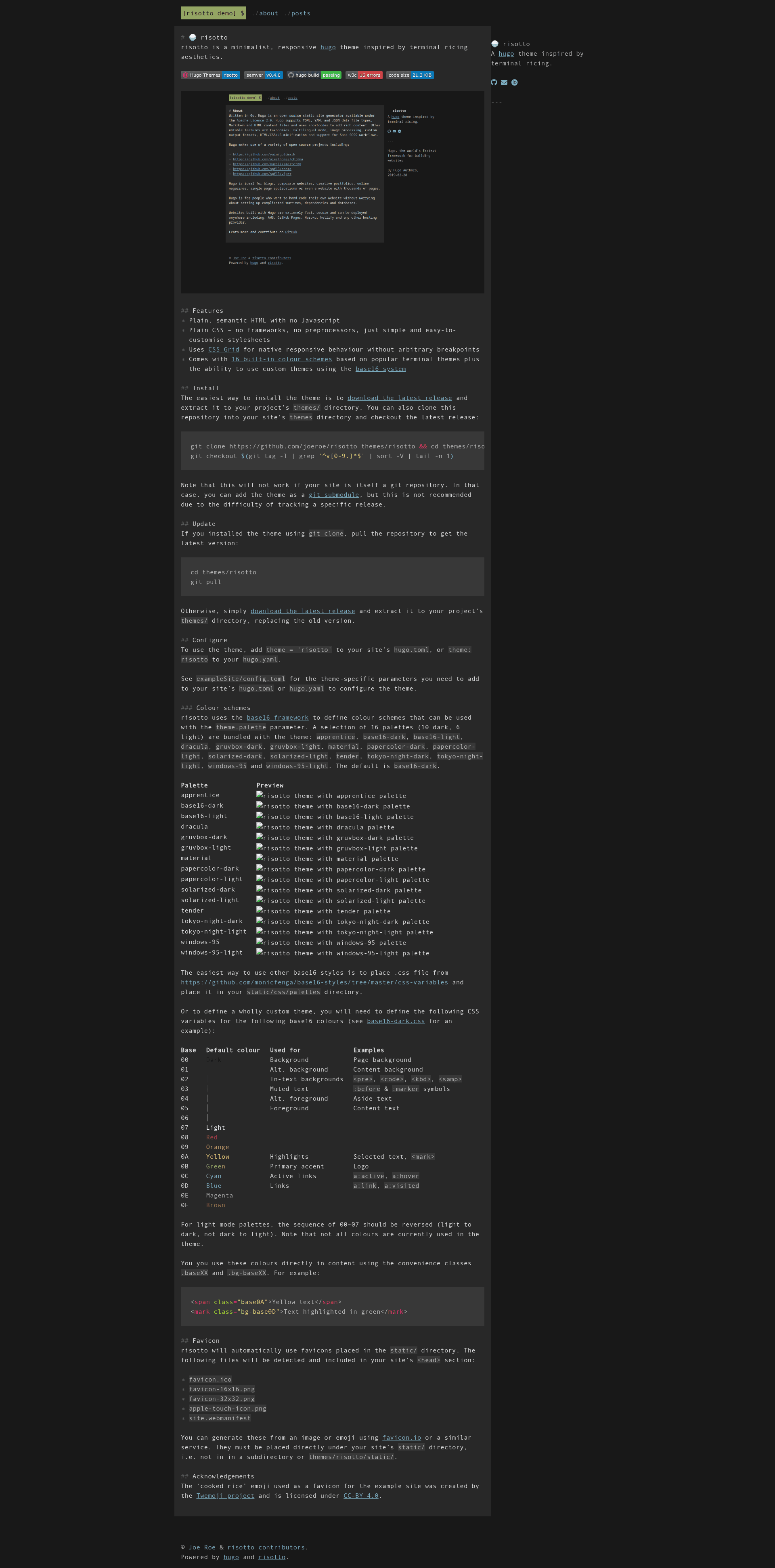
risotto is a minimalist, responsive Hugo theme inspired by terminal ricing aesthetics, producing static sites with plain HTML and zero JavaScript.
What is risotto?
risotto is a Hugo theme that transforms a Hugo site's content into a responsive static website with terminal-inspired styling. It takes standard Hugo content and outputs semantic, plain HTML with CSS Grid for layout. The theme is built by joeroe and is at version 0.4.0, available on GitHub and the Hugo Themes gallery. Its distinguishing trait is the use of the base16 framework for color schemes: 16 palettes are bundled, drawing from popular terminal themes like Dracula, gruvbox, solarized, and Windows 95.
Key Features
- Zero JavaScript — The theme outputs only semantic HTML and CSS, with no client-side scripts for a lean, fast-loading site.
- Framework-free CSS — Styling uses plain CSS with CSS Grid for responsive layouts, eliminating preprocessors, frameworks, and arbitrary breakpoints.
- 16 built-in terminal-based color schemes — Includes apprentice, base16-dark, base16-light, dracula, gruvbox-dark, gruvbox-light, material, papercolor-dark, papercolor-light, solarized-dark, solarized-light, tender, tokyo-night-dark, tokyo-night-light, windows-95, and windows-95-light.
- Custom color themes via base16 — Users can drop any base16 CSS file into
static/css/palettesor define their own 16-color CSS variables to match a personal aesthetic. - Favicon auto-detection — Automatically finds
favicon.ico,favicon-16x16.png,favicon-32x32.png,apple-touch-icon.png, andsite.webmanifestplaced in thestatic/directory and includes them in the page head. - Simple configuration — Set
theme = 'risotto'inhugo.tomlortheme: risottoinhugo.yaml, then choose a palette with thetheme.paletteparameter.
Who is it for?
- Developers and Linux users who want a website that matches their terminal aesthetic and appreciate minimal, semantic code with no build complexity.
- Bloggers who prefer a distraction-free reading experience and want a fast static site that is easy to self-host or deploy to any static host.
- Hugo users looking for a customizable starting point — with CSS variables and base16 support, developers can restyle the entire theme by editing one palette file.
- Design-conscious minimalists — the lack of JavaScript and CSS frameworks keeps the output lightweight and accessible.
What can you do with risotto?
- Personal blogs: publish long-form posts, markdown content, and code samples with terminal-inspired syntax highlighting and dark-theme reading mode.
- Portfolio or personal landing page: leverage the responsive grid and built-in dark/light palettes to present projects without touching JavaScript.
- Experimental design playground: use the
.baseXXand.bg-baseXXCSS convenience classes to color content inline with your palette's 16 base16 colors.
How does risotto work?
risotto follows a standard Hugo theme workflow. After installing the theme by cloning the repository or downloading a release into the themes/ directory, you enable it in your site configuration. Then pick a palette from the bundled set or supply your own base16 CSS variables. The theme automatically picks up favicons from the root static/ folder and renders your content as plain, responsive HTML.
FAQ
Does risotto require any JavaScript?
No. risotto is designed with zero JavaScript in its output. The theme ships only semantic HTML and CSS, so there are no scripts to manage and no client-side dependencies to keep updated.
How do I install risotto?
You can download the latest release from GitHub and extract it into your project's themes/ directory, or clone the repository and check out the latest tagged version. If your site is a git repository, you can add risotto as a git submodule, though the documentation recommends a direct clone or release download instead.
How many color schemes are included?
There are 16 bundled palettes: 10 dark and 6 light. The default palette is base16-dark. Schemes include Dracula, gruvbox, solarized, Tokyo Night, Windows 95, material, tender, and others. You can also add more palettes by placing base16 CSS files in the static directory.
Can I create my own color scheme?
Yes. You can define custom base16 CSS variables for the 16 base colors (00 through 0F) and set them as your palette. The theme documentation provides a table showing which colors map to page background, text, links, highlights, and other elements.