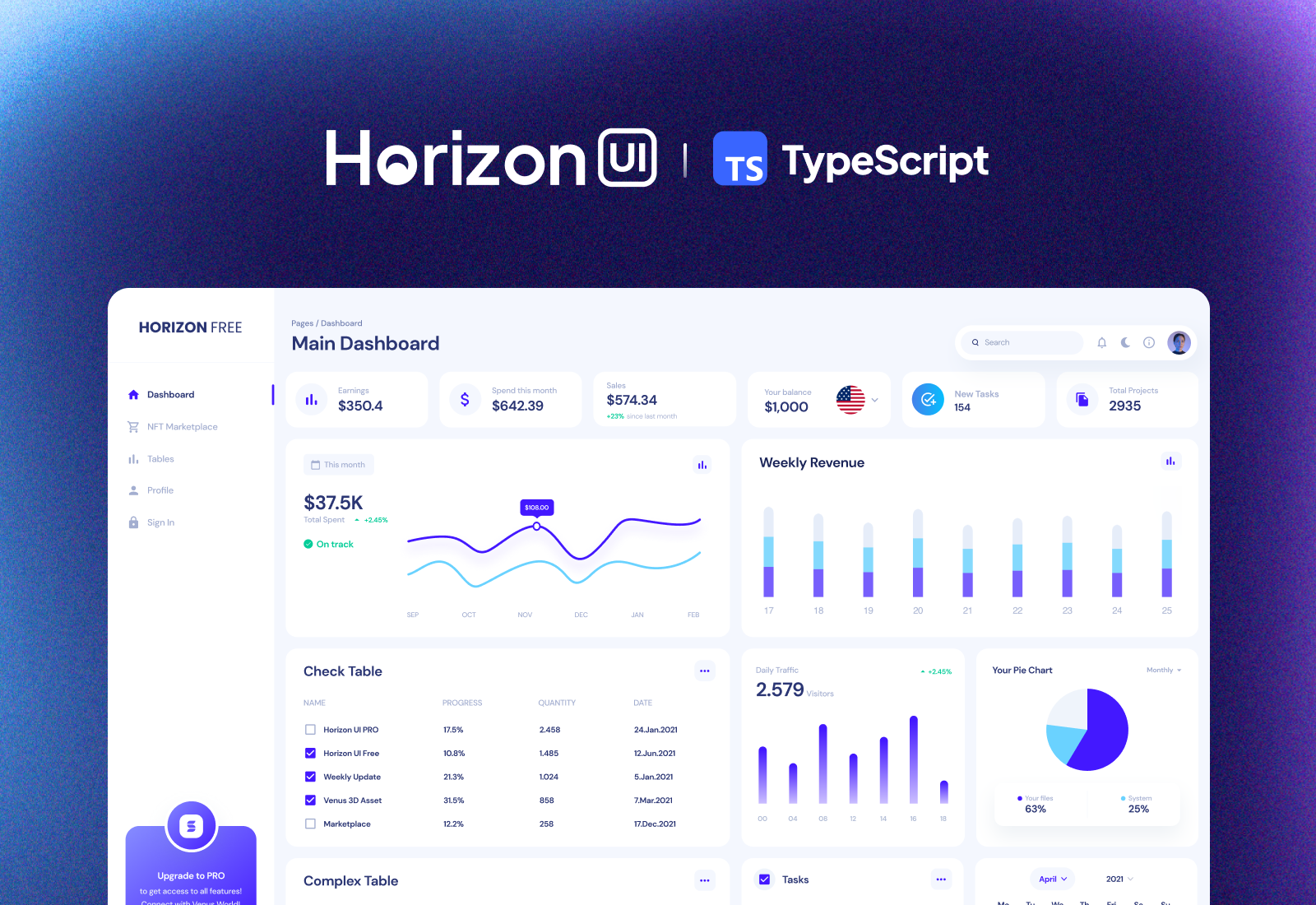
Template details
Admin One React Tailwind
Free React Next.js Tailwind 4.x admin dashboard template with TypeScript, dark mode, and Redux.
About this template
Admin One React Tailwind is a free, MIT-licensed admin dashboard template built by JustBoil.me with TypeScript, React, Tailwind CSS 4, and the Next.js app router, and it ships with dark mode and a production CSS bundle of roughly 38kb.
What is Admin One React Tailwind?
Admin One React Tailwind is a free open-source admin dashboard template maintained by JustBoil.me, built on TypeScript, React, Tailwind CSS 4, and Next.js with the app router. It takes a developer's project scaffold and gives them a ready-made dashboard UI with responsive layouts, reusable components, and a dark mode toggle. The project also uses React Redux for state management and is distributed under the MIT License.
Key Features
- Tech stack — Uses TypeScript, React, Tailwind CSS 4, Next.js app router, and React Redux; builds are handled by the Next.js CLI.
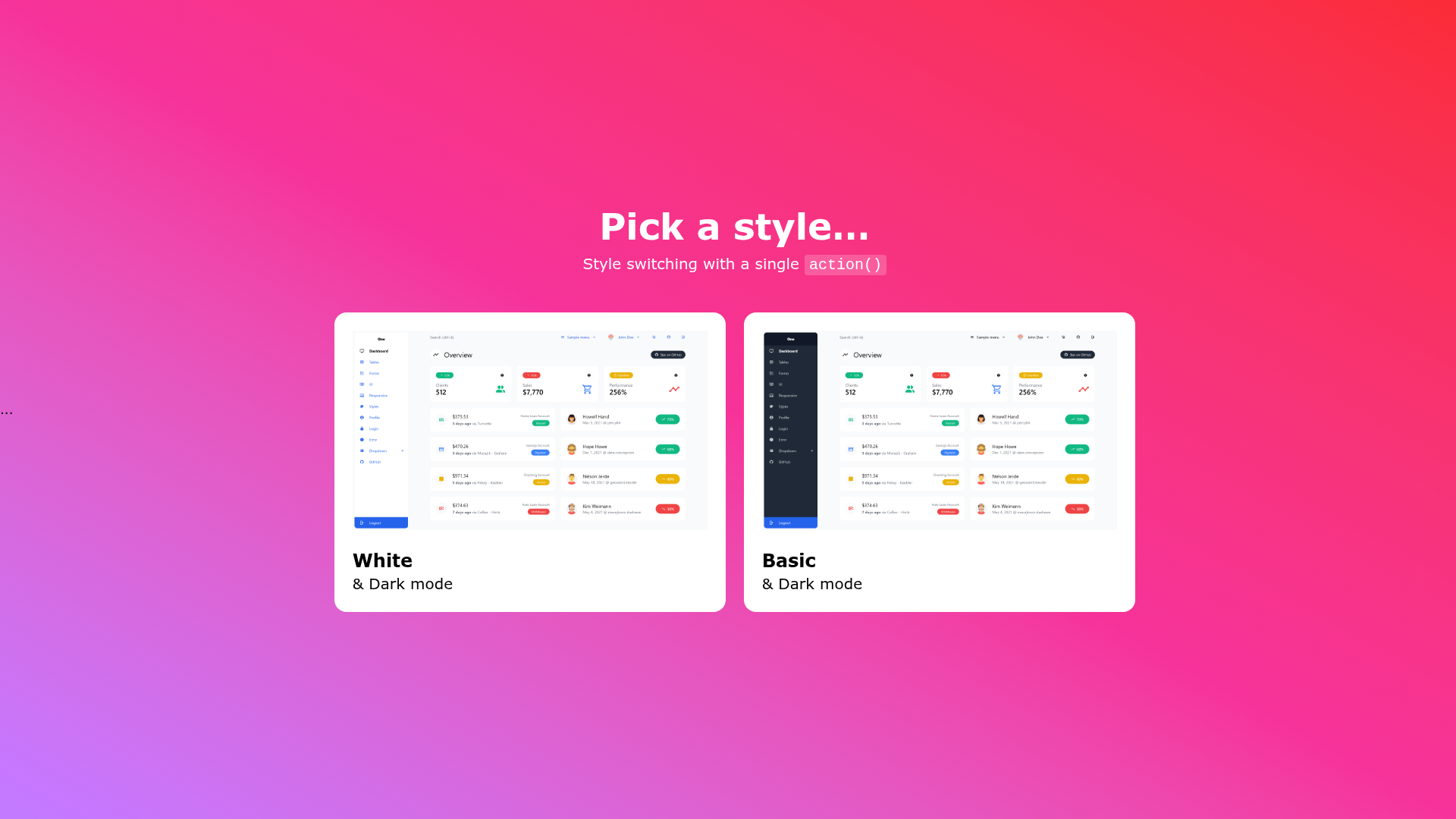
- Dark mode — Includes a built-in dark mode style, shown in the repository screenshots with both white and dark styles.
- Small production CSS — The production CSS is approximately 38kb, which keeps initial load light.
- Reusable components — Includes a set of reusable dashboard components you can extend.
- Responsive layouts — The template adapts to mobile and tablet (with hidden aside menu and collapsable cards/tables), small laptops at 1024px (with show/hide aside menu), and classic desktop widescreen layouts.
- Static export support — Set the IS_OUTPUT_EXPORT environment variable to true (or set output in next.config.ts) to generate a static build for any static host.
- Linting and formatting — Includes npm scripts for ESLint linting and Prettier formatting.
- Premium version — A premium version is available on JustBoil.me with additional features.
Who is it for?
Admin One React Tailwind is aimed at developers who need a head start on a Next.js admin dashboard without building the UI from scratch. Frontend developers can use it as a foundation for internal tools, back-office panels, or analytics dashboards. Freelancers and agencies can satisfy clients who need a clean, modern dashboard under a permissive license, and teams already using Tailwind CSS can pick it up quickly because the styling system matches their stack.
What can you do with Admin One React Tailwind?
- Developers can clone or generate the repo, run npm install, and use npm run dev for hot-reload during development.
- Project maintainers can run npm run build to produce a production build, then export a static version with the IS_OUTPUT_EXPORT variable.
- Customizers can adapt the responsive layouts and components to create unique admin panels for different projects.
How does Admin One React Tailwind work?
To get started, create a new repository from the GitHub template, clone it, or download the ZIP. Then install dependencies with npm install and launch a development server with npm run dev. For production, run npm run build; to ship a static export, set IS_OUTPUT_EXPORT to true before building.
Pricing
Admin One React Tailwind is free under the MIT License. The premium version is a paid upgrade offered by JustBoil.me with a demo that is coming soon.
FAQ
Is Admin One React Tailwind free?
Yes, it is free to use under the MIT License, which allows commercial use, modification, and redistribution. The premium version, available from JustBoil.me, adds more features.
Does Admin One React Tailwind include dark mode?
Yes, dark mode is a built-in feature. The repository screenshots show both white and dark styling for the dashboard.
How do I install Admin One React Tailwind?
You can generate a new repository from the GitHub template, clone the repo, or download the ZIP. Then run npm install followed by npm run dev to start developing.
Is there a Vue version of Admin One?
Yes, JustBoil.me offers a separate version called Admin One - Vue Tailwind dashboard, built with Vue and Tailwind CSS.
Can I use Admin One React Tailwind for a static site?
Yes, you can set the IS_OUTPUT_EXPORT environment variable to true (or set output in next.config.ts) to generate a static export suitable for any static host.