Template details
Scholar Lite
A minimal Hugo theme for academics to showcase publications with collapsible entries, KaTeX, and search.
About this template
Scholar Lite is a free, open-source Hugo theme for academics to build a publication-focused personal website with a flat, minimal design and collapsible paper entries on the homepage.
What is Scholar Lite Hugo Theme?
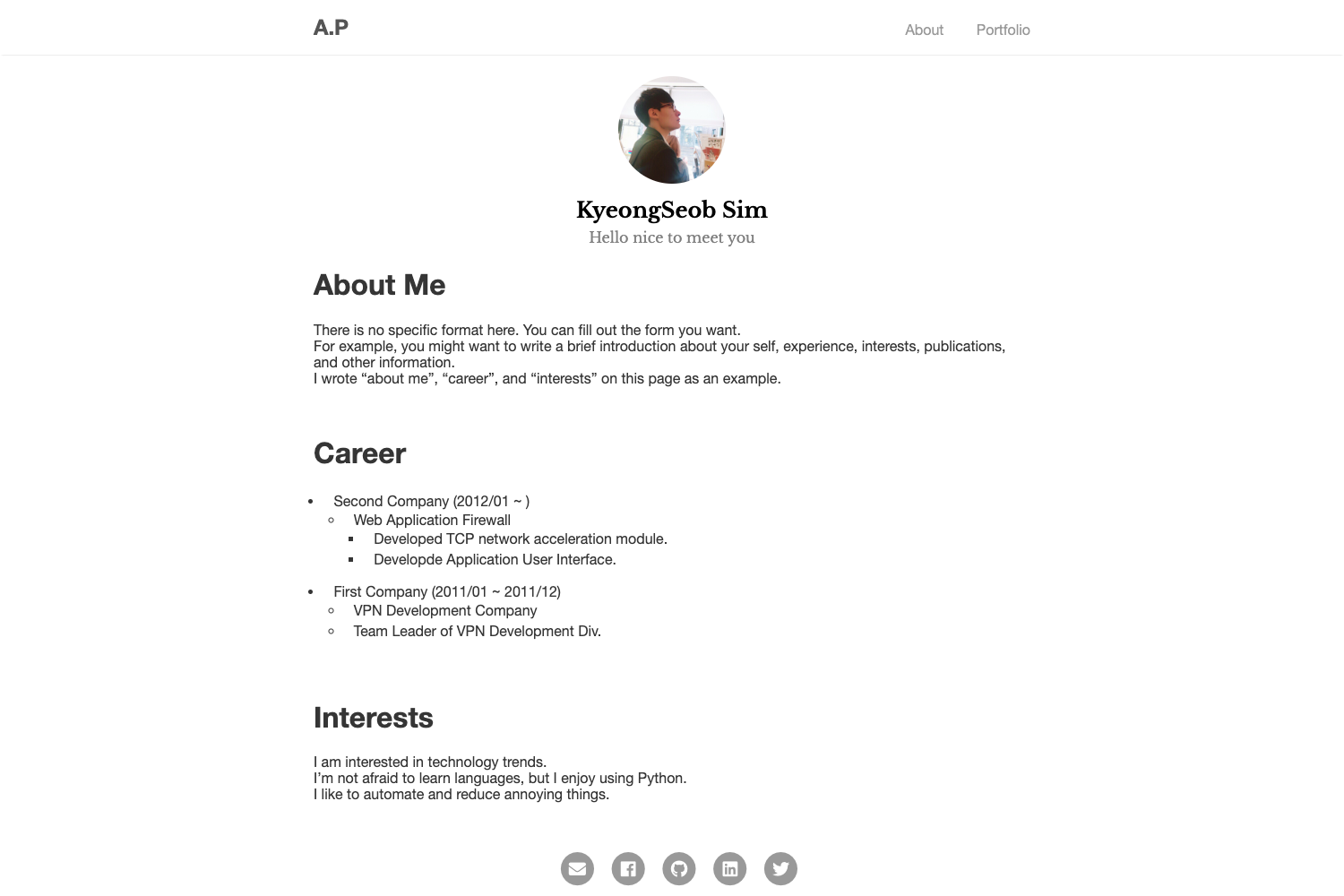
Scholar Lite is a Hugo theme designed specifically for scholars to showcase their publications. It takes academic metadata — paper title, date, venue, keywords — from Hugo content files and generates a static website with a single-page publication list. The theme runs on the Hugo static site generator (Extended version 0.100.0 or newer) and is hosted on GitHub at Yiming-M/Scholar-Lite. It removes an "about" page by design, placing all biographical details into a configurable bio block on the homepage instead.
Key Features
Scholar Lite combines academic publishing tools with a modern, responsive interface. The most notable features are:
- Publication display — Each paper appears as a collapsible card on the homepage, supporting papers, conferences, and journals with links to PDFs, code, and presentations.
- KaTeX math rendering — LaTeX formulas render in the browser via KaTeX, useful for technical papers.
- Code highlighting and copying — Chroma provides syntax highlighting in GitHub and Dracula themes, and code blocks get a one-click copy button.
- Search and filter — Visitors can search publications in real time and filter by venue, keywords, and year.
- Automatic dark mode — The theme matches the visitor's system light/dark preference and can be toggled manually.
- Responsive interface — The layout adapts to mobile, tablet, and desktop screens, with subtle animation effects.
- Customizable look — Accent colors live in CSS variables in
assets/css/main.css, and custom fonts (CJK and code) can be dropped intostatic/fonts/. - Config-based setup — A profile photo, short biography, and social media links (Google Scholar, GitHub, etc.) are all set in
hugo.toml.
Who should use Scholar Lite?
This theme fits anyone who wants a publication-first web presence without building a page from scratch. The main audiences are:
- Researchers and faculty — present a clean, current list of publications with venue and keyword filters instead of a cluttered CV page.
- Graduate students and postdocs — build an academic portfolio in minutes using the included example configuration and the Hugo site generator.
- Independent scholars — use the Markdown-supported bio and news section to share recent updates without maintaining a separate blog.
What can you do with Scholar Lite?
Scholar Lite turns a plain list of citations into a browsable, searchable website. Typical uses include:
- Academics: create a searchable archive of every paper, preprint, and talk, with direct links to PDFs and code repositories.
- Teachers and lab leads: point students to a single page that lists course- or lab-related publications and ongoing projects.
- Job candidates: give committees a fast-loading personal site that highlights research output and integrates Google Scholar and GitHub profiles.
How does Scholar Lite work?
Install Hugo Extended 0.100.0+ and Git, create a new Hugo site, add Scholar-Lite as a Git submodule, copy the exampleSite hugo.toml into your project, then run hugo server -D to preview at localhost:1313. Each publication is a new content file under posts/ with YAML front matter containing title, date, venue, and keywords.
Pricing
Scholar Lite is free to download and use under the MIT License. No PRO tier or paid add-ons are listed.
FAQ
What Hugo version does Scholar Lite require?
Scholar Lite requires the Extended version of Hugo 0.100.0 or newer, and Git to install the theme via submodule.
Does Scholar Lite support LaTeX math?
Yes. Math formulas are rendered with KaTeX, which loads in the browser and supports standard LaTeX notation.
How do I add a new publication?
Run hugo new posts/your-paper-title/index.md, then edit the front matter to include title, date, venue, and any keywords. Save the file and the publication appears in the homepage list.
How do I set my profile photo?
Put an image at static/images/profile.svg, or if you use .jpg or .png, update the profilePhoto parameter in hugo.toml to point to it.
Can I customize colors and fonts?
Yes. Colors are CSS variables in assets/css/main.css; custom CJK fonts and code fonts go in static/fonts/ and are picked up by the theme.