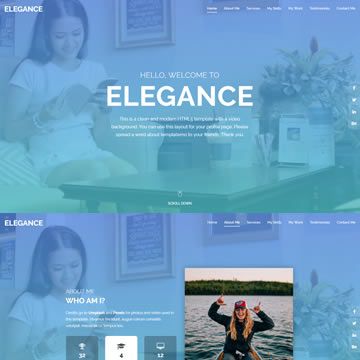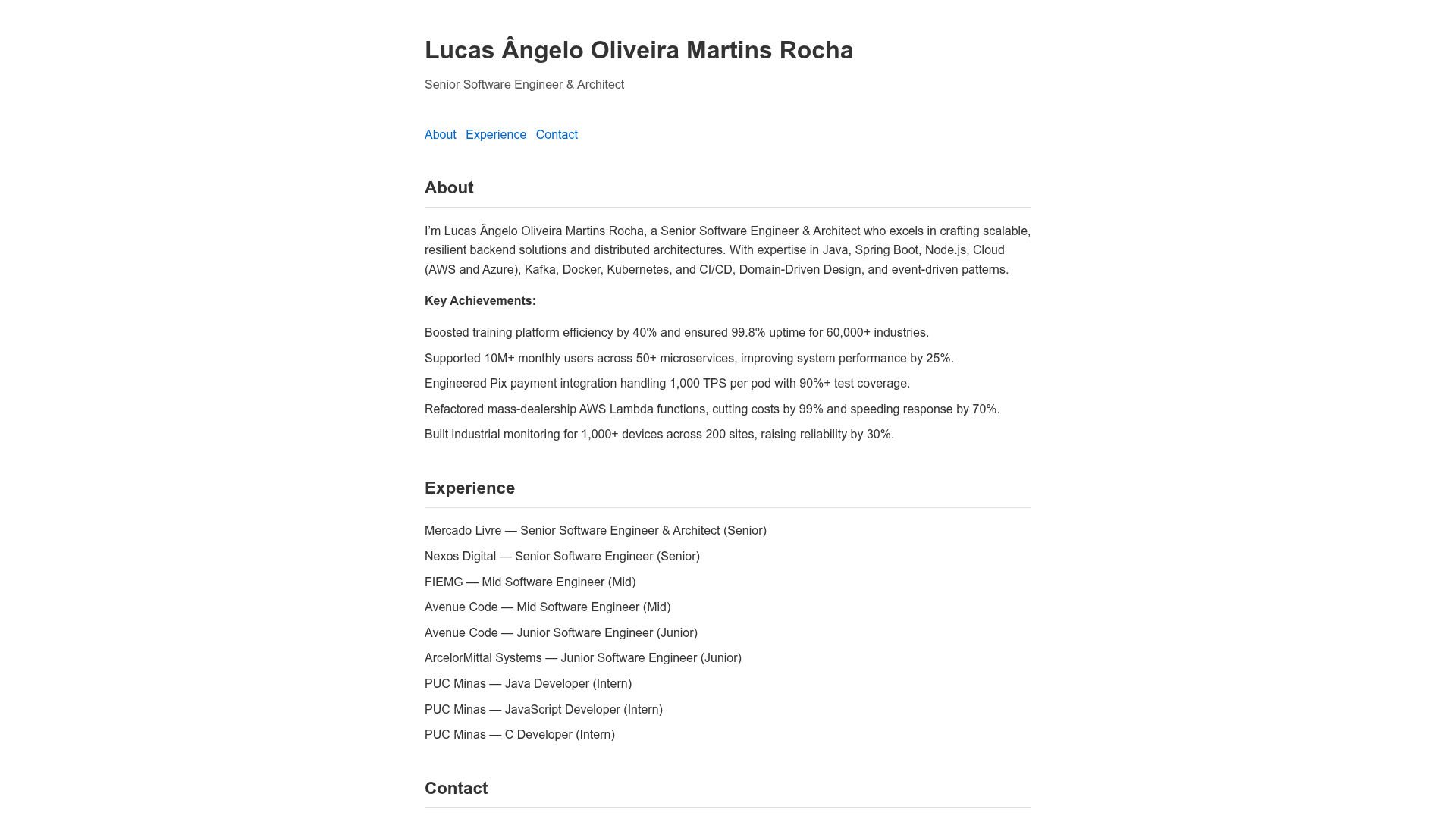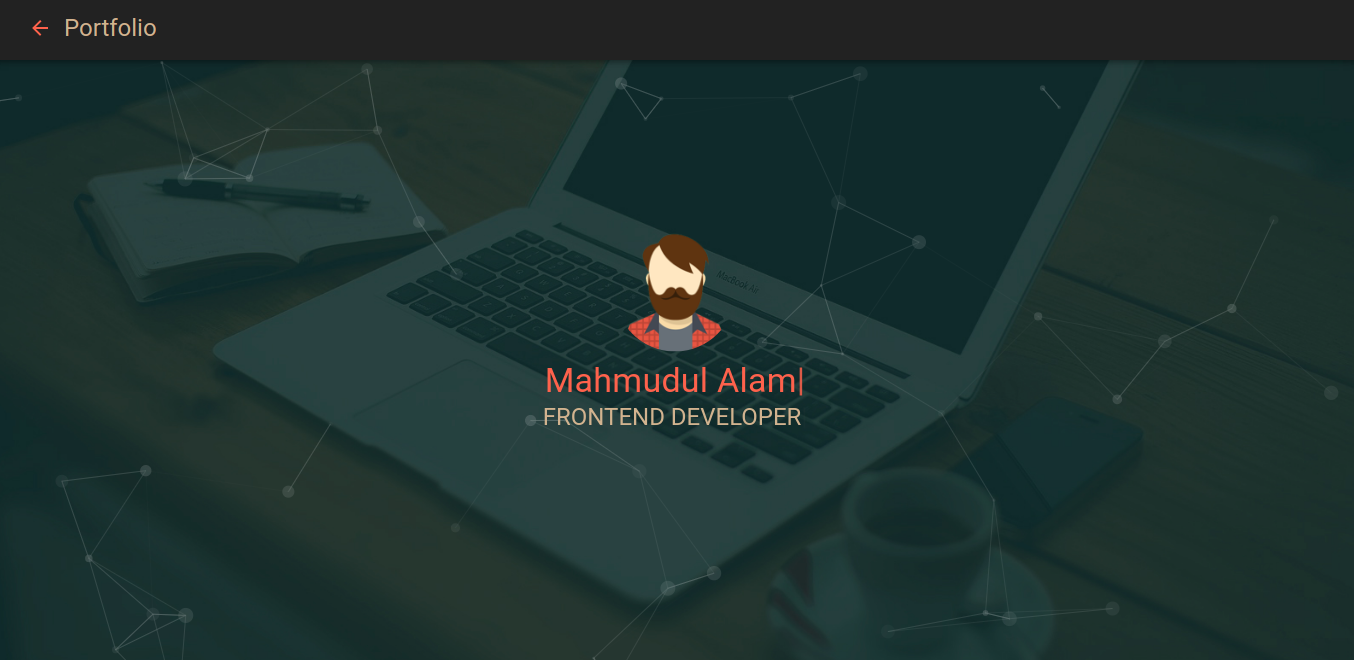
Template details
AP
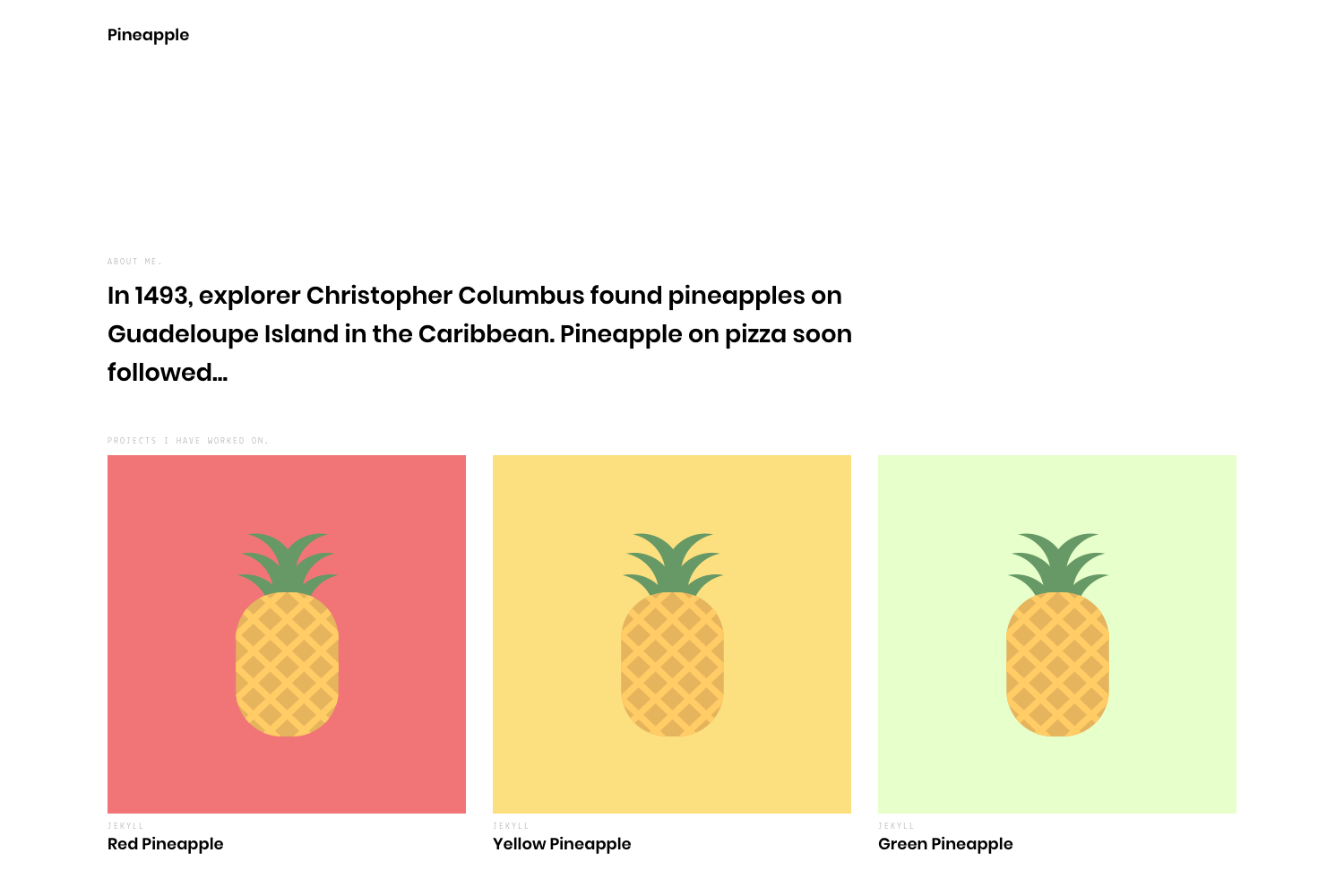
Simple and convenient profile & project theme based on Jekyll
About this template
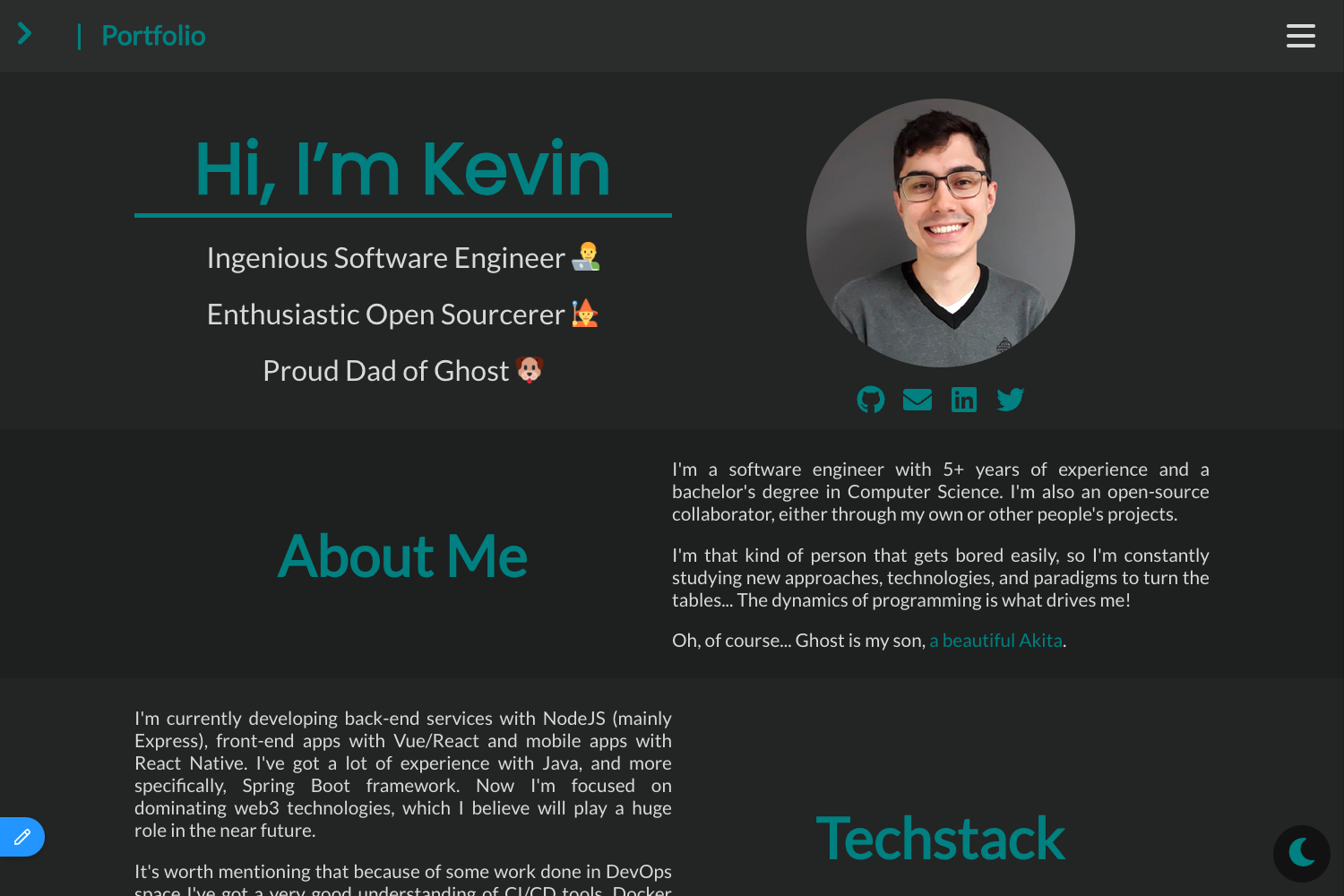
AP is a free, open-source Jekyll theme for turning your GitHub Pages site into a career profile and project portfolio.
What is AP?
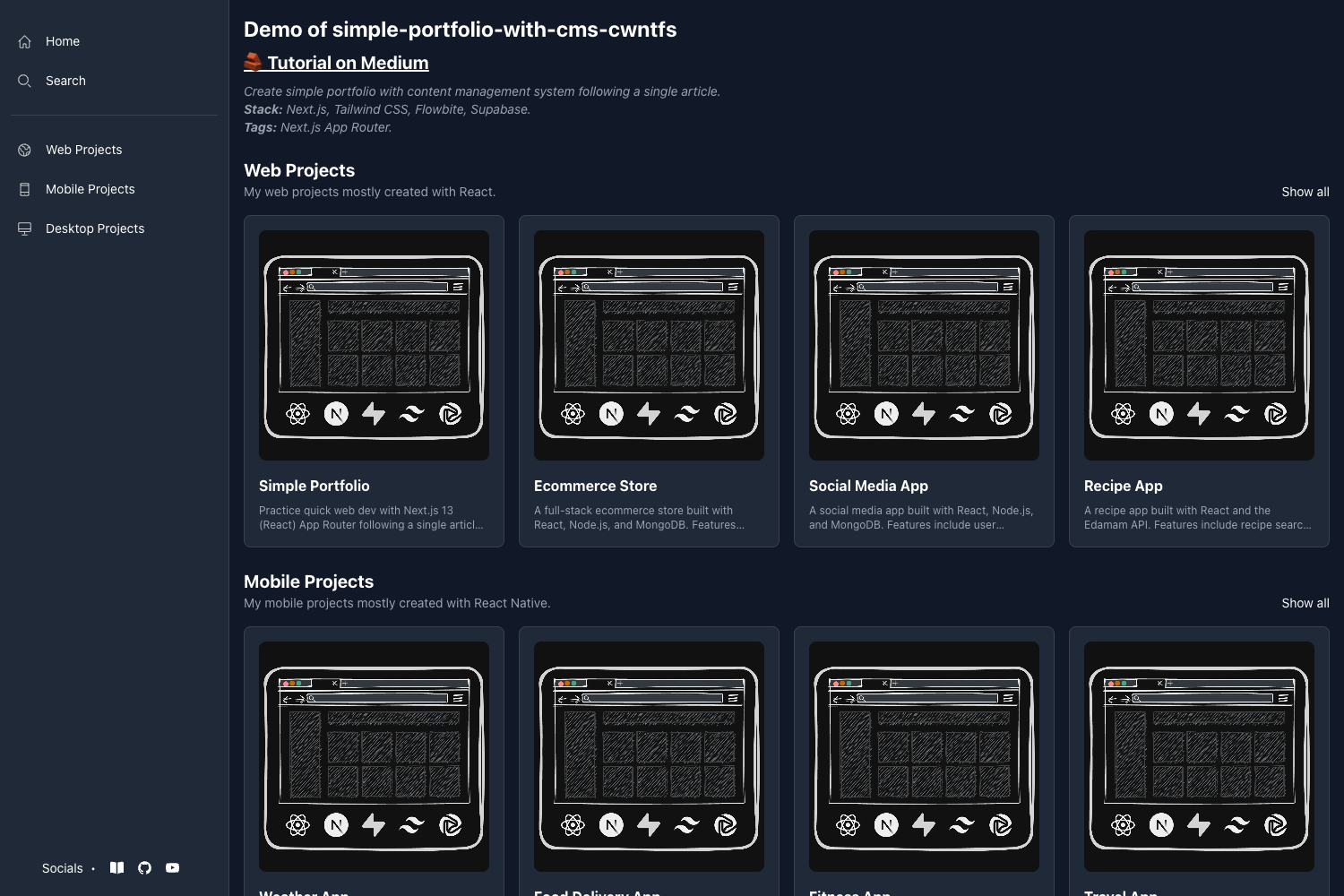
AP is a Jekyll theme built specifically for career-oriented websites. It takes your resume information and project descriptions, written in Markdown, and renders them as a clean, responsive site with an "About" page for your resume and a "Project Portfolio" section for your projects. The theme runs on Jekyll and can be hosted for free on GitHub Pages. It was created by kssim and is based on Chester How's tale-theme, extending it with social links, Google Analytics, and a repositioned layout.
Key Features
- About page as resume — The main page is an "About" page where you write your resume in simple Markdown format using the
index.mdfile. - Project Portfolio — Project posts use a custom frontmatter schema (title, info, tech, type) to display each project in a list, managed just like blog posts.
- Social links — A footer block supports over 20 social networks including GitHub, LinkedIn, Twitter, Instagram, and more, configured through
_config.yml. - Google Analytics — Built-in support; add your tracking ID in
_config.ymlto enable site analytics. - Responsive design — The layout adapts to mobile and desktop screen sizes.
- Font Awesome icons — Updated icon set used across social links and the interface.
- MIT License — Free to use, modify, and distribute, as stated in the repository's license.
Who is it for?
- Developers — Set up a personal portfolio site that combines a resume and project showcase without building from scratch.
- Job seekers — Present your experience and code samples in a clean, navigable format for recruiters.
- Freelancers — Showcase your work with tech tags and social links to attract clients.
What can you do with AP?
- Job-hunting developers: Publish your resume as an About page and link each portfolio item to its repository, with tech stack tags visible.
- Open-source contributors: Highlight your top projects with technologies used, creating a visually organized profile of your contributions.
- Personal branding: Add social links at the bottom of every page so visitors can easily find you on GitHub, LinkedIn, or Twitter.
How does AP work?
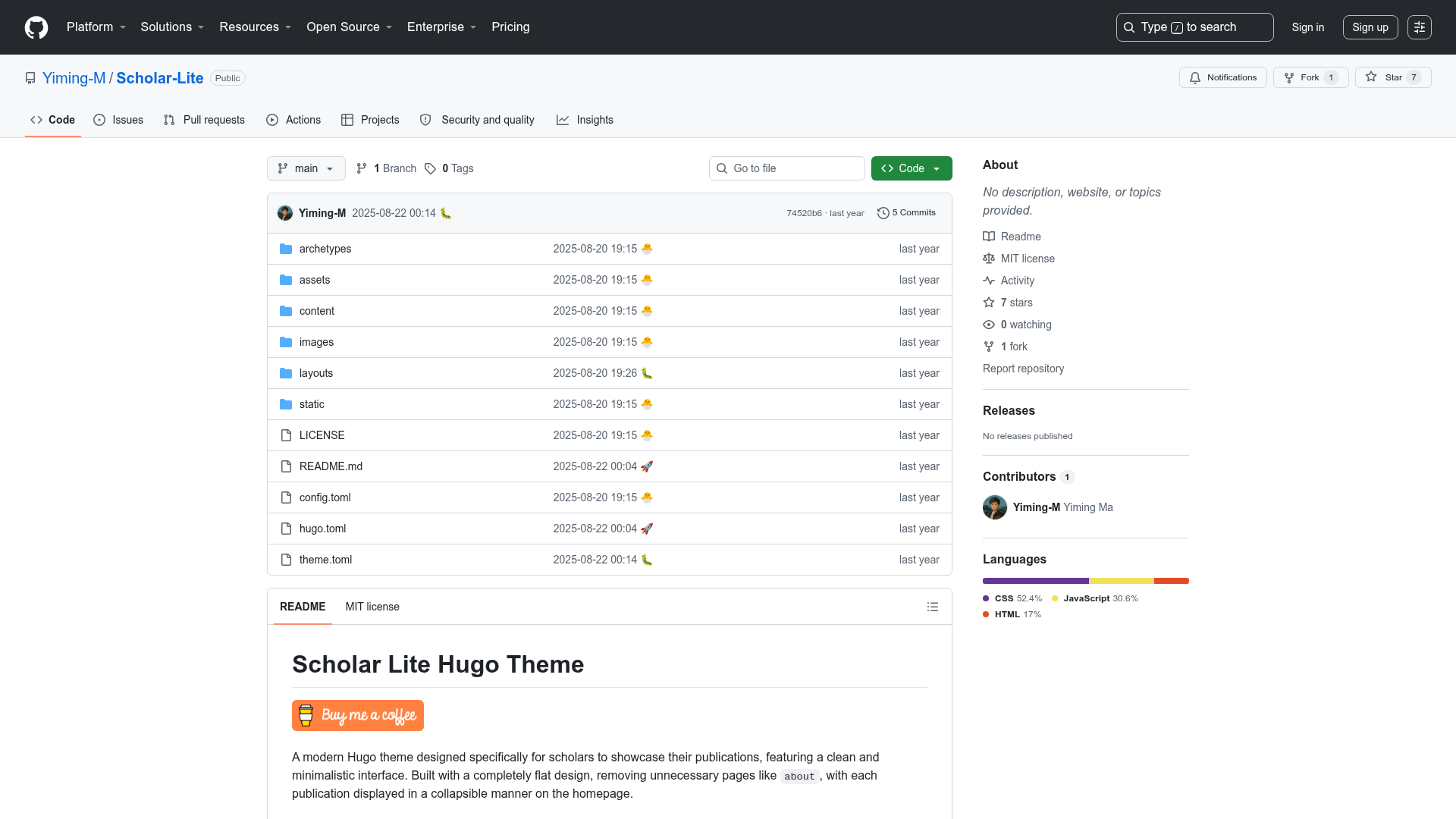
- Fork and clone the AP repository from GitHub.
- Install Jekyll by running
gem install jekyll. - Install theme dependencies with
bundle install. - Customize the site by editing
_config.ymlwith your title, URL, Google Analytics ID, and social usernames. - Run
jekyll serveto preview locally, then deploy to GitHub Pages.
FAQ
Is AP free?
Yes, AP is open-source and released under the MIT License, so you can use it for personal or commercial projects without cost.
What is AP built with?
AP is built on Jekyll, a Ruby-based static site generator. It uses Sass for styling and Font Awesome for icons, and outputs plain HTML for fast loading.
How do I add social links?
Open _config.yml in a text editor, find the social block, and enter your usernames for each network you want to display. Set email: true to show your email.
Can I use AP as a blog?
The theme is designed as a project portfolio, but because it reuses Jekyll's post system with a custom frontmatter schema, you can write regular posts if you adapt the layout.
Does AP support Google Analytics?
Yes, add your Google Analytics tracking ID to the google_analytics field in _config.yml and the theme will include the tracking snippet on all pages.