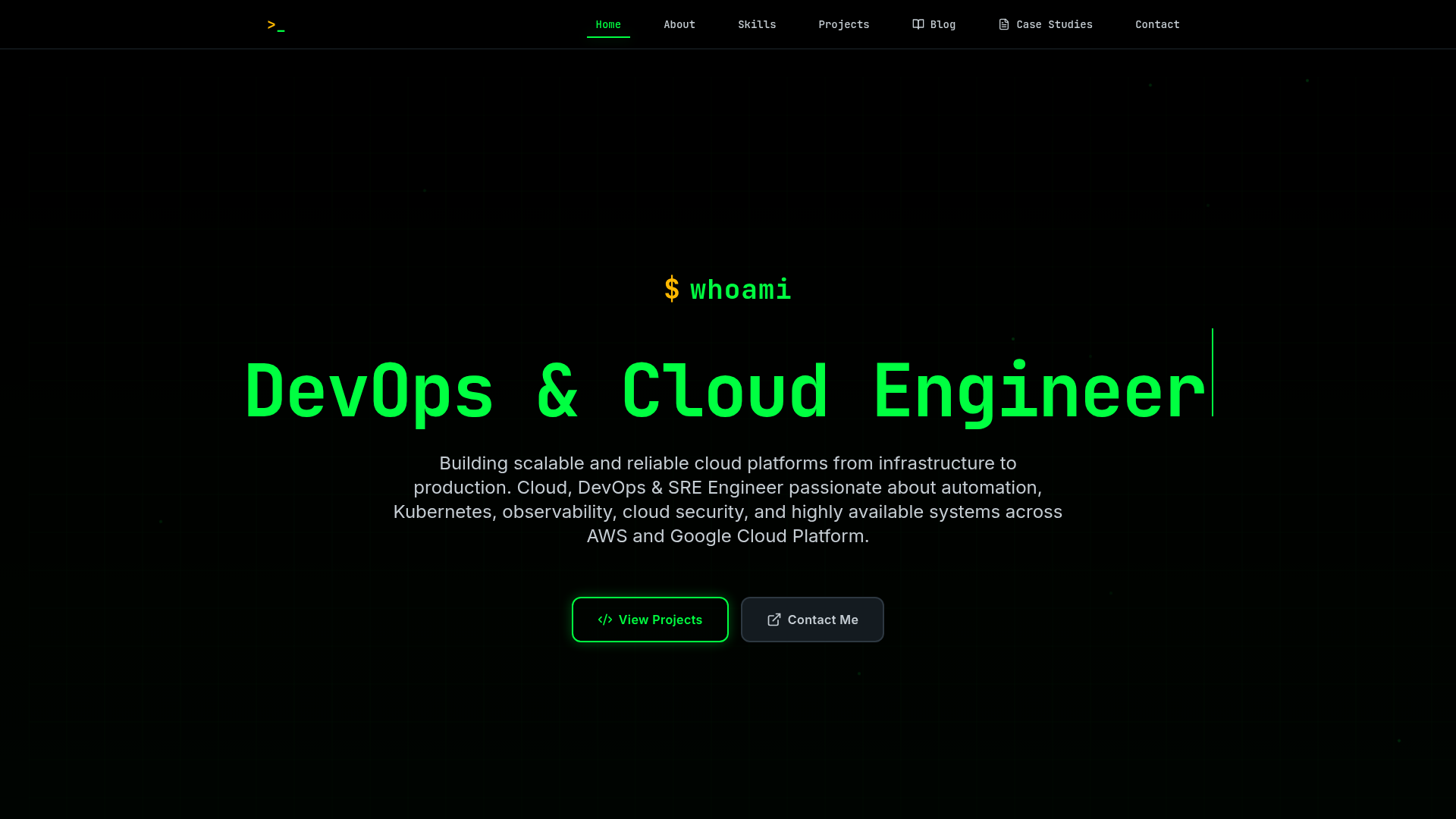
Template details
Shadowstack Portfolio
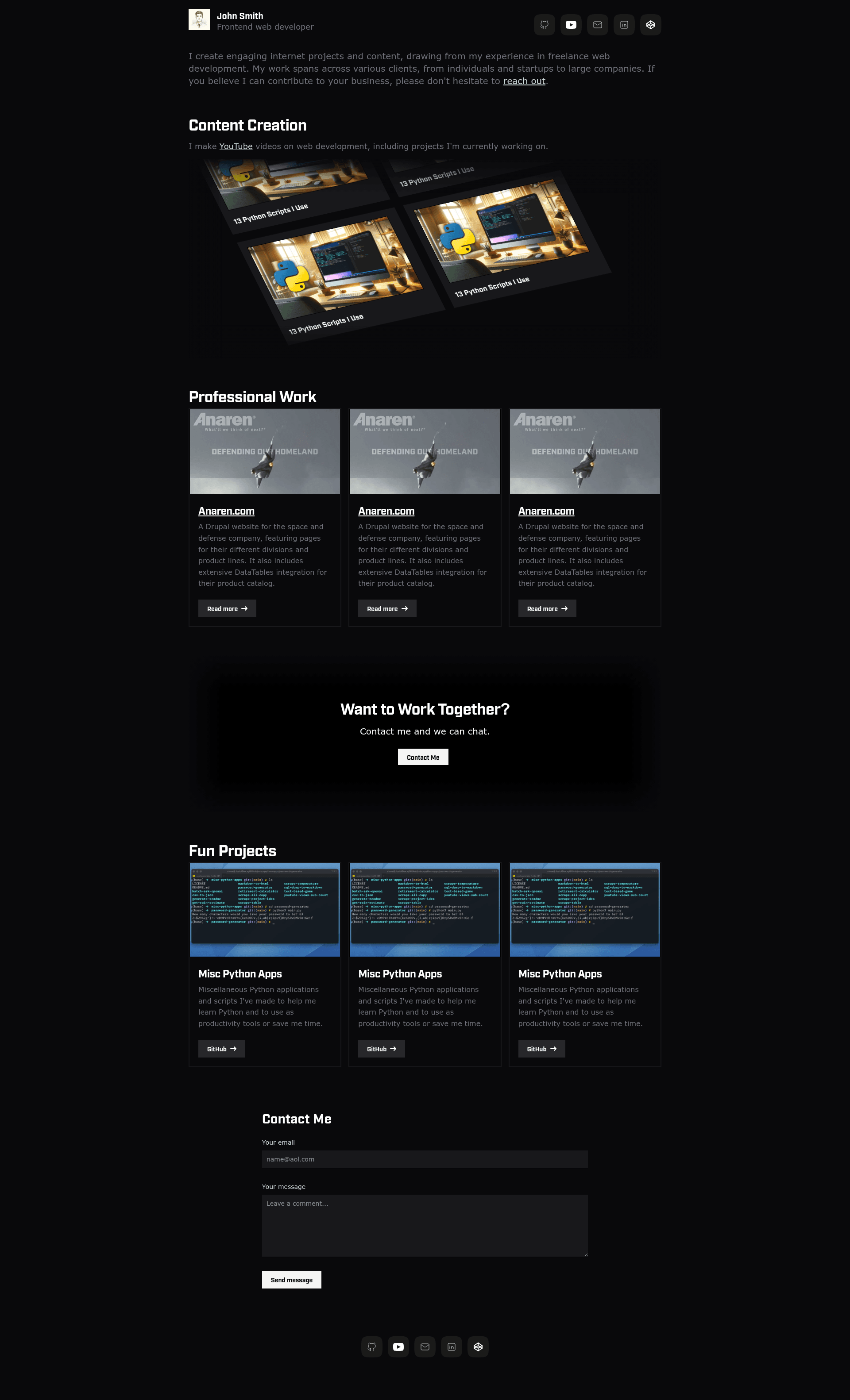
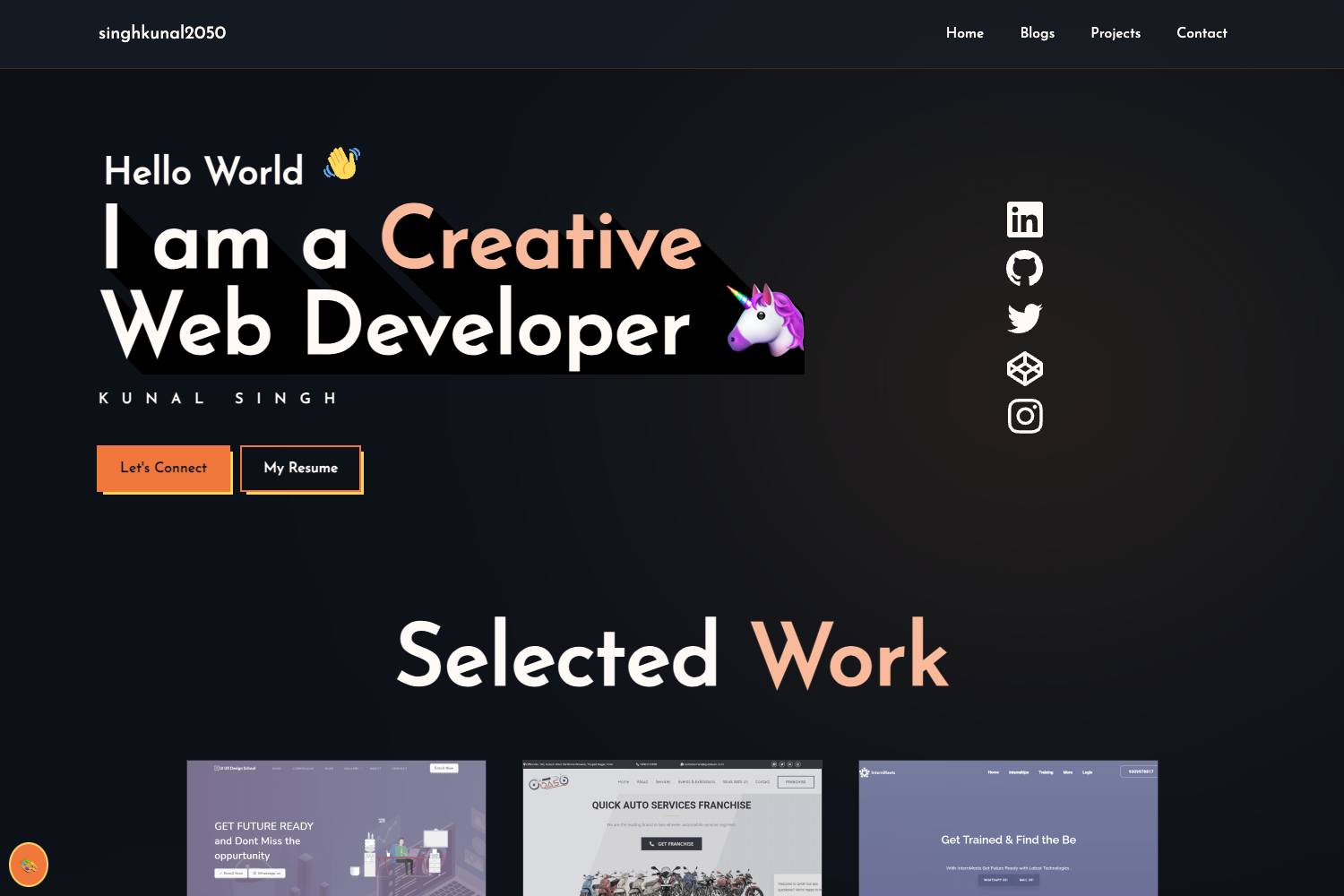
A simple, clean Astro and Tailwind portfolio template with a scrolling image section and Formspree contact form.
About this template
Shadowstack Portfolio is a static portfolio template built with Astro and styled with Tailwind CSS, designed to give developers a clean, modern personal site that deploys to Vercel, Netlify, or Cloudflare.
What is Shadowstack Portfolio?
Shadowstack Portfolio is a web developer portfolio project that runs on the Astro framework and produces a static site. It takes component files and configuration in src/ as input and outputs an optimized web page that can be hosted on any static service. The project is maintained in the GitHub repository leabs/shadowstack-portfolio and uses Tailwind CSS for its styling.
Key Features
- Astro framework — Shadowstack Portfolio is built on Astro, so it produces a static site with zero JavaScript by default and supports component-based editing in
src/components/. - Tailwind CSS — Styling is configured through
tailwind.config.mjs, where the scroll animation timing is also adjusted. - Scrolling image section —
src/components/CustomImageScroll.astrorenders a responsive 16:9 image carousel that loops after a row count of six, with images placed insrc/assets/for Astro's automatic optimization. - Formspree contact form —
src/components/Contact.astroaccepts a Formspree endpoint URL so you can receive submissions without building a backend. - Customizable social links —
src/components/Social.astrocentralizes your social profile URLs in one file for easy updates. - Simple configuration — Site title, description, and URL are set in
src/layouts/Layout.astro, while the main page content lives insrc/pages/index.astro. - Deploy-ready — The project works with common static hosting services such as Vercel, Netlify, and Cloudflare.
Who is it for?
- Web developers — showcase your work and projects with a clean portfolio that you can fully customize in Astro components.
- Designers — use the pre-built layout and scrolling image section to display visual work without writing much code.
- Job seekers — quickly launch a professional site with contact form and social links for recruiters.
Use cases
- Create a personal portfolio — edit components in
src/components/and pages insrc/pages/to present your projects and experience. - Set up a contact channel — paste your Formspree URL in
src/components/Contact.astroto start receiving messages. - Showcase images in a looping gallery — feed 12 images (two rows of six) into the JSON object in
CustomImageScroll.astrofor an auto-scrolling visual section.
How does it work?
- Clone the repository from
https://github.com/leabs/shadowstack-portfolio.git. - Run
npm installand thennpm run devto start the development server. - Edit
src/layouts/Layout.astroto set the site title, description, and URL, then update the social links insrc/components/Social.astroand the contact form insrc/components/Contact.astro.
FAQ
What do I need to run Shadowstack Portfolio?
You need Node.js and npm. Clone the repository, run npm install, and then npm run dev to start a local development server.
Can I deploy Shadowstack Portfolio to Vercel?
Yes, the project produces a static Astro site, so it works on Vercel, Netlify, or Cloudflare Pages without additional server configuration.
Where do I change my social links?
Edit the file src/components/Social.astro to replace the placeholder URLs with your social profiles.
How do I set up the contact form?
Open src/components/Contact.astro and provide a URL from Formspree. The form will then submit messages to that endpoint.
How many images does the scrolling section need?
The image scroll component uses a row count of six and loops, so a full cycle displays 12 images total, all assumed to be 16:9 aspect ratio.