Template details
ShoeShop
Next.js ecommerce starter with customer cart, profile, and admin CRUD for users and products.
About this template
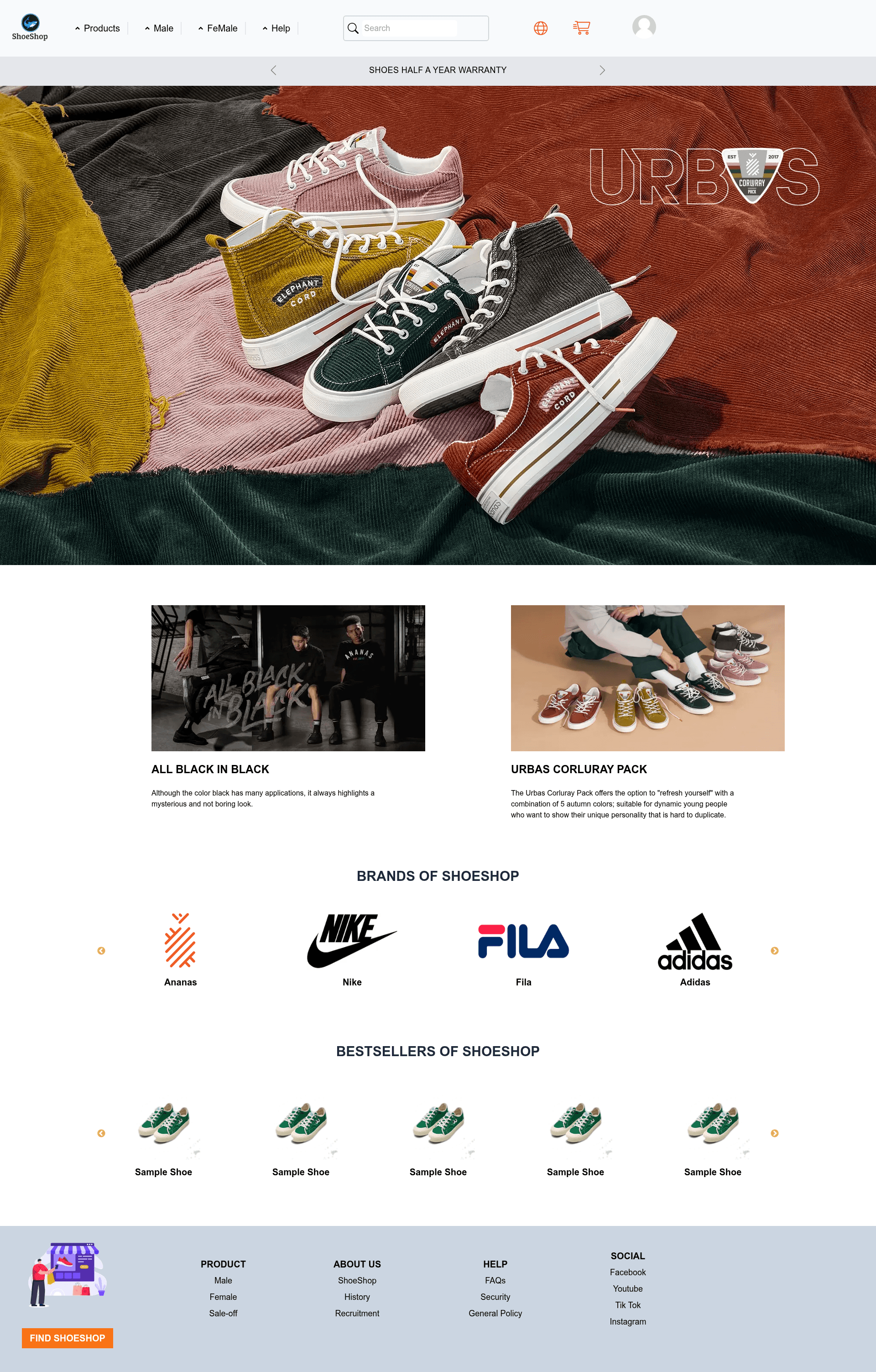
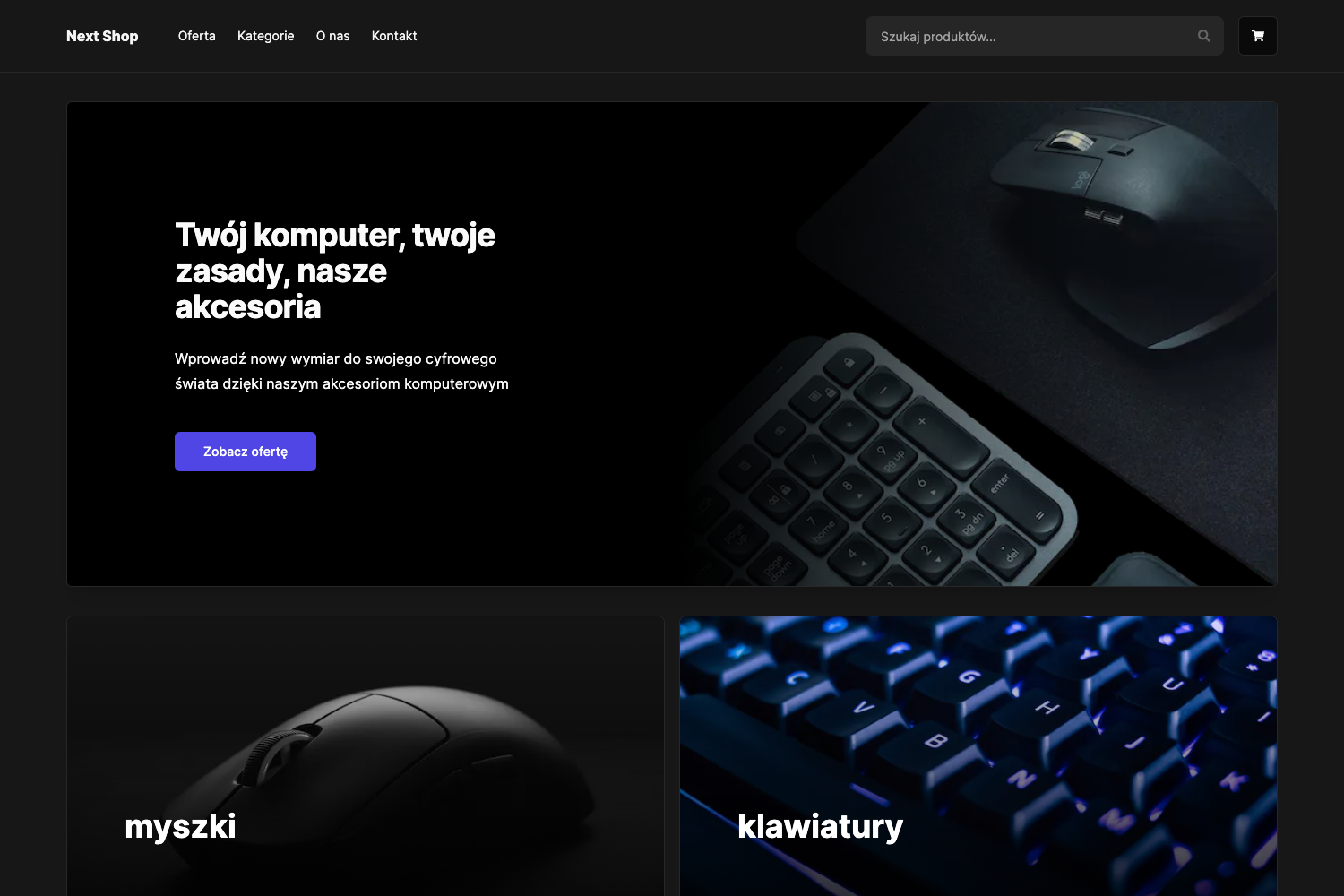
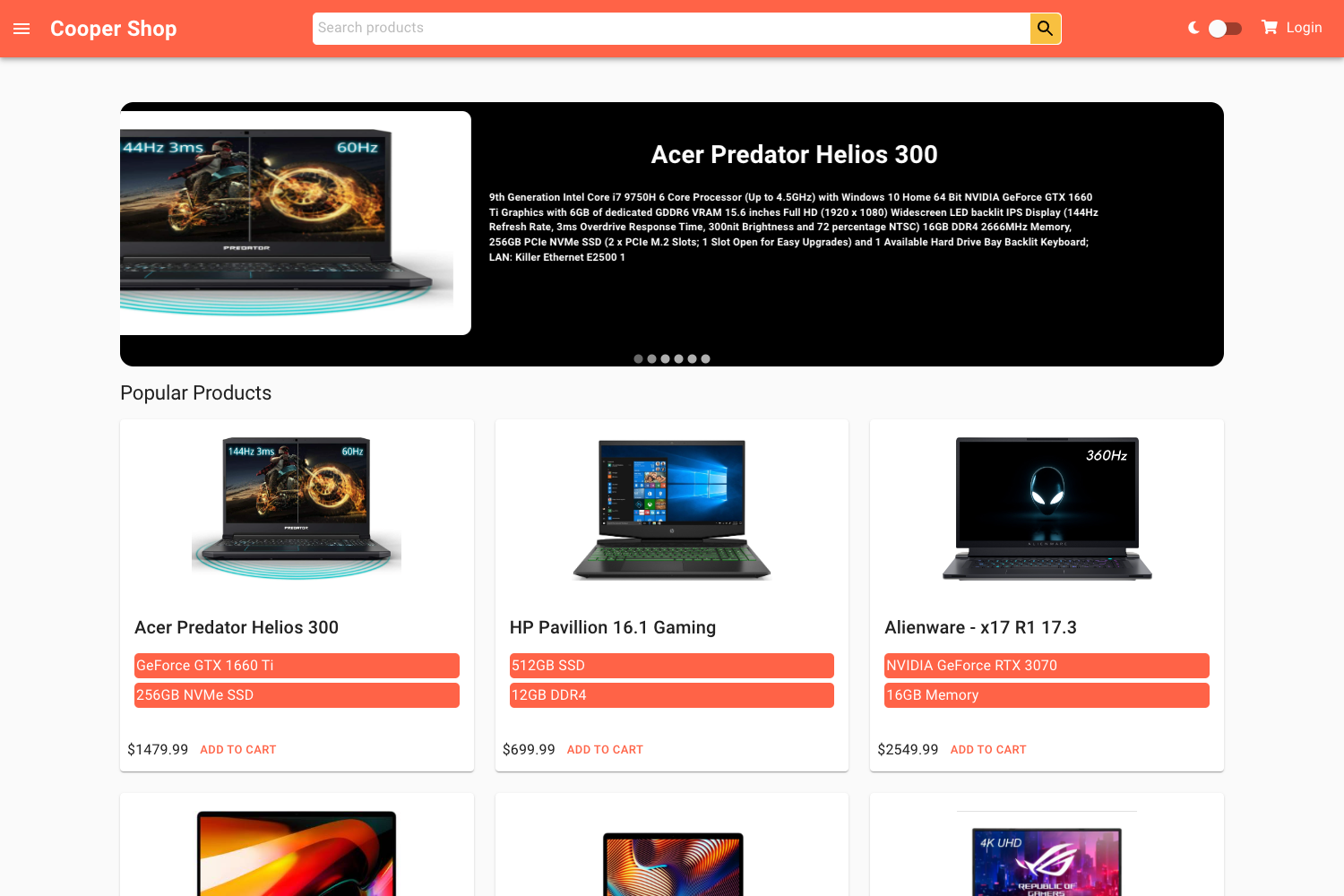
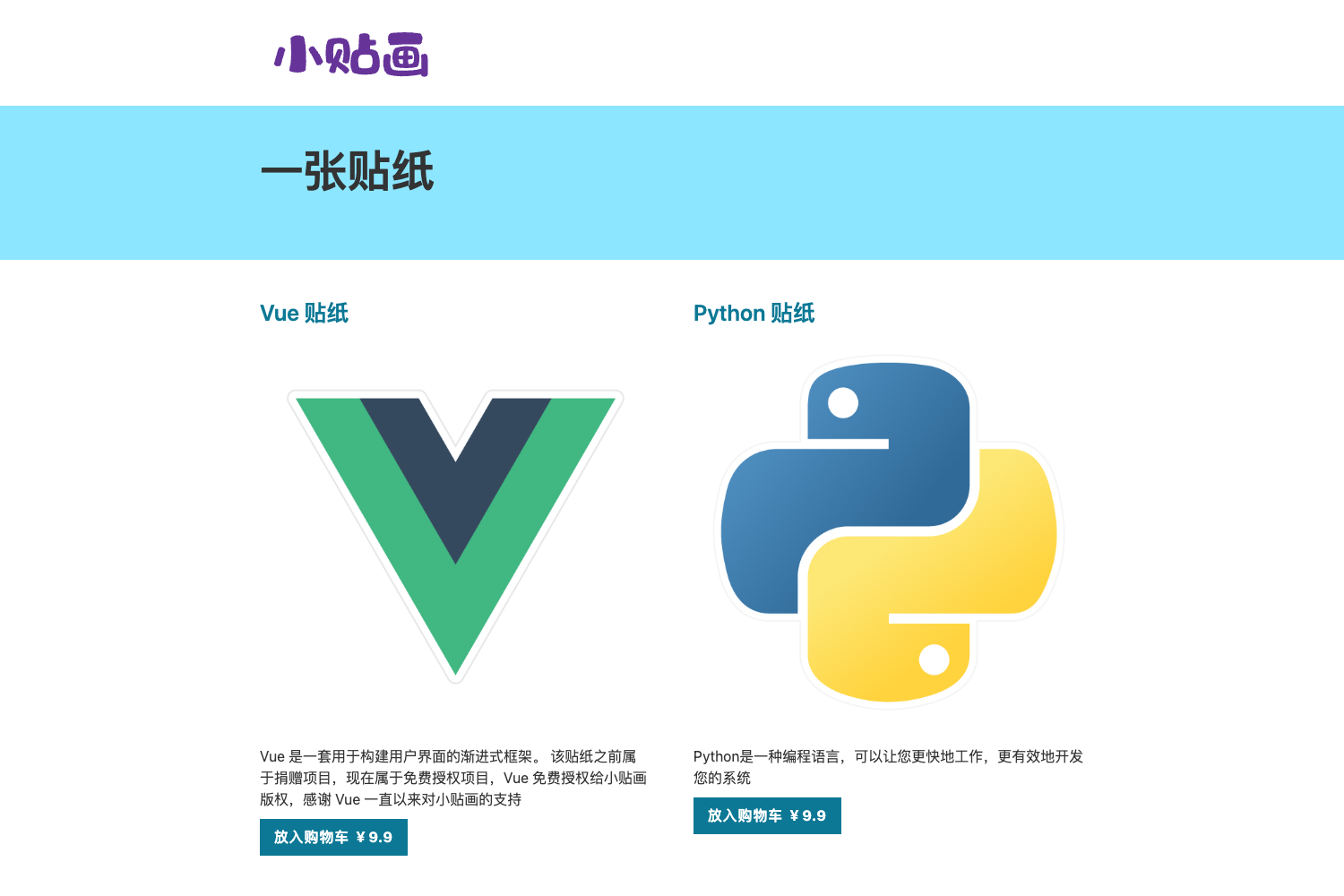
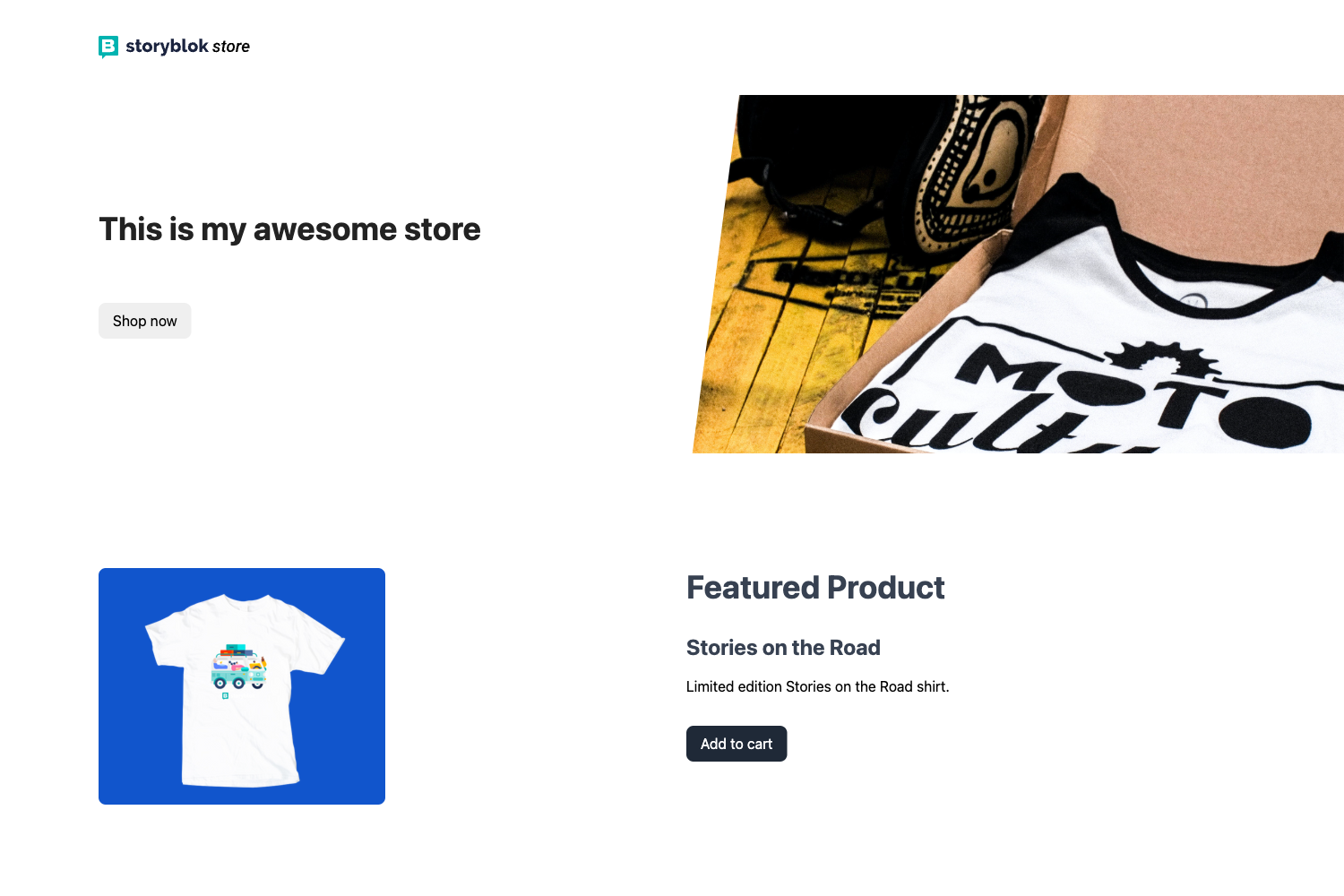
ShoeShop is a Next.js ecommerce starter template that pairs a customer-facing storefront with an admin panel, built on React and styled with Tailwind CSS.
What is ShoeShop?
ShoeShop is a public ecommerce front-end template built with the Next.js React framework and styled using Tailwind CSS. It provides a customer journey—sign-up, sign-in, product detail views, cart management, and profile editing—alongside an admin interface that supports sign-in and CRUD (create, read, update, delete) operations on both users and products. The template is designed to run concurrently with a companion backend called shoeshop-backend, which serves the API at http://localhost:8080/ during development. A live deployment of the storefront is available at https://shoe-shop-smoky.vercel.app/.
Key Features
- Customer authentication — Sign-up, sign-in, and sign-out flows give shoppers access to their account and cart.
- Product detail pages — Customers can view detailed information for each product, including whatever fields the backend serves.
- Cart management — Add products to the cart, edit quantities, and delete items directly from the cart view.
- Profile and avatar — Customers can view their profile and update their avatar image.
- Admin CRUD — Administrators can create, read, update, and delete both user accounts and product records after signing in.
- Project run scripts —
npm run devlaunches the app at http://localhost:3000/ with the backend expected at port 8080. - Vercel deployment — The project ships with a working live demo on Vercel, making it possible to see the interface without local setup.
Who is it for?
- Ecommerce developers looking for a working Next.js storefront with customer and admin features can use ShoeShop as a foundation for a production shop.
- Full-stack learners can study how role-based features (customer vs. admin) are implemented on top of a Next.js front-end that talks to a separate backend.
- Freelancers and agencies building shoe store sites for clients can reuse the pre-built account, catalog, and admin flows instead of starting from scratch.
What can you do with ShoeShop?
- Shoe retailers: Stand up a storefront where customers sign up, browse product details, add items to a cart, and manage their profile and avatar.
- Store administrators: Sign in to a dedicated admin experience to manage the product catalog and user accounts through CRUD operations.
- Front-end developers: Modify the Tailwind-styled UI, add new pages, or swap in a different backend since the template communicates over HTTP on port 8080.
How does ShoeShop work?
ShoeShop runs as a Next.js development server: execute npm run dev to open the app at http://localhost:3000/, while the shoeshop-backend must be running concurrently at http://localhost:8080/. The front-end then serves customer storefront pages and admin pages, relying on the backend for data.
FAQ
Does ShoeShop include a backend?
The repository is a front-end template only. It is designed to run alongside a separate shoeshop-backend at http://localhost:8080/, which is not included in this repository.
How do I run ShoeShop locally?
Run npm run dev from the project root, then open http://localhost:3000/. Ensure the shoeshop-backend is up at http://localhost:8080/ so the storefront can fetch product and user data.
What admin functions are available?
Admins can sign in and sign out, and can perform CRUD operations on both users and products. The template does not document order management, payments, or inventory features.
Is documentation provided?
The source content lists run commands and features, but no separate documentation site or tutorial is mentioned.