Template details
Storyblok & Nuxt BigCommerce Starter
Starter shop template for BigCommerce with Storyblok as headless CMS.
About this template
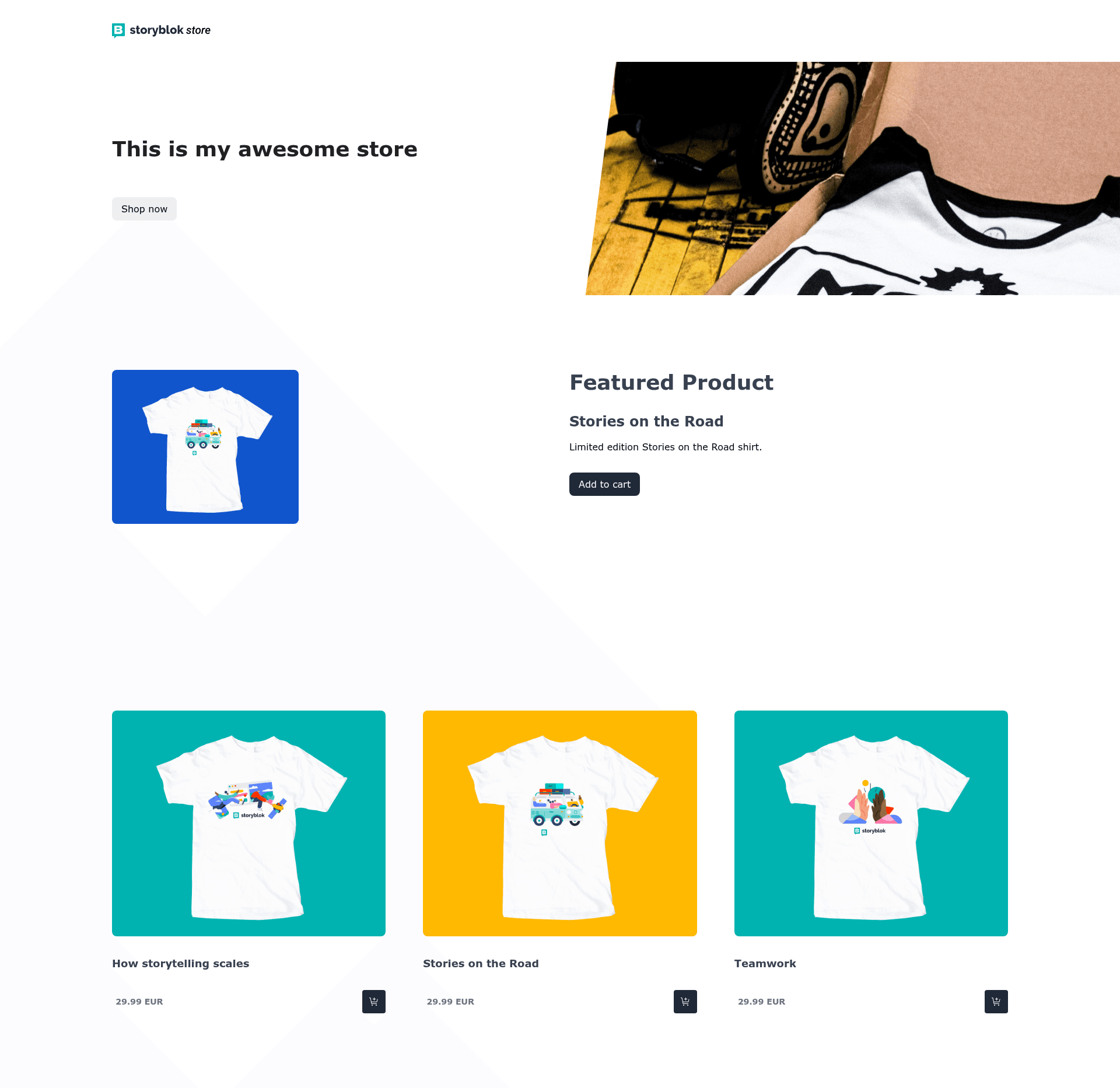
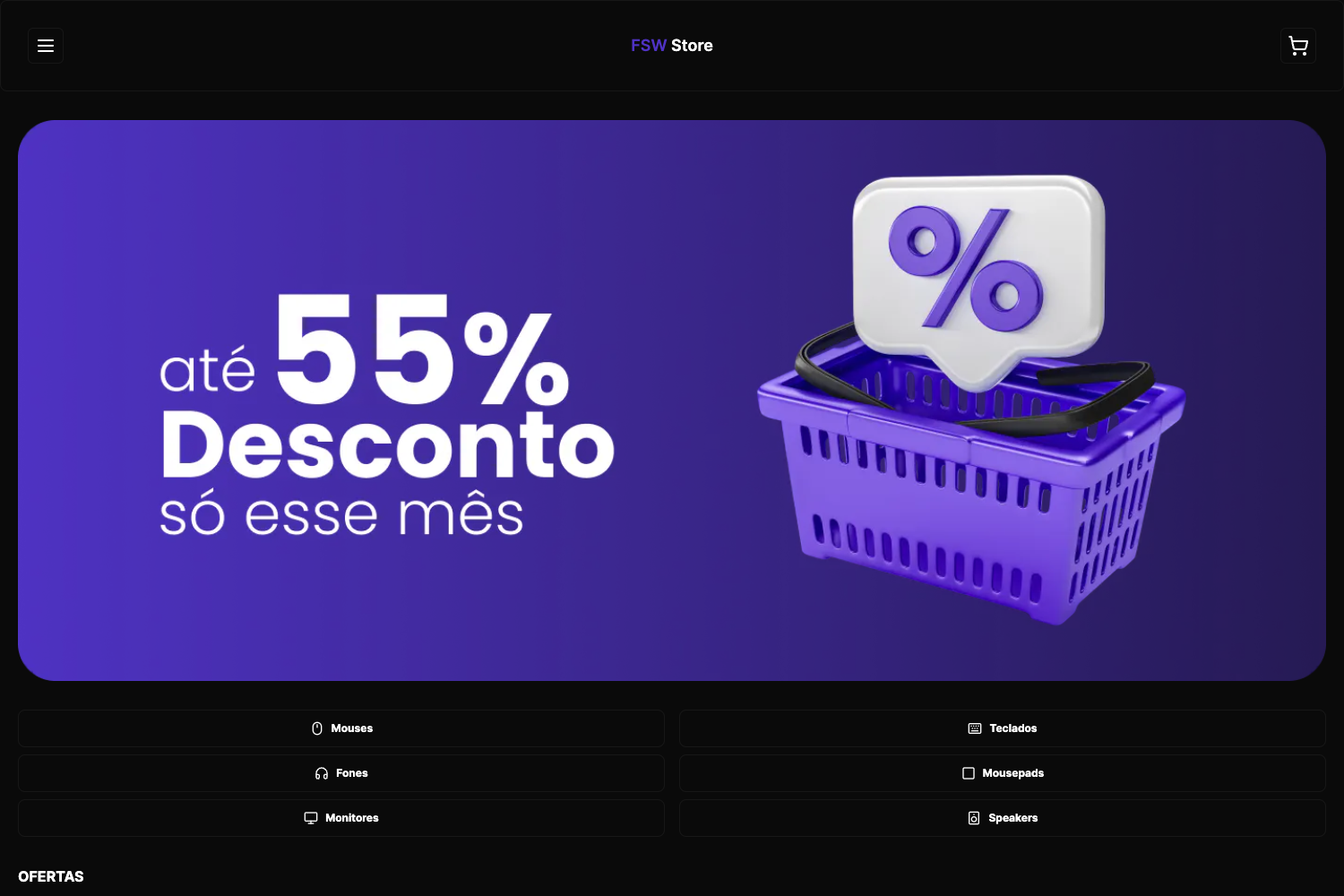
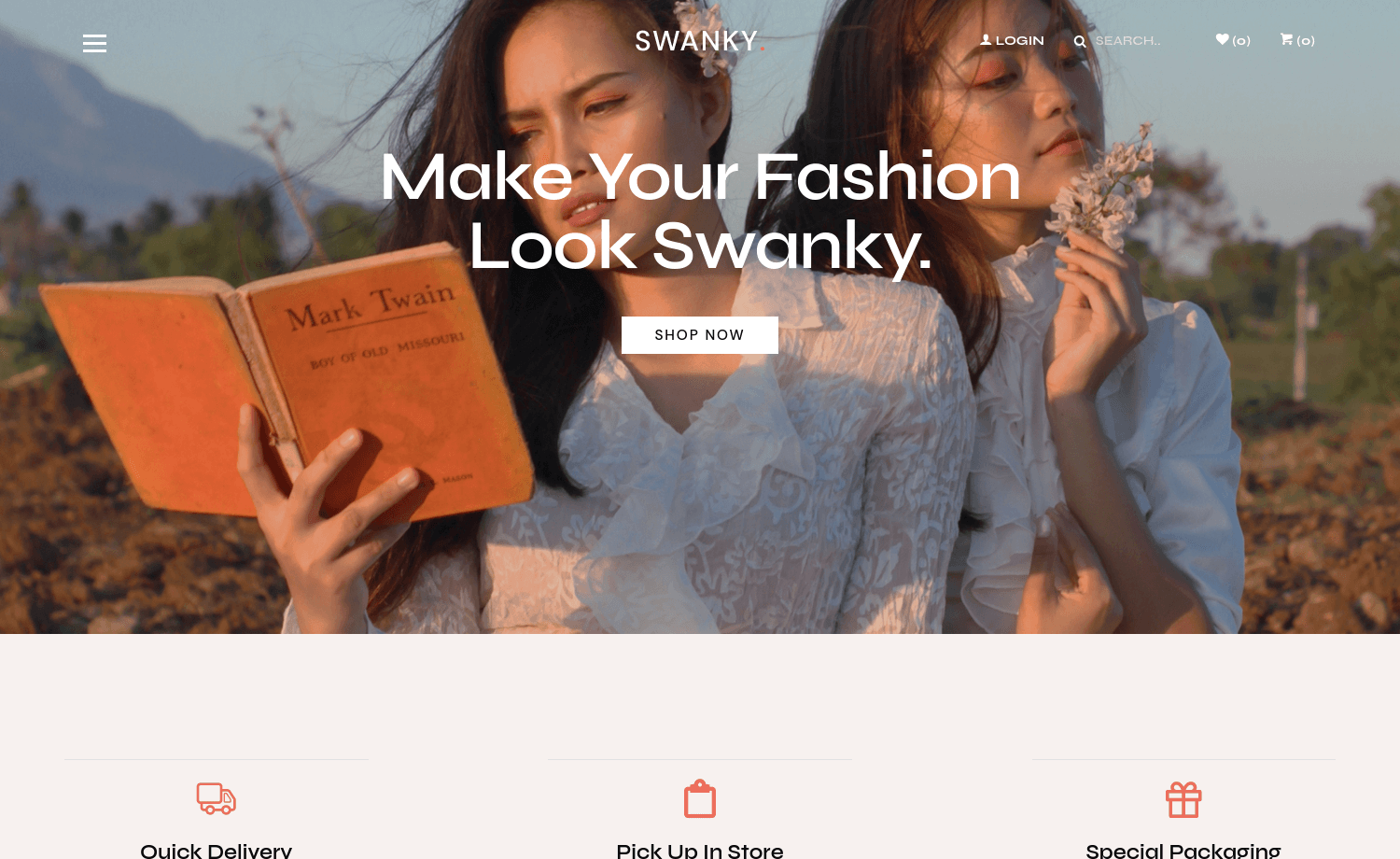
Storyblok & Nuxt BigCommerce Starter is a headless e-commerce boilerplate that combines the Nuxt framework, the Storyblok CMS, and the BigCommerce commerce platform to produce a high-performance storefront.
What is the Storyblok & Nuxt BigCommerce Starter?
The Storyblok & Nuxt BigCommerce Starter is a starter kit for building e-commerce sites. It takes BigCommerce API credentials and a Storyblok API token as input and outputs a deployable storefront that renders content from Storyblok and pulls products, orders, and customers from BigCommerce. The template runs on Nuxt and is published by Storyblok in their GitHub organization. A live demo is hosted on Netlify, and a full tutorial explains how to build a storefront with Nuxt and BigCommerce step by step.
Key Features
- Headless architecture — The frontend is decoupled from the commerce backend using Nuxt as the rendering framework and Storyblok as the content management system.
- BigCommerce integration — The starter connects to a BigCommerce store through an API account that requires Modify permissions for Products, Orders, and Customers, allowing full storefront operations.
- High-performance focus — The template is explicitly designed to deliver high-performing e-commerce pages, with the Nuxt framework handling server-side rendering and static generation.
- Quick setup — The README documents a five-step onboarding: create a Storyblok space, create a BigCommerce store, create a BigCommerce API token, add BigCommerce environment variables, and add the Storyblok API token.
- Environment variable configuration — The starter reads BigCommerce token, BigCommerce store URL, and Storyblok API token from a .env file, keeping credentials out of the codebase.
- Demo and tutorial — A live demo site is available on Netlify, and a Storyblok tutorial walks through the entire storefront build process.
- Package manager support — The project uses pnpm and semantic-release for versioning based on commit messages following the Angular convention.
Who is it for?
- Nuxt developers — Developers who want a starting point for a headless e-commerce storefront without wiring up the integrations from scratch.
- BigCommerce merchants — Store owners who want to use Storyblok as a CMS to manage content while BigCommerce handles catalog, orders, and customers.
- Agencies and freelancers — Teams building e-commerce sites for clients that need a customizable storefront starter with a clear technical architecture.
What can you do with it?
- Developers — Scaffold a Nuxt-based storefront and connect it to BigCommerce and Storyblok by adding API credentials to the .env file.
- Content editors — Manage pages and components in Storyblok's visual editor and have them appear on the storefront without touching code.
- Store owners — Launch a fast, headless storefront with a live demo to evaluate the experience before customizing design and functionality.
How does the Storyblok & Nuxt BigCommerce Starter work?
The setup process has five steps described in the README. First, create a free Storyblok space. Then create a free BigCommerce store. In BigCommerce, go to Advanced Settings > API Accounts and create an API account with Modify permissions for Products, Orders, and Customers. Next, add the BigCommerce token and storefront URL to your .env file. Finally, add your Storyblok API token to the same file and run pnpm install to start the project.
FAQ
Is the Storyblok & Nuxt BigCommerce Starter free?
The starter code is free to use from the Storyblok GitHub organization. Both Storyblok and BigCommerce offer free accounts to get started, as linked in the README.
What do I need to run it?
You need a Storyblok account and space, a BigCommerce store, and API tokens from both. The BigCommerce API account must have Modify permissions for Products, Orders, and Customers. All credentials are stored in a .env file.
Does it support other commerce platforms?
The starter is specifically built for BigCommerce. The README only documents BigCommerce integration and does not mention other commerce backends.
Where is the demo?
A live demo is hosted at https://storyblok-nuxt-bigcommerce-starter.netlify.app/ (link in the README), and a tutorial is available on the Storyblok website.