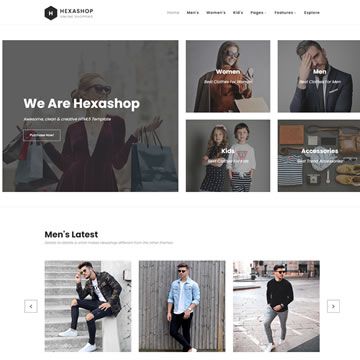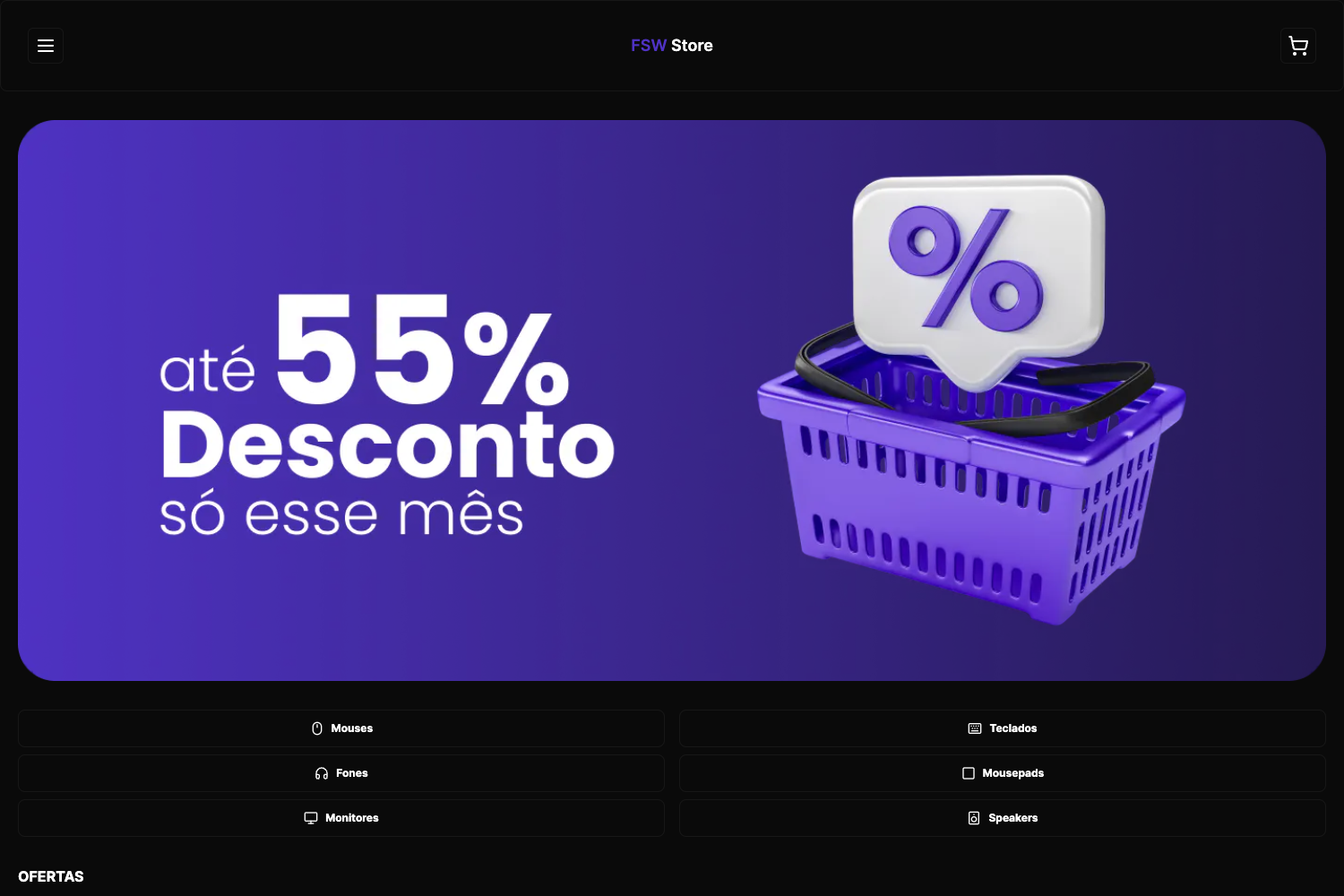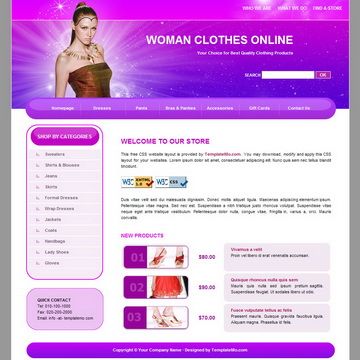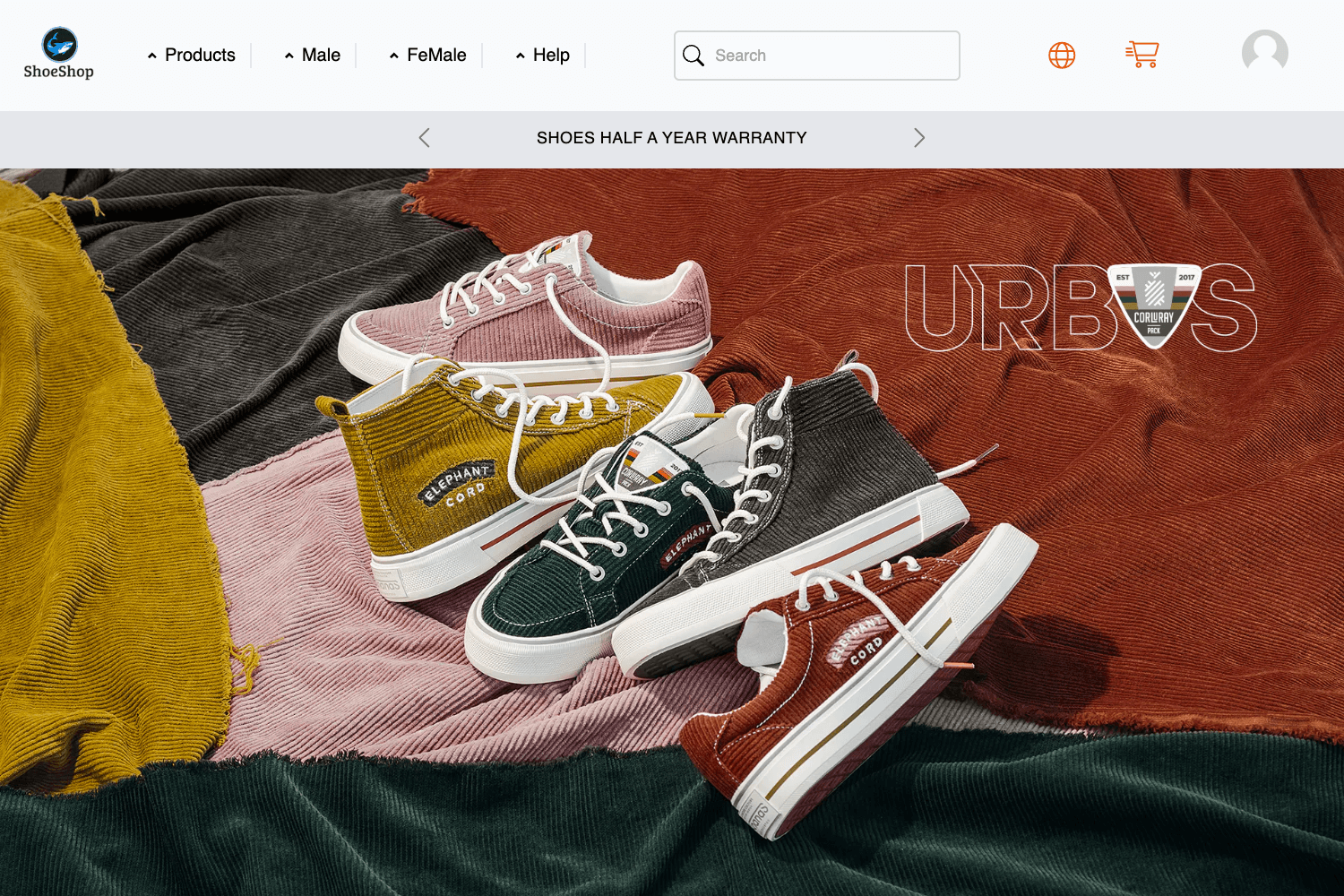
Template details
Cooper Shop
Full featured ecommerce app built with Next.js, Material UI, MongoDB, and PayPal.
About this template
Cooper Shop is a full-featured e-commerce storefront template built on Next.js and Material UI, designed to give developers a production-ready online shop with PayPal, Google Maps, and content management built in.
What is Cooper Shop?
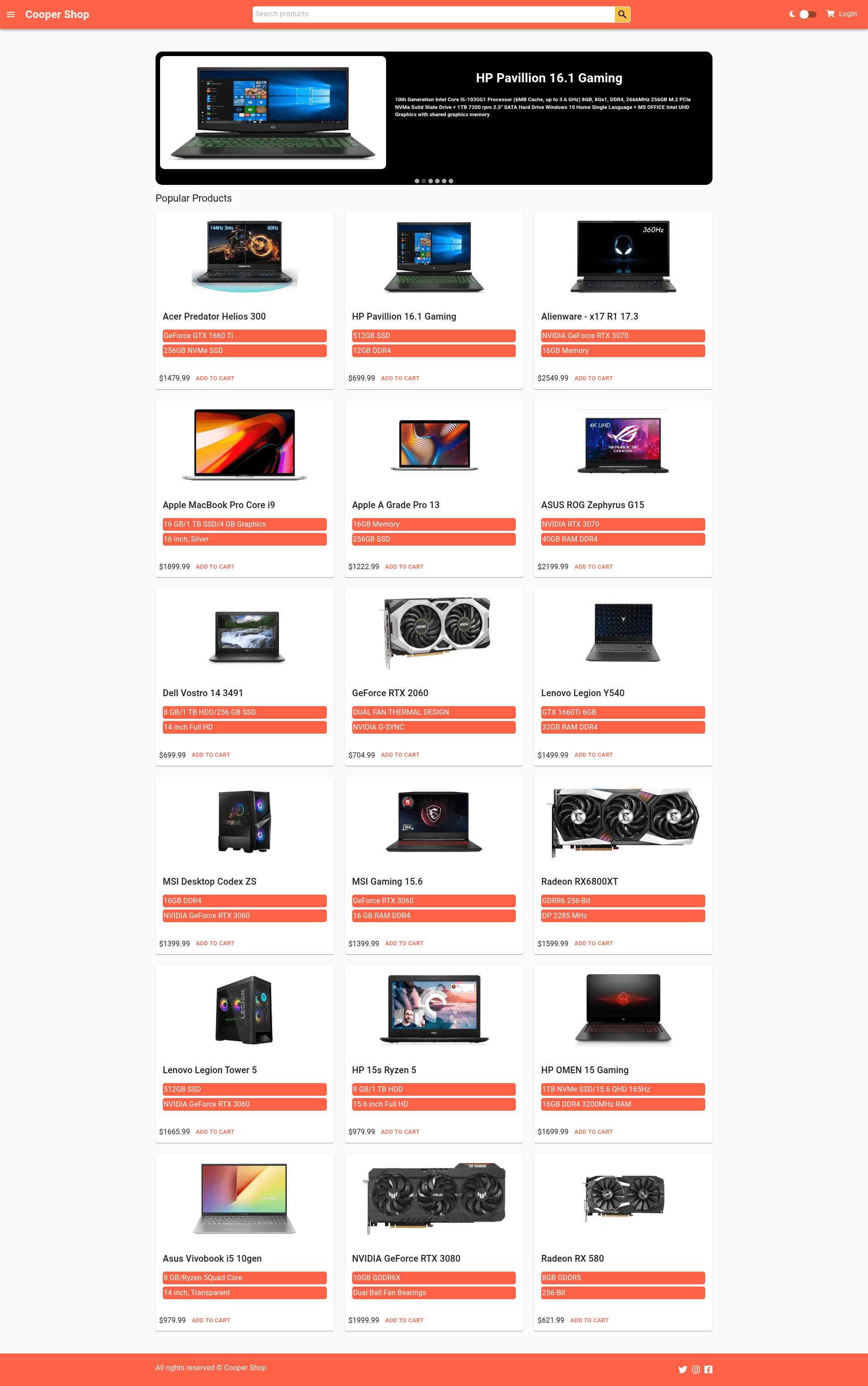
Cooper Shop is an e-commerce web application template created by Hicm (hicmtrex) and demonstrated live at cooper-shop.vercel.app. It takes product, order, and user data stored in MongoDB and renders a storefront with product listings, detail pages, and an admin dashboard, using Node.js on the server and Cloudinary for image hosting. The client is built with React and Next.js styled with Material UI.
Key Features
- PayPal integration — Customers can pay for orders via PayPal checkout, configured in the e-commerce flow.
- Google Maps integration — Location data is displayed through the Google Maps API, which requires a GOOGLE_API_KEY environment variable.
- Content management system — A built-in CMS lets store owners manage content, backed by MongoDB.
- Material UI design system — The interface uses Material UI components for a consistent React look.
- MongoDB database — Stores products, orders, and users with a Node.js backend.
- Cloudinary media hosting — Product images are hosted and delivered through Cloudinary cloud storage.
- JWT authentication — User login and protected routes are secured with JSON Web Tokens, as noted in the repository topics.
- Admin dashboard — Repository topics include admin-dashboard, indicating a dedicated backend interface for store administration.
Who is it for?
- Developers who want a ready-made e-commerce front end can clone the repository and adapt the Next.js + Material UI codebase.
- Store owners who need a functioning online shop with PayPal checkout and Google Maps for physical locations can use the demo or template as a starting point.
- Full-stack learners can study how a MongoDB, Node.js, and Next.js project is wired together, including environment variables, deployment, and testing commands.
What can you do with Cooper Shop?
- Launch an online store: Deploy the Next.js app, connect MongoDB, and list products with PayPal checkout.
- Customise branding: Change the Material UI color theme (primary #FF6347, secondary #ffffff, text #222831) to match a brand identity.
- Manage store content: Use the built-in CMS to update product or site content without editing code.
How does Cooper Shop work?
The README provides getting started steps: clone the repository, install dependencies with Yarn or npm, create a .env file with the required variables, and run npm start to start the server. Tests are executed with yarn test test.
FAQ
Is Cooper Shop free?
The source code is publicly available on GitHub and distributed under the license described in LICENSE.txt, so it can be reused according to that license.
Does Cooper Shop use Tailwind CSS?
No, the UI is built with Material UI, not Tailwind. The client stack lists JavaScript, Next.js, React, and Material UI.
What environment variables are required?
The README lists NODE_ENV, JWT_SECRET, MONGODB_URI, authSource, appname, CLOUDINARY_CLOUD_NAME, CLOUDINARY_API_KEY, CLOUDINARY_API_SECRET, and GOOGLE_API_KEY for the .env file.
Can I run it locally?
Yes, you can clone the repository, install dependencies, set the environment variables, and run npm start. You'll also need MongoDB and Cloudinary credentials.