Template details
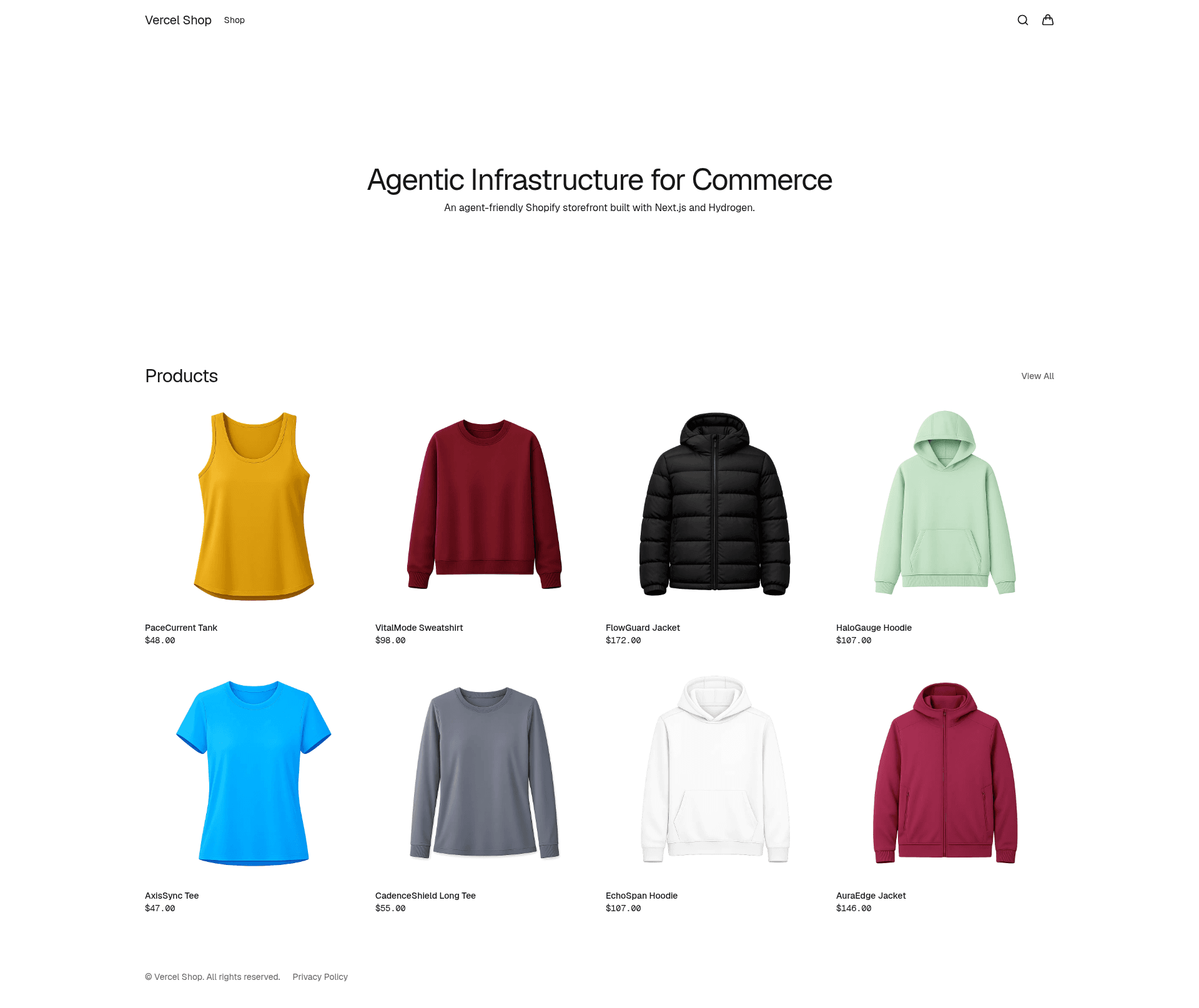
Vercel Shop
Next.js storefront template and reference architecture for Shopify with Storefront API, customer auth, and i18n.
About this template
Vercel Shop is an open-source, MIT-licensed Next.js storefront template and reference architecture for building headless Shopify commerce sites, created by Vercel.
What is Vercel Shop?
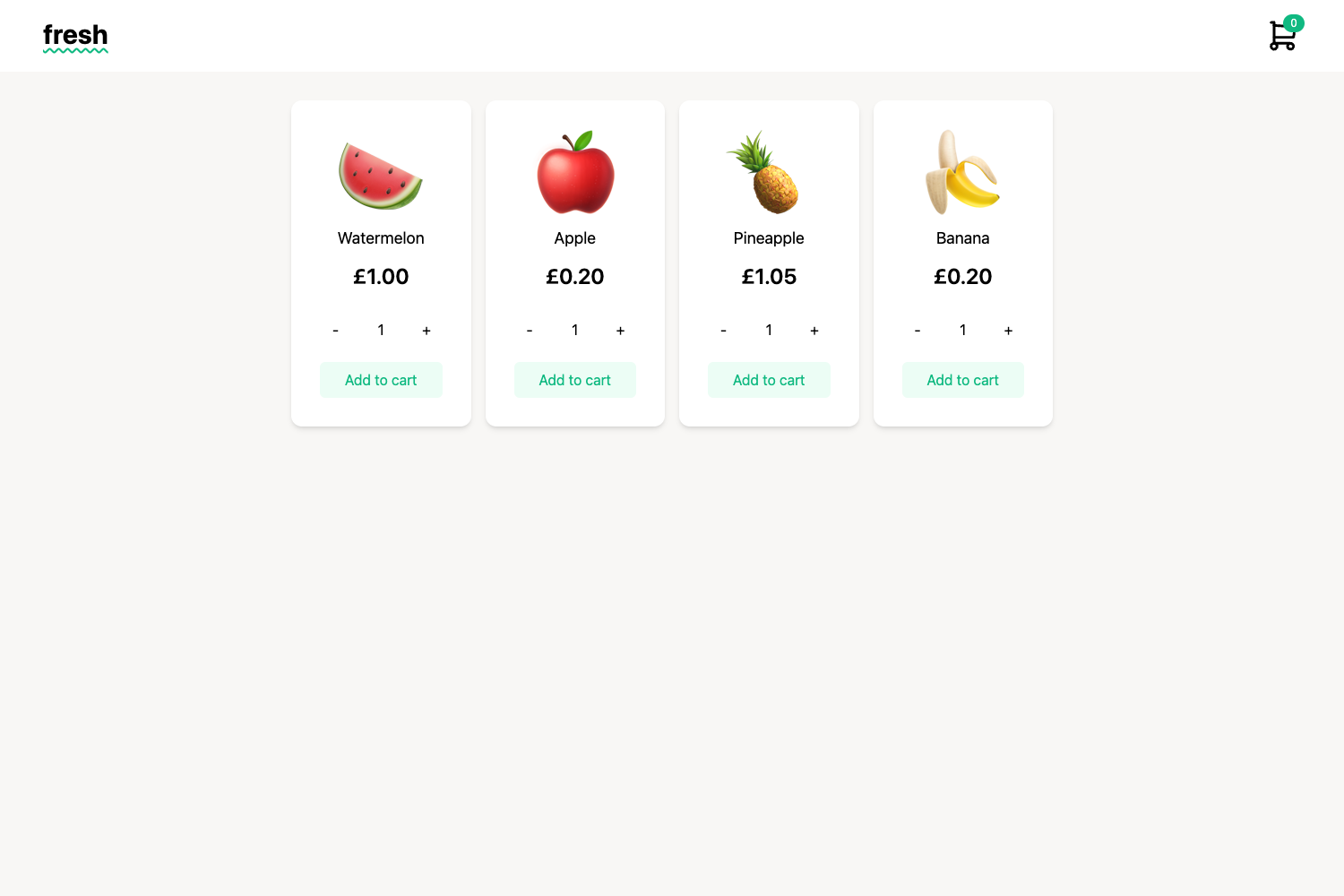
Vercel Shop is a storefront template built with Next.js 16, React 19, and Tailwind CSS 4, designed to connect to Shopify's Storefront API via GraphQL. It takes Shopify store credentials as input—a store domain and a storefront access token—and outputs a complete headless storefront with product pages and cart. The template runs on Vercel's platform and is documented at vercel.shop, with the code hosted in the Vercel GitHub repository.
Key Features
The template bundles a modern React stack with Shopify integration and developer tooling.
- Next.js 16 App Router — Uses the App Router with React 19 and React Compiler for server-rendered pages and optimized performance.
- Shopify Storefront API — Typed GraphQL operations for products, collections, and cart data.
- Customer authentication — Opt-in via lib/config.ts using Hydrogen and Shopify Customer Account API OIDC for login.
- Tailwind CSS 4 and shadcn/ui — Styling system with utility classes and composable components.
- Internationalization-ready — Uses next-intl for locale-prefixed routing and message catalogs, with a skill to enable Shopify Markets.
- AI-ready — Integration with Vercel AI SDK enables building conversational commerce experiences.
- Optimized cart — Server actions with instant cache invalidation keep cart state in sync.
- SEO — Structured data and dynamic metadata improve search engine visibility.
Who is it for?
Vercel Shop is aimed at developers, agencies, and merchants who want a customizable headless storefront on Shopify.
- Next.js developers — can scaffold a complete storefront with
npx create-vercel-shop@latest my-storeand focus on customizing features rather than building from zero. - Agencies — can use the reference architecture to deliver tailored ecommerce sites for clients, with support for i18n, analytics, and Shopify menus.
- Shopify merchants with technical resources — can launch a fast storefront while keeping Shopify as the backend, using the included agent plugins to extend functionality.
What can you do with Vercel Shop?
With Vercel Shop you can scaffold a full headless storefront, extend it with plugin skills, and customize the design to match a brand.
- Launch a storefront — Scaffold a new project, add Shopify credentials, and deploy to Vercel with the one-click deploy flow.
- Extend commerce patterns — Use the vercel-shop plugin skills like build-shop, enable-i18n, enable-analytics, and enable-shopify-markets to add common features without manual wiring.
- Customize the design — Modify Tailwind CSS and shadcn/ui components to match brand identity, and replace hardcoded navigation with Shopify menus using the enable-shopify-menus skill.
How does Vercel Shop work?
Getting started involves three steps: scaffold the project with the CLI, create a storefront token in Shopify admin under Settings → Apps and sales channels → Headless, and add the required environment variables to .env.local. Then run pnpm dev, npm run dev, yarn dev, or bun dev to start the development server. The Vercel deployment flow prompts for the two required credentials before the first deploy.
FAQ
Is Vercel Shop free?
Yes, the template is open-source under the MIT license, so you can use and modify it freely. You'll need your own Shopify store and a Vercel account to deploy it.
What Shopify credentials do I need?
You need a store domain such as your-store.myshopify.com and a storefront access token created under Settings → Apps and sales channels → Headless. Enable the required Storefront API permissions listed in the documentation.
Does it support multiple languages?
Yes, the template is internationalization-ready with next-intl. The enable-i18n skill adds locale-prefixed URL routing and message catalogs, and enable-shopify-markets adds multi-locale support using Shopify Markets.
Can I use it with an existing Next.js project?
You can install only the agent plugins into an existing project using npx create-vercel-shop@latest --no-template, but the full template is intended for new projects via the CLI.