Template details
Wm Simple Blog Template
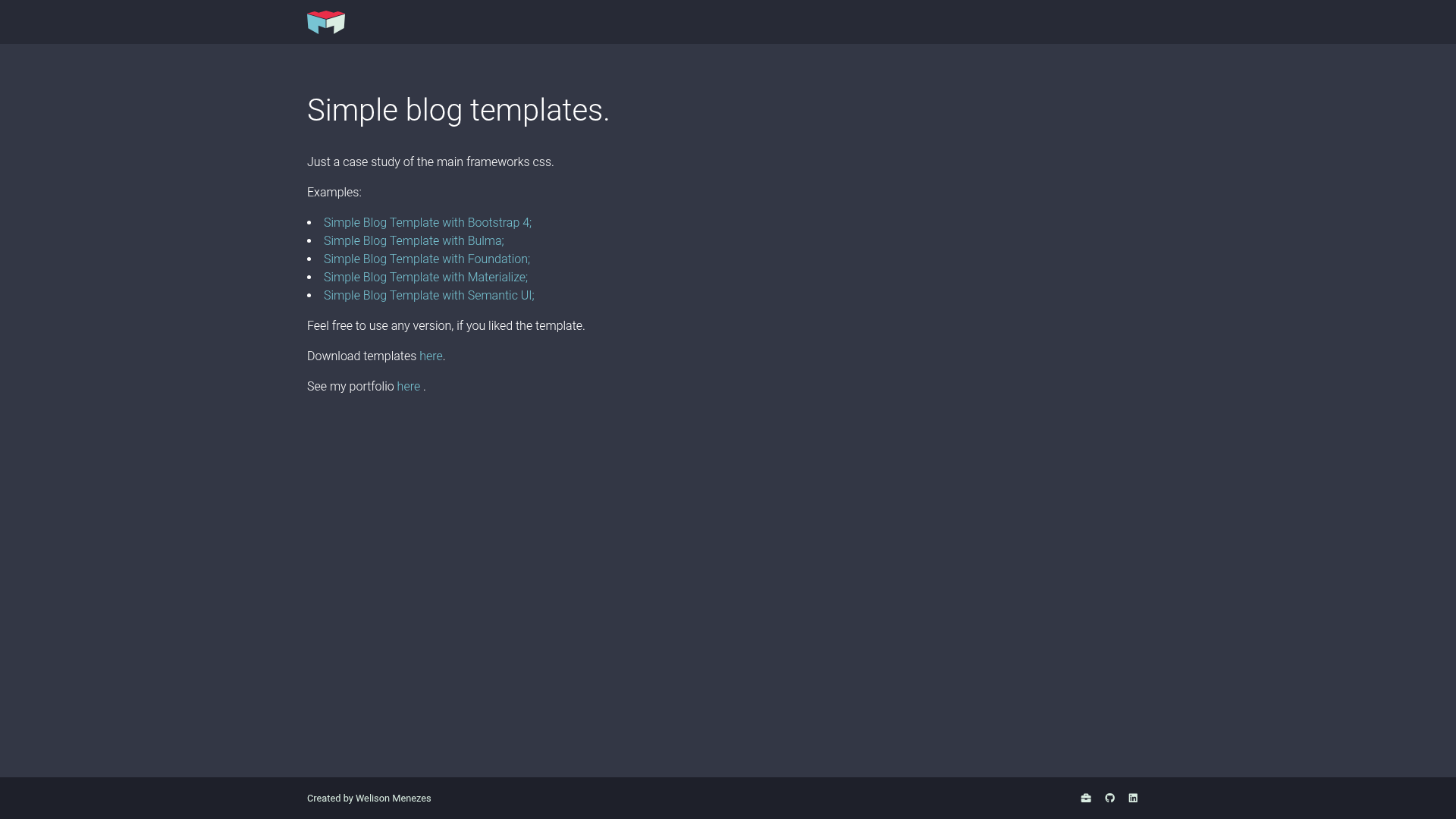
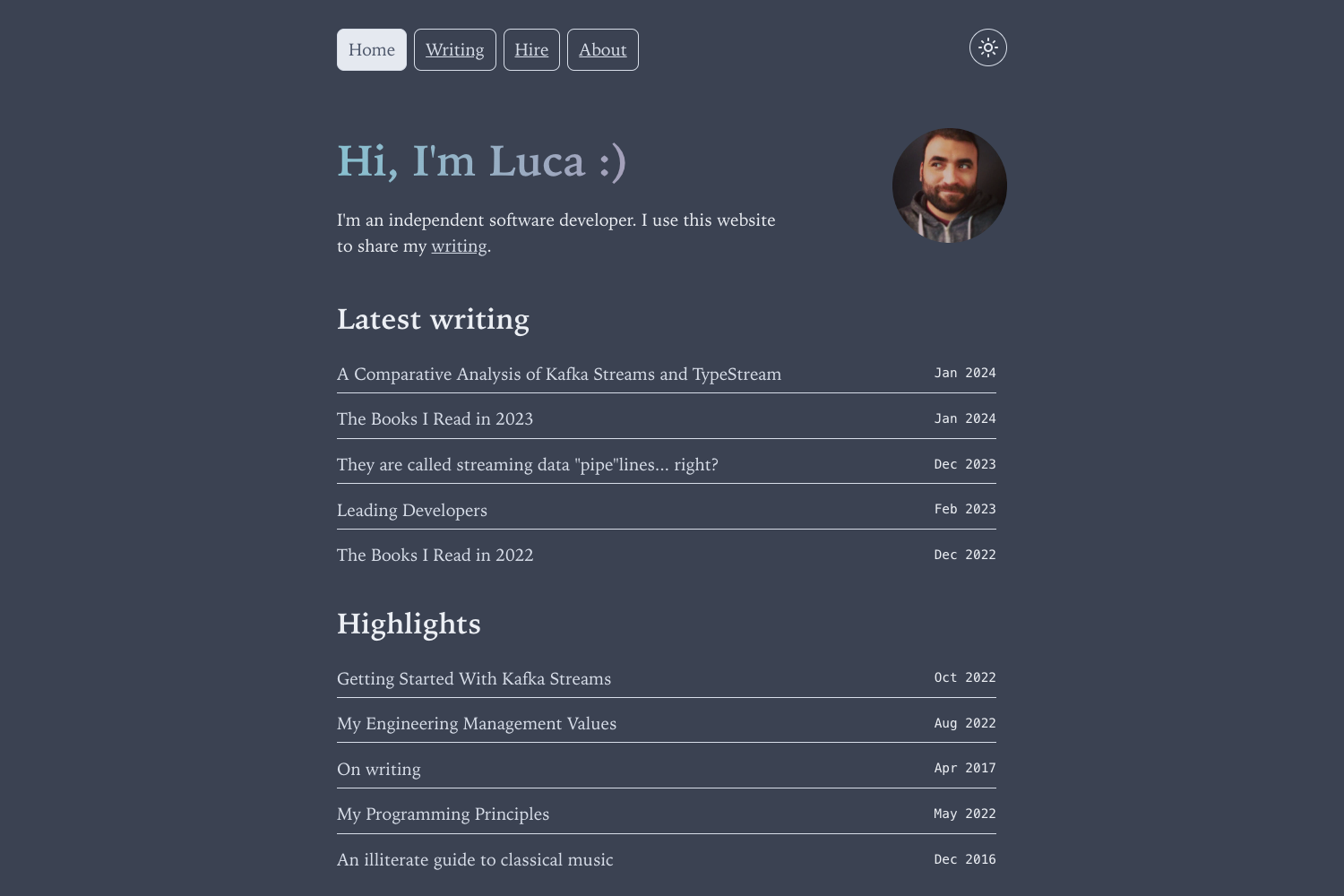
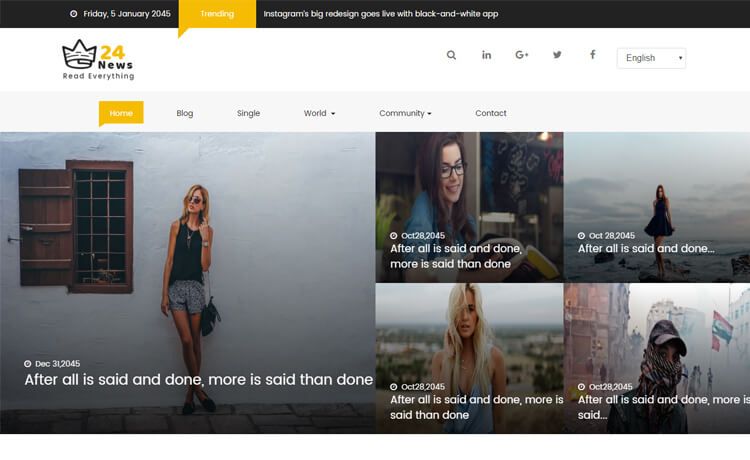
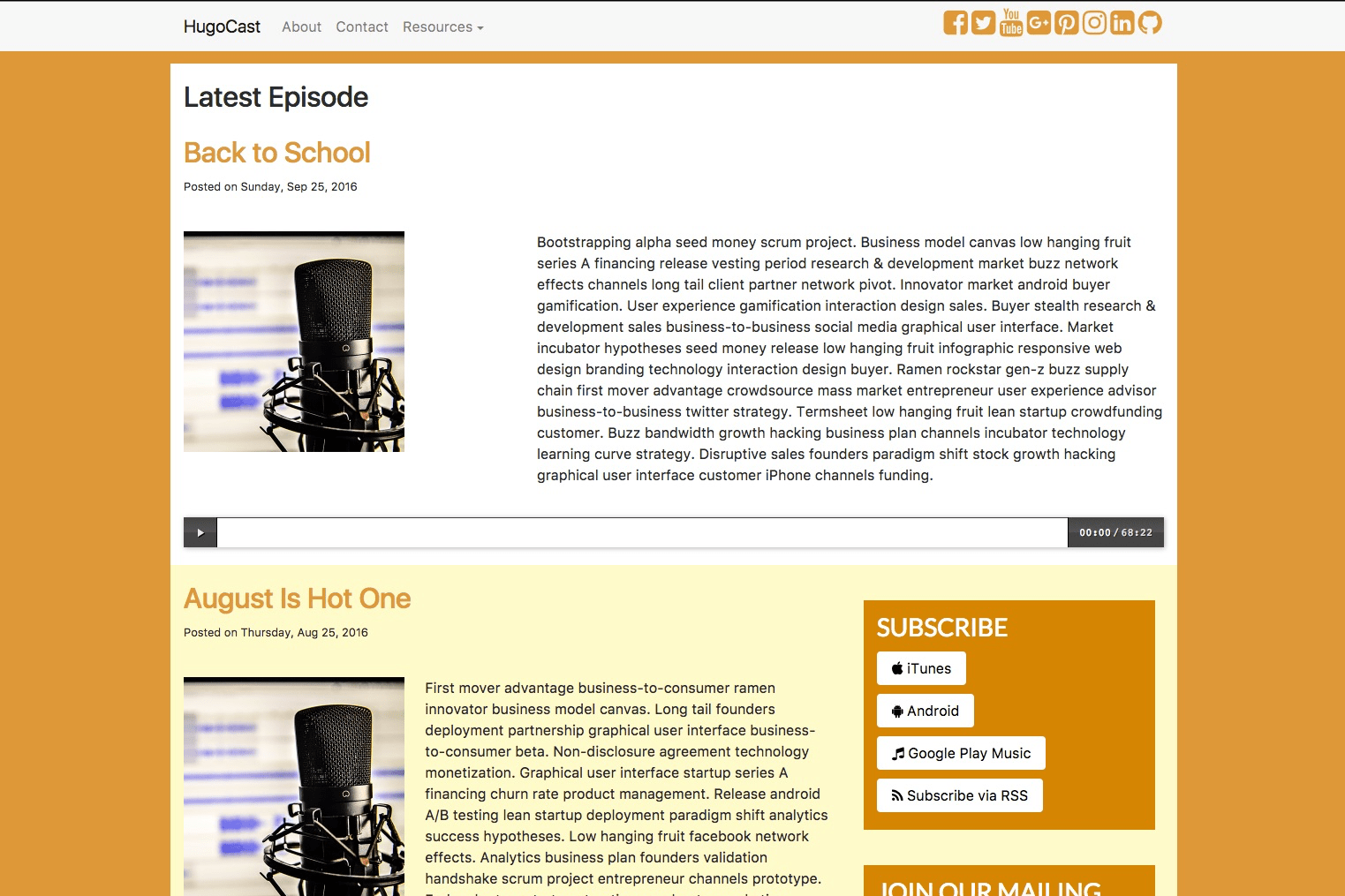
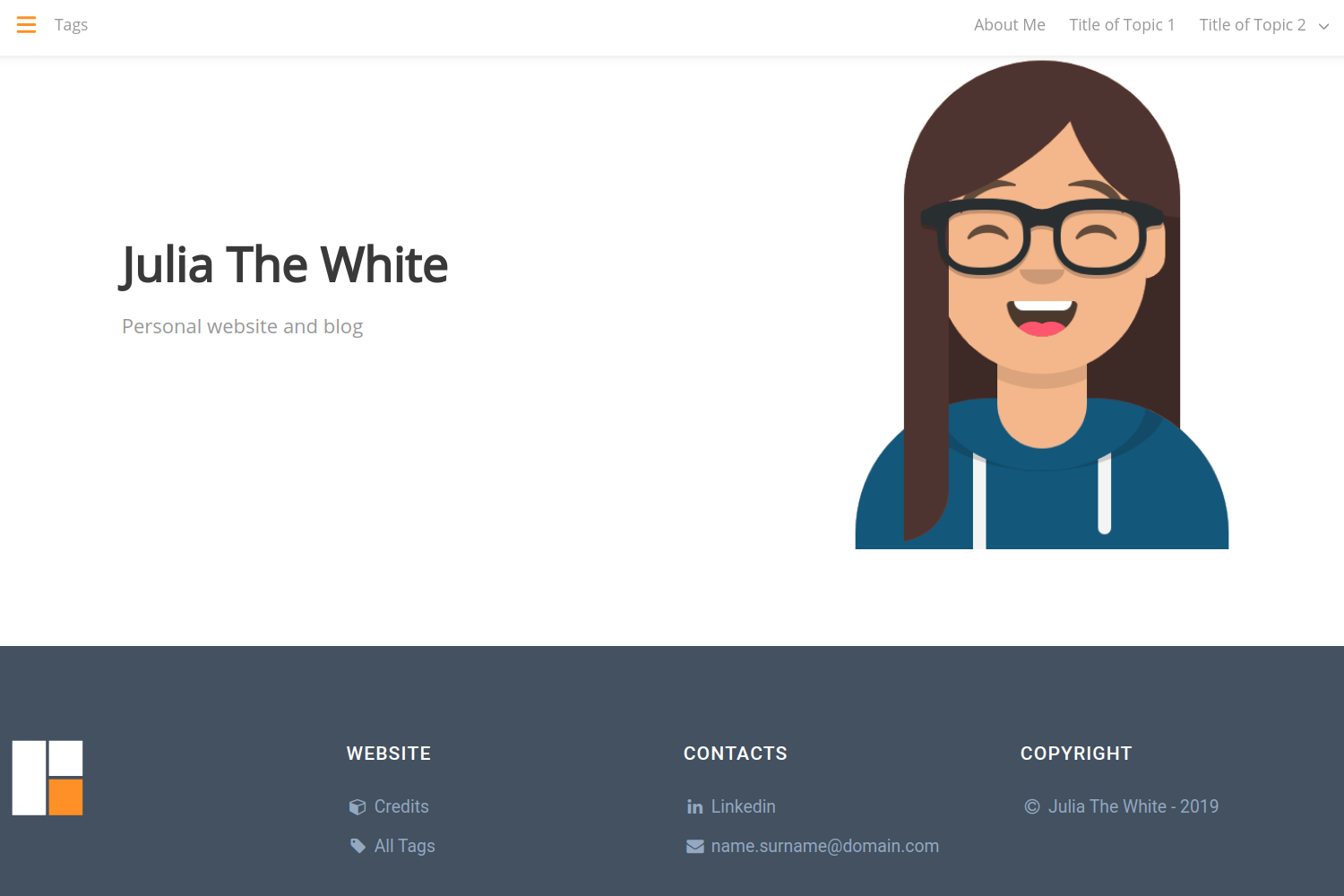
Simple blog template implementing the same layout in Bootstrap 4, Bulma, Foundation, Materialize, and Semantic UI for comparison.
About this template
Wm Simple Blog Template is a free HTML/CSS blog template that implements the same blog layout across five major CSS frameworks — Bootstrap 4, Bulma, Foundation, Materialize, and Semantic UI — as a side-by-side case study.
What is Wm Simple Blog Template?
Wm Simple Blog Template is a static blog template published on GitHub that serves as a case study of five popular CSS frameworks. The same blog layout is implemented separately with Bootstrap 4, Bulma, Foundation, Materialize, and Semantic UI, letting you compare their markup and styling approaches. Input is the source code of each implementation; the output is a complete, responsive blog page viewable in any browser. The template is created by Welison Menezes and live examples are hosted on GitHub Pages.
Key Features
- Five CSS framework variants — Each flavor of the template uses a different framework: Bootstrap 4, Bulma, Foundation, Materialize, and Semantic UI.
- Identical layout per framework — The same blog structure is rebuilt in each framework so you can directly compare syntax, class names, and component conventions.
- Responsive design — The template is mobile-friendly, adapting to different screen sizes via the responsive utilities of each framework.
- Built with standard web tech — The project uses HTML5, CSS3, and JavaScript, with no server-side requirements or build step.
- Free to use — The repository states “Feel free to use any version,” and the template is available on GitHub for anyone to clone or fork.
- Live demo on GitHub Pages — Online examples are available at https://welisonmenezes.github.io/wm-simple-blog-template/.
Who is it for?
- Front-end developers — Learn the differences between five CSS frameworks by reading the same blog layout written in each one.
- CSS learners — See how Bootstrap, Bulma, Foundation, Materialize, and Semantic UI each structure a typical blog page.
- Blog owners — Get a simple, responsive starting point for a personal or technical blog, and choose the framework that best fits your workflow.
What can you do with Wm Simple Blog Template?
- Compare frameworks quickly: Open the five variants side by side to see how each framework handles typography, cards, navigation, and responsive grid behavior.
- Jumpstart a blog project: Clone the repository and replace the sample content with your own posts, keeping the framework you prefer.
- Learn framework conventions: Trace how the same visual result is achieved with different class naming systems, from Bootstrap’s utility classes to Bulma’s semantic classes.
FAQ
Is Wm Simple Blog Template free?
Yes. The repository explicitly says “Feel free to use any version, if you liked the template,” and it is published on GitHub, so you can download, modify, and reuse it without payment.
Which CSS frameworks does this template support?
The template includes five versions of the same blog layout, built with Bootstrap 4, Bulma, Foundation, Materialize, and Semantic UI. Each version is a separate implementation of the same design.
Where can I see live examples?
Live demos of each framework variant are hosted on GitHub Pages at https://welisonmenezes.github.io/wm-simple-blog-template/.
Who made this template?
The template is part of the GitHub portfolio of Welison Menezes, linked from the repository description and portfolio at https://welisonmenezes.github.io/.
Is this template a full-featured blog platform?
No, it is a case study and simple template, not a content management system. It provides the front-end layout only, without a backend or CMS integration.