Template details
Solo
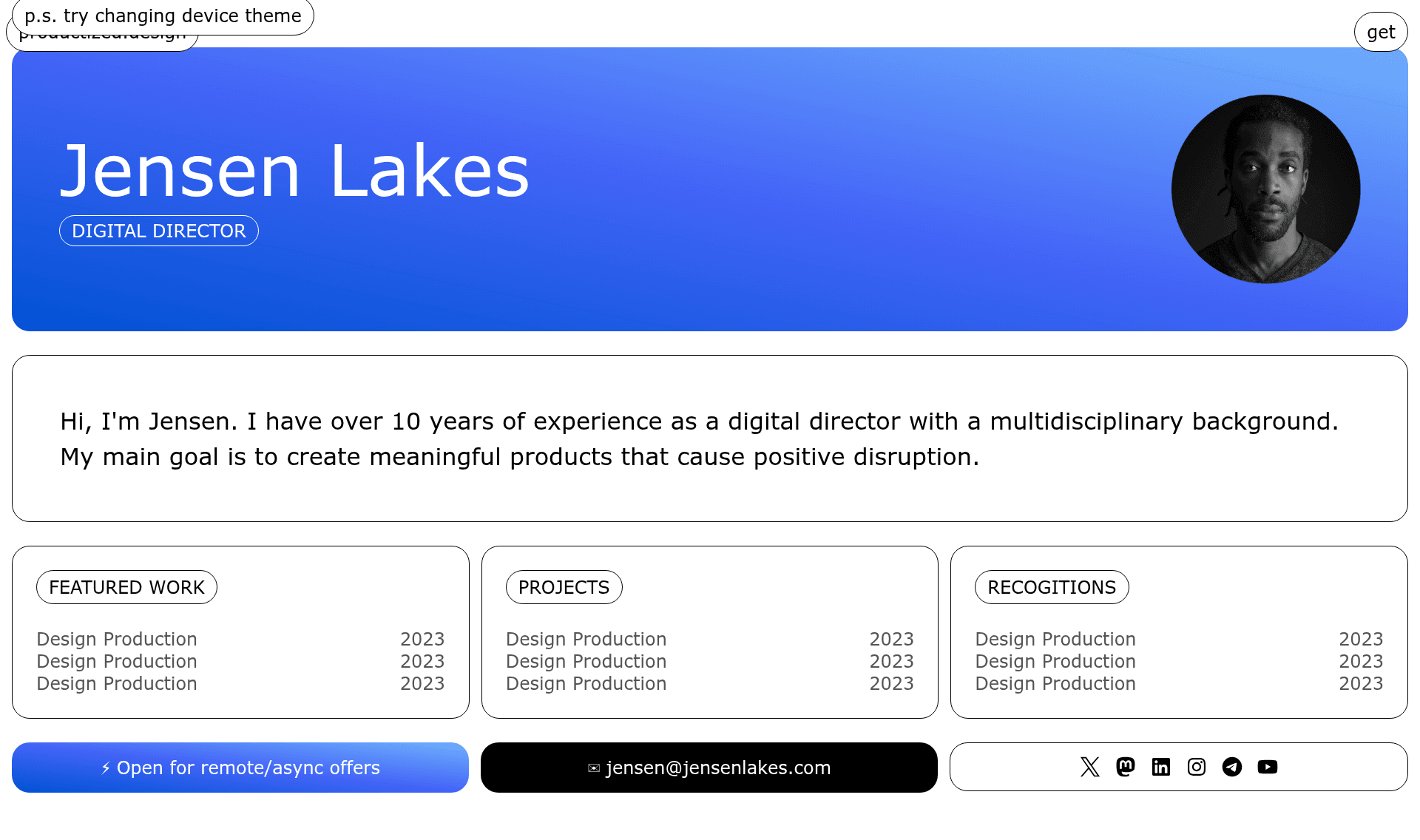
Solo — a single-screen personal portfolio/CV template built with Astro and Tailwind.
About this template
Solo is a free, single-screen personal portfolio and CV template built with Astro and Tailwind CSS, designed to be customized entirely from one JavaScript data file.
What is Solo?
Solo is a single-screen personal portfolio and CV template built with Astro and Tailwind CSS. It takes a centralized JavaScript data file (src/info.js) as its input and renders a one-page website with header, about, card, and info grid components on the index page. The template runs on Astro's static site generator and includes integrations for Tailwind styling, asset compression, and robots.txt generation. It is distributed as a free GitHub repository, and the author offers support via email at shapeshifter@skiff.com.
Key Features
- Centralized content management — All page data such as name, email, and other info is stored in a single file, src/info.js, so updating content never requires touching component markup.
- Single-screen layout — The template consists of a single index page; sections like About, Card, and InfoGrid are separate Astro components but all render on that one screen.
- Astro + Tailwind CSS stack — Built on Astro with the official Tailwind integration, giving you a component-based architecture with utility-first styling out of the box.
- Astro Compress plugin — Automatically compresses output assets, which helps reduce page load times.
- Astro Robots plugin — Handles generation of robots.txt for search engine crawl instructions.
- Bundled Suisse Intl font — Ships with the SuisseIntl-Book.otf font file inside public/, so typography is configured without external font requests.
- Dark and light theme support — The repository's topics include both dark-mode and light-mode, indicating built-in support for theme switching.
- Simple photo replacement — To change the profile image, place a new picture in src/assets/ and update the file name in src/info.js.
Who is Solo for?
- Developers and designers who need a clean, minimal portfolio site without building from scratch — they can clone the repository, edit one data file, and deploy.
- Freelancers and creative professionals who want a single-page CV to share in email signatures, business cards, or social media bios.
- Students and recent graduates preparing their first professional web presence for job applications, with minimal technical overhead.
- Anyone who prefers a minimalist single-screen design to present bio, photo, and contact links without scrolling through multiple pages.
What can you do with Solo?
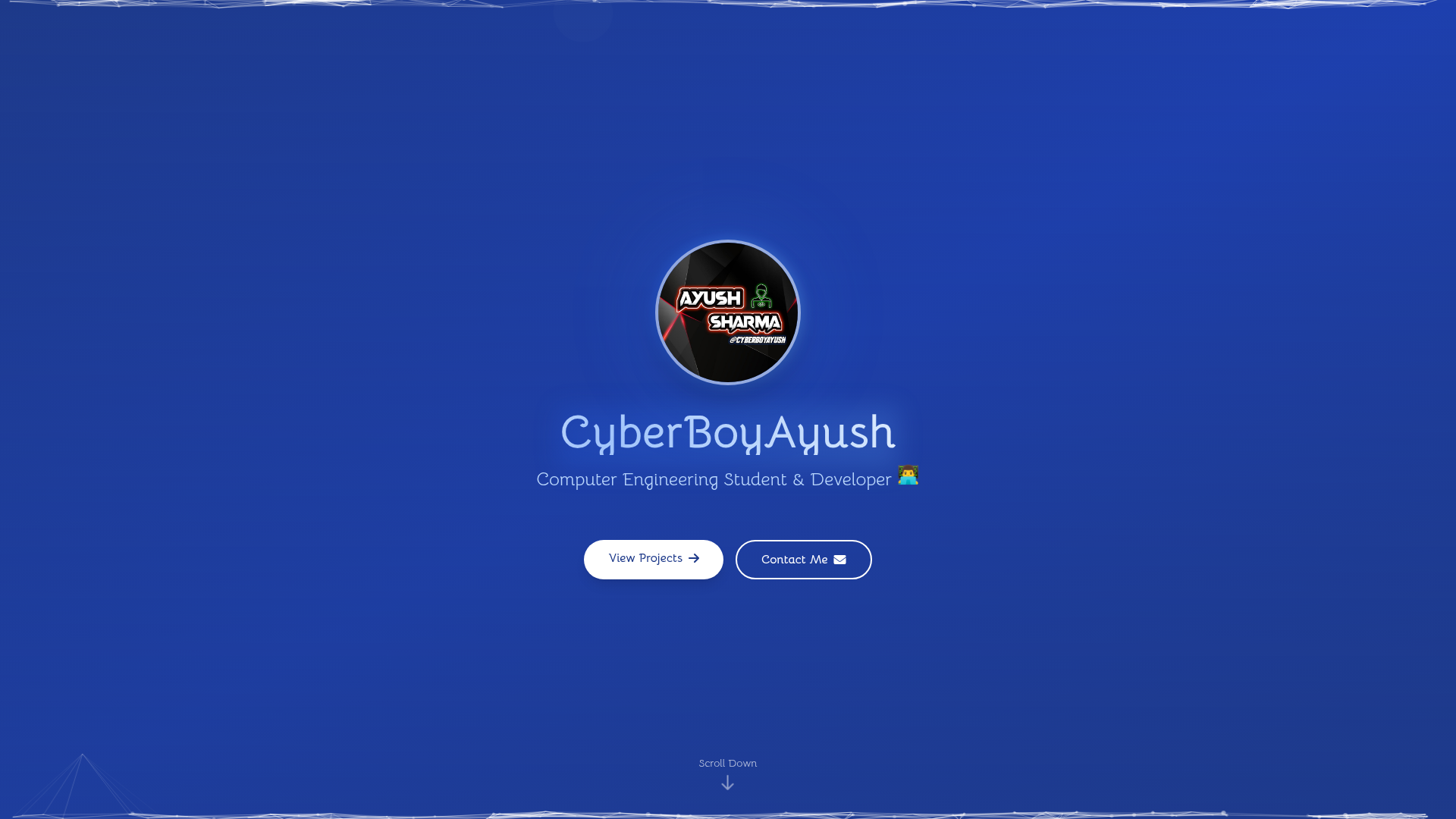
- Publish a personal portfolio — Replace the placeholder photo and edit info.js with your name, email, and bio to generate a one-page site.
- Create a link-in-bio page — Use the card and info grid components to organize and link out to projects, social profiles, or articles.
- Customize the visual theme — Choose between dark and light modes to match your personal brand or the look you want to present.
- Extend the layout — Although designed as a single screen, the Astro component structure allows you to add more sections if your content grows.
How does Solo work?
Customization centers on the data file: edit src/info.js to change personal details, and place a new profile photo in src/assets/ while updating the file name in info.js. The template's index page reads these values and renders them through the included Astro components, so no markup edits are needed for basic changes. The project includes a package.json, and the included plugins (Tailwind integration, Astro Compress, Astro Robots) are configured to work with the default Astro build pipeline.
FAQ
Is the Solo template free?
Yes, the repository metadata lists "free" among its topics, and the README encourages you to experiment with the template and make it your own.
What frameworks does Solo use?
Solo is built with Astro as the static site generator and Tailwind CSS for styling, using the official Astro Tailwind integration. It also includes Astro Compress and Astro Robots plugins.
How do I customize the content?
All visible text and personal data live in src/info.js. You edit that file to change your name, email, and other information. The profile photo is replaced by dropping a new image into src/assets/ and updating the file name in info.js.
Can I add more sections to the single-screen page?
Yes. The README states that the template is designed as a single-screen website but can be extended with more sections if needed, thanks to its Astro component architecture.