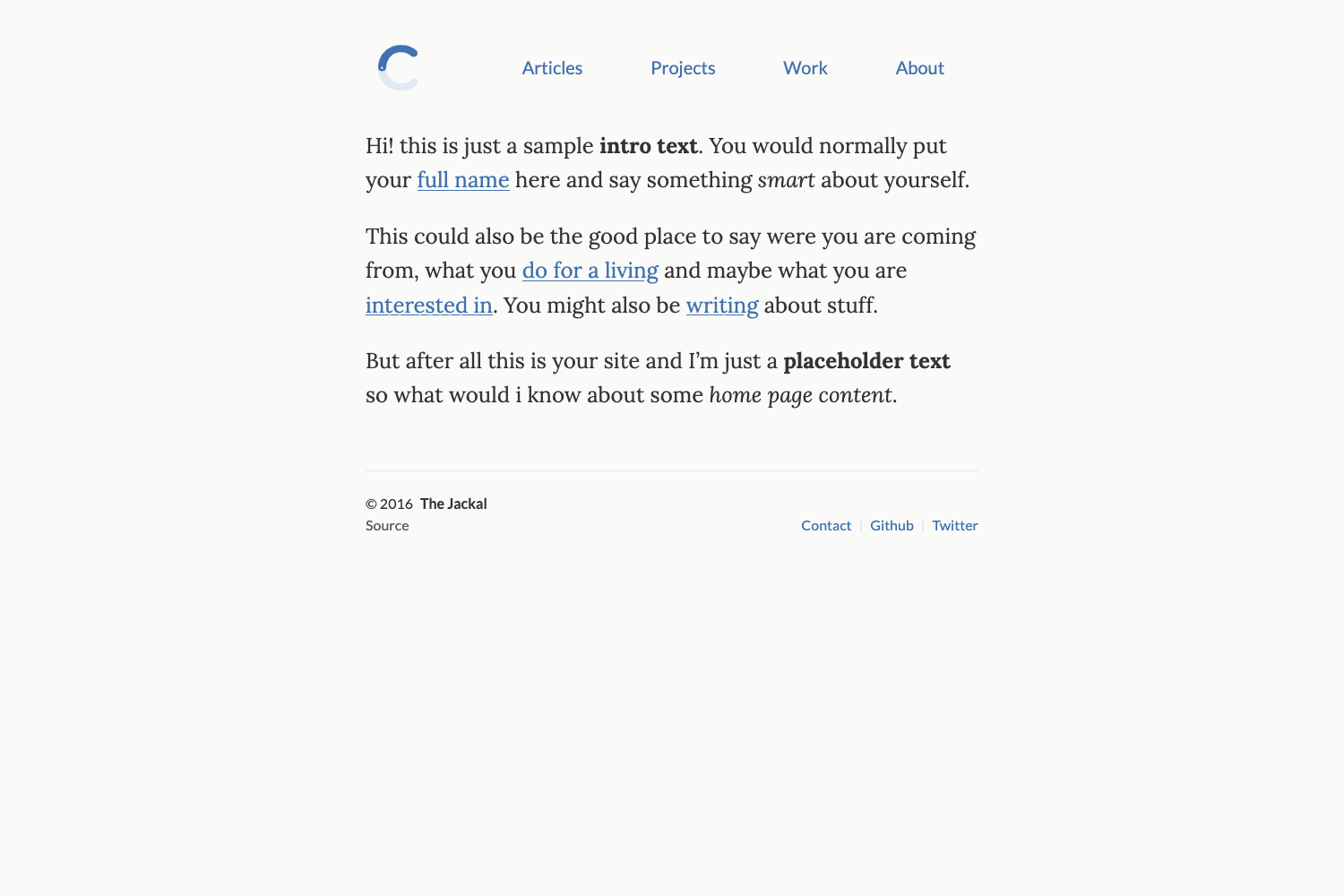
Template details
Space Jekyll
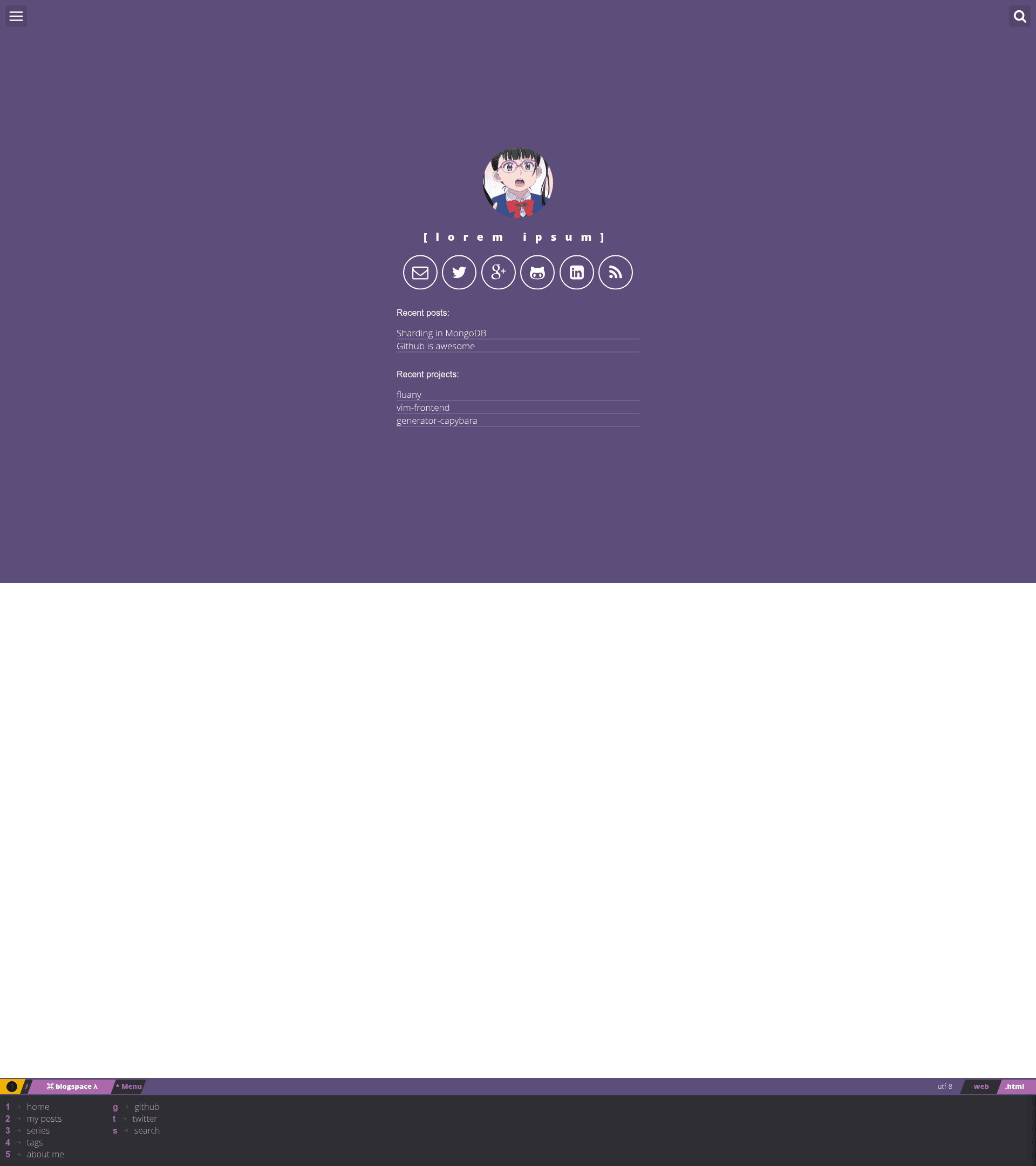
A simple and elegant Jekyll theme based on Spacemacs that works well on mobile devices.
About this template
Space Jekyll is a Jekyll theme that generates a simple, mobile-friendly static blog styled after the Spacemacs editor interface.
What is Space Jekyll?
Space Jekyll is a Jekyll theme that takes Markdown posts and configuration data and generates a static website styled after the Spacemacs editor. It runs on the Jekyll static site generator, requires Node.js and Gulp for local development, and is released under the MIT License by Victor Igor.
Key Features
- Spacemacs-inspired design — A minimalist two-pane look modeled on Spacemacs key bindings and visual style.
- Mobile-friendly layout — The theme is explicitly stated to work well on mobile devices.
- Configurable navigation — The menu links are defined in _config.yml with a key_trigger value that shows keyboard shortcut hints.
- Front matter driven posts — Posts are Markdown files with YAML front matter supporting title, date, image, description, tags, categories, and twitter_text.
- Stylus and Gulp build pipeline — CSS is written in Stylus with Rupture for media queries, Jeet for grid layout, and Kouto-Swiss utilities; Gulp orchestrates the build with BrowserSync for live reload.
- User settings in _config.yml — Username, description, title, email, Twitter, GitHub, Google+, and Disqus usernames are set in one file.
- Customizable colors — Theme colors are defined in src/styl/_variables.styl and can be edited without touching the rest of the styles.
- MIT licensed — Free to use, modify, and distribute with attribution.
Who is it for?
- Jekyll users — Anyone running a Jekyll blog who wants a Spacemacs-flavored aesthetic with minimal setup.
- Developers learning static sites — The project shows a clear Gulp/Stylus build workflow, making it a useful learning reference.
- Bloggers wanting keyboard shortcuts — The menu key_trigger feature appeals to users who prefer keyboard-driven navigation.
What can you do with Space Jekyll?
- Create a blog — Write posts in _posts as Markdown with front matter; the theme automatically lists them with tags and categories.
- Customize the menu — Add or reorder navigation items by editing the links section in _config.yml; each item can display a key_trigger number.
- Modify the visual design — Change theme colors by editing src/styl/_variables.styl, and adjust the layout through Stylus files in src/styl.
How does Space Jekyll work?
After installing Jekyll and Node.js, you fork the theme, clone it locally, run npm install to fetch build dependencies, and then run gulp to start the development server. Posts are added as Markdown files in the _posts directory, and site-wide settings live in _config.yml.
Pros and cons
- Pros — MIT license; no vendor lock-in; works on any Jekyll host; includes live reload via BrowserSync; small footprint with Zepto.js.
- Cons — No explicit disadvantages are documented on the repo page; the theme was authored in 2016 and may require minor updates for newer Jekyll versions.
Pricing
Space Jekyll is free. The repository is published under the MIT License, which permits commercial and personal use without payment.
FAQ
Is Space Jekyll free?
Yes, Space Jekyll is free to use. It is distributed under the MIT License, which allows you to use, copy, modify, merge, publish, and sell copies of the software with attribution.
How do I create a new post?
Create a Markdown file in the _posts directory with YAML front matter that includes layout, title, date, image, description, tags, categories, and twitter_text. The theme will render it as a blog post.
How do I change the menu links?
Open _config.yml and edit the links section. Each link has a title, url, and key_trigger. The key_trigger appears as a keyboard shortcut hint next to the menu title.
What frontend tools does this theme use?
The theme uses Gulp as the build system, Stylus for CSS with Rupture for media queries, Jeet for grids, Kouto-Swiss as a CSS framework, BrowserSync for testing, and Zepto.js for JavaScript interactions.