Template details
Spike Next Js Free Admin Template
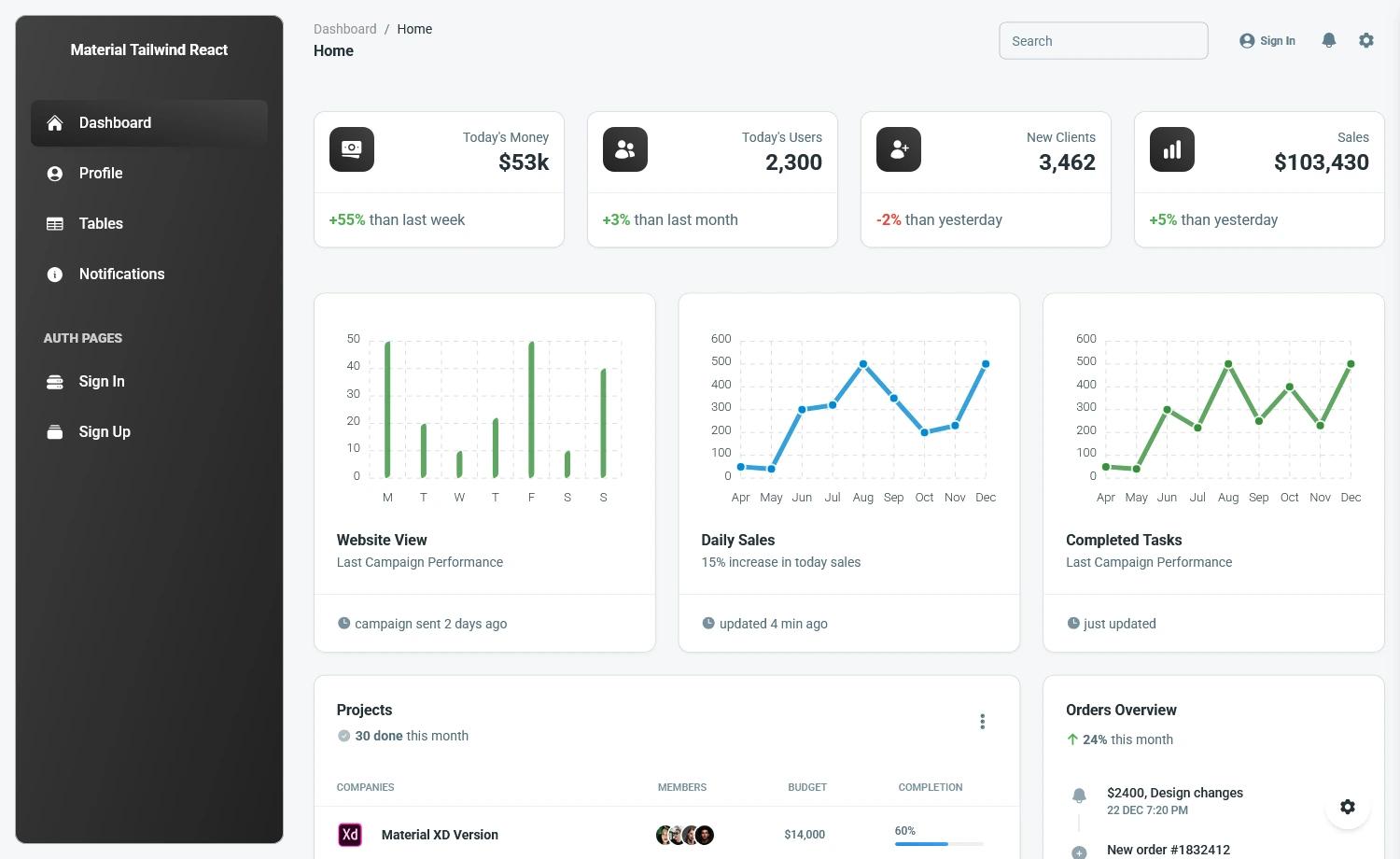
Free Next.js + MUI admin dashboard template with pre-designed pages, ApexCharts, responsive design, and Vercel deploy from Wrappixel.
About this template
Spike Next Js Free Admin Template is a free admin dashboard template built by Wrappixel on Next.js and MUI (Material UI) that gives developers a ready-made frontend for admin panels, internal dashboards, and SaaS backends, complete with pre-designed pages and chart components.
What is Spike Next Js Free Admin Template?
Spike Next Js Free Admin Template is a free admin dashboard template from Wrappixel built on the Next.js React framework with Material UI components. It starts from a clean folder structure and pre-designed pages and produces a responsive frontend for management systems, with routing, SSR/SSG, dynamic imports, and API routes provided by Next.js. The template includes a default theme and a demo hosted on Vercel, and Wrappixel also sells a Pro version with additional themes, widgets, and advanced features.
What makes Spike stand out?
- Next.js foundation — Built on Next.js, providing file-based routing, server-side rendering, static generation, dynamic imports, and API routes without extra configuration.
- Material UI components — The entire UI uses MUI, Google's Material Design component library, with responsive grid, accessible components, and Emotion-based CSS-in-JS styling.
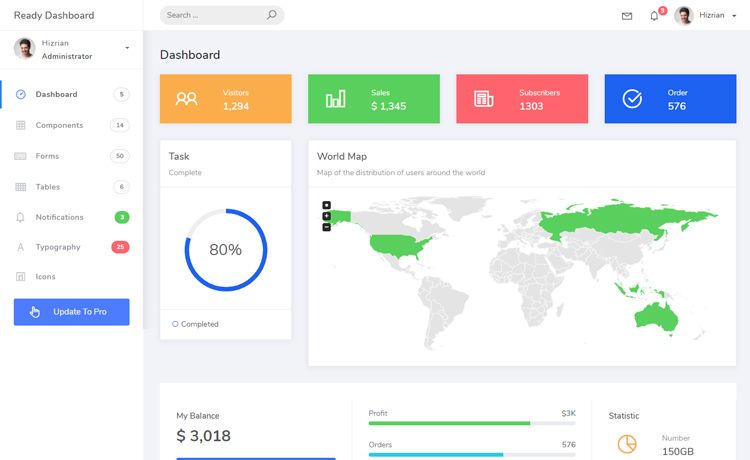
- ApexCharts integration — Interactive and customizable charts for dashboard data visualization are included for metrics and reporting views.
- Pre-designed pages — Includes dashboards, authentication screens, user profiles, error pages, and other basic pages to start fast.
- Responsive design — MUI's responsive grid system adapts the layout across desktop, tablet, and mobile screens.
- MUI Icons — Material Design icon set used for consistent UI elements throughout the dashboard.
- Vercel deployment — A one-click deploy option clones the GitHub repository and launches the template on Vercel.
Who should use Spike?
Spike is aimed at developers who want a free starting point for React-based admin interfaces. Frontend developers can clone the repository, run npm install, and customize the MUI theme instead of building components from scratch. Product teams building internal tools, dashboards, SaaS backends, or management systems can use the pre-built pages and charts as placeholders while wiring in their own APIs and data. Freelancers and agencies can use the free version for client prototypes and then upgrade to the Pro version when more layouts, themes, or advanced widgets are required.
What can you do with Spike?
- Start an admin panel quickly — Clone the GitHub repo, run npm install and npm run dev, and get a working dashboard with auth and error pages ready for customization.
- Visualize dashboard data — Use the bundled ApexCharts setup to display metrics, trends, and reports, with options to extend to more complex charts in the Pro version.
- Themify the Material UI look — Modify the default theme via MUI's styling system to match a brand, then add custom color skins and dark mode when moving to the Pro version.
How do I install Spike?
The official installation guide gives three steps. First, clone the repository with git clone https://github.com/wrappixel/spike-nextjs-free.git or download the zip. Second, run npm install to install dependencies. Third, run npm run dev to start the local development server and preview the template.
Free vs Pro version
The free version includes responsive design, basic pages, basic widgets, default theme, community support, and basic charts. The Pro version adds advanced layouts, custom color skins, dark modes, multiple-language support, user roles and permissions, real-time notifications, advanced analytics and reporting, and priority support with direct contact. A comparison table on the page lists these differences.
FAQ
Is Spike Next Js Free Admin Template free?
Yes, the template is free and available for download from the Wrappixel site and GitHub repository at https://github.com/wrappixel/spike-nextjs-free. Wrappixel also sells a paid Pro version with additional themes, widgets, and support.
Does Spike use Material UI?
Yes, Spike is built entirely with MUI (Material UI) and uses Emotion for CSS-in-JS styling. It also includes MUI Icons and follows Google's Material Design guidelines.
Can I deploy Spike to Vercel?
Yes, the page includes a "Deploy with Vercel" option that clones the repository and deploys it to Vercel with a root directory of package.
What are the limitations of the free version?
Compared to the Pro version, the free version has limited widgets, basic charts only, a default theme without dark mode or custom skins, no multi-language support, no user roles and permissions, and no real-time notifications. Support is limited to the community rather than priority support.