Template details
Task Template
A task management template design with HTML and CSS
About this template
Task-Template is a task management user interface design built entirely with HTML and CSS, published on afgprogrammer.com.
What is Task-Template?
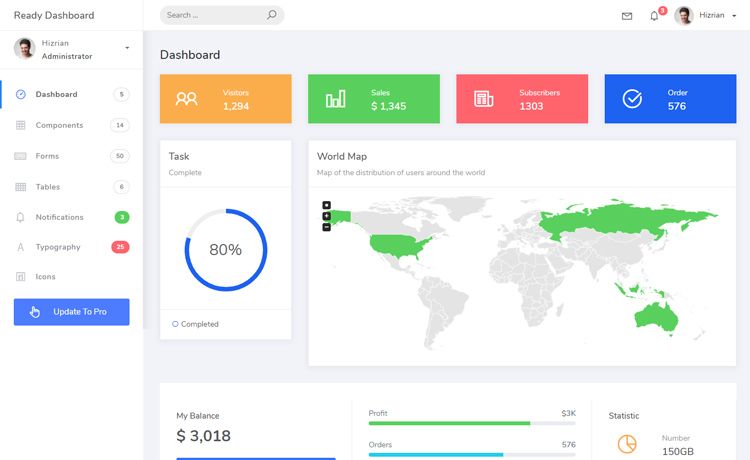
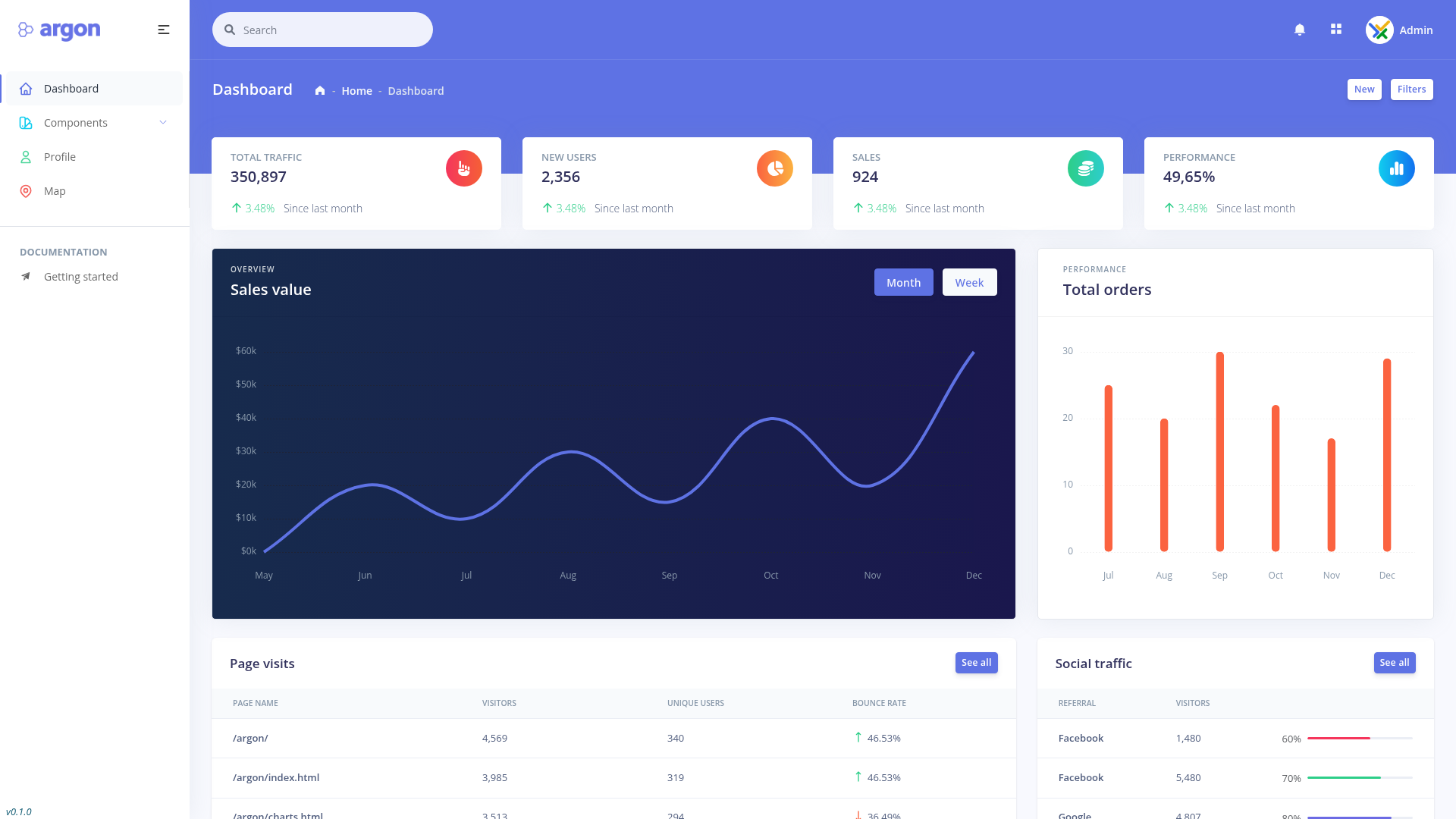
Task-Template is a static web design for a task management interface, implemented with HTML5 and CSS. It takes no backend or JavaScript — the template is a self-contained front-end design that renders a task list layout. It produces a visual mockup of a task management dashboard or board, suitable for previewing in a browser. The template is published by afgprogrammer.com and hosted as a GitHub project with 22 stars, available as a live demo at https://afgprogrammer.com/Task-Template. It uses standard web technologies, making it easy to inspect, modify, or embed.
Key Features
- Pure HTML/CSS implementation — The template uses only HTML5 and CSS for structure and styling, with no JavaScript libraries or build tools required to view it.
- Task management design — The template presents a visual layout for managing tasks, based on the project's stated purpose as a task management design.
- Lightweight and standalone — Since it's plain HTML and CSS, the whole template is a set of static files that load directly in any modern browser without a server.
- Live demo — A working preview is hosted online at afgprogrammer.com/Task-Template, so you can see the rendered design without downloading anything.
- Open-source project — The repository is public on GitHub, inviting contributions and reuse; it has been starred 22 times.
- Categorized on GitHub — Topics include css, design, html, html5, project, and template, indicating it is a design-oriented project for developers.
Who should use Task-Template?
- Front-end developers — Use the template as a starting point for building a task management interface; since it's plain HTML/CSS, it can be integrated into any existing stack.
- UI/UX designers — Reference the design as a visual prototype for task management layouts, or modify the CSS to explore alternate color schemes and spacing.
- Students learning web development — Study the HTML structure and CSS rules to understand how a functional interface layout is constructed without frameworks.
- Hobbyists building personal productivity tools — Adapt the template for personal task tracking, replacing static content with their own task data.
What can you do with Task-Template?
- Create a task dashboard mockup: Open the template and replace the sample task items with your own text to produce a static visual of your task list.
- Embed in a larger application: Copy the HTML/CSS structure into a React, Vue, or other front-end project and wire it to live data.
- Learn CSS layout techniques: Inspect the stylesheet to see how cards, columns, or lists are positioned and styled using only CSS.
- Customize the look: Edit the CSS variables or rules to change colors, fonts, and spacing without touching the HTML.