Template details
Material Dashboard
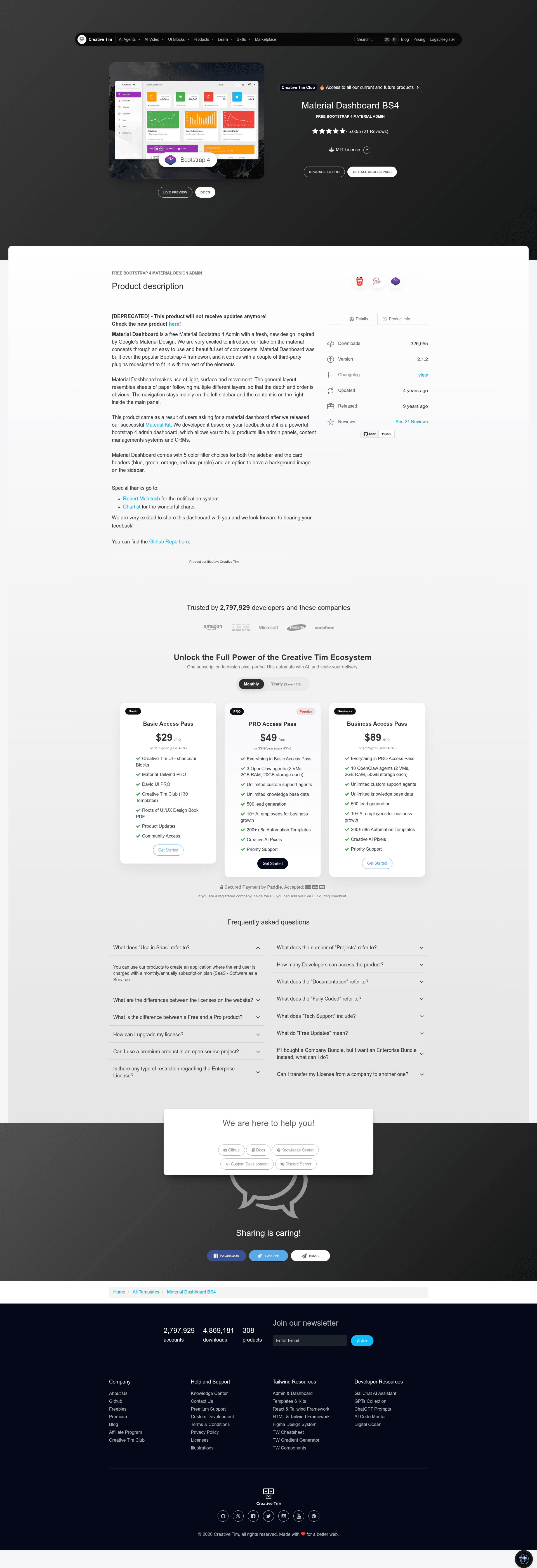
Material Dashboard is a free, open-source Bootstrap 4 admin template with Google Material Design styling for building dashboards and admin panels.
About this template
Material Dashboard is a free, open-source Bootstrap 4 admin template from Creative Tim that brings Google's Material Design to dashboard UIs and admin panels.
What is Material Dashboard?
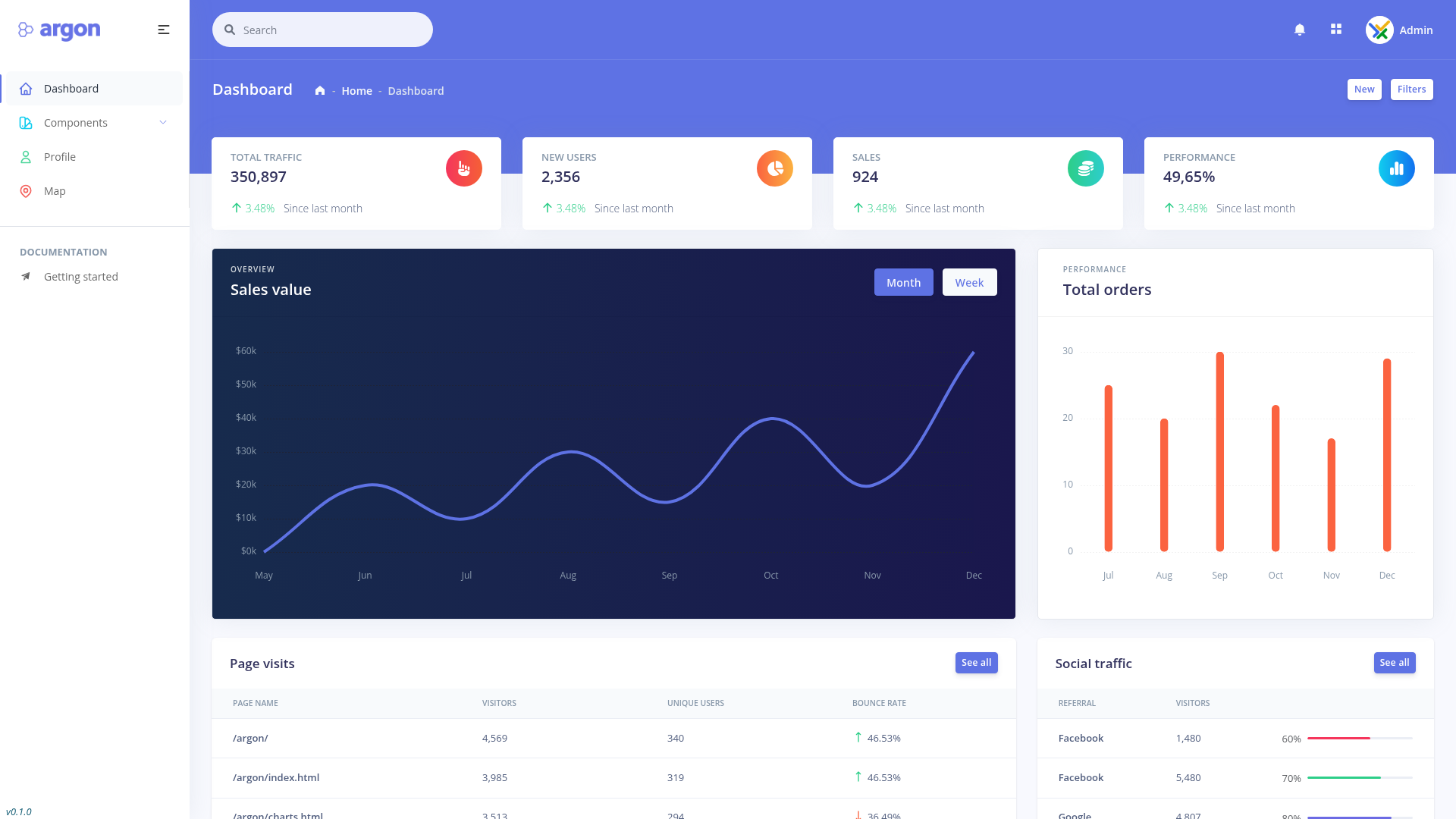
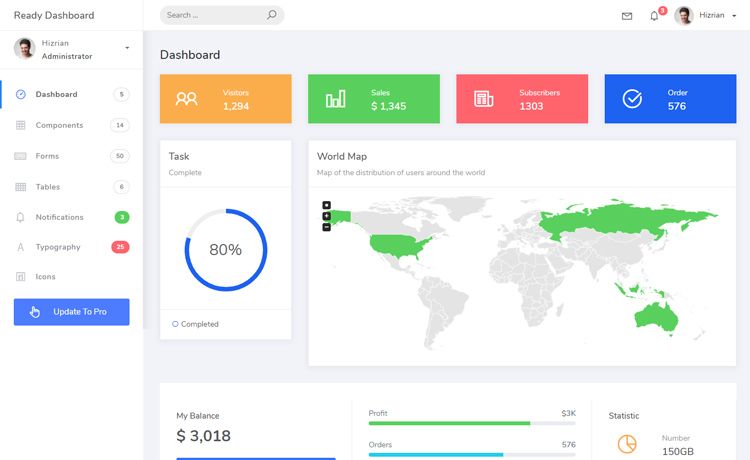
Material Dashboard is a free Material Design admin template built on Bootstrap 4, created by Creative Tim. It takes the standard Bootstrap dashboard layout (a left sidebar, a main content panel, and a top bar) and restyles it with Material Design's layered "sheets of paper" visual language. The project ships as static HTML, CSS, JS, and Sass files, with example pages for a dashboard, user profile, tables, maps, and notifications. Version 2.1.2 is released under the MIT license.
Key Features
- Bootstrap 4 foundation — Built on Bootstrap's grid and components, with jQuery 3.1.0, Bootstrap JS, and material.min.js included in the assets/js folder.
- Material Design visuals — The layout follows light, surface, and movement principles, with a layered paper look that makes depth and order clear.
- 5 color filters — Blue, green, orange, red, and purple color filters are available for both the sidebar and card headers, plus an option to add a background image to the sidebar.
- Sass source files — The assets/sass directory contains material-dashboard.scss and an md folder, so you can compile custom styles with Sass.
- RTL stylesheet — A material-dashboard-rtl.css file is included for right-to-left language support.
- Third-party plugins — Bootstrap-notify (contributed by Robert McIntosh) handles notifications and Chartist draws charts, both restyled to fit the Material look.
- Example pages — The examples/ folder includes dashboard, user profile, tables, maps, and notifications pages, all linked from the demo.
Who is it for?
- Developers — Build admin panels, content management systems, or CRMs by wiring the HTML dashboard to a backend; official ports exist for React, Vue, Angular, Laravel, Django, Flask, Node.js, and ASP.NET.
- UI designers — Use the Sass source, color filters, and Material components to prototype a branded admin interface quickly.
- Startups and SaaS teams — Deploy the included dashboard, tables, maps, and notification pages as a starting point for a production-style admin UI.
What can you do with Material Dashboard?
- Frontend developers: Customize the Sass variables and example pages to create a unique admin design without starting from scratch.
- Full-stack developers: Pair this static frontend with backend code or one of the official framework versions to get a complete admin application.
- Product teams: Demonstrate analytics with Chartist charts and user feedback with Bootstrap-notify notifications using the pre-built components.
Pricing
The HTML version of Material Dashboard is free and open source under the MIT license. Creative Tim also sells a PRO version with additional components, but the free version remains fully functional and downloadable from GitHub, npm, or the Creative Tim website.
FAQ
Is Material Dashboard free?
Yes, the HTML version is free and licensed under MIT. You can download it from GitHub, install it via npm with npm i material-dashboard, or grab it from Creative Tim's product page.
What browsers does Material Dashboard support?
The project officially supports the last two versions of Chrome, Firefox, Edge, Safari, and Opera, as stated in the README.
Does Material Dashboard include documentation?
Yes, full documentation is hosted at Creative Tim's website at demos.creative-tim.com/material-dashboard/docs/2.1/getting-started/introduction.html.
Can I use Material Dashboard for commercial projects?
The MIT license permits commercial use; the README shows a license file on GitHub. For details, check the LICENSE.md file in the repository.
Does Material Dashboard have a dark mode?
There is a separate "Material Dashboard Dark Edition" product linked in the README, but the original free HTML version is the light theme covered in this repository.